Upload
Choose a clear portrait with the face and upper body visible. To bring two real people together, upload a photo of each person; for an imagined character, start with your own portrait.
 AI Photo Editor
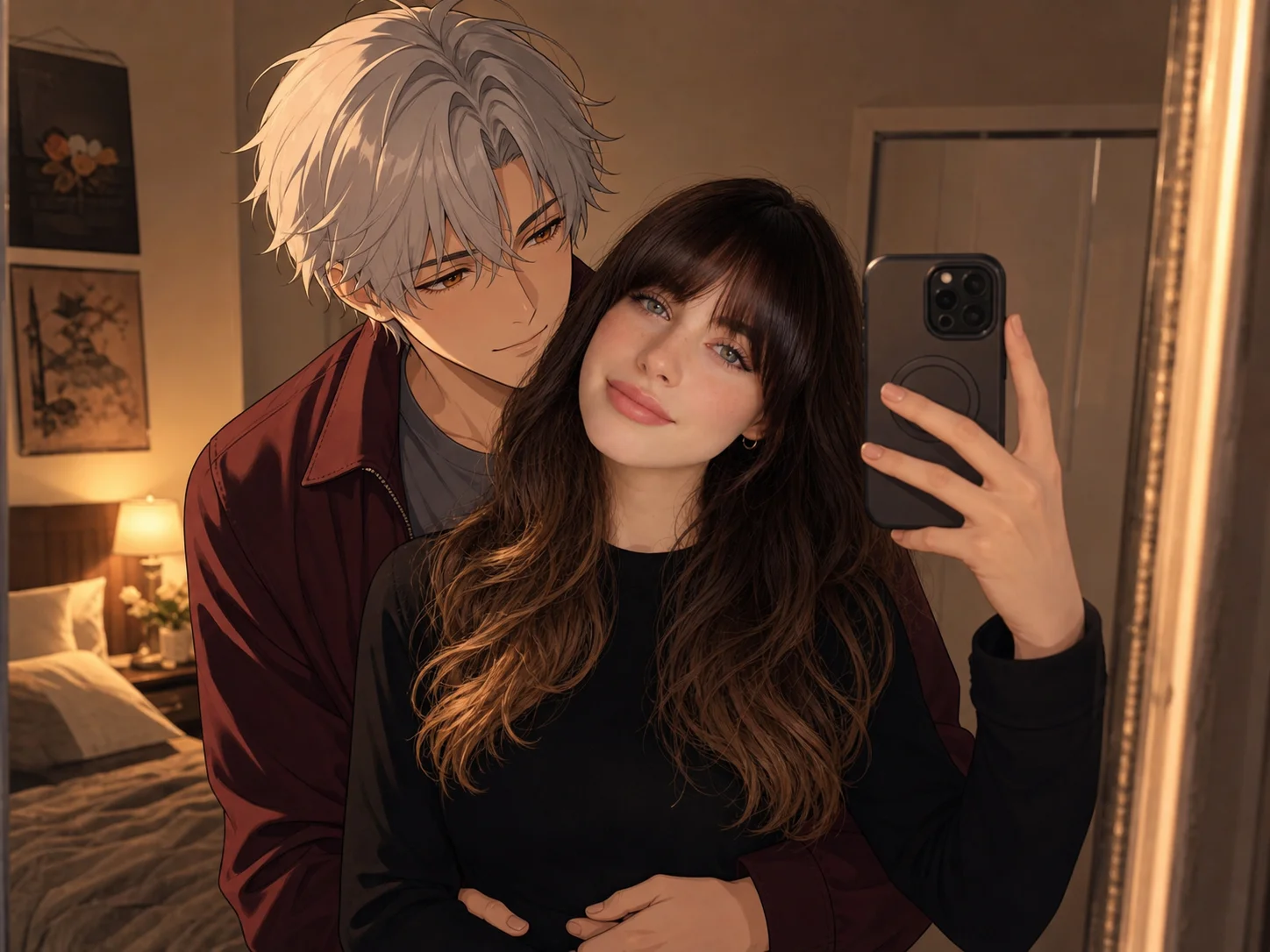
Turn your photos into a warm embrace. Edit the prompt to choose who you hug, the setting, and a realistic or anime-inspired look.
Turn your photos into a warm embrace. Edit the prompt to choose who you hug, the setting, and a realistic or anime-inspired look.
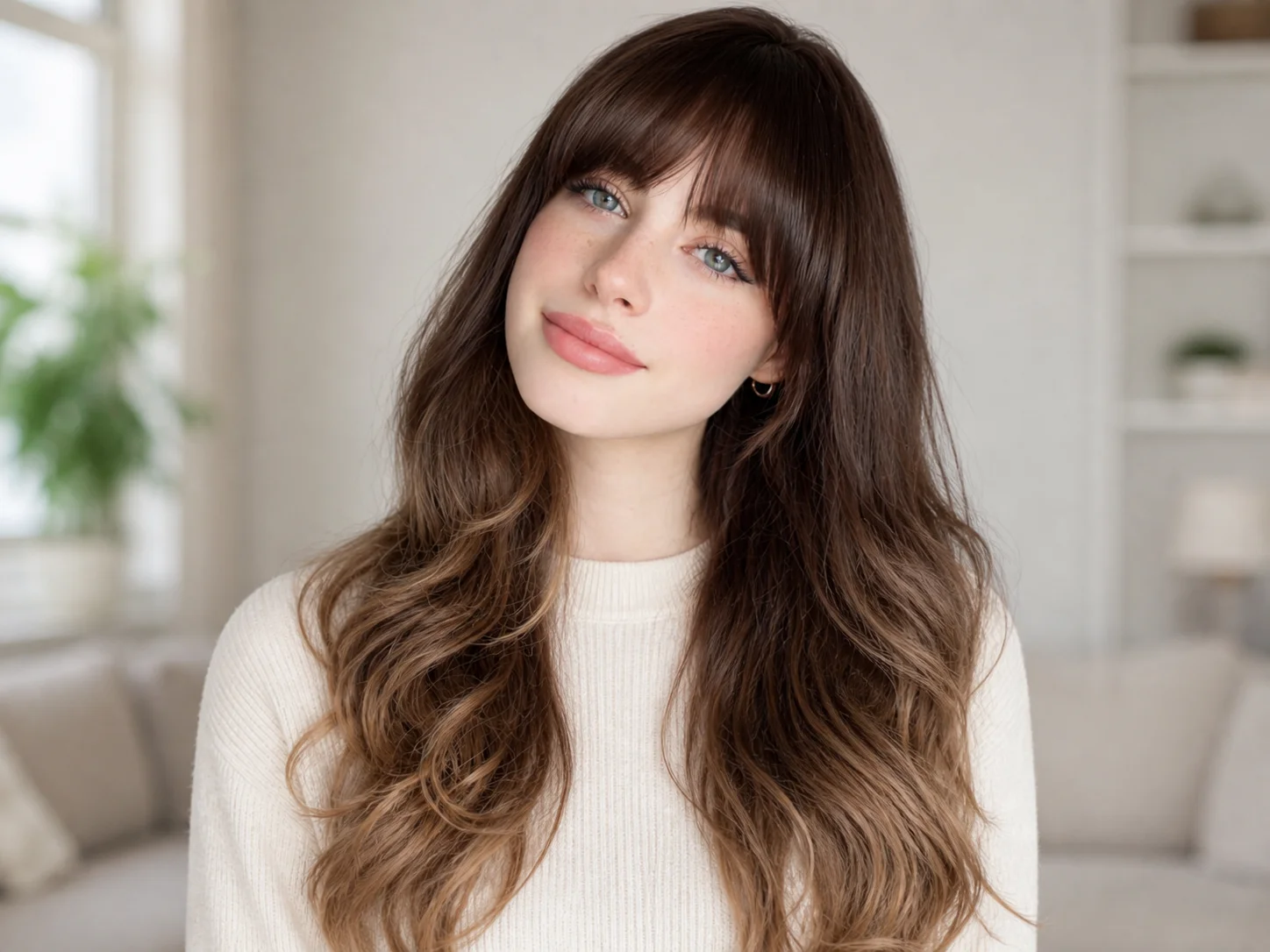
Choose a clear portrait with the face and upper body visible. To bring two real people together, upload a photo of each person; for an imagined character, start with your own portrait.
Edit the prompt to describe the people, embrace, background, and visual style. Replace the example scene when using two real photos, then generate your hug picture.
Check the faces, hands, and body alignment in your result, then download the image. Refine the prompt and generate again if you want a different pose or atmosphere.
Give separate portraits a shared moment without arranging a photo session. Describe a gentle side hug, a reunion, or an embrace from behind, and guide the model to bring the people together with compatible proportions and lighting. Clear references help retain recognizable faces while the pose changes to suit the scene. Review overlapping arms and hands before choosing your favorite result.
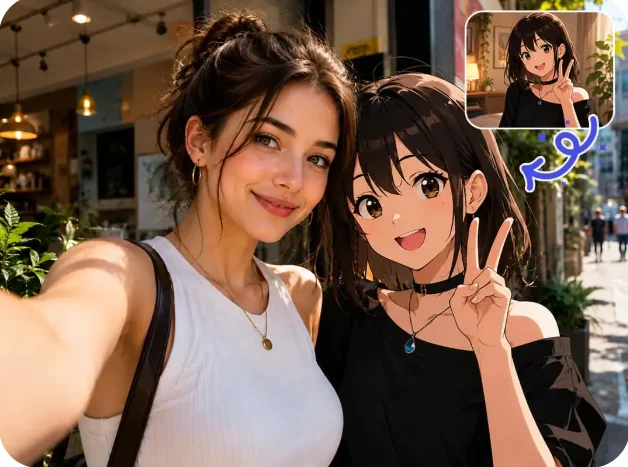
Start with your portrait and describe a fictional companion, or use another person's photo as a reference. Explore a candid couple picture, a family keepsake, or a playful scene that pairs a photographic person with an illustrated character. The editable prompt lets you define clothing, character details, and the relationship between the subjects instead of being limited to one fixed hug effect.
A quiet room, a sunset backdrop, or a familiar indoor setting can give the same embrace a different mood. Describe the background and lighting you want, then adjust the prompt to explore another version. Create a personal visual for a message, a story, or a digital keepsake while keeping the people and their interaction at the center of the composition.
Make affectionate portrait edits, fictional character encounters, and personal story images with a mood that fits your content.
Use AI Photo Editor to explore character interactions, lighting, and compositions before refining selected images for a creative project.
Develop warm visual concepts for seasonal messages, community stories, and relationship-focused campaigns using suitable photo references.
It creates a still image of an embrace from your uploaded photos and prompt. You can bring two photographed people into one scene or describe a fictional companion for a portrait. This page generates images, not animated hugging videos.
Yes. Upload both portraits and replace the example prompt with a description of those two people embracing. Ask the model to retain each person's recognizable features and coordinate their proportions, pose, and lighting. Similar camera angles and clear faces provide better references for the composition.
Yes. Upload your portrait and describe the character's appearance, clothing, and embrace in the prompt. The included example pairs a photographic person with an original illustrated character. Change those details to explore a different character or scene while asking the model to preserve your facial features.
Use sharp, well-lit portraits with visible faces and enough of the upper body to guide the pose. Avoid heavily obscured faces or extreme camera angles. Results vary with the references and requested pose, so check facial likeness, hands, and body contact before sharing the image.
Yes. Edit the prompt to specify a side hug, an embrace from behind, or another pose, along with the setting and lighting. Generate a new version to see the change. Pose and background adjustments are made through the prompt rather than separate manual editing controls.
AI Photo Editor is your go-to AI image toolkit for generating, editing, and enhancing photos and artwork.
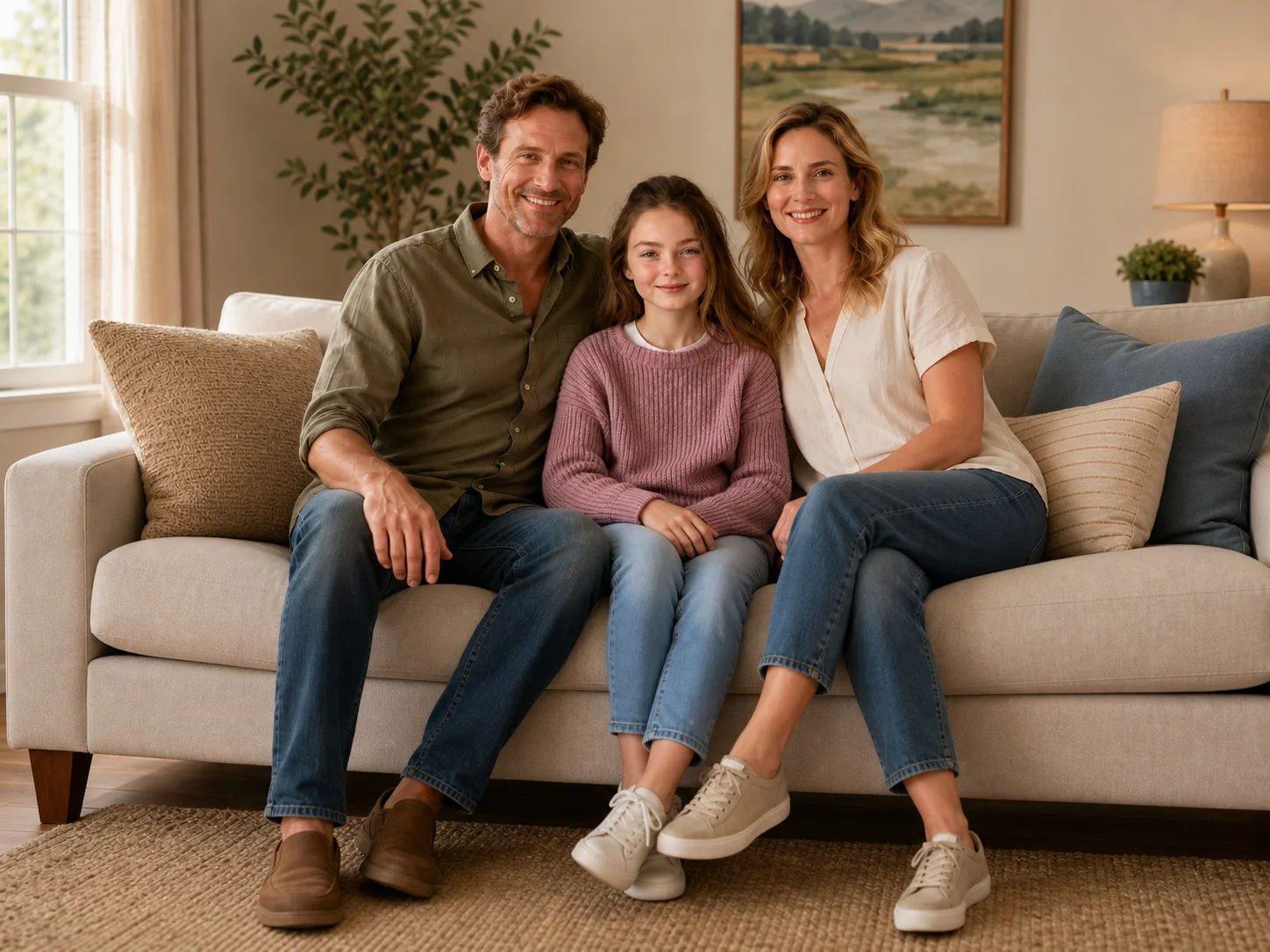
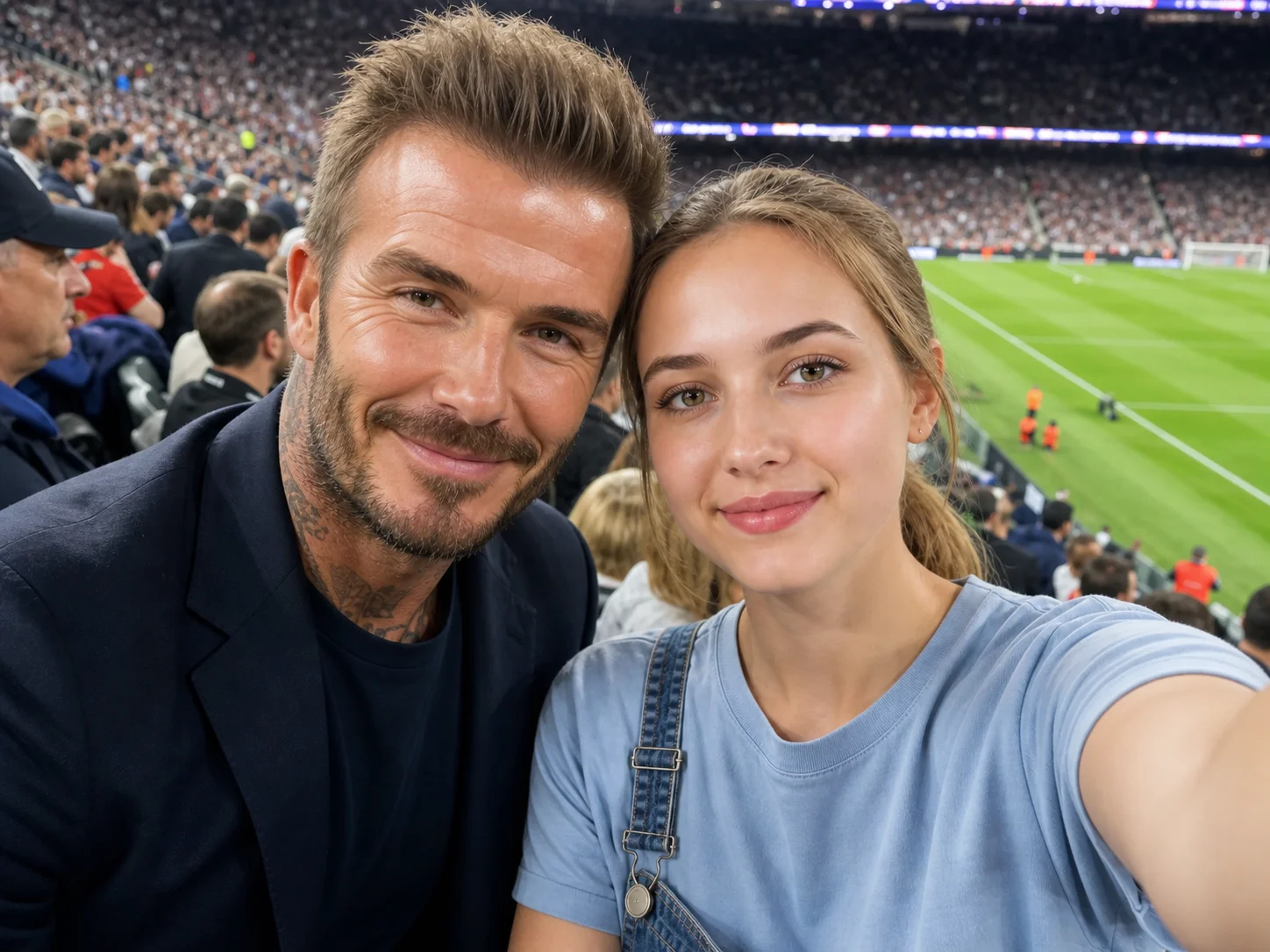
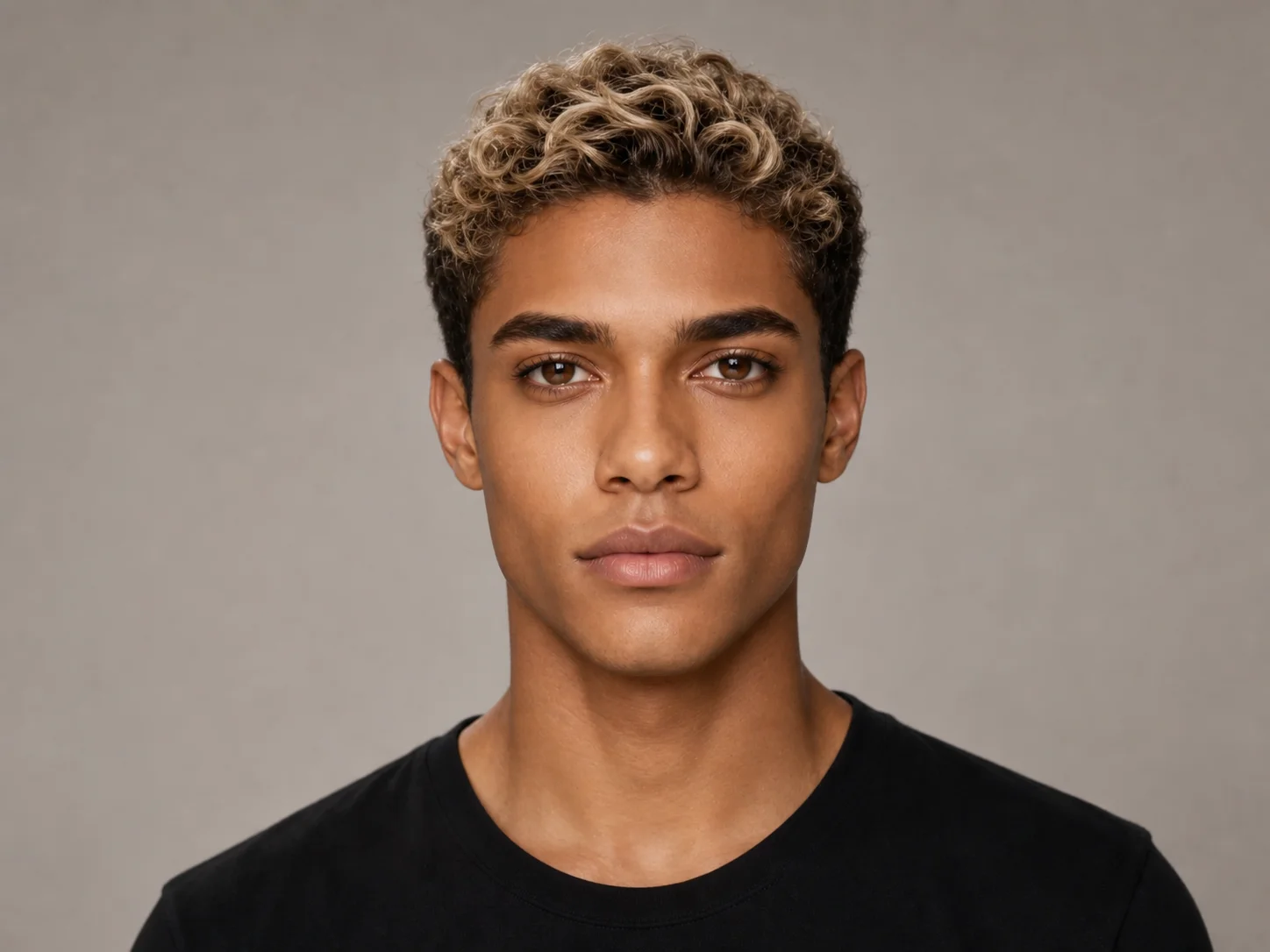
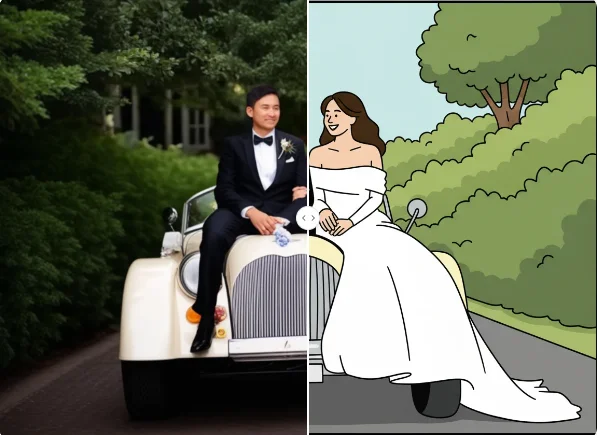
Upload your photos and describe the embrace you have in mind. Turn a personal memory or an imagined encounter into a hug picture of your own.