Upload Your Photo
Choose a clear portrait, pet photo, group picture, or scene you want to transform.
 AI Photo Editor
Upload a portrait, pet photo, or everyday scene. The matcha filter rebuilds it with flowing green liquid, creamy foam details, and a recognizable composition.
Upload a portrait, pet photo, or everyday scene. The matcha filter rebuilds it with flowing green liquid, creamy foam details, and a recognizable composition.
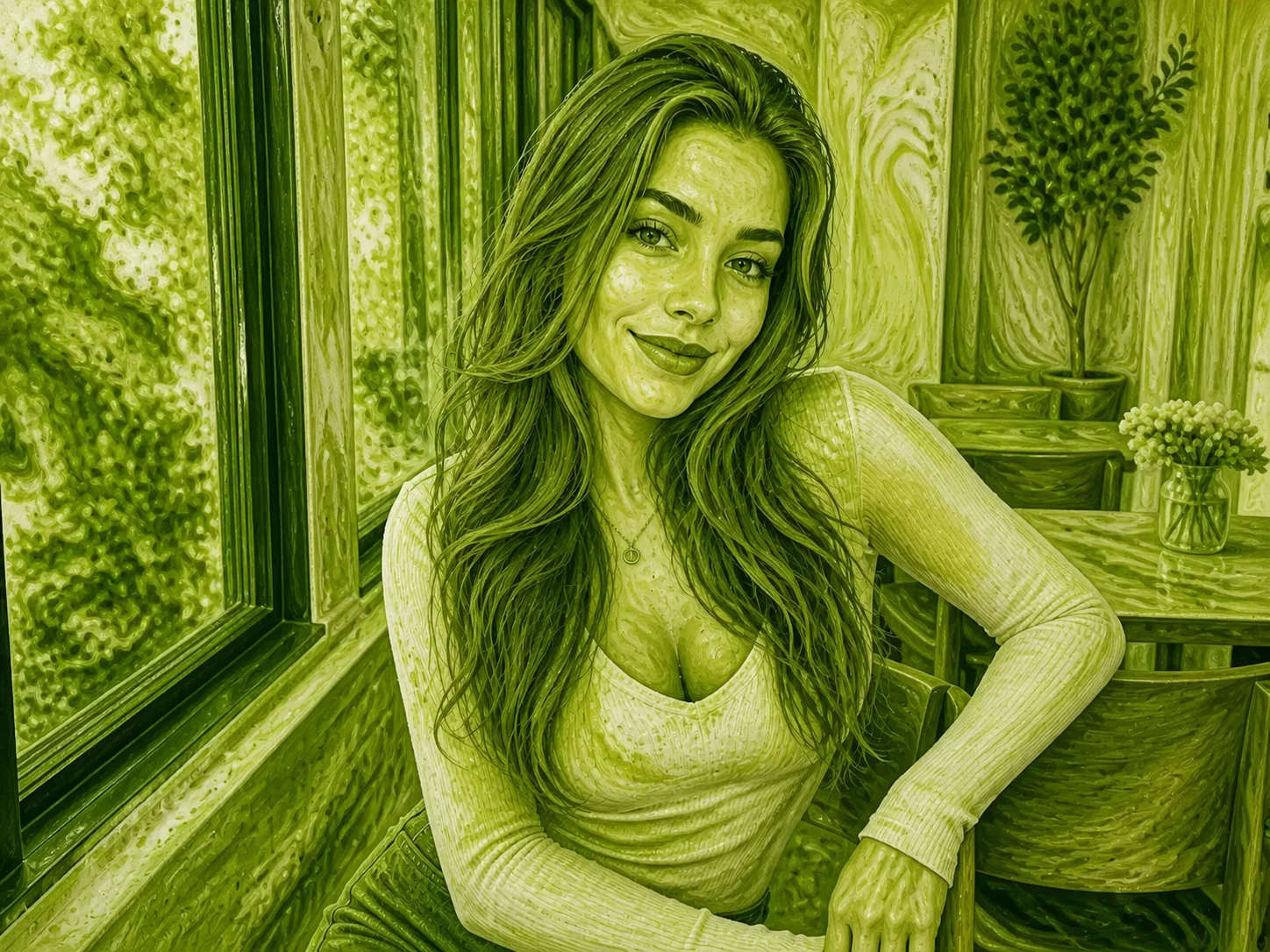
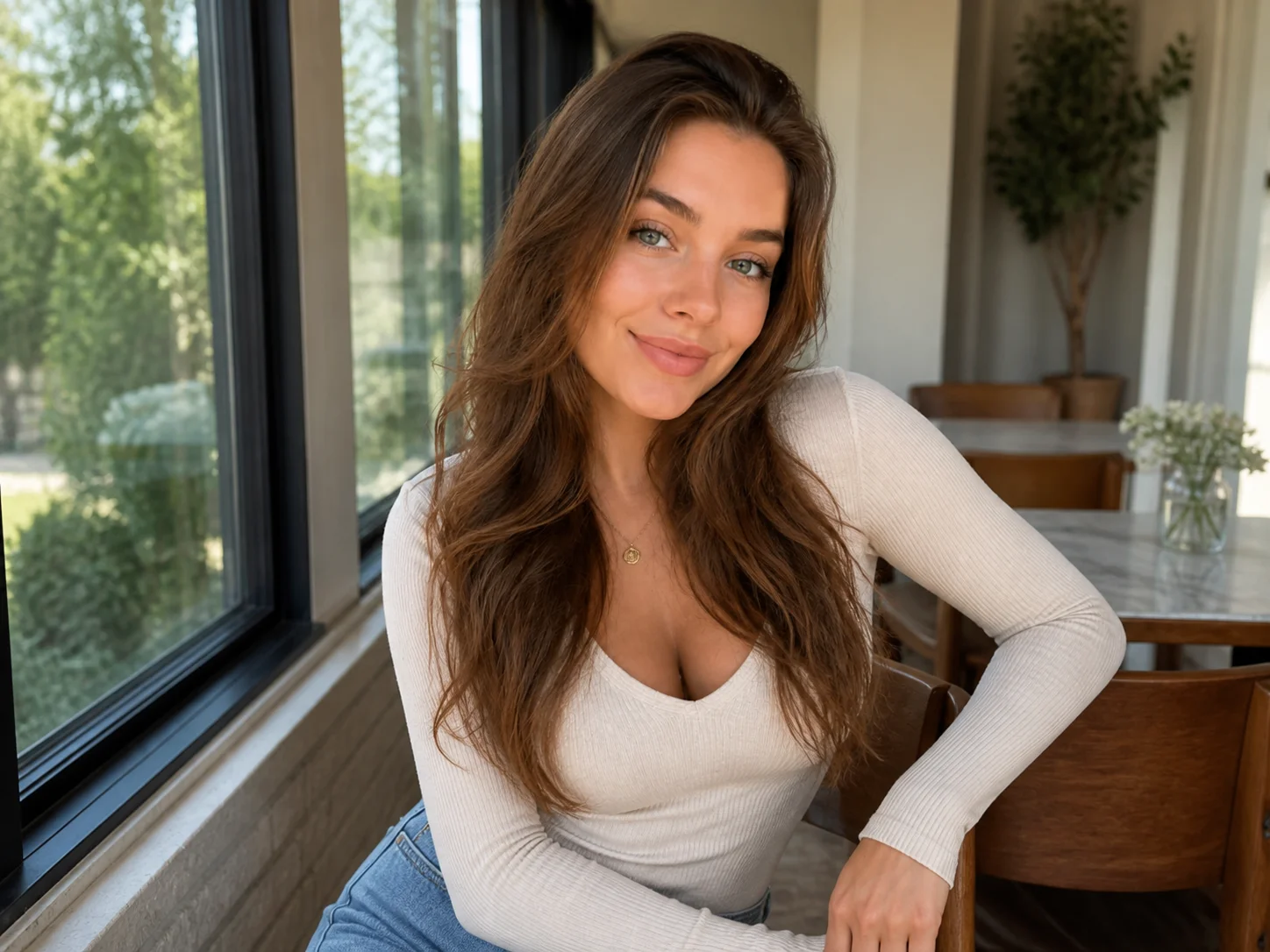
Choose a clear portrait, pet photo, group picture, or scene you want to transform.
Start the transformation to rebuild the subject and scene with green matcha liquid and creamy foam textures.
Review the matcha effect and save the finished image for social posts, profile pictures, or creative projects.
Rebuild ordinary photos as distinctive green liquid art with creamy swirls and a polished matcha-inspired finish.
Preserve the main subject, pose, framing, and composition so the transformed image still connects clearly to the uploaded photo.
Apply the matcha effect to selfies, couple photos, group shots, pet portraits, and everyday scenes for varied creative results.
Turn portraits, pet photos, and everyday shots into recognizable matcha liquid art for social posts and profile content.
Explore green liquid textures, creamy details, and matcha-inspired visual directions for concepts and creative references.
Create timely matcha trend visuals for campaigns, branded social content, and attention-grabbing promotional images.
A matcha filter transforms an uploaded photo into green matcha-inspired liquid art, often with creamy foam swirls and a recognizable version of the original composition.
Clear portraits, pet photos, couple pictures, and group shots with visible subjects and uncomplicated framing usually provide the strongest results.
It is designed to preserve the visible subject, pose, framing, and overall composition, although fine details are artistically re-rendered as matcha liquid and foam.
Yes. The effect can transform single portraits, couples, groups, pets, and broader scenes while keeping their main visual structure recognizable.
You can use an AI reconstruction tool to create a more natural-looking version, but it cannot recover every exact pixel or detail from the original unfiltered file.
AI Photo Editor is your go-to AI image toolkit for generating, editing, and enhancing photos and artwork.
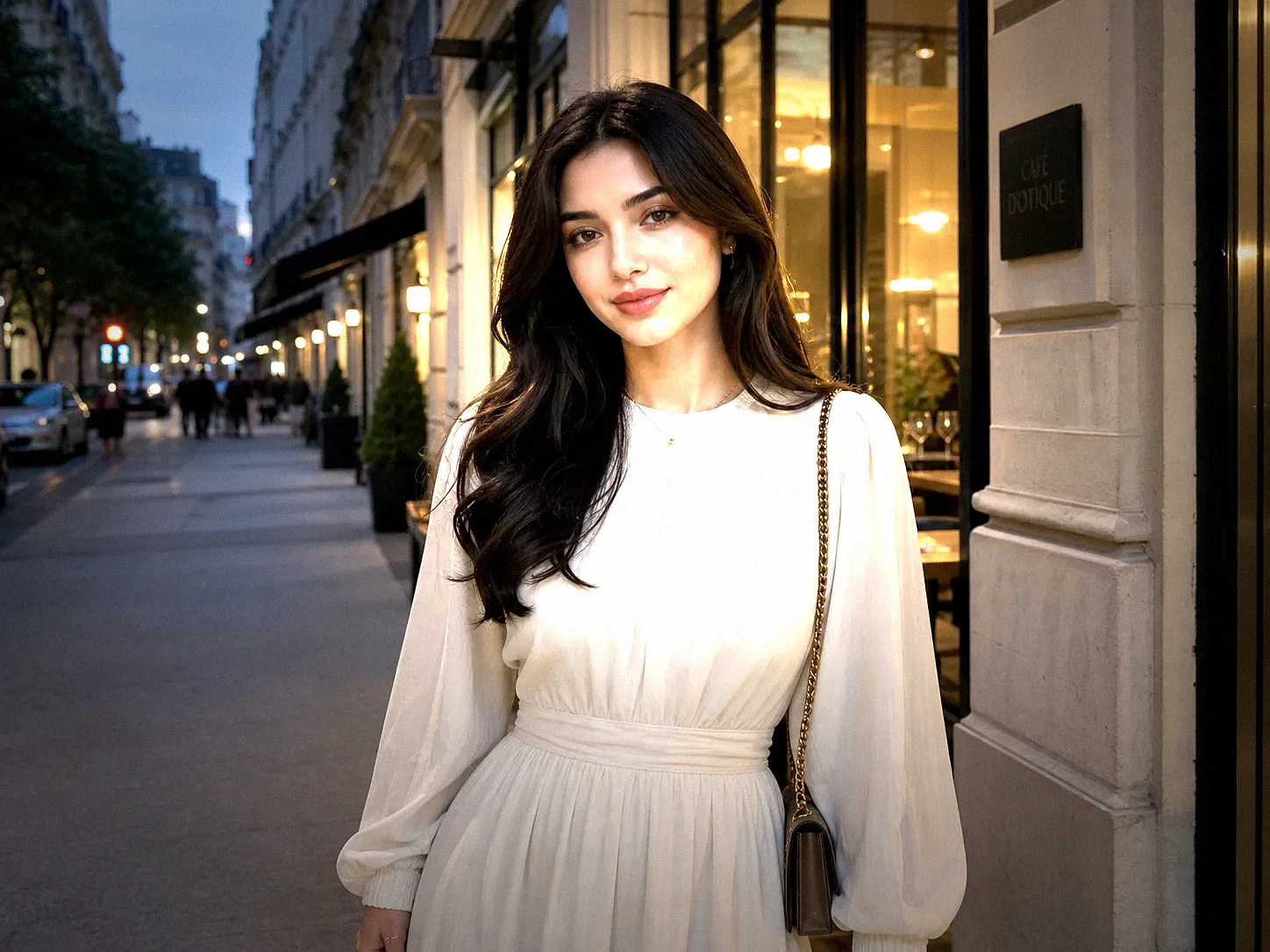
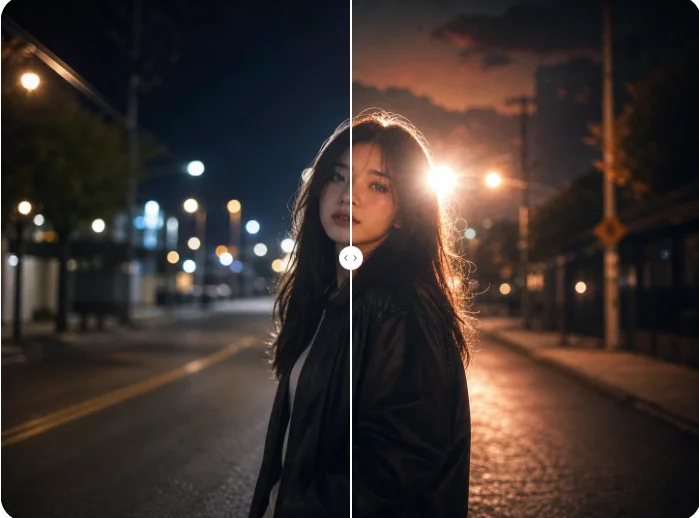
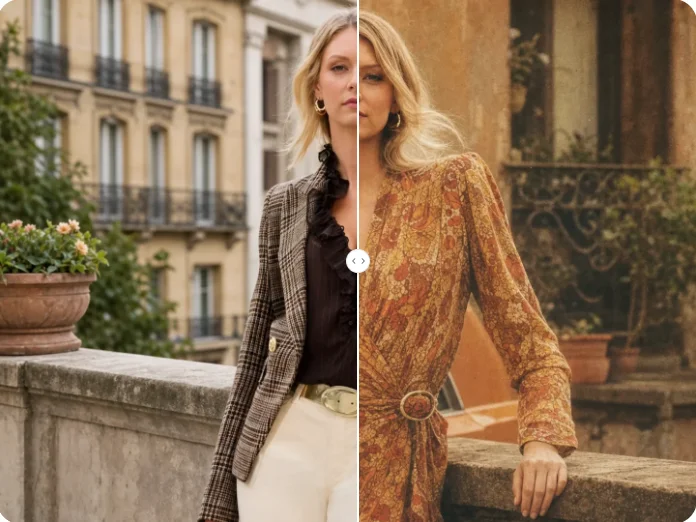
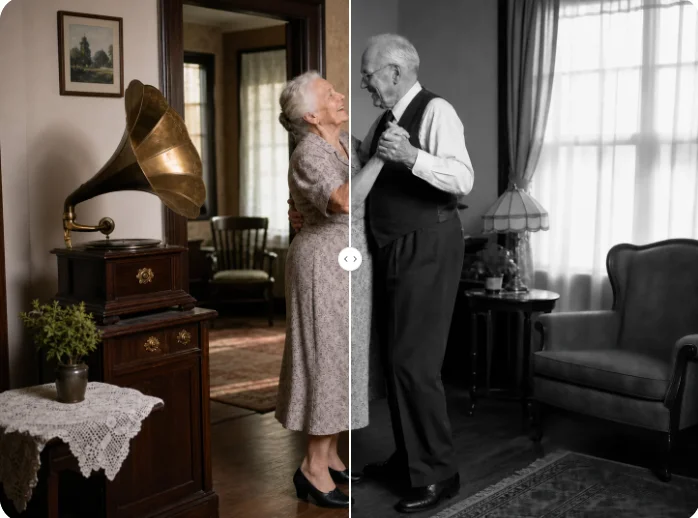
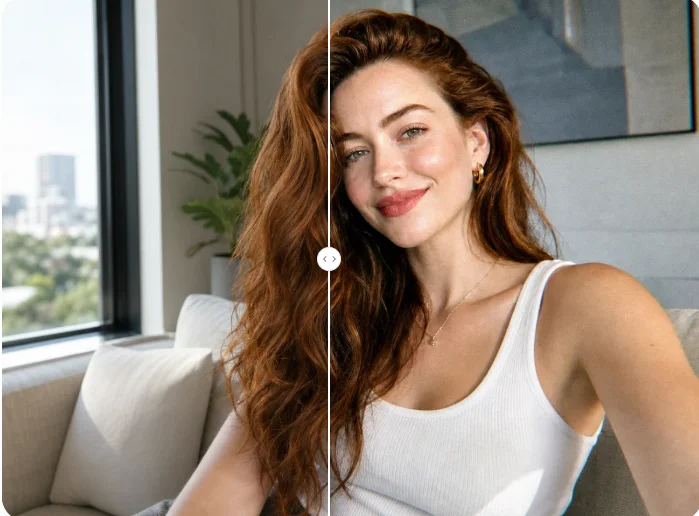
Upload a photo and turn its subject and scene into flowing green matcha liquid art while keeping the composition recognizable.