Upload
Upload a clear, front-facing photo. For best results, use a well-lit image where the face is fully visible.
 AI Photo Editor
Upload a photo to see what you'll look like decades later—start your time-travel journey now.
Upload a photo to see what you'll look like decades later—start your time-travel journey now.
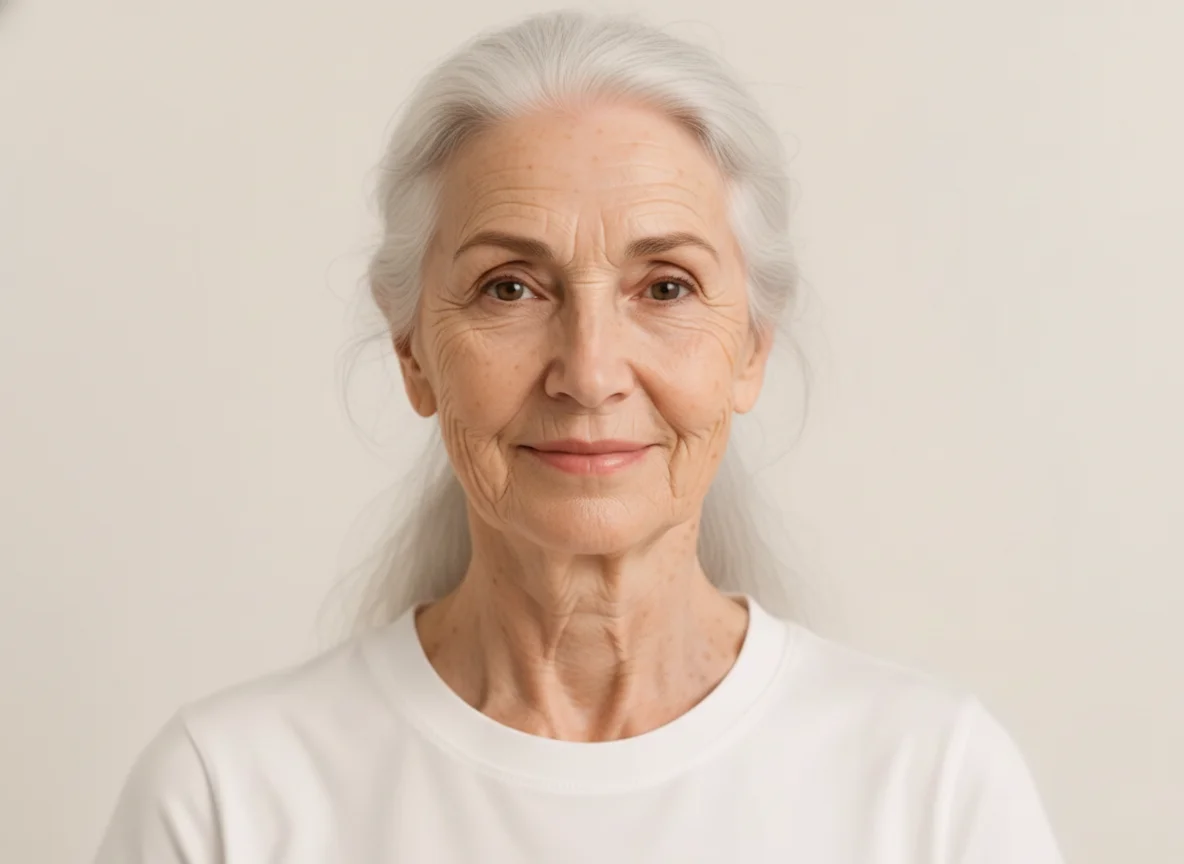
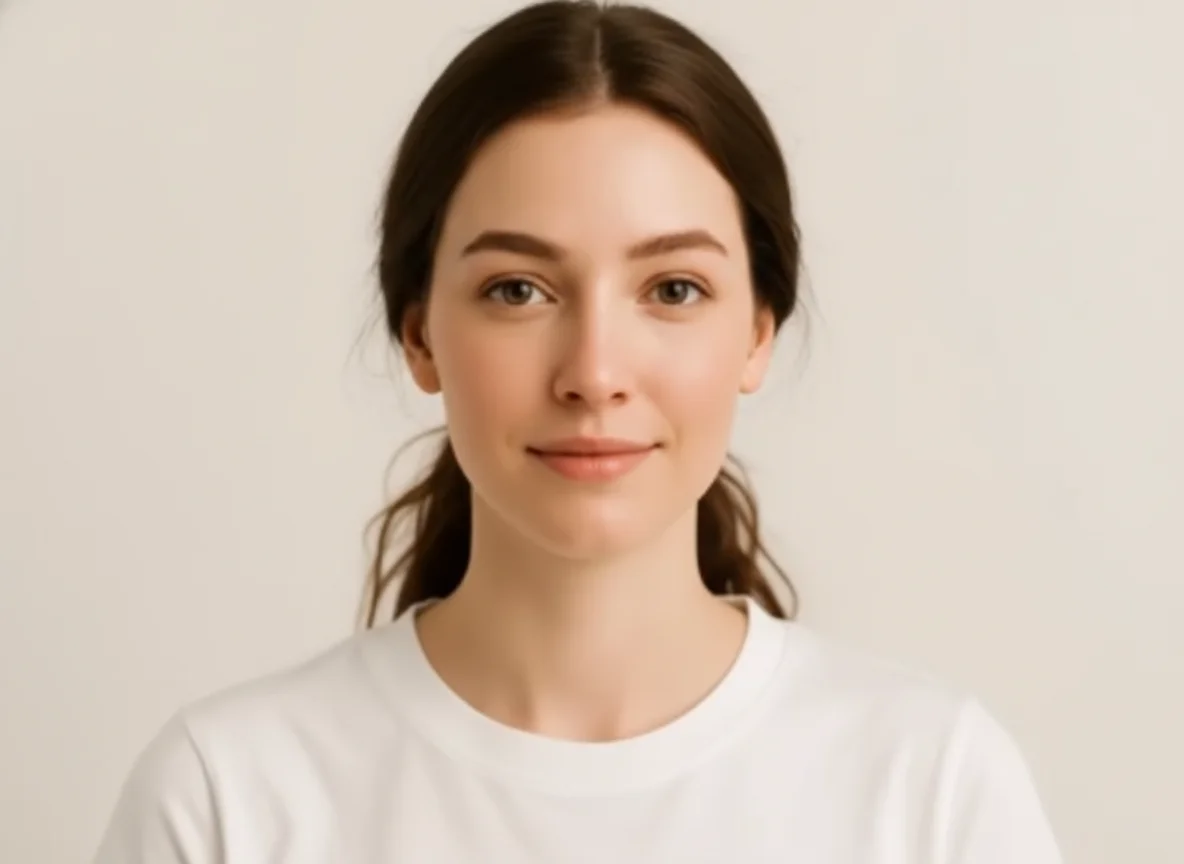
Upload a clear, front-facing photo. For best results, use a well-lit image where the face is fully visible.
Select your desired age effect—look older or younger. Click Generate and watch the AI transform your appearance in seconds.
Preview the age transformation result. log in to download your high-quality age-changed portrait.
AI Age Filter uses deep learning to naturally modify skin texture, wrinkles, and hair color. Unlike simple overlays, AI Photo Editor preserves your unique facial features while authentically simulating aging or rejuvenation, making every result look like a genuine photograph.
Experience the best of both worlds. Whether you want to "Make Me Old" to glimpse the future or "Make Me Young" to see your baby face again, AI Photo Editor handles both transformations flawlessly.
Create viral content for social media challenges or simply have fun with friends. Our tool delivers professional-grade, high-resolution images that preserve your unique facial identity.
Create visuals faster without design skills. Turn ideas into images, thumbnails, social posts, and creative assets in seconds.
Accelerate your creative workflow. Use AI Photo Editor to generate concepts, references, and visual directions, then refine them into production-ready designs.
Produce high-converting visuals on demand. Create ads, campaign visuals, and branded images quickly.
AI Age Filter is an online tool that uses artificial intelligence to simulate the aging or rejuvenation process on human faces. It can predict how you will look when you get older or transform you back to a younger version of yourself.
The AI analyzes your facial landmarks, skin texture, and hair patterns, then applies learned aging or rejuvenating transformations—such as adding wrinkles and grey hair or smoothing skin—while keeping your identity recognizable.
Absolutely. Besides aging effects, AI Photo Editor includes a "Make Me Young" filter that smooths skin, restores youthful features, and lets you see yourself as a teenager or child again.
Yes. AI Photo Editor uses advanced deep learning algorithms to create studio-quality results. Every wrinkle, sunspot, or youthful feature is rendered authentically, making the transformed photo look like a genuine photograph rather than a simple digital edit.
No. The tool is fully automatic. Simply upload your photo, select the age effect you want, and the AI handles the entire transformation process without any manual adjustments.
AI Photo Editor is your go-to AI image toolkit for generating, editing, and enhancing photos and artwork.
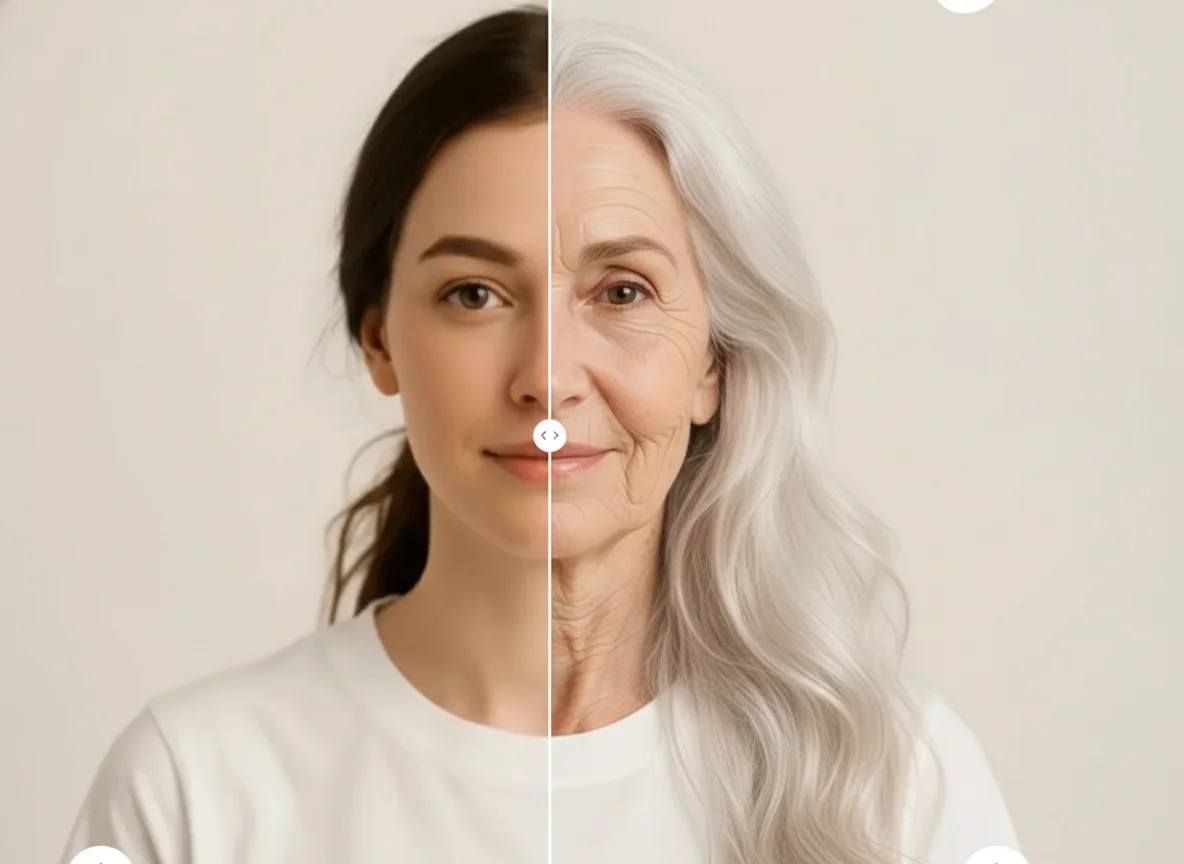
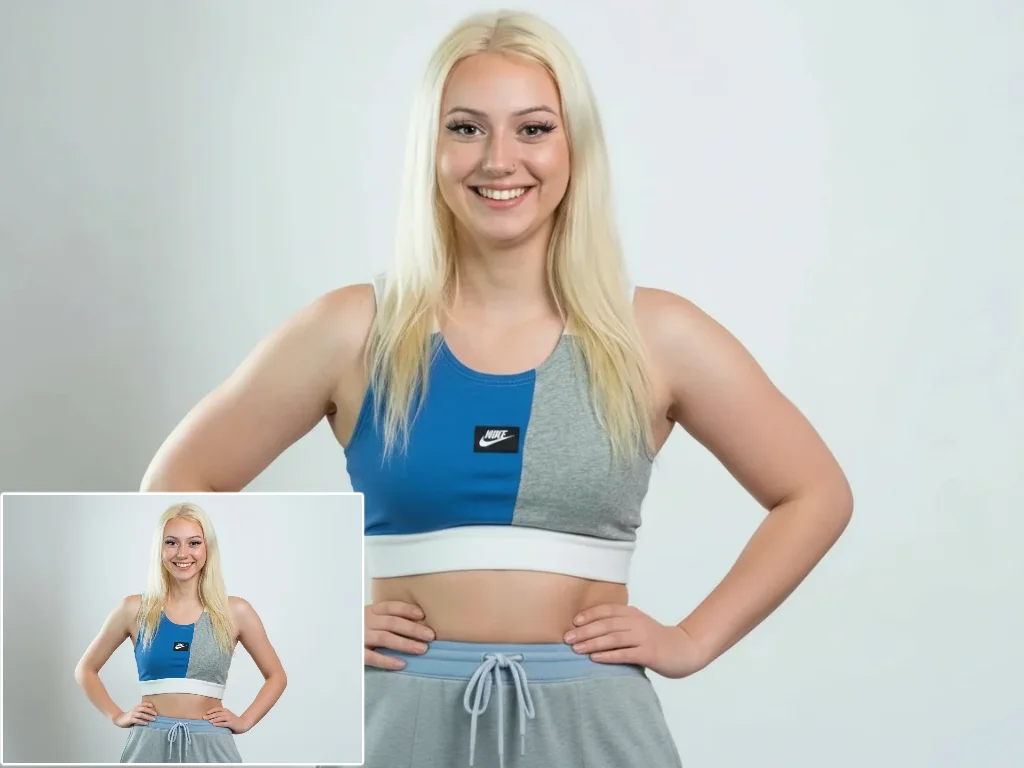
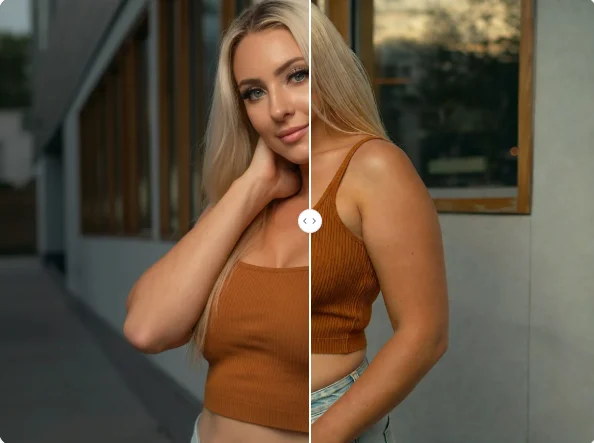
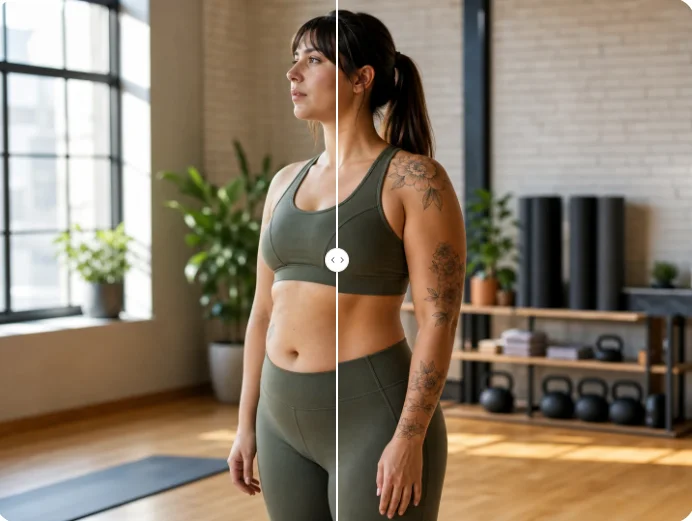
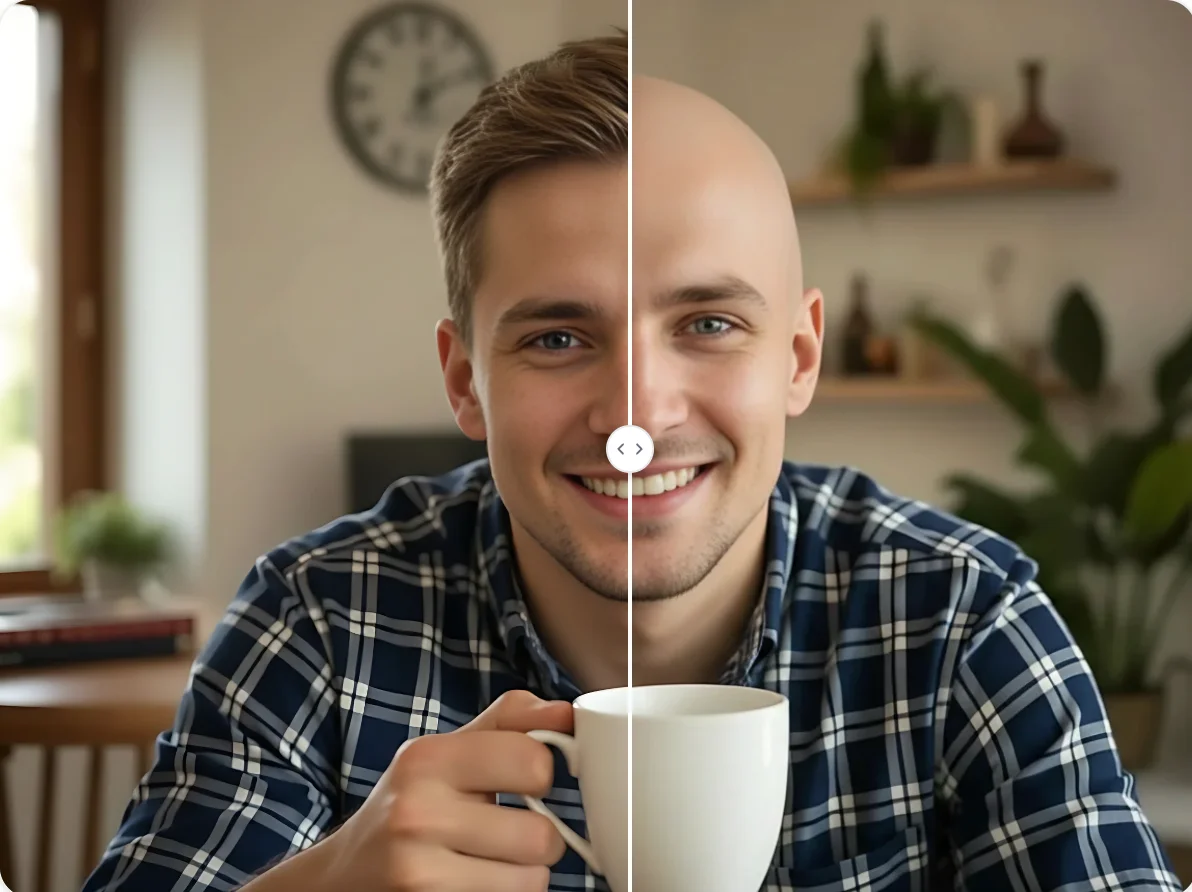
Curious about your future look? Upload your photo to AI Photo Editor and instantly travel through time with our realistic AI age changer.