Upload
Upload a clear hand photo with the target finger fully visible. You can also add one or more ring reference images when you want to preview a specific design.
 AI Photo Editor
Upload a clear hand photo, then describe a ring or add reference ring images. The ring try on online tool places the design naturally on your finger with matching scale, angle, lighting, and reflections.
Upload a clear hand photo, then describe a ring or add reference ring images. The ring try on online tool places the design naturally on your finger with matching scale, angle, lighting, and reflections.
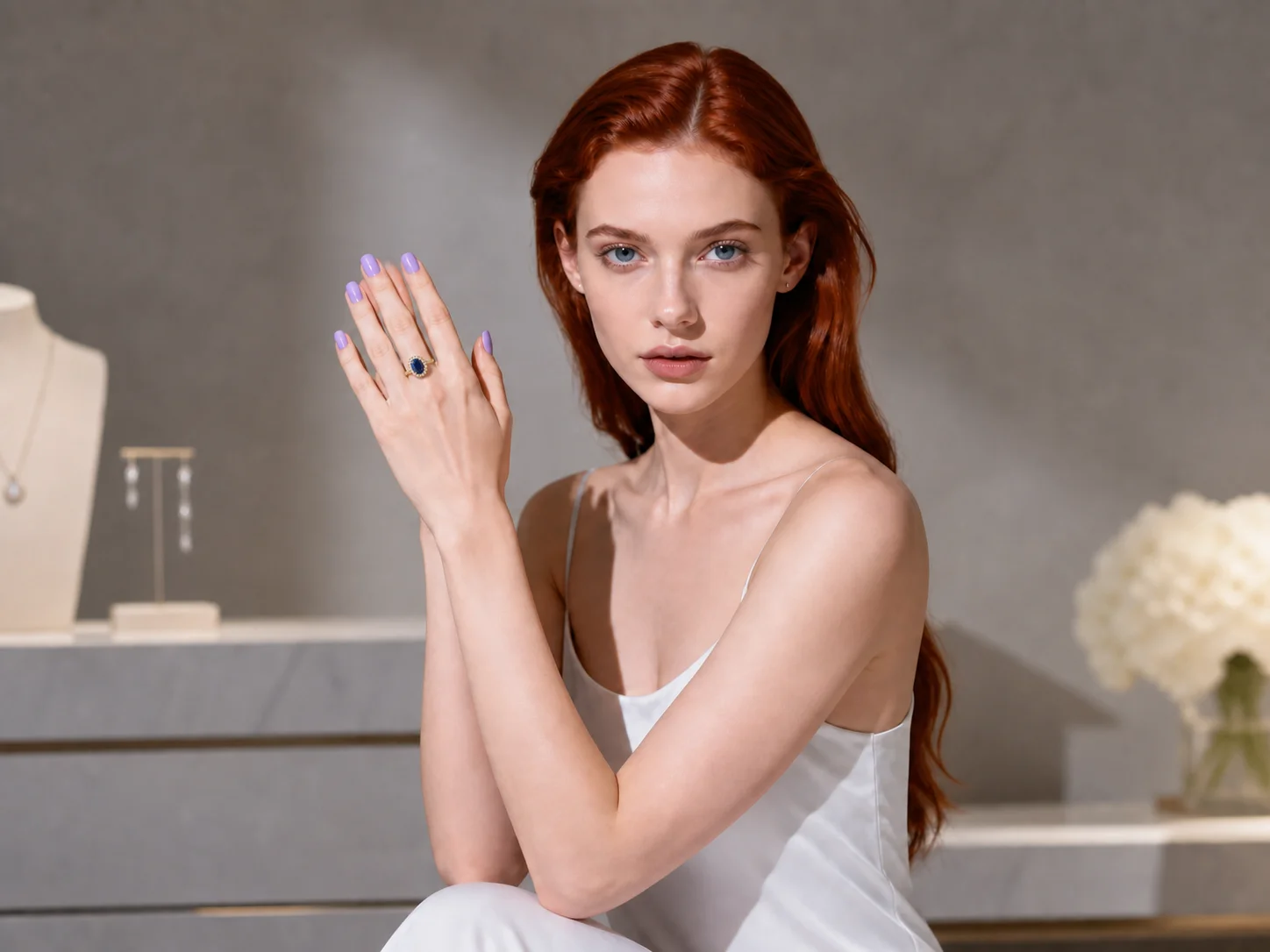
Upload a clear hand photo with the target finger fully visible. You can also add one or more ring reference images when you want to preview a specific design.
Describe the ring style, metal, stone, finger placement, and preferred visual details, then generate a realistic try-on preview.
Review how the ring fits your hand, compare the result with other styles, and download your preferred preview for shopping, design discussions, or creative use.
Position a ring on the selected finger with coherent size, orientation, perspective, and contact so the result looks naturally fitted rather than pasted onto the hand.
Preserve the visual character of gold, platinum, gemstones, and custom ring designs while matching the hand photo's lighting, shadows, highlights, and surrounding color.
Use ring try on online to compare different cuts, metals, band widths, stone sizes, or custom designs on the same hand photo before narrowing down your options.
Create polished ring try-on visuals for social posts, engagement announcements, mood boards, and personal styling ideas without arranging a new photoshoot for every design.
Place custom ring concepts on hand photos to review proportion, stone presence, band shape, and visual balance before refining a design or presenting it to a client.
Produce product previews, campaign visuals, and lifestyle mockups that show how engagement rings, wedding bands, or custom jewelry may look when worn.
Virtual ring try on uses AI to place a described or referenced ring onto a hand photo while matching the finger position, scale, perspective, lighting, and reflections for a realistic preview.
Yes. Add clear reference images of the ring you want to preview. Images that show the ring's shape, material, setting, and viewing angle clearly help produce a more faithful result.
Use a sharp, well-lit photo where the target finger and surrounding hand are unobstructed. A simple background and enough space around the fingers also help the ring align naturally.
Yes. Generate separate previews for gold, platinum, different band widths, and oval, round, princess, or other stone cuts to compare how each option complements the same hand.
No. The result is a visual preview, not a physical sizing measurement. Confirm the correct ring size and fit with a jeweler before purchasing or producing a ring.
AI Photo Editor is your go-to AI image toolkit for generating, editing, and enhancing photos and artwork.
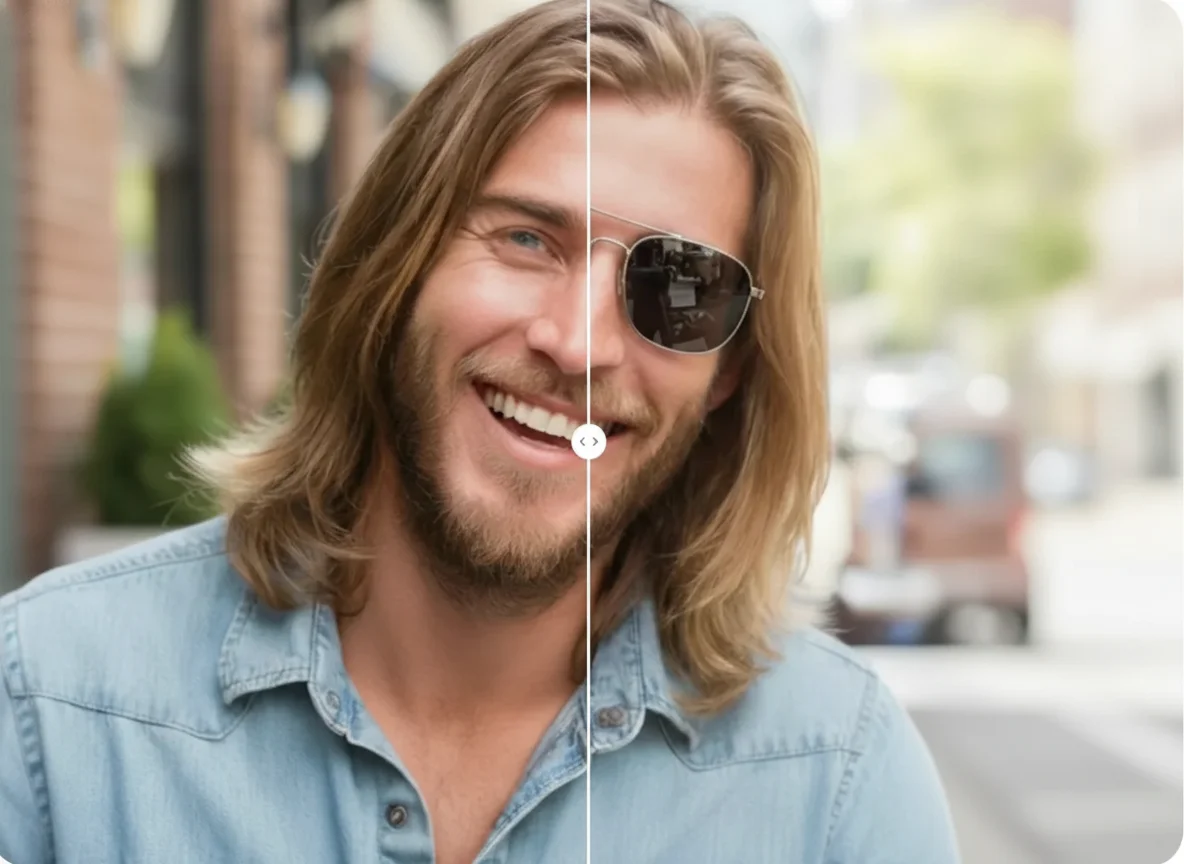
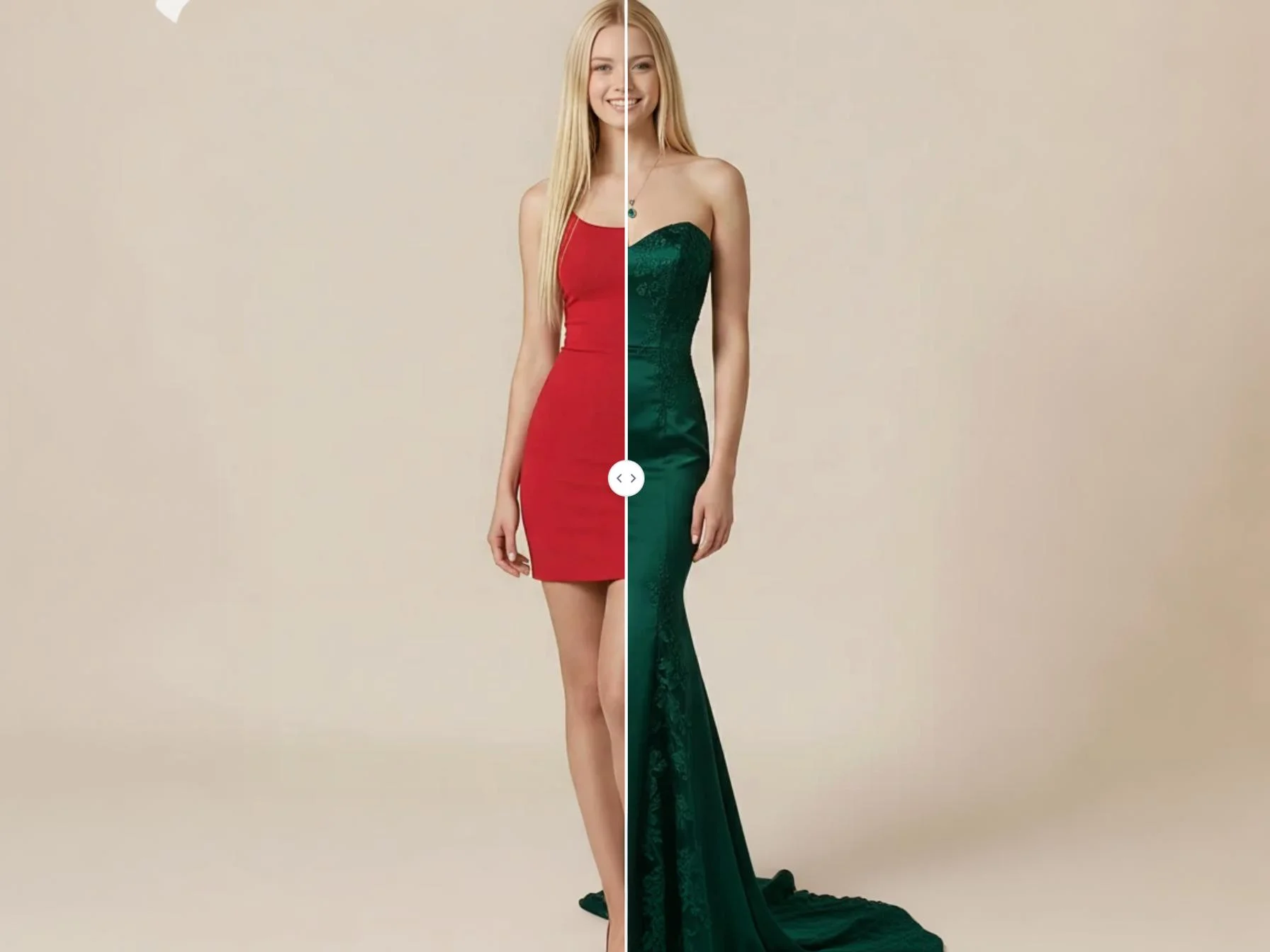
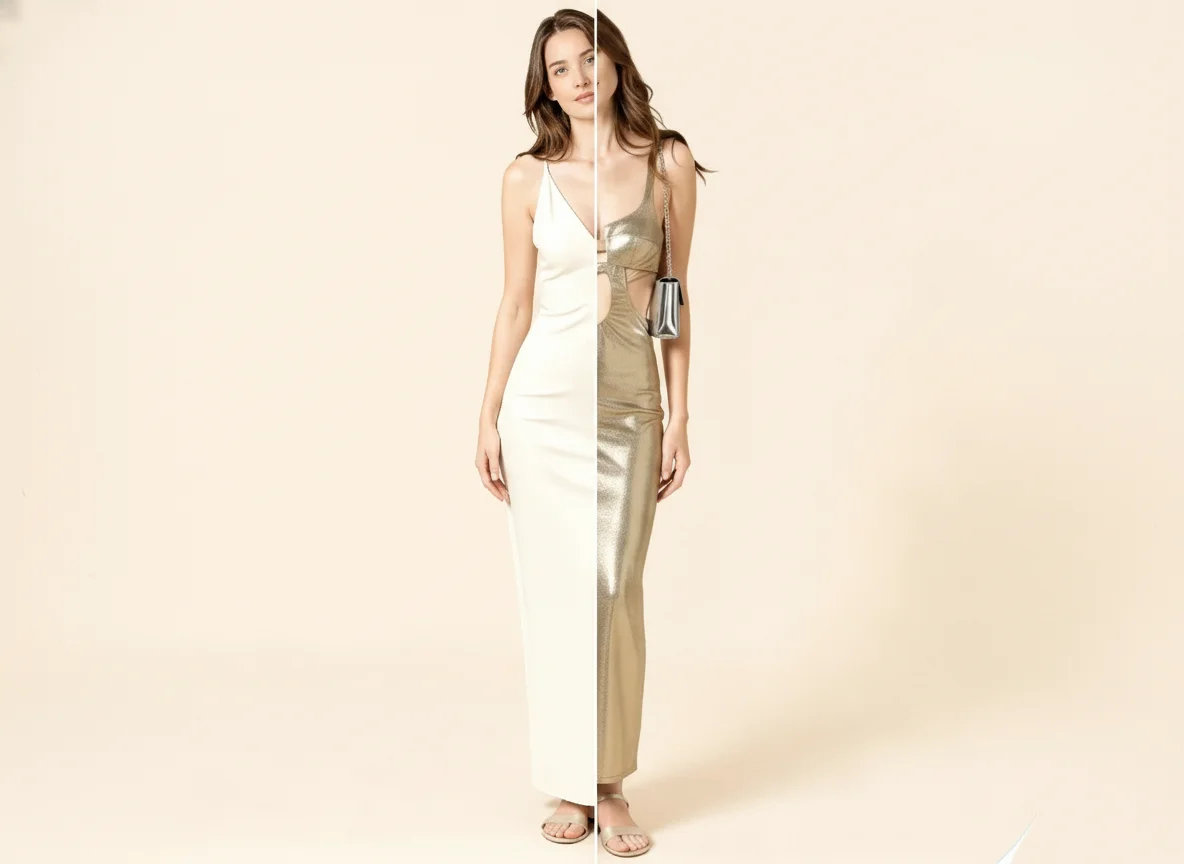
Upload a hand photo, add ring references or describe a design, and generate a realistic preview before comparing styles or discussing your choice.