Upload
Upload the photo containing the faces you want to blur. For best results, use a clear image where faces are visible.
 AI Photo Editor
Upload your photo and let AI automatically detect and blur all faces instantly. Protect privacy and anonymize identities with one click.
Upload your photo and let AI automatically detect and blur all faces instantly. Protect privacy and anonymize identities with one click.
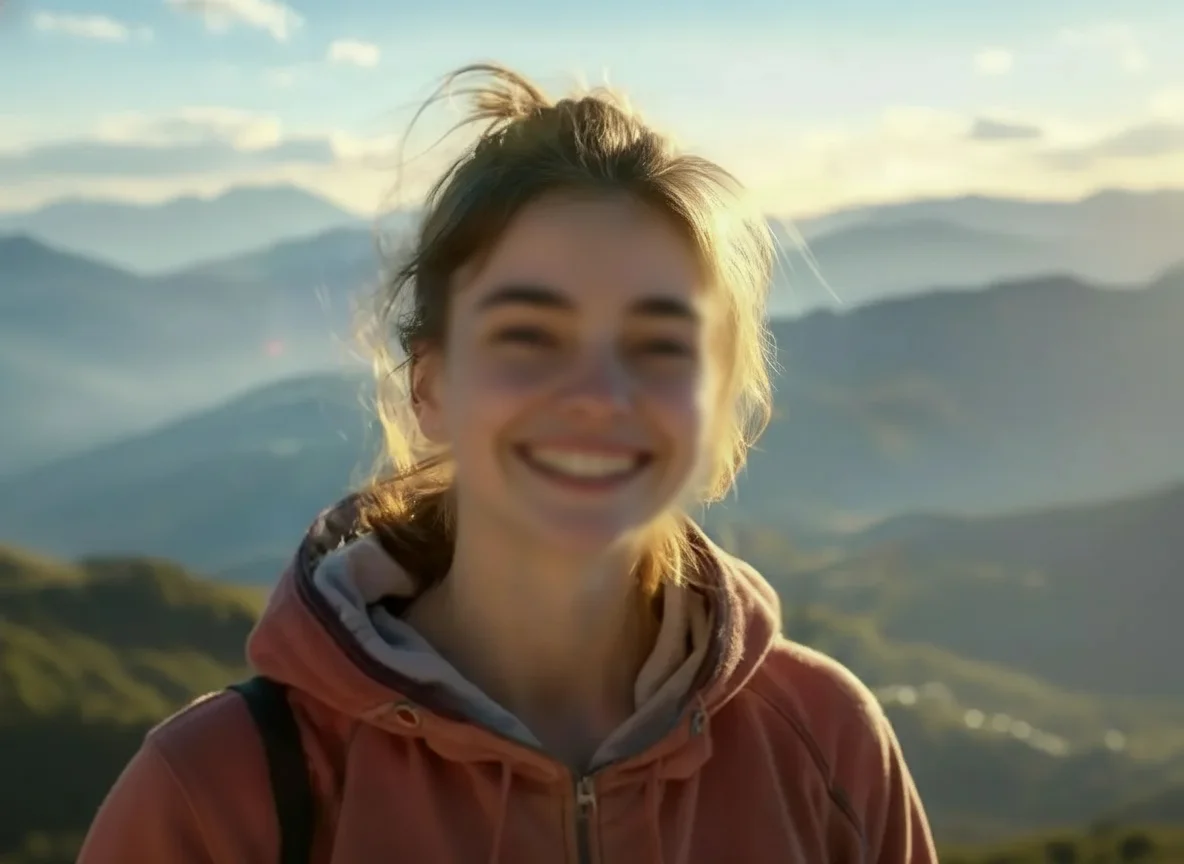
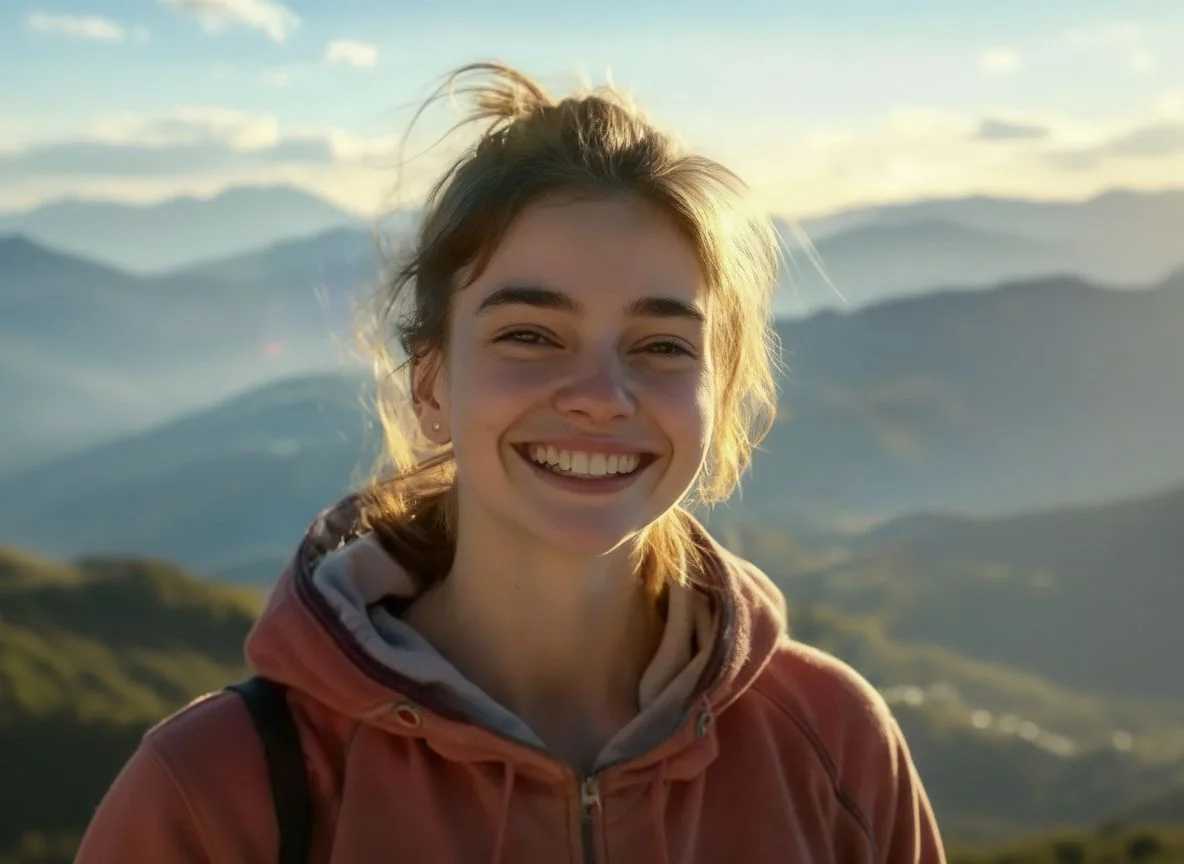
Upload the photo containing the faces you want to blur. For best results, use a clear image where faces are visible.
Click the Generate button. AI Photo Editor's AI will automatically detect all faces in the photo and apply a smooth blur effect in seconds.
Preview the privacy-protected image and download the high-quality result, ready for sharing on any platform.
Blur Face uses powerful AI that automatically identifies multiple faces in a single photo, saving you the time of manually masking each person. AI Photo Editor delivers accurate detection from various angles, ensuring every face is blurred appropriately.
Unlike simple pixelation tools, AI Photo Editor optimizes blur intensity to ensure identities are completely unrecognizable while maintaining the photo's overall aesthetic. The result looks professional and natural, not artificially processed.
With AI Photo Editor, you can blur faces directly from your browser on any device. No software downloads needed — just upload, generate, and download your privacy-protected photo whenever you need it.
Create visuals faster without design skills. Turn ideas into images, thumbnails, social posts, and creative assets in seconds.
Accelerate your creative workflow. Use AI Photo Editor to generate concepts, references, and visual directions, then refine them into production-ready designs.
Produce high-converting visuals on demand. Create ads, campaign visuals, and branded images quickly.
Blur Face is an AI-powered privacy tool that allows you to quickly detect and blur faces in photos to protect the identity of people in your images. It automatically identifies all faces and applies a smooth, professional blur effect.
The AI is trained on vast datasets to recognize facial features from various angles and lighting conditions. AI Photo Editor ensures that every face in the photo is detected and blurred appropriately, even in crowded scenes with multiple people.
No. Simply upload your photo to AI Photo Editor, and the AI handles the entire process automatically. No manual selection or editing skills required — just one click.
No. The tool specifically processes facial areas while preserving the high resolution and clarity of the rest of your original photo.
Yes. The AI can detect and blur multiple faces in a single photo simultaneously. Even in group photos or crowded images, all faces are identified and blurred automatically without manual selection.
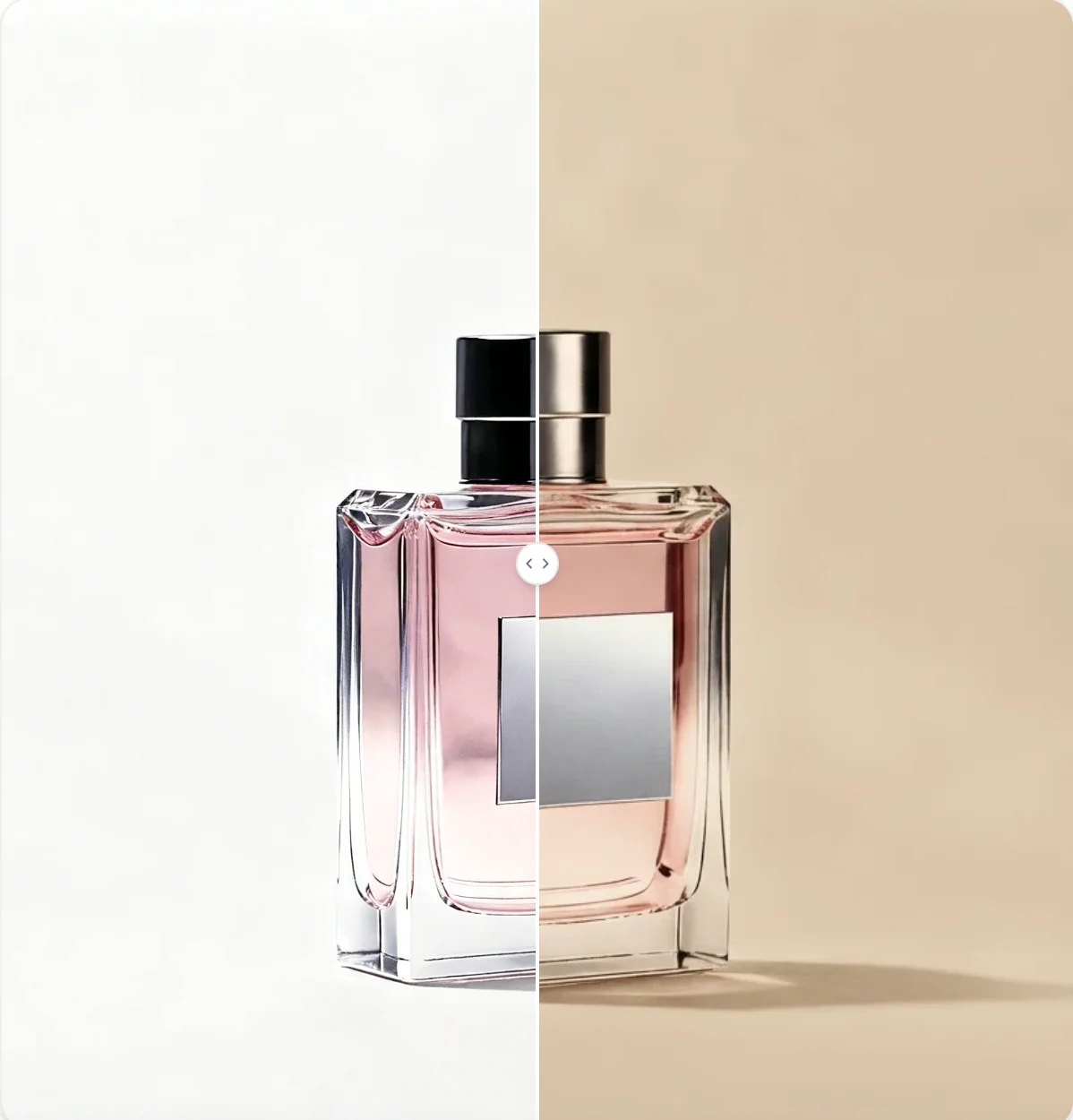
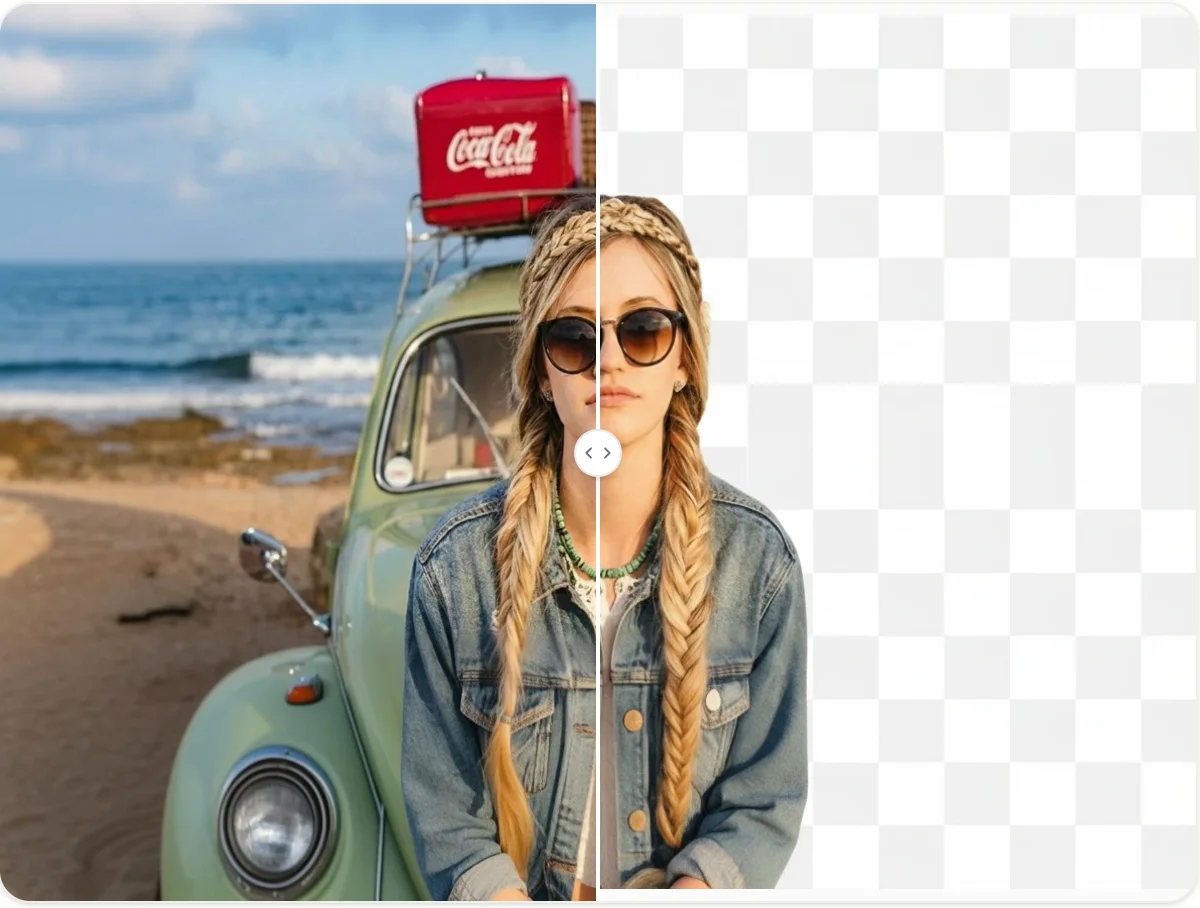
Need to protect privacy in your photos? Upload your image to AI Photo Editor and blur faces instantly with AI — keep your content safe and professional!