Upload a photo to the Hair Removal Photo Editor
Choose a portrait where loose hair, flyaways, or stray strands are visible. The clearer the image, the easier it is to produce a natural result.
 AI Photo Editor
Wind, humidity, movement, or rushed photoshoots often leave stray hairs across the face, eyes, forehead, or cheeks. While these details are small in real life, they become much more noticeable in portraits, profile pictures, and professional photos.
Wind, humidity, movement, or rushed photoshoots often leave stray hairs across the face, eyes, forehead, or cheeks. While these details are small in real life, they become much more noticeable in portraits, profile pictures, and professional photos.
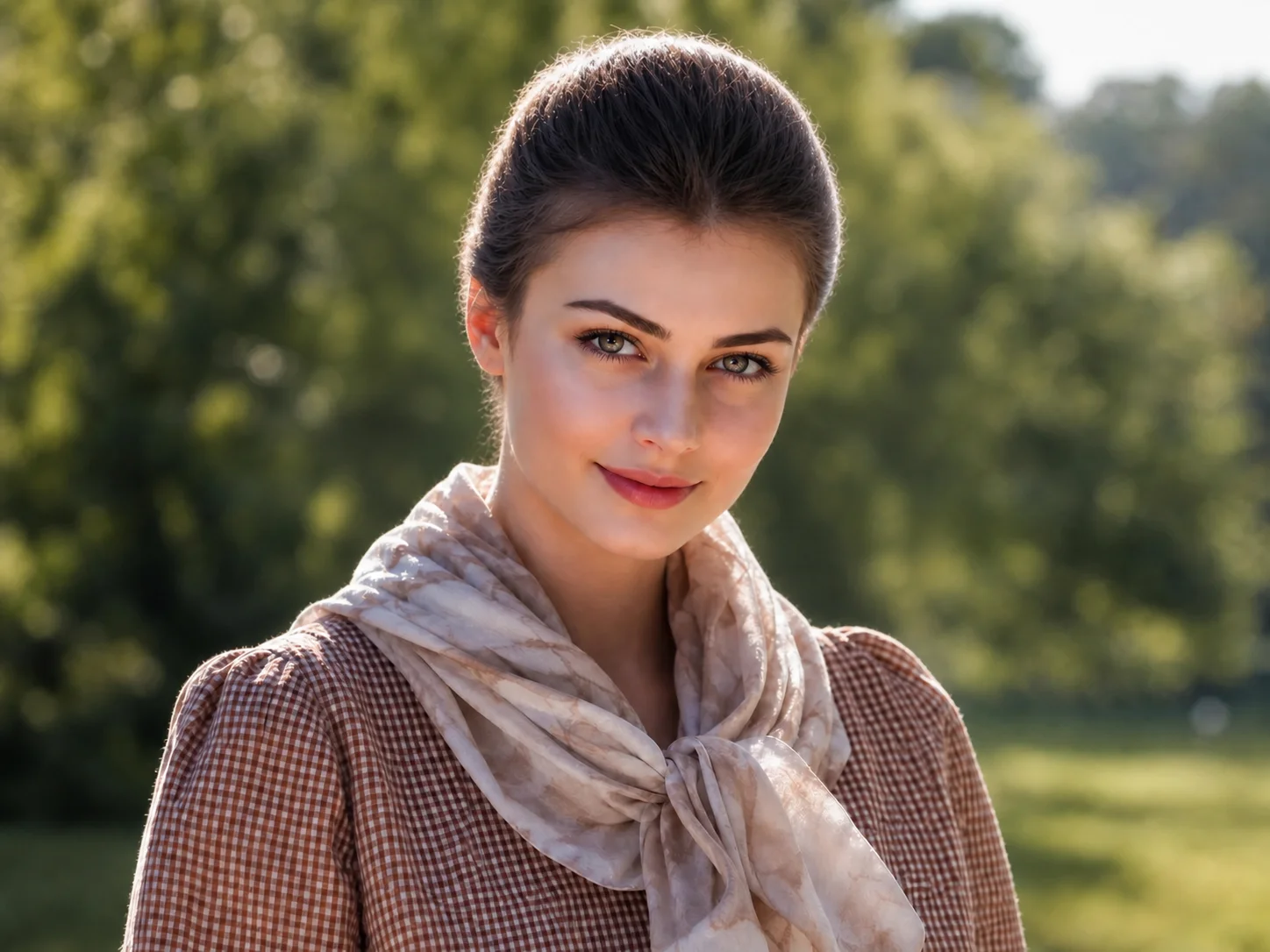
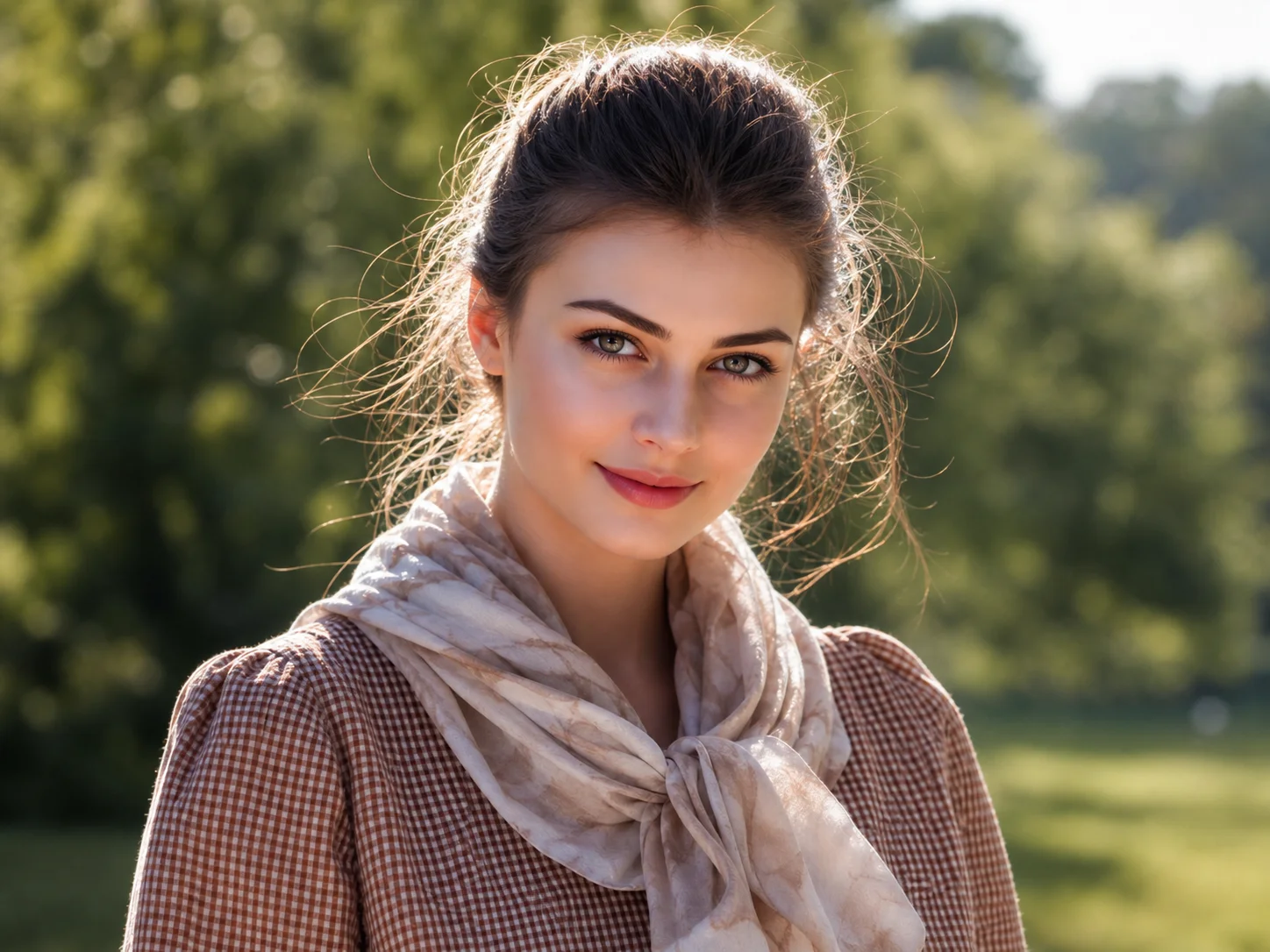
Choose a portrait where loose hair, flyaways, or stray strands are visible. The clearer the image, the easier it is to produce a natural result.
AI Photo Editor identifies distracting hair across the face and generates a cleaner version while preserving skin texture and facial details.
Compare the original and edited versions, then save the result for professional profiles, social media, resumes, or personal use.
Many people only discover stray hairs after viewing photos on a larger screen. What looked fine during the shoot suddenly becomes distracting when the image is used on a website, resume, or social profile.
Loose strands crossing the eyes, eyebrows, lips, or cheeks can pull focus away from expressions and facial features.
AI Photo Editor's Hair Removal Photo Editor is designed to blend corrections into surrounding areas so the photo still feels authentic. This makes it useful for LinkedIn photos, CV images, business headshots, and client-facing profiles where a polished appearance matters.
Create visuals faster without design skills. Turn ideas into images, thumbnails, social posts, and creative assets in seconds.
Accelerate your creative workflow. Use AI Photo Editor to generate concepts, references, and visual directions, then refine them into production-ready designs.
Produce high-converting visuals on demand. Create ads, campaign visuals, and branded images quickly.
AI Photo Editor's Hair Removal Photo Editor helps remove hair from face photos by reducing visible flyaways, loose strands, and distracting hairs that cross facial features.
Yes. After you upload an image, AI Photo Editor analyzes visible hair strands and generates an edited version with cleaner facial visibility. No manual selection or retouching experience is required.
No. The goal is to remove distracting hairs that interfere with the photo, not to redesign or replace the hairstyle. Major hairstyle changes require different editing tools.
Yes. Many users clean up flyaways before using photos for resumes, LinkedIn profiles, company directories, speaker pages, and business websites. Removing small distractions can help create a more polished presentation.
AI Photo Editor is your go-to AI image toolkit for generating, editing, and enhancing photos and artwork.
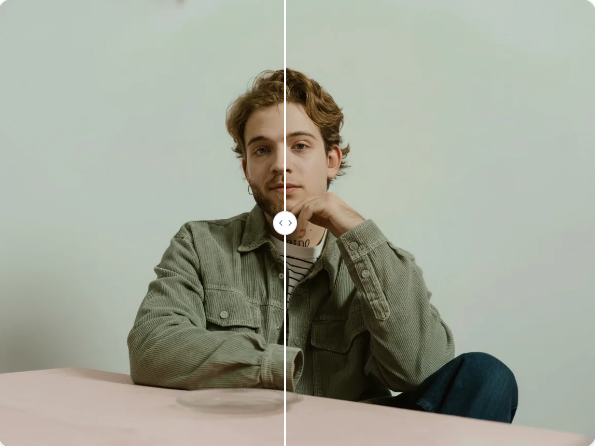
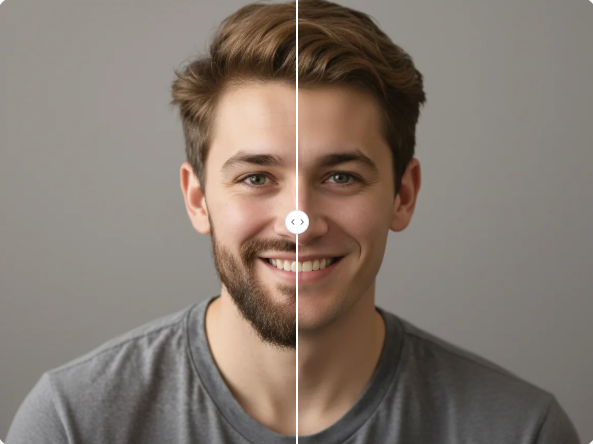
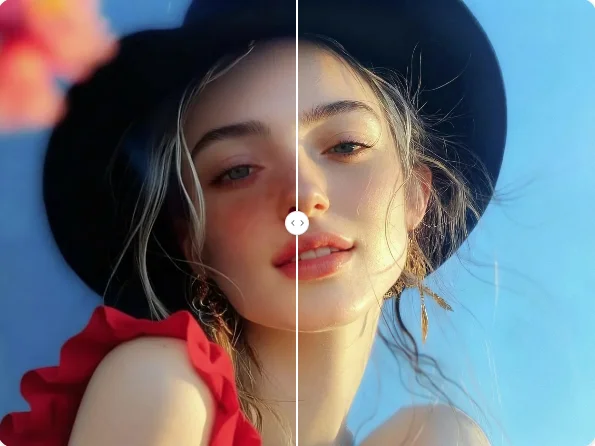
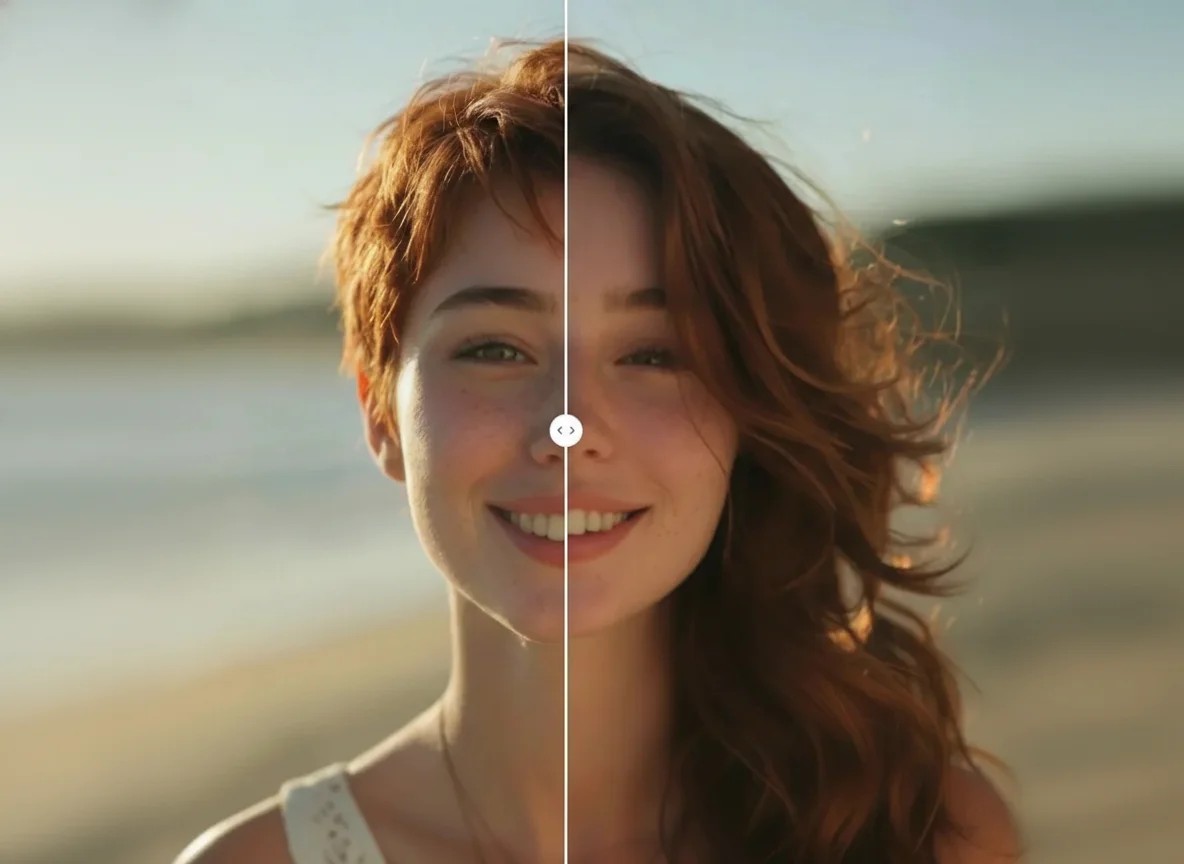
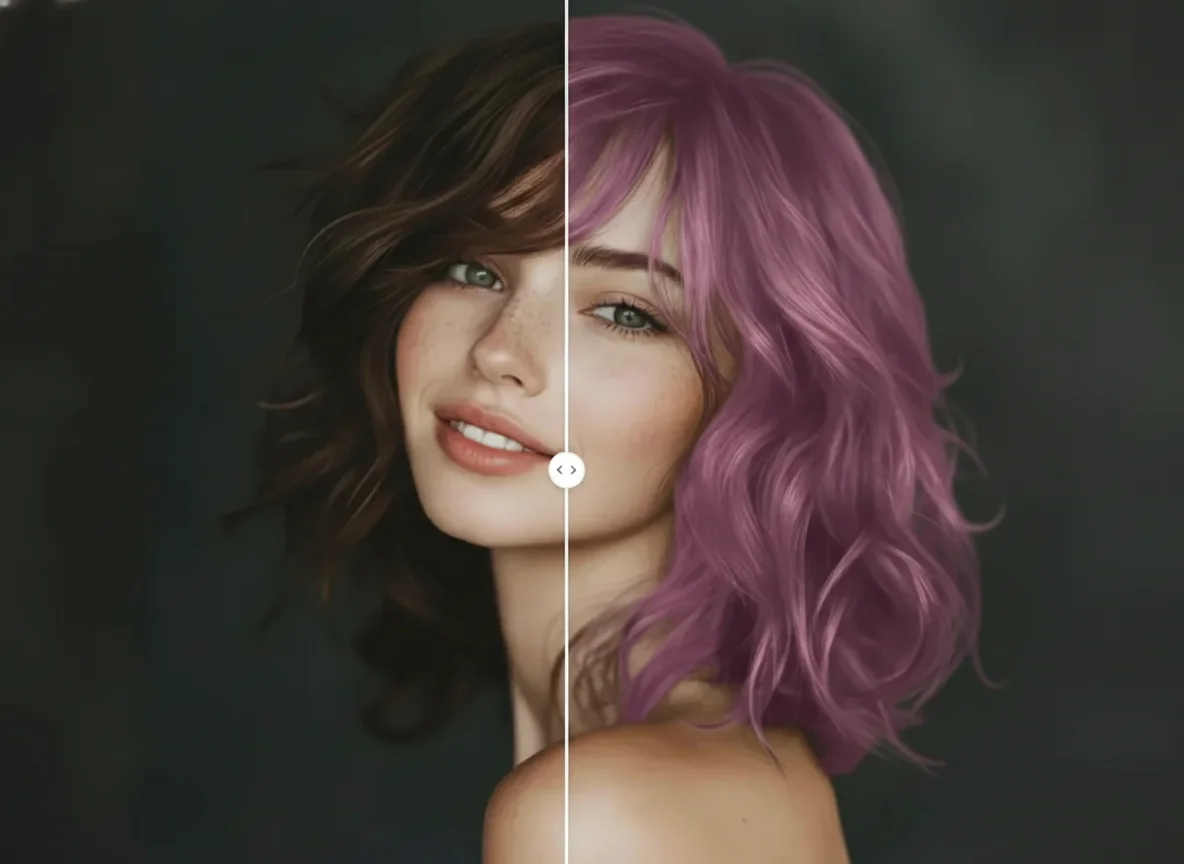
Use a hair removal photo editor to remove hair from face photos online. Clean up stray hairs, fix flyaways, and improve portraits without manual editing.