Upload a Clear Portrait
Start with a selfie or portrait where the face, hair, shoulders, and body edges are easy to read. Clear subject edges help the AI create a stronger rim light and cleaner dusk glow.
 AI Photo Editor
Upload a portrait and use the Lofi Dusk Filter to rebuild the lighting around the subject. AI Photo Editor adds dusk glow, soft flash, rim light, film grain, and moody contrast while keeping the person recognizable.
Upload a portrait and use the Lofi Dusk Filter to rebuild the lighting around the subject. AI Photo Editor adds dusk glow, soft flash, rim light, film grain, and moody contrast while keeping the person recognizable.
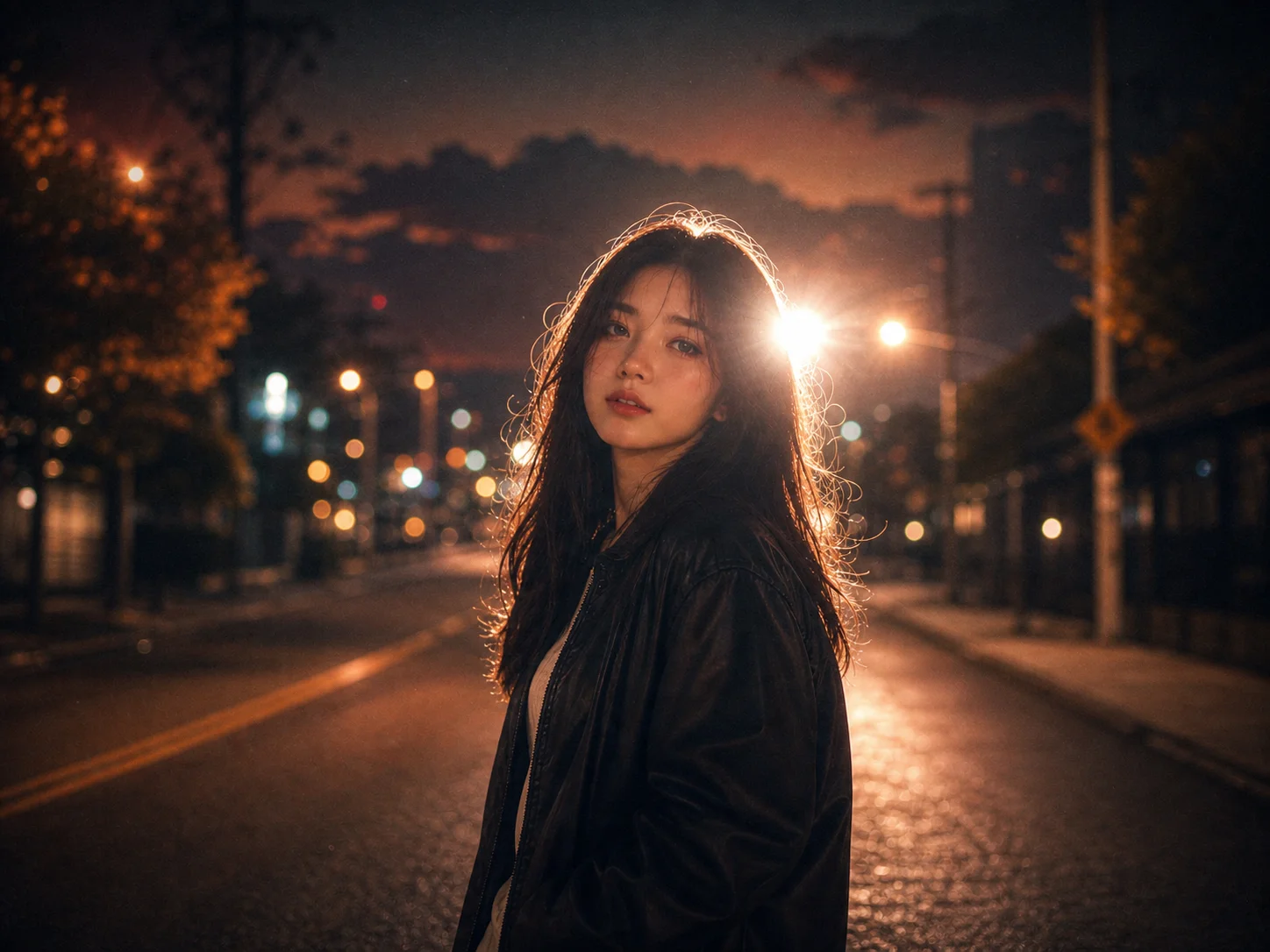
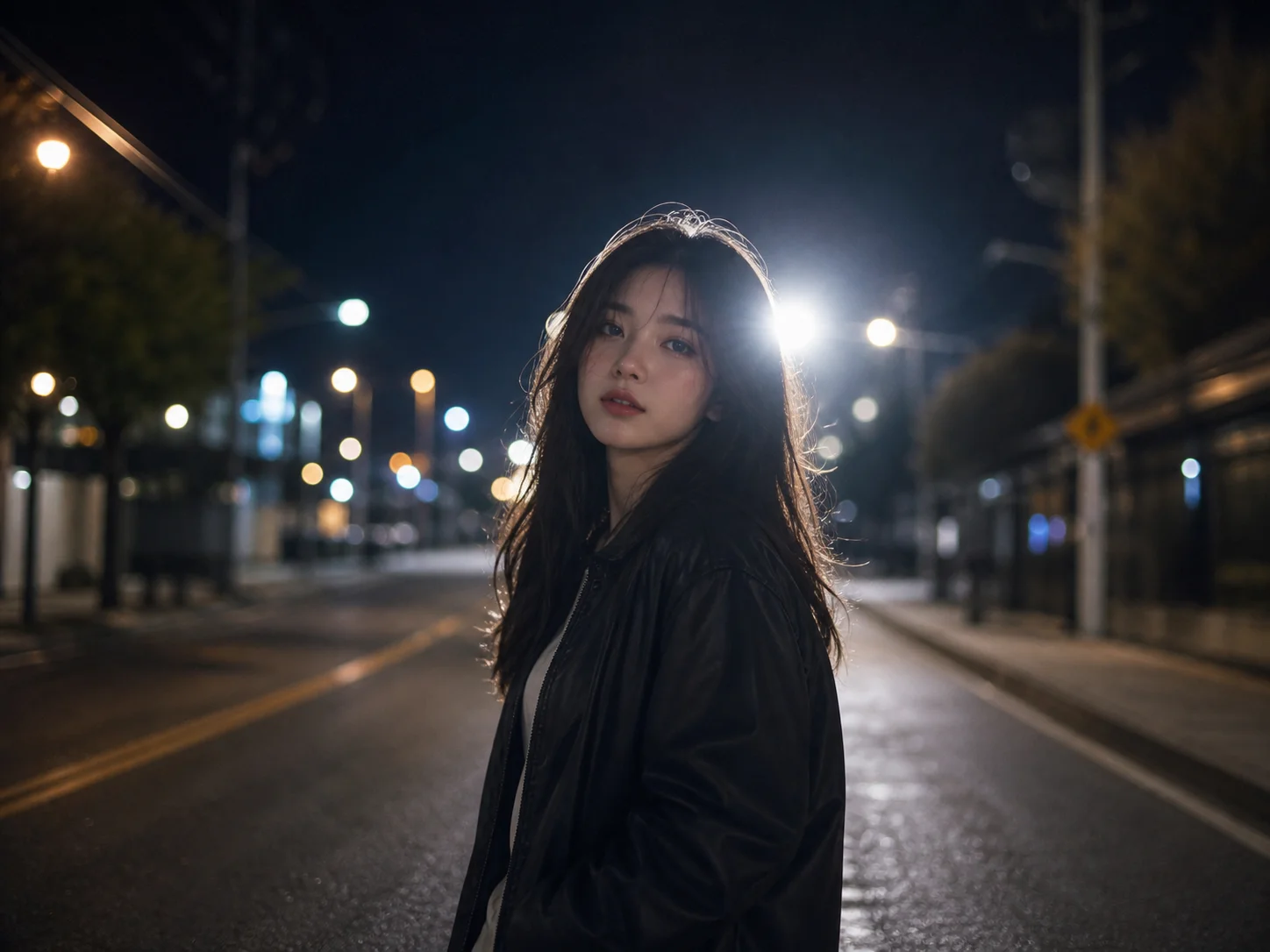
Start with a selfie or portrait where the face, hair, shoulders, and body edges are easy to read. Clear subject edges help the AI create a stronger rim light and cleaner dusk glow.
Add details such as dark cinematic background, soft front flash, blue-hour lighting, warm skin tones, neon reflection, subtle bloom, or realistic film grain to guide the final look.
Generate the result, review the glow, contrast, face details, and background mood, then refine the prompt if needed before downloading your finished Lofi Dusk photo.
The Lofi Dusk Filter helps recreate the popular low-light portrait style with dusk tones, soft flash, and cinematic shadows. Instead of searching for a hidden app effect or adjusting complex settings, you can upload a portrait and guide the look with a prompt.
A strong Lofi Dusk edit should preserve identity, face shape, hairstyle, skin texture, and pose. AI Photo Editor focuses on changing light, background mood, rim glow, and grain while keeping the subject recognizable.
Shape the image toward a neon street portrait, rooftop dusk scene, rainy window mood, vintage flash photo, or soft cinematic glow. Prompt-based control makes it easier to refine the result than a fixed filter.
Create mood-rich portraits for posts, profile images, Reels covers, and short-form visual hooks. Turn everyday selfies into cinematic dusk photos that feel more intentional and shareable.
Explore lighting references, portrait moods, and visual directions without building every look manually. Use AI Photo Editor to test dusk glow, rim light, contrast, and grain before refining a final concept.
Produce atmospheric visuals for campaigns, social thumbnails, creator promotions, and branded image experiments. Make portrait assets feel more polished without losing the human subject.
The Lofi Dusk Filter is an AI portrait effect that creates a darker, moodier, cinematic dusk look. It often includes a dim background, rim light around the subject, soft flash, subtle bloom, film grain, and low-light contrast.
Upload a clear portrait, describe the lighting mood you want, and generate the image. For better results, mention details like dusk lighting, strong backlight, soft front flash, realistic skin texture, dark background, and subtle grain.
A clear selfie or portrait usually works best, especially when the face and body edges are visible. The effect needs enough subject separation to create rim light, glow, and a believable low-light background.
Yes. You can recreate the look with AI by uploading a portrait and prompting for dark cinematic mood, backlight, rim glow, soft flash, dusk tones, bloom, and realistic film grain.
The goal is to keep the person recognizable while changing the lighting and atmosphere. Use a clear source image and prompt for the same face, hairstyle, skin tone, outfit, pose, and body proportions if identity preservation matters.
AI Photo Editor is your go-to AI image toolkit for generating, editing, and enhancing photos and artwork.
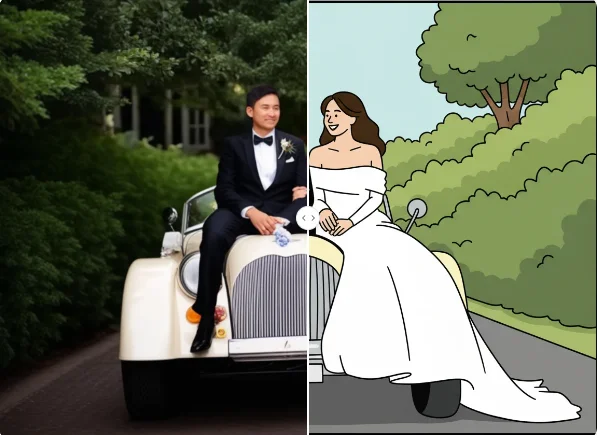
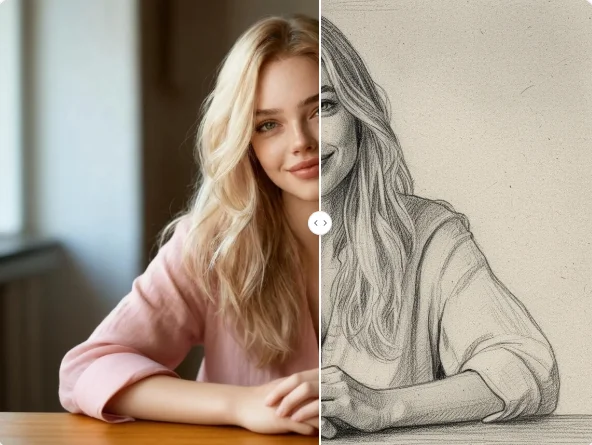
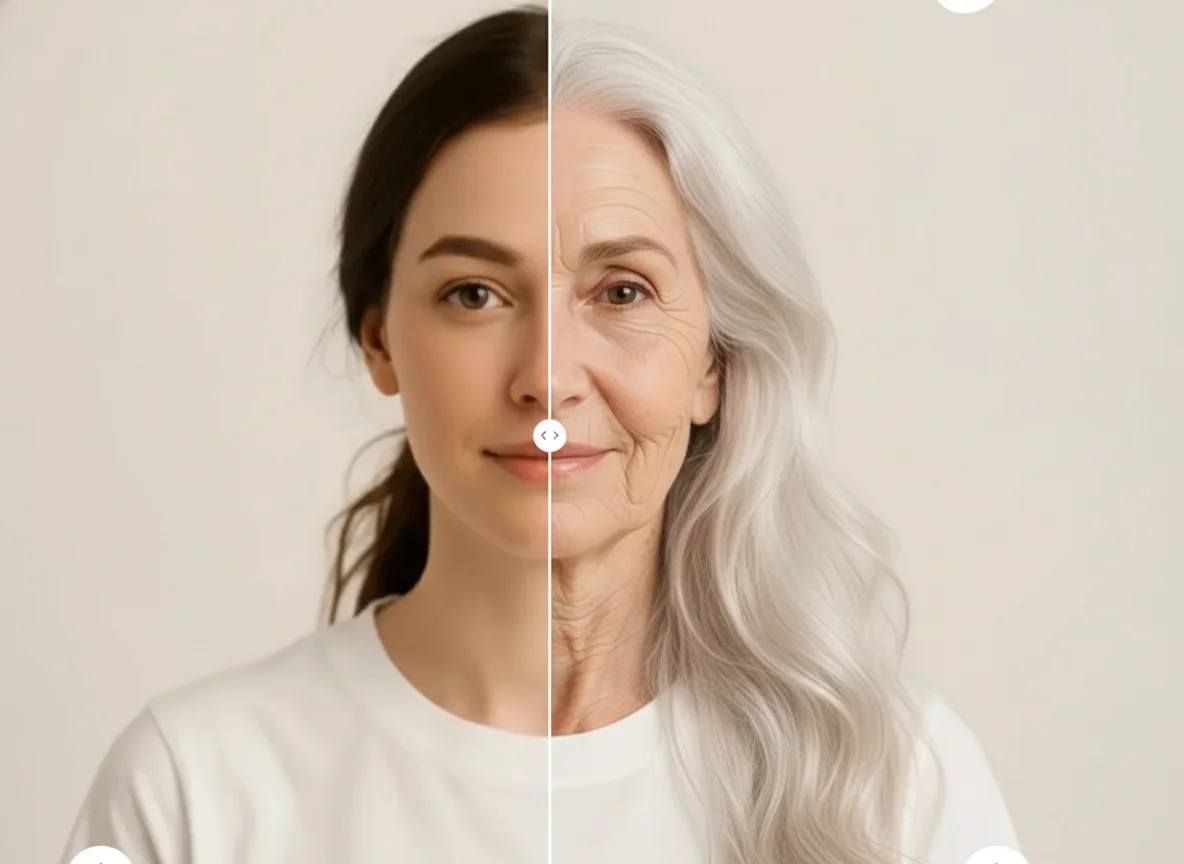
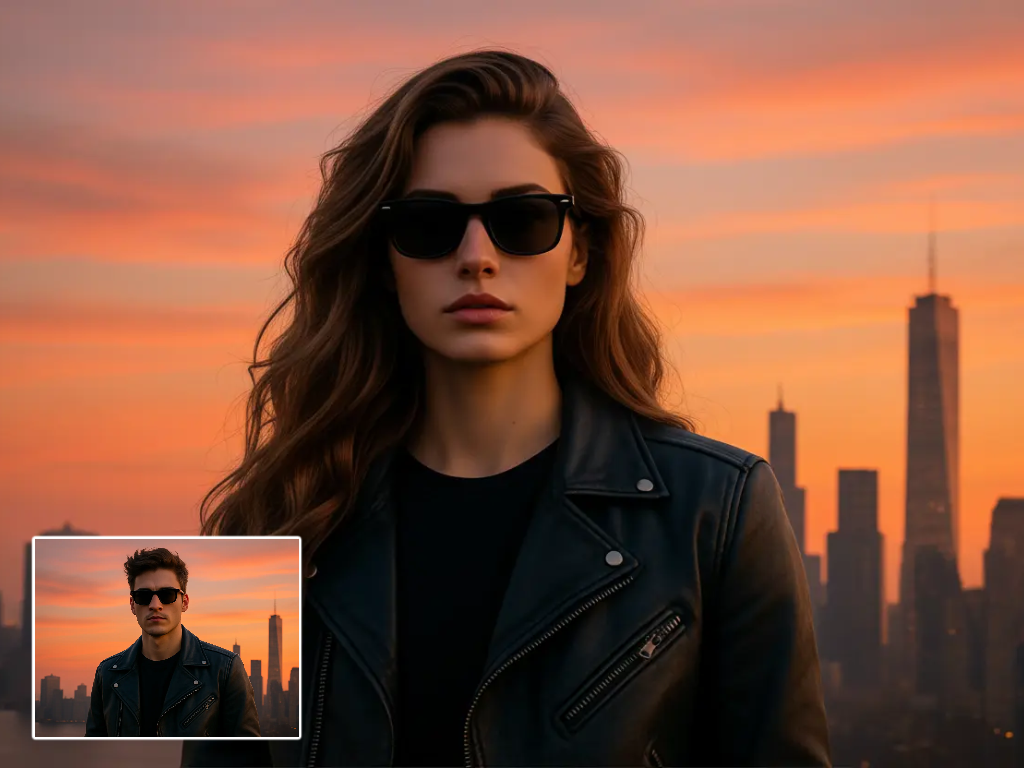
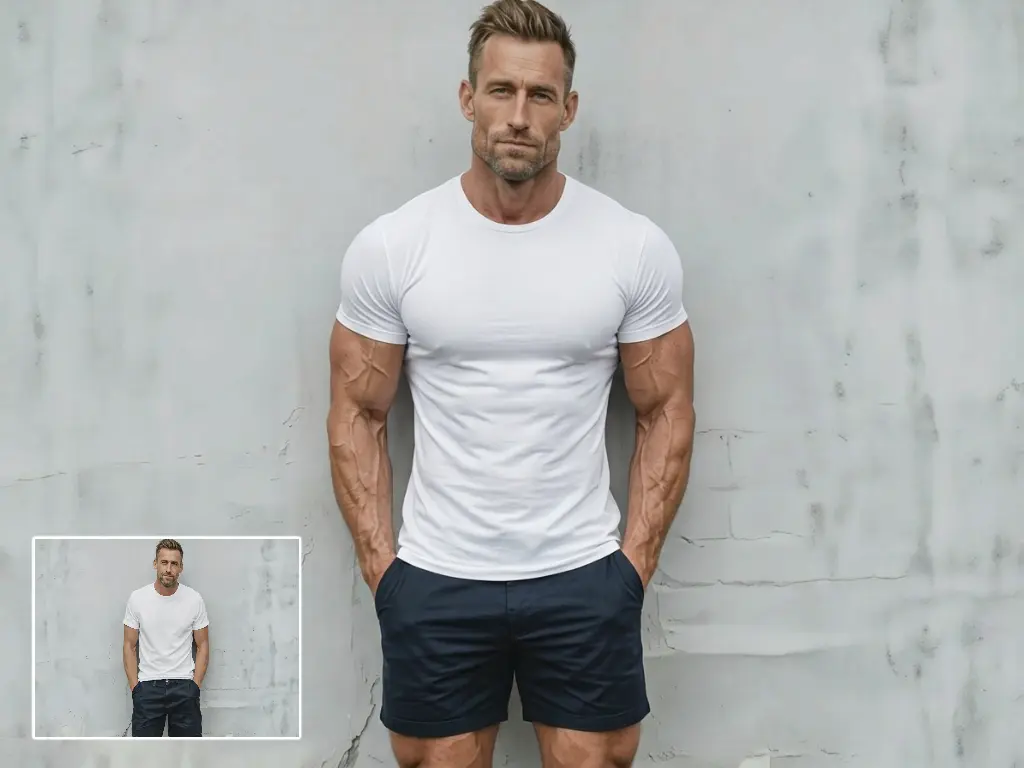
Upload a portrait, describe the dusk mood, and generate a cinematic Lofi Dusk photo with rim light, soft glow, and realistic low-light texture.