Upload Your Photo
Add a clear portrait or pet image where the head and surrounding area are easy to see. Balanced lighting and a visible head shape help the hat fit more naturally.
 AI Photo Editor
Upload a clear portrait or pet photo and describe the Santa hat you want. The tool fits the hat to the subject's head angle, proportions, perspective, and lighting for a natural Christmas edit.
Upload a clear portrait or pet photo and describe the Santa hat you want. The tool fits the hat to the subject's head angle, proportions, perspective, and lighting for a natural Christmas edit.
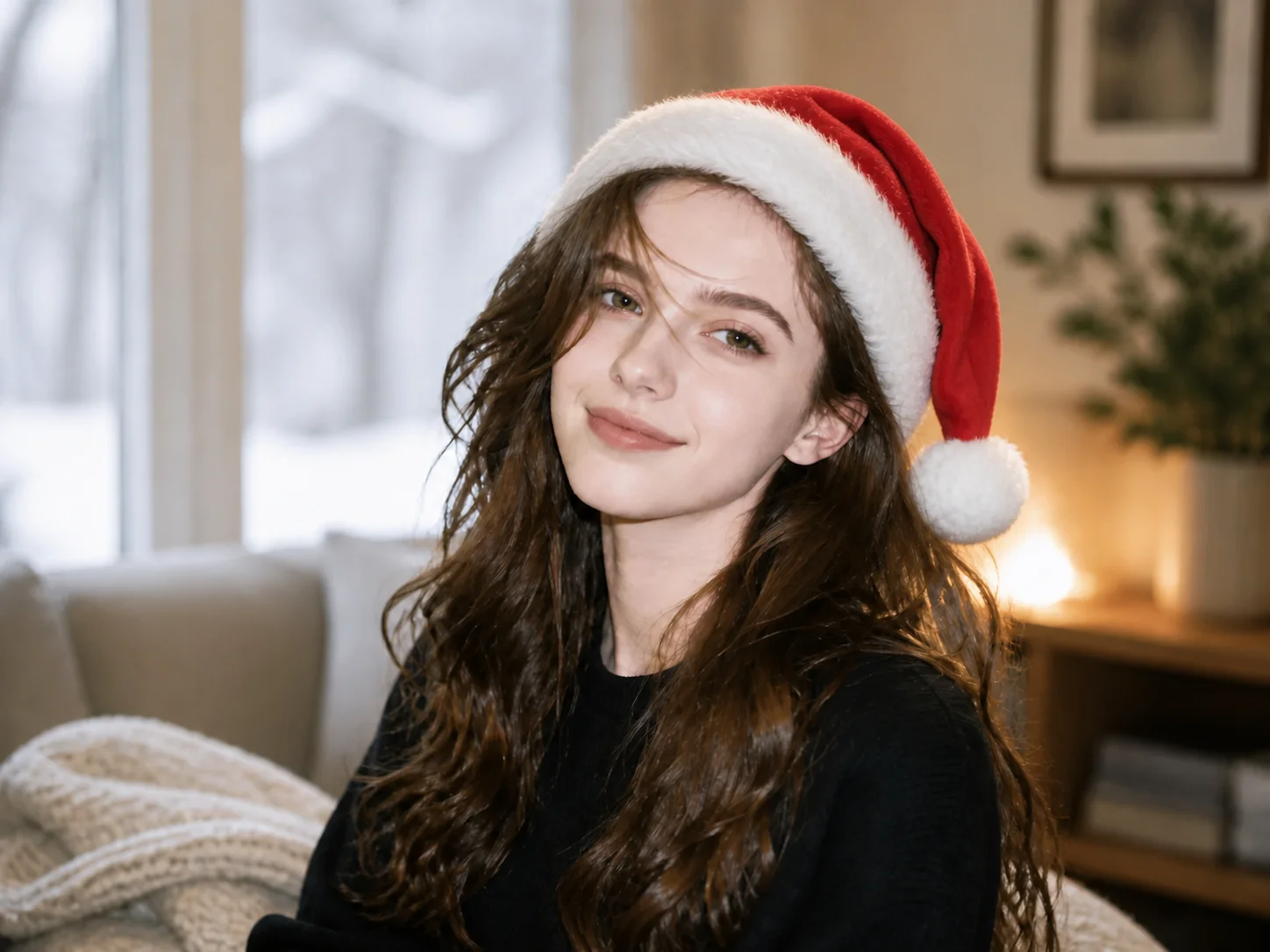
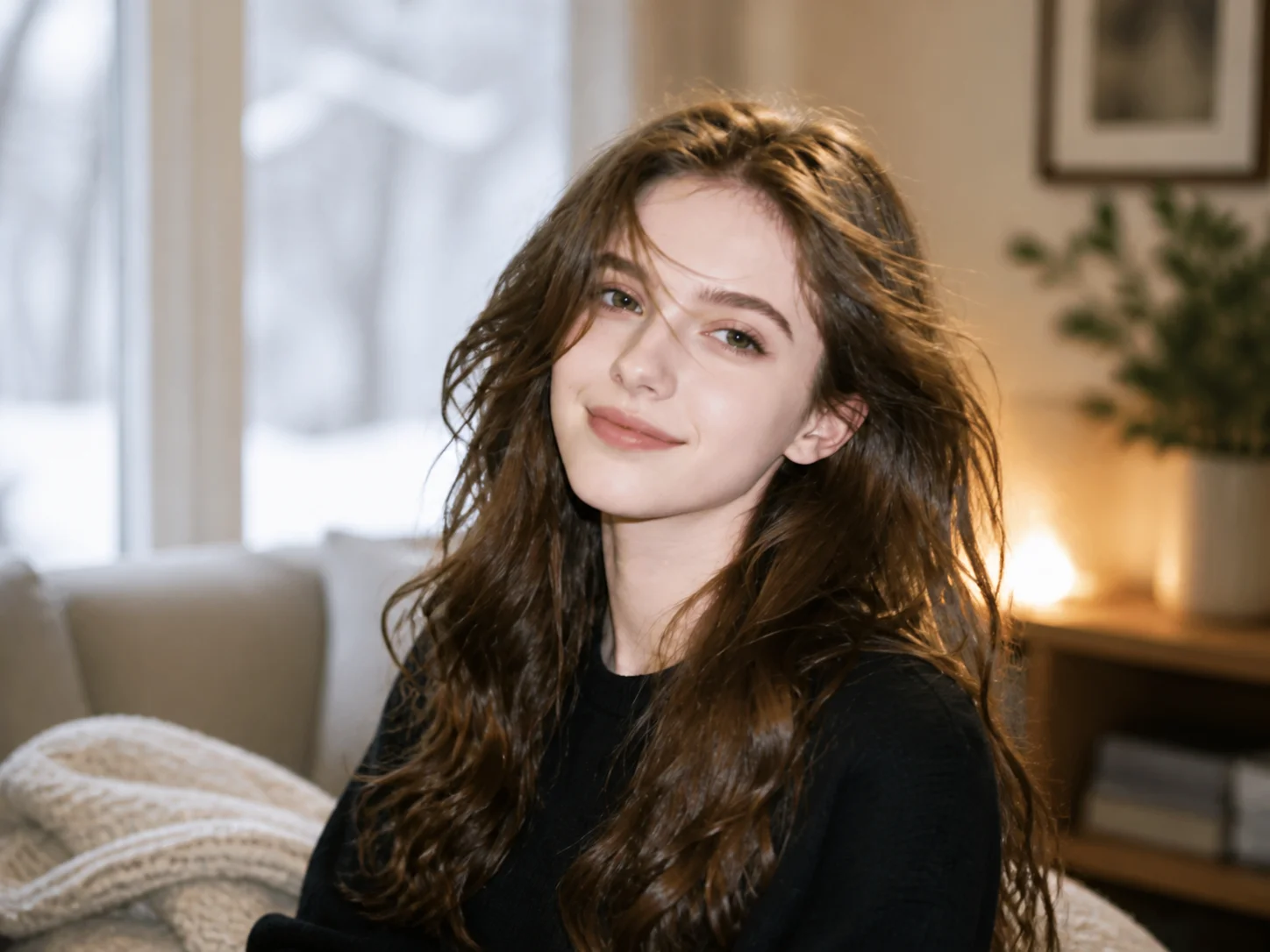
Add a clear portrait or pet image where the head and surrounding area are easy to see. Balanced lighting and a visible head shape help the hat fit more naturally.
Describe the preferred color, material, shape, or festive detail, then generate the edit. The tool places the hat according to the subject's angle, size, and scene lighting.
Review the hat placement, facial details, and original background, then download the finished image for holiday greetings, profile pictures, or social posts.
Instead of placing a flat sticker over the image, the tool adapts the hat to the visible head angle, scale, perspective, and surrounding light. The result feels integrated with the original photo while adding a clear festive touch.
Create a classic red-and-white hat or request different colors, fabrics, trims, patterns, and playful details. A concise description gives you more control over the final Christmas look without manual layer editing.
Add seasonal character to selfies, profile pictures, family memories, and pet portraits while keeping the subject recognizable. Use the finished image for greeting cards, messages, social posts, or personal holiday keepsakes.
Turn portraits and pet photos into festive profile images, greeting visuals, thumbnails, and seasonal social content without manually positioning a hat.
Create quick Christmas concepts for cards, invitations, posters, and digital campaigns while retaining a recognizable subject and coherent composition.
Prepare festive profile images, campaign assets, and seasonal posts that give existing photos a clear holiday theme with minimal production time.
Upload a clear portrait or pet photo, describe the Santa hat style you want, and generate the edit. The tool places the hat according to the visible head angle, proportions, perspective, and scene lighting.
The tool is designed to adapt the hat's size, angle, perspective, and lighting to the uploaded image. A clear photo with an unobstructed head generally produces the most coherent result.
Yes. Describe details such as color, fabric, trim, pattern, shape, or a playful variation in the prompt. Clear, concise instructions help the generated hat match your intended festive style.
Yes. Use a pet photo where the head and ears are clearly visible, and describe how the hat should sit. The result can preserve the animal's recognizable features while adding a festive accessory.
Use it for profile pictures, holiday cards, family messages, party invitations, social posts, or seasonal keepsakes. Review the generated details before using the image in public or commercial materials.
AI Photo Editor is your go-to AI image toolkit for generating, editing, and enhancing photos and artwork.
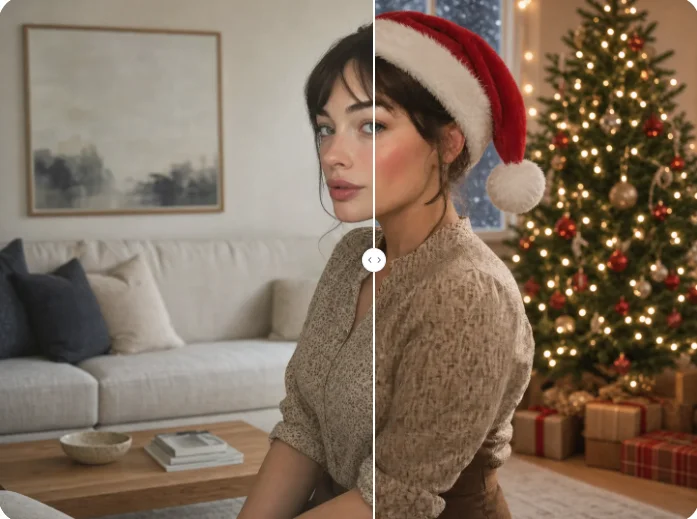
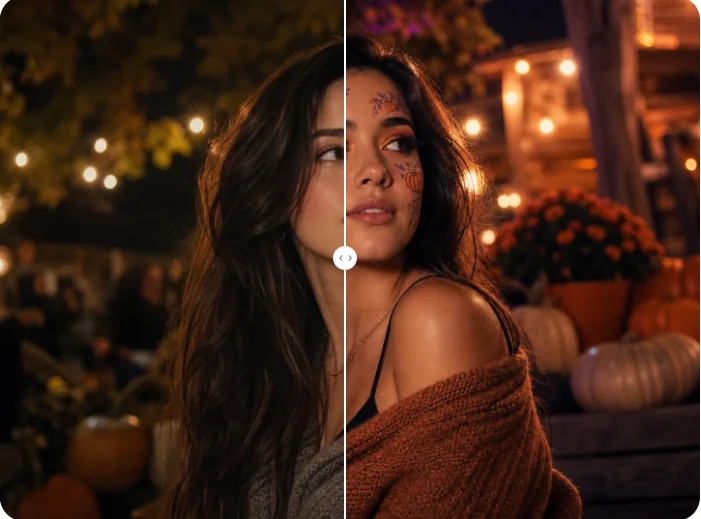
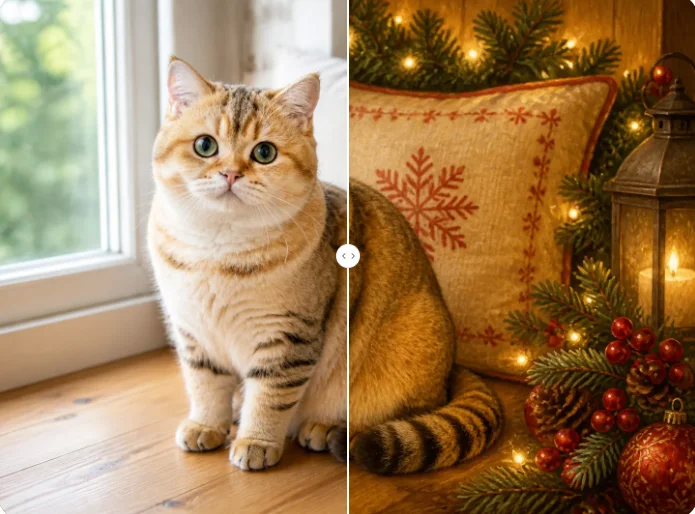
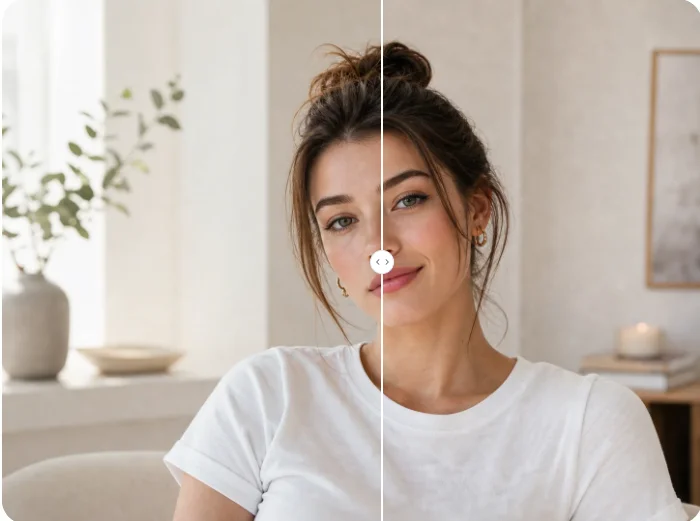
Upload a portrait or pet photo and create a naturally fitted Santa hat edit for greetings, profiles, and festive social posts.