Upload Family Photos
Add clear individual or group photos of the people you want to include. Use images with visible faces and similar viewing angles when possible.
 AI Photo Editor
Upload multiple individual or family photos, then describe the setting and outfits you want. Combine everyone into one cohesive portrait with natural expressions, matched proportions, and consistent lighting.
Upload multiple individual or family photos, then describe the setting and outfits you want. Combine everyone into one cohesive portrait with natural expressions, matched proportions, and consistent lighting.
Add clear individual or group photos of the people you want to include. Use images with visible faces and similar viewing angles when possible.
Describe the desired setting, outfits, and mood, then generate a unified portrait with matched lighting, shadows, poses, and natural expressions.
Review the combined family portrait and save the finished image for sharing, printing, holiday cards, or personal keepsakes.
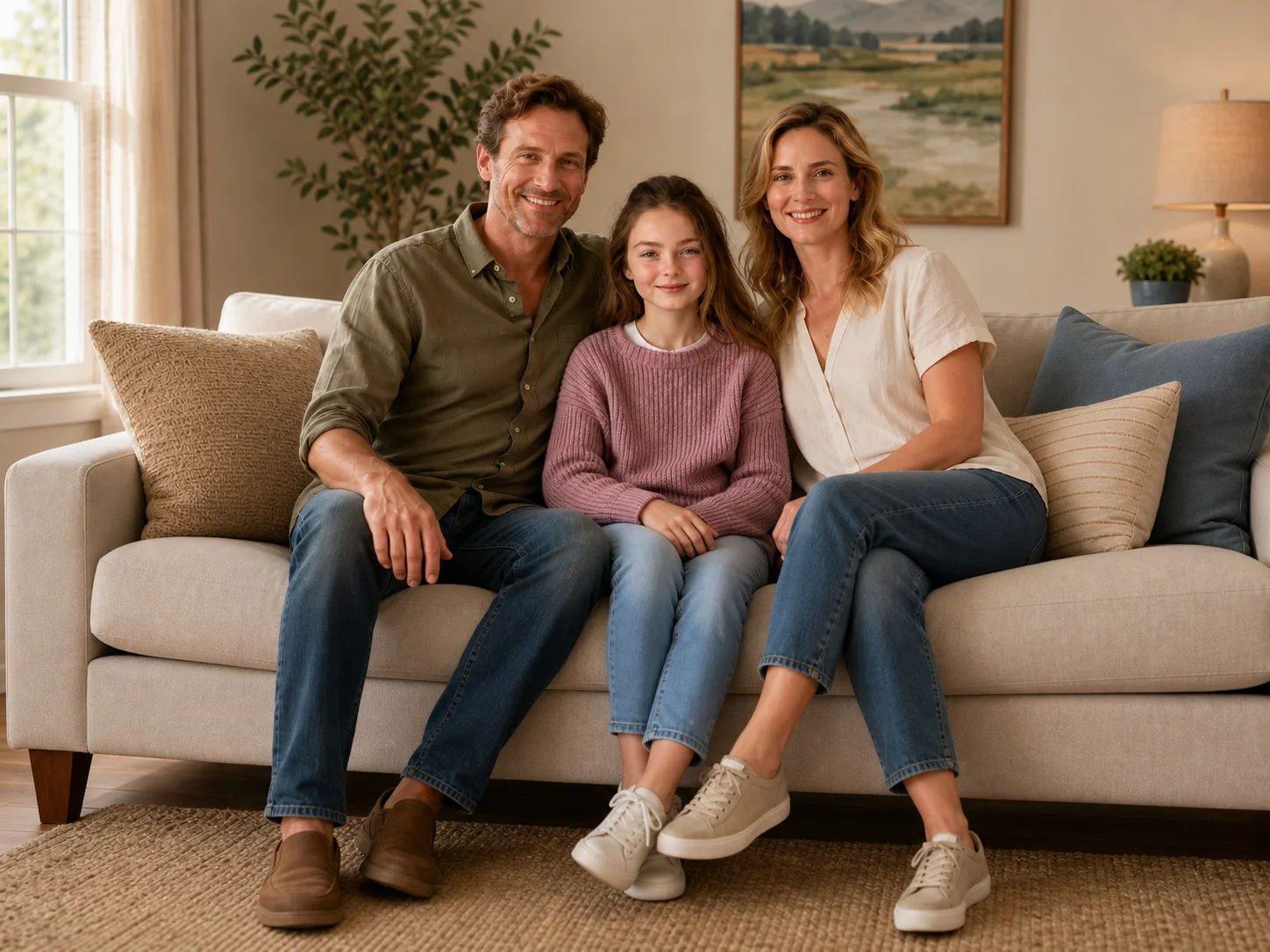
Bring family members from separate photos into one cohesive portrait. The generator aligns faces, body proportions, poses, lighting, and shadows so the group looks photographed in the same scene.
Use uploaded photos as identity references while building a new group composition. Natural skin tones, facial structure, expressions, and individual appearance remain central to the result.
Place the family in a cozy living room, professional studio, outdoor scene, or seasonal setting. Adjust outfits and atmosphere for reunions, holidays, gifts, or framed keepsakes.
Build natural family portraits for social stories, holiday content, memory projects, and personalized visual posts from separate reference photos.
Develop coordinated family portrait concepts with controlled settings, outfits, lighting, and composition for cards, prints, and creative layouts.
Create warm family-focused campaign visuals for seasonal promotions, greeting cards, lifestyle content, and personalized customer experiences.
An AI family photo generator combines people from separate uploaded photos into one coordinated family portrait. It uses the reference images to preserve recognizable faces while matching the group composition, lighting, shadows, outfits, and background.
Yes. Upload clear photos of each person you want to include. The tool uses those images as references and places the family members together in a new shared scene with a consistent visual style.
Use well-lit photos with visible faces, similar camera angles, and enough detail around each subject. A clear prompt describing the setting, group arrangement, clothing, and mood also helps produce a more cohesive result.
The uploaded photos guide facial identity, skin tone, and visible features. Results can vary with image quality, but clear front-facing references generally help the generator maintain more recognizable family members.
Yes. Describe the living room, studio, outdoor, holiday, or other setting you want, along with clothing colors and styles. The generator uses those instructions when creating the combined portrait.
AI Photo Editor is your go-to AI image toolkit for generating, editing, and enhancing photos and artwork.
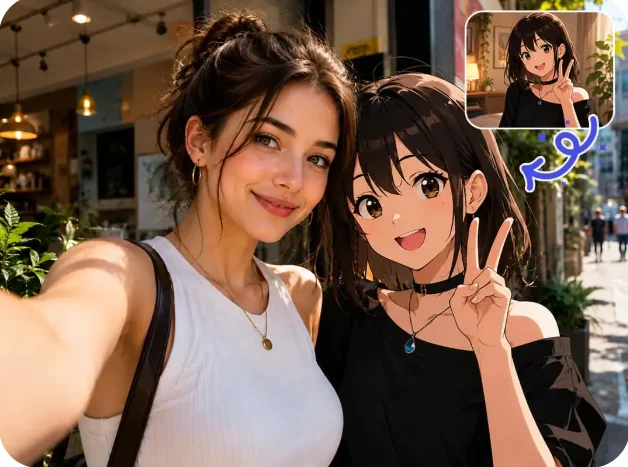
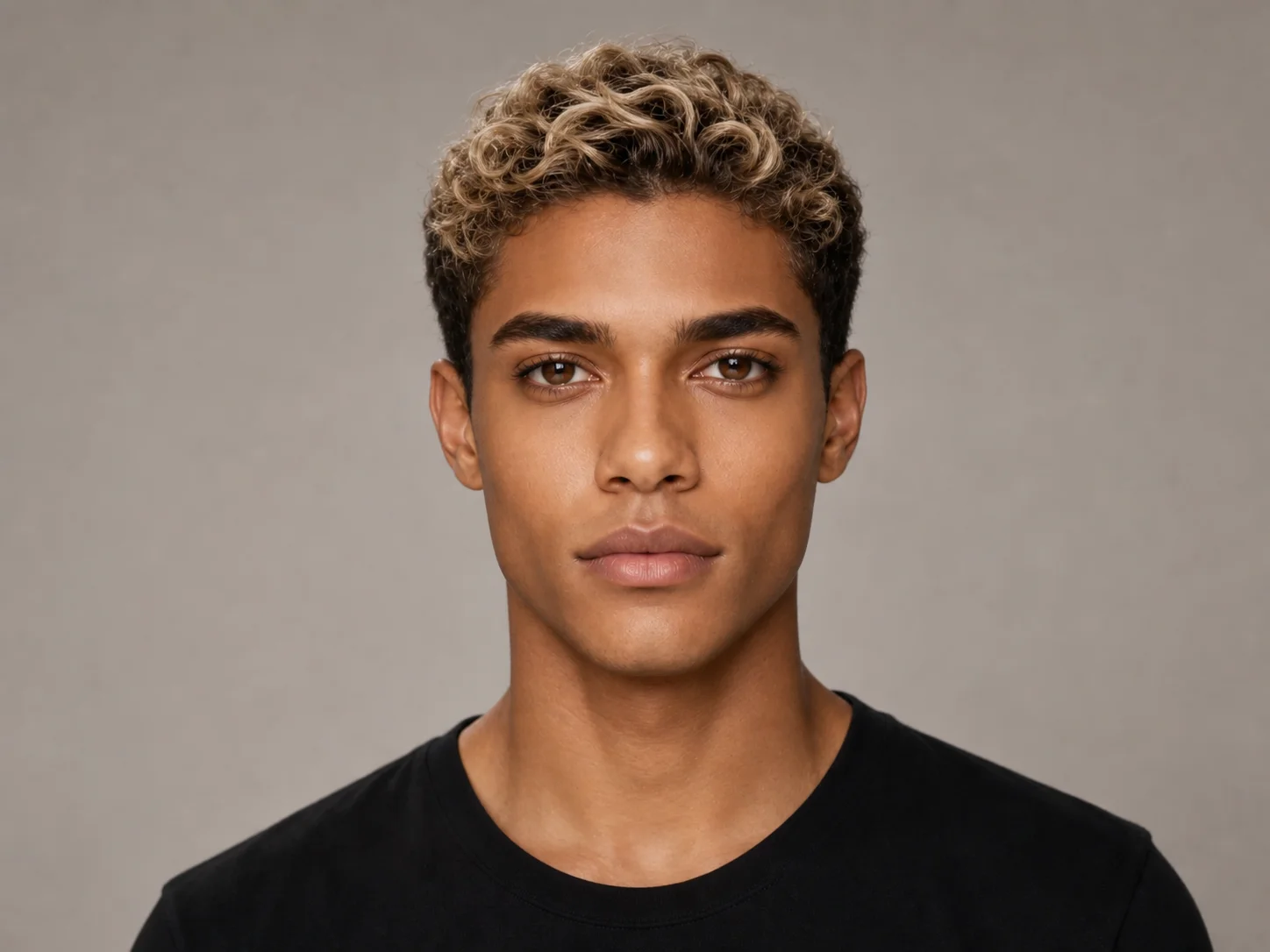
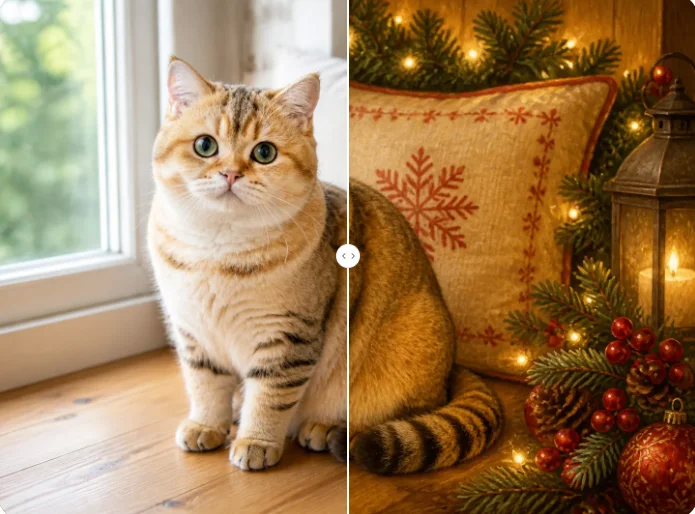
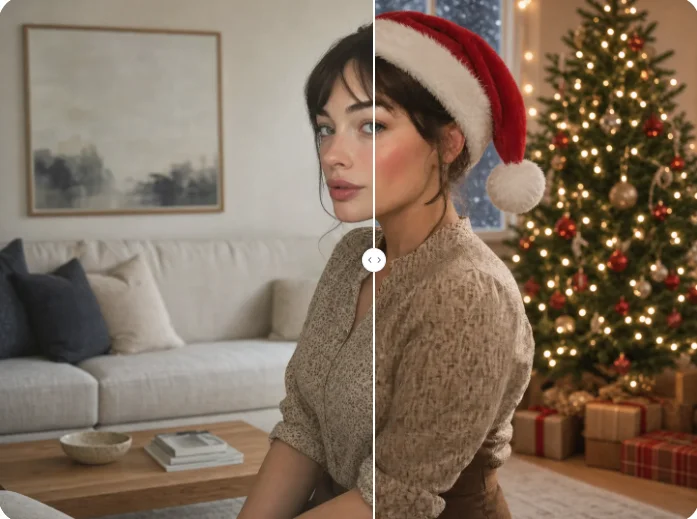
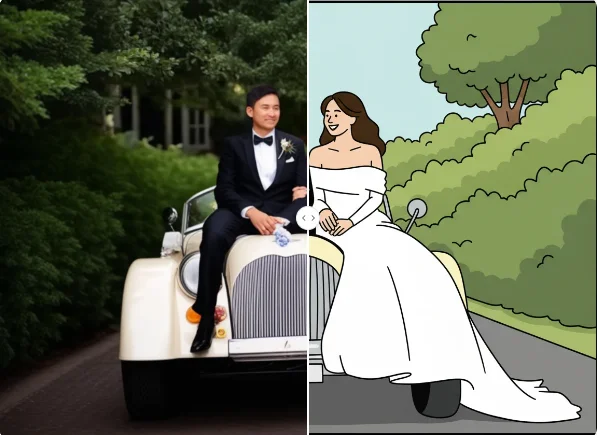
Upload separate family photos and bring everyone together in one natural portrait with coordinated lighting, poses, outfits, and surroundings.