Upload the Matcha Image
Choose the filtered image you want to reconstruct. A clear subject and recognizable composition provide more useful visual structure.
 AI Photo Editor
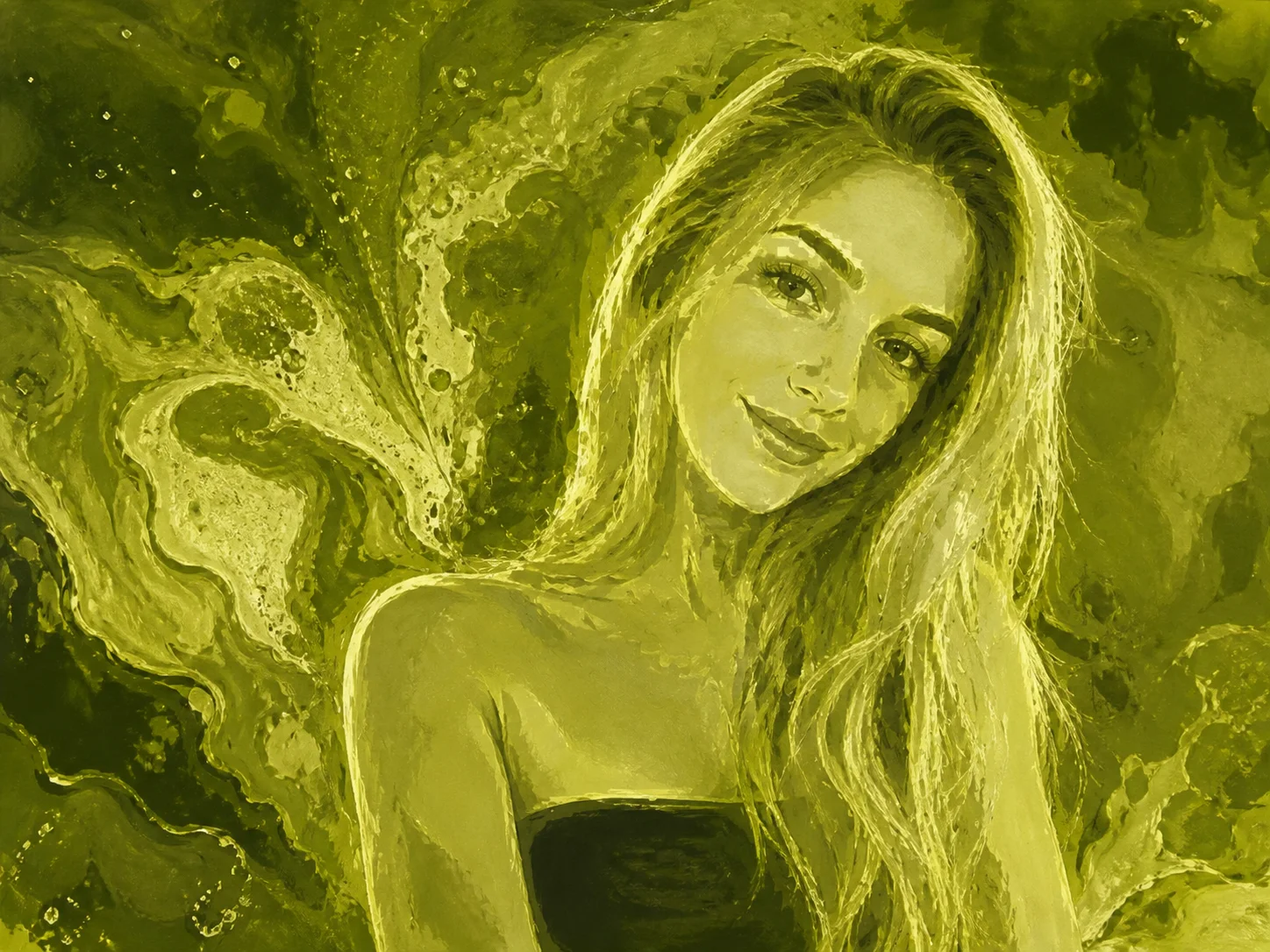
Upload a matcha liquid art image. The tool preserves its subject, pose, framing, and composition while rebuilding realistic skin, hair, colors, materials, and lighting.
Upload a matcha liquid art image. The tool preserves its subject, pose, framing, and composition while rebuilding realistic skin, hair, colors, materials, and lighting.

AI Photo Editor is your go-to AI image toolkit for generating, editing, and enhancing photos and artwork.

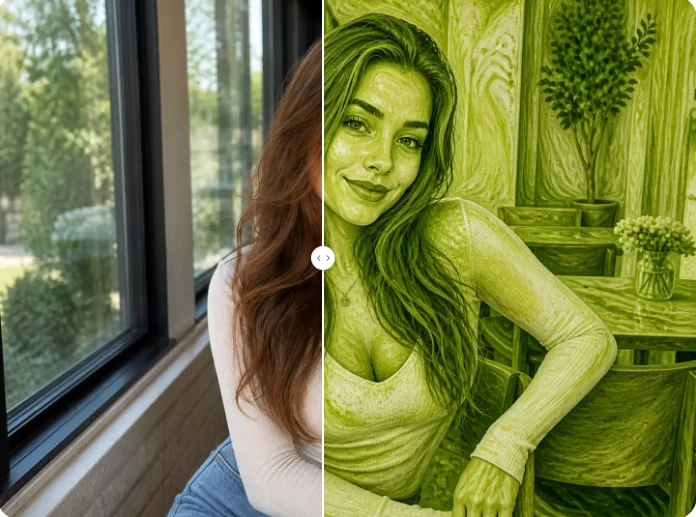
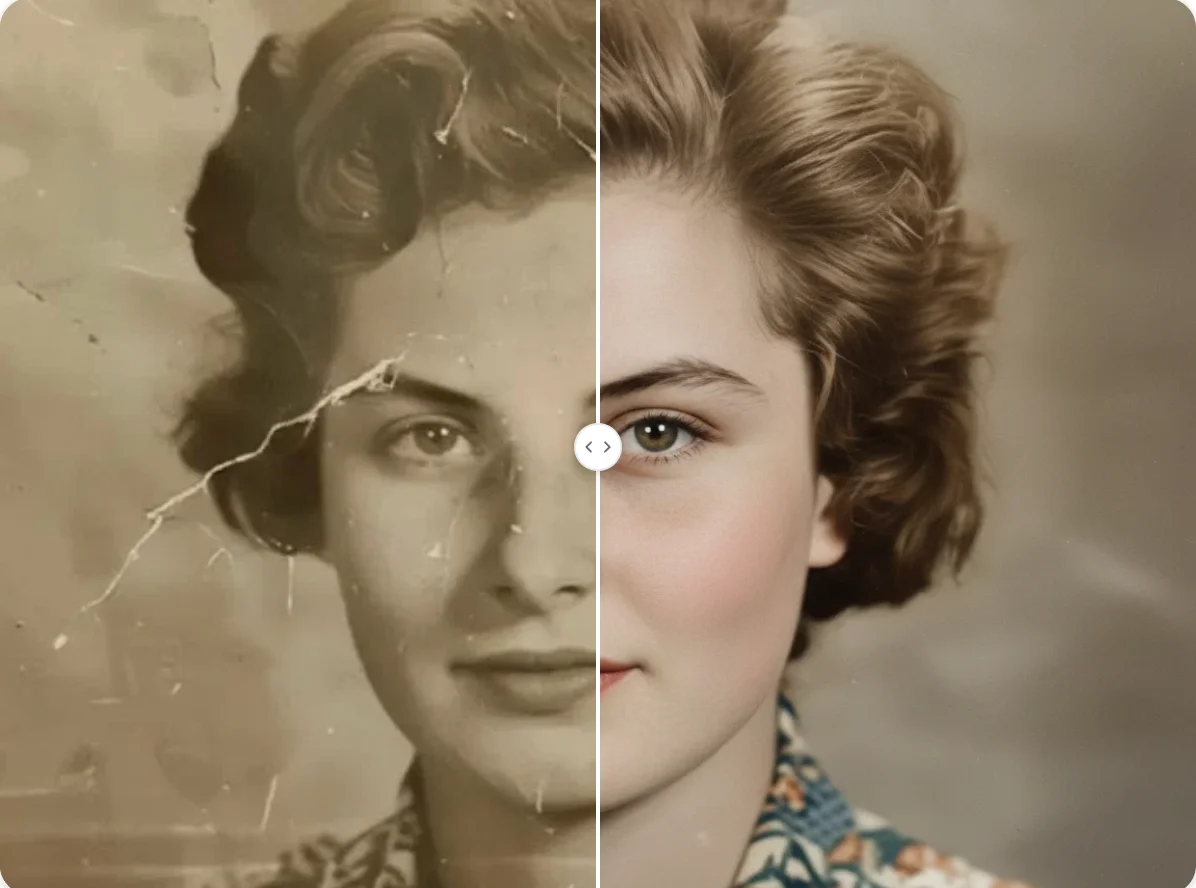
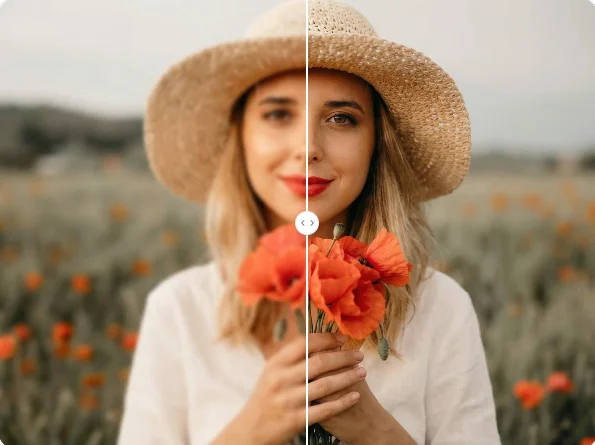
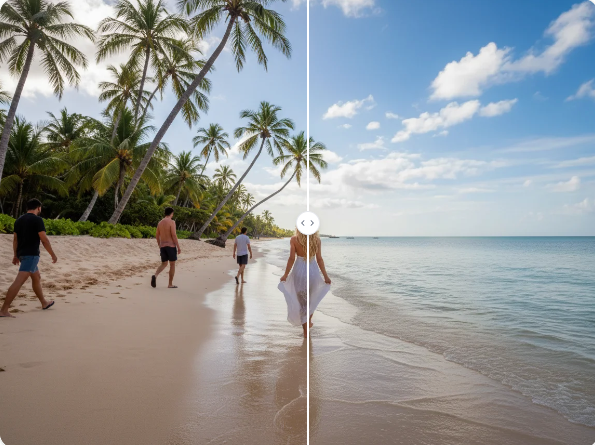
Choose the filtered image you want to reconstruct. A clear subject and recognizable composition provide more useful visual structure.
Start the AI reconstruction to replace green liquid, foam textures, and illustrated surfaces with natural-looking photographic details.
Review the reconstructed colors, skin, hair, materials, and background, then save the finished image.
Replace the green cast, smooth liquid surfaces, and foam swirls with natural-looking skin tones, hair strands, fabric, materials, and lighting.
Keep the visible person, pet, pose, framing, and scene layout connected to the uploaded matcha image during reconstruction.
Create a convincing natural-looking reconstruction when only the matcha version remains, while recognizing that destroyed details cannot be recovered exactly.
Rebuild natural-looking versions of matcha trend images for profile photos, social content, and reusable creative assets.
Convert heavily stylized matcha liquid art into practical photo references with recognizable subjects and balanced visual details.
Restore more natural campaign and social visuals when only a matcha-filtered version of the source image is available.
It uses AI reconstruction to replace the green liquid, creamy foam, and illustrated surfaces of a matcha image with more natural-looking photographic colors and details.
No. The result is an AI reconstruction, not recovery of the original file. Details removed or replaced by the filter must be re-imagined rather than retrieved.
It reads the surviving subject, pose, framing, and composition, then re-renders realistic skin, hair, colors, materials, lighting, and background details.
Yes. The tool works from the matcha version alone, although clearer subjects and less distorted compositions generally provide stronger reconstruction results.
It is designed to preserve recognizable subject structure, pose, framing, and composition. Exact clothing patterns, text, and details destroyed by the effect may differ.
Upload a matcha liquid art image and rebuild a natural-looking photo while keeping its subject, pose, framing, and composition recognizable.