Upload Your Photo
Upload a clear photo where your full hairstyle is visible for the most accurate result. This helps the AI bald filter analyze your hairline, head shape, and overall proportions.
 AI Photo Editor
Wondering how you'd look without hair? Use AI bald filter online to create a realistic bald or balding effect from your photo in just one click.
Wondering how you'd look without hair? Use AI bald filter online to create a realistic bald or balding effect from your photo in just one click.

Upload a clear photo where your full hairstyle is visible for the most accurate result. This helps the AI bald filter analyze your hairline, head shape, and overall proportions.
Click the generate button and wait a few seconds while the system applies a realistic bald or balding effect. The bald filter online creates a natural looking result based on your original photo.
Once the image is ready, download your bald head photo instantly. You can share it on social media or keep it for fun, comparisons, or style inspiration.
AI Photo Editor's bald filter generates realistic bald or balding looks in just seconds. You don't need to wait or fine-tune settings to get a clean, natural bald head filter result. The system accurately analyzes your hairline, head shape, and lighting to ensure high-quality output. Each bald filter online result looks smooth and believable, not like a rough photo cutout.
This bald filter is built with advanced AI models such as nano banana–level image processing technology. It understands facial structure and hair boundaries instead of simply removing hair areas. As a result, the AI bald filter produces more realistic skin texture and head contours. Compared to basic balding filters, the output feels closer to a real shaved or bald look.
Your photos are processed securely and are only visible to you. AI Photo Editor's bald head filter does not make your images public or reuse them for training. You can use the bald filter online with confidence, whether for fun, appearance comparison, or personal curiosity. Your image stays private from upload to download.
Create visuals faster without design skills. Turn ideas into images, thumbnails, social posts, and creative assets in seconds.
Accelerate your creative workflow. Use AI Photo Editor to generate concepts, references, and visual directions, then refine them into production-ready designs.
Produce high-converting visuals on demand. Create ads, campaign visuals, and branded images quickly.
Instagram does not offer an official bald filter by default. Some creators may share temporary effects, but they can disappear or be hard to find. If you want a stable and realistic result, using an AI bald filter online like AI Photo Editor is more reliable.
Snapchat has had bald or balding-style lenses in the past, but they are not always available and may look more playful than realistic. For a more natural bald head filter result, uploading a photo to AI Photo Editor works better.
The easiest way is to use an AI bald filter online: 1. Upload your photo. 2. Let the AI detect your hair and head shape. 3. Instantly preview a bald or balding look. 4. No app download is required.
The how would I look bald filter lets you see a realistic preview of yourself without hair. AI Photo Editor adjusts skin tone, head shape, and lighting so the bald look matches your face naturally.
TikTok does not have a built-in bald filter that works consistently for everyone. Many users instead create bald images using an AI bald filter, then upload the result to TikTok as a photo or video.
AI Photo Editor is your go-to AI image toolkit for generating, editing, and enhancing photos and artwork.
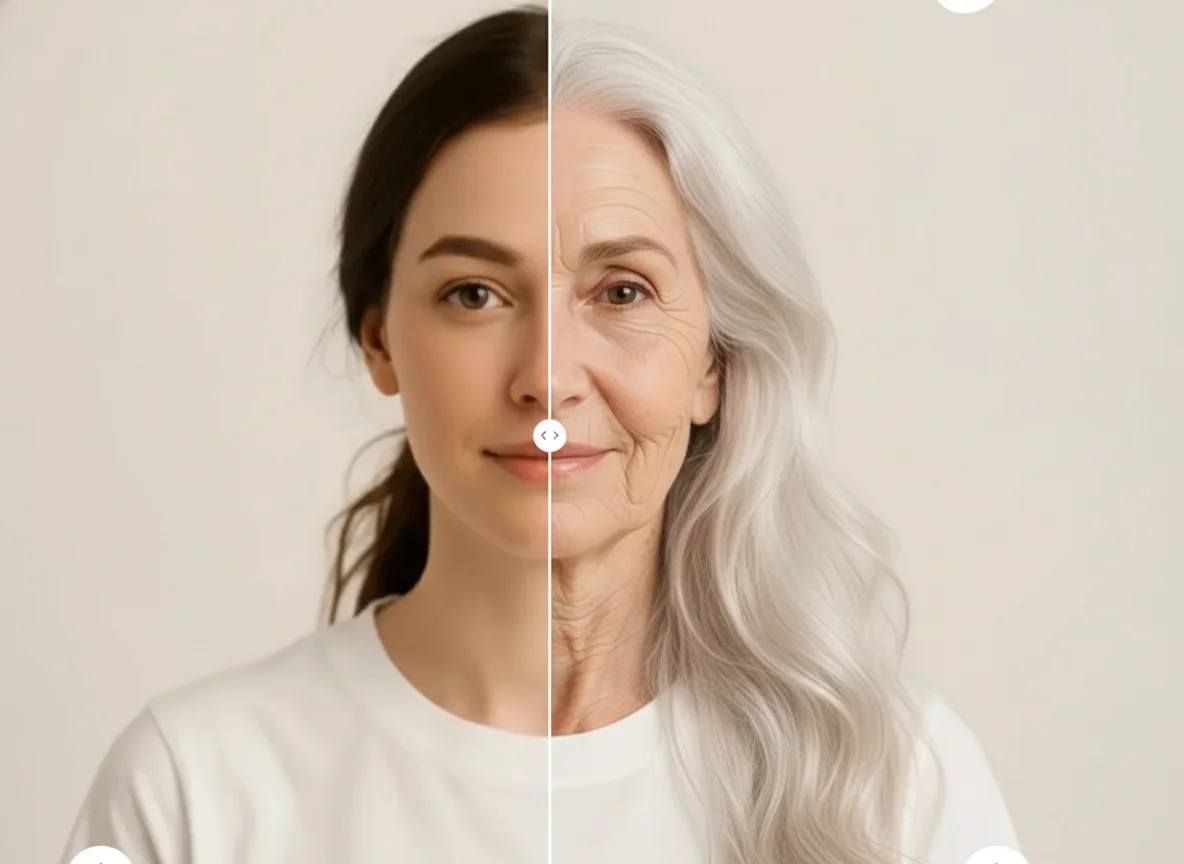
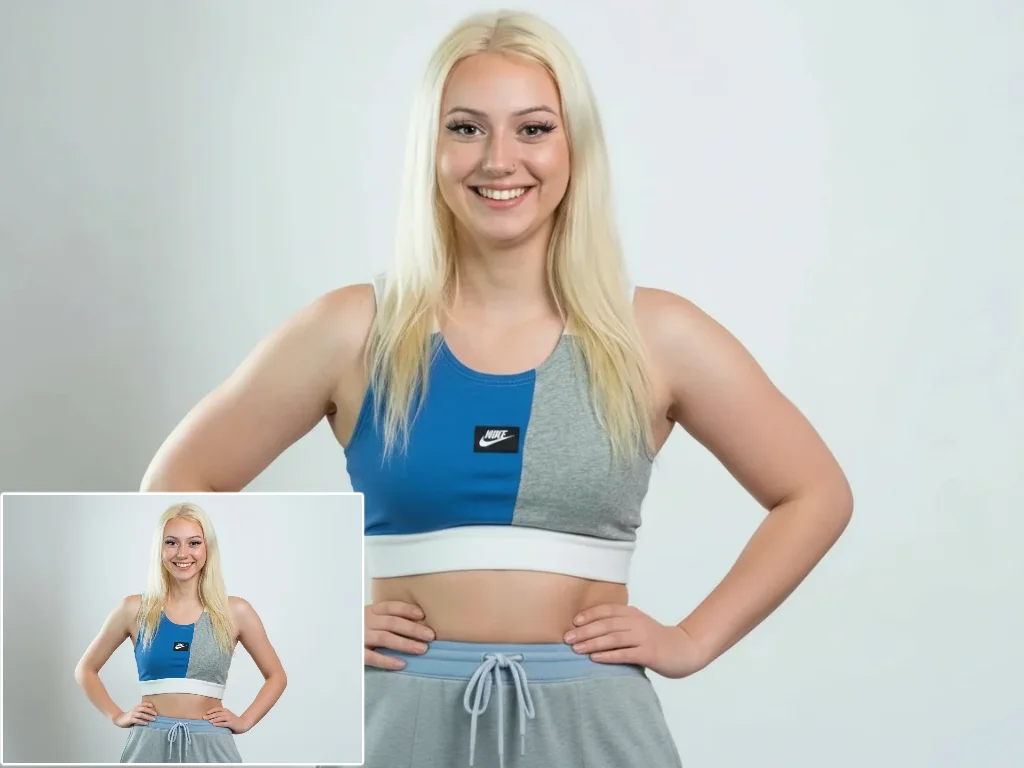
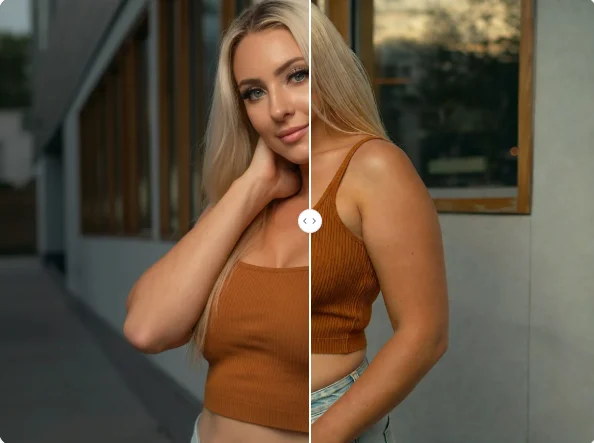
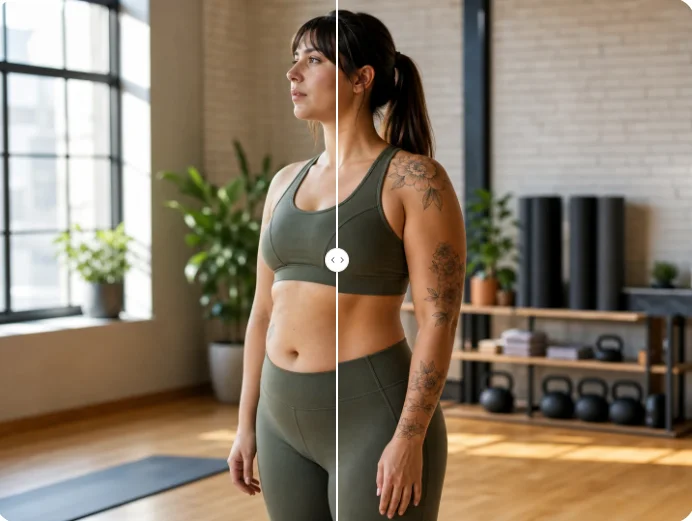
Try AI Photo Editor's bald filter online to see how you look bald in seconds. Upload a photo and use the AI bald filter to preview a realistic bald or balding look for free.