AI Tattoo Generator

Transform your idea into a custom tattoo design in seconds—no artistic skills needed.

Required inputs: 1 reference image.

0/20000
Advanced settings
8Generate

AI Tattoo Generator

Transform your idea into a custom tattoo design in seconds—no artistic skills needed.

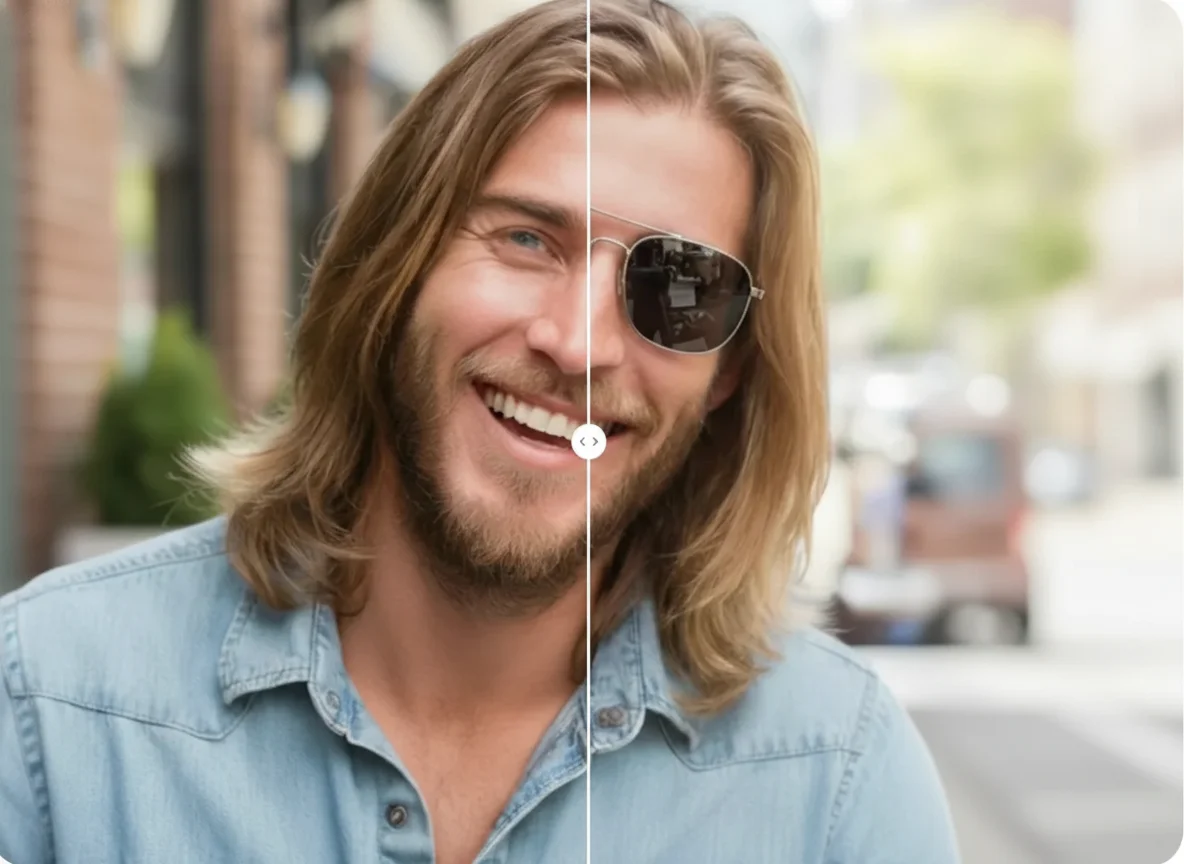
AI Tattoo Generator afterAI Tattoo Generator before
BeforeAfter

How to Generate Tattoo Photos Online

01

Choose and Upload a Photo of Your Body Area

Start by picking a clear photo of the part of your body where you'd like the tattoo. Make sure the image is well lit and shows the shape and size of the area, so the result can match your real proportions. You can use a recent photo taken straight on or at a slight angle, depending on where the design will go.

02

Describe the Tattoo You Have in Mind

Think about the style, elements, and feeling you want for your tattoo. Write a short description with details such as theme, symbols, line work, shading, or cultural influences. The more precise your words, the closer the outcome will be to your vision. You can mention colors, size preferences, or whether you want something bold or delicate.

03

Generate and Save Your Design

When your photo and description are ready, click the create button and wait a few moments while the design takes shape. Once the result appears, review it and, if you like it, download the image. You can then show it to a tattoo artist or keep it as inspiration for your next step.

Key Features of AI Photo Editor's Tattoo Generator

High‑Quality Tattoo Designs

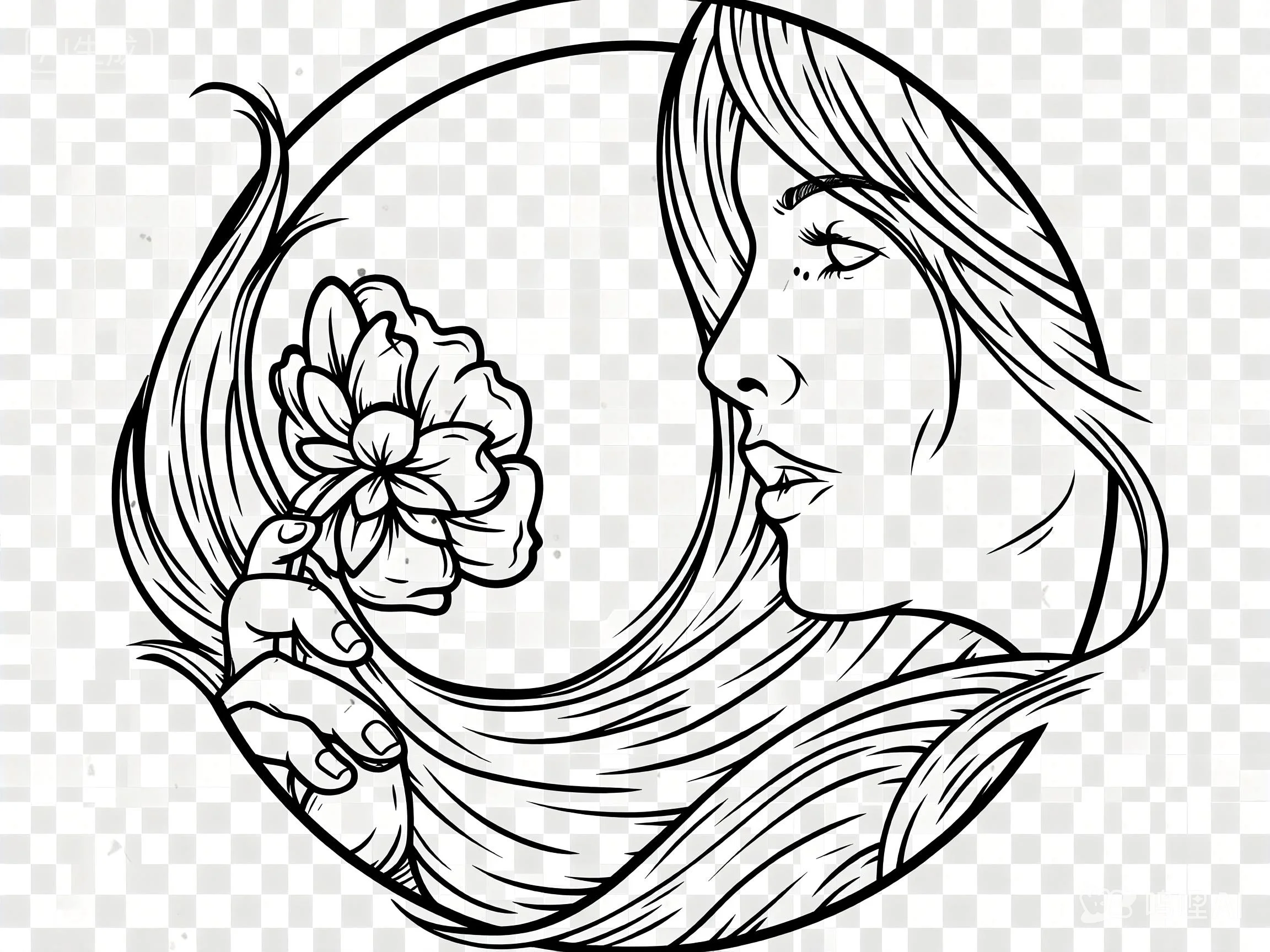
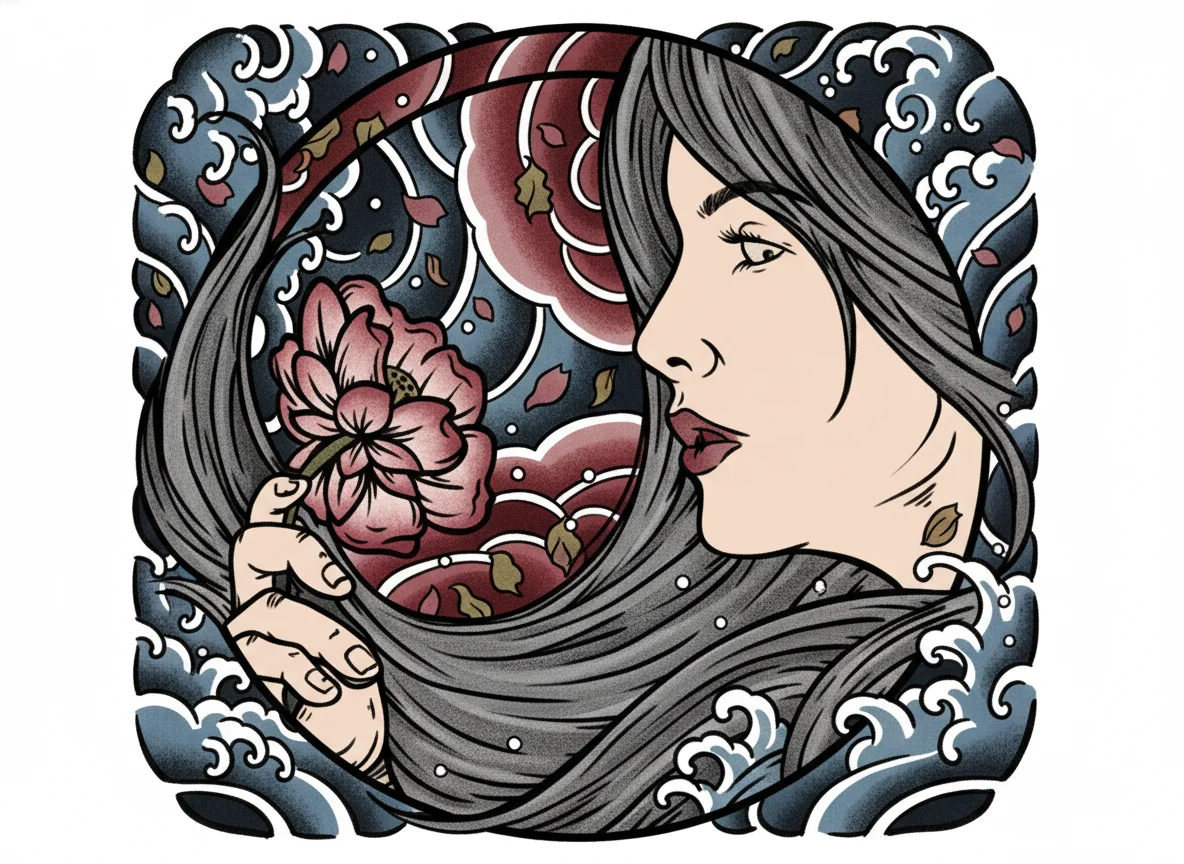
AI Photo Editor's free tattoo generator makes tattoo designs in clear, high‑resolution images. Lines stay sharp and details are easy to see, so you can view every part of the pattern without blur. This means you get tattoo designs made from your input that look smooth and real. You can check them closely, share a neat copy with your tattoo artist, and know the final tattoo will match your idea.

Create Tattoo Designs From Text or Photo

As a tattoo generator from text and photo, AI Photo Editor's tool lets you start with words, a picture of your body area, or both. Just type what you want—style, symbols, size—or upload a photo, and it forms a matching design. Being able to work from text or photo makes it simple for anyone to try ideas fast. You do not need drawing skills, and you can shape the design to fit your body and taste in minutes.

Try Different Prompts for Many Unique Designs

AI Photo Editor's tattoo generator helps you make several tattoo designs from different prompts, so you can explore fresh looks each time. Change a word or idea, and you get a new version to compare. This way, you enjoy the freedom of an ai generated tattoo designs collection without extra cost. You can mix styles, test bold or fine details, and pick the one that feels most yours before going to a tattoo artist.

Who Use AI Photo Editor

Creators

Create visuals faster without design skills. Turn ideas into images, thumbnails, social posts, and creative assets in seconds.

Designers

Accelerate your creative workflow. Use AI Photo Editor to generate concepts, references, and visual directions, then refine them into production-ready designs.

Marketers

Produce high-converting visuals on demand. Create ads, campaign visuals, and branded images quickly.

QUESTIONS & ANSWERS

FAQs About AI Tattoo Generator

Can AI generate a tattoo idea for me?+

Yes. With a tattoo generator from text, you can describe the style, theme, or feeling you want, and AI Photo Editor will turn your words into a clear tattoo idea. This makes it easy to explore creative concepts without starting from scratch.

Can AI generate tattoo designs?+

It can. Using an ai tattoo generator like AI Photo Editor, you can create tattoo designs from text or photo. Just provide some details or upload a picture of your body area, and the tool forms designs that match your vision. These ai generated tattoo designs can be downloaded and shown to a tattoo artist.

Is there a free AI tattoo generator?+

Yes, AI Photo Editor offers a free ai tattoo generator. You can use it to make tattoo designs from text or photo without any cost, so you can try many ideas and find the one that suits you best.

What is the best AI tattoo generator?+

Many people choose AI Photo Editor as the best ai tattoo generator because it delivers high‑quality, clear results and supports both text and photo inputs. As a free ai tattoo generator that also works as an ai tattoo generator from text and an ai tattoo generator from photo, it helps you quickly shape unique ai generated tattoo designs with simple steps.

Do I need to download an app?+

No downloads needed. The AI tattoo generator online works directly in your browser on desktop or mobile.

AI Tattoo Generator

Turn words or photos into custom tattoo designs for free. Explore styles, find inspiration, and shape your unique body art in moments.