Upload
Add two or more clear, well-lit portraits with visible facial features. Similar angles usually help produce a more balanced blend.
 AI Photo Editor
Upload clear face photos and generate a face morph online that aligns facial structure, balances skin tone, and combines distinctive traits into one smooth, coherent portrait.
Upload clear face photos and generate a face morph online that aligns facial structure, balances skin tone, and combines distinctive traits into one smooth, coherent portrait.
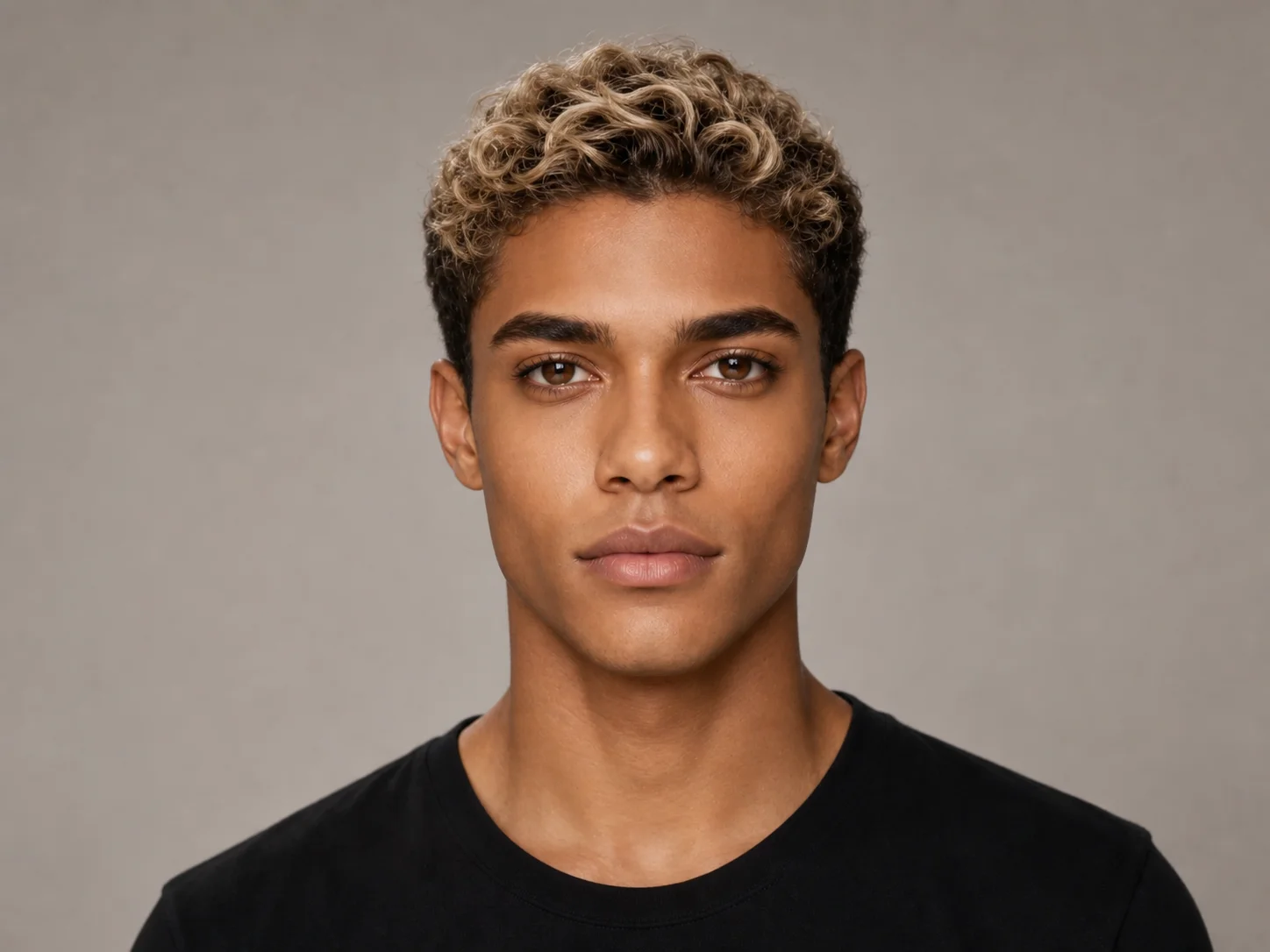
Add two or more clear, well-lit portraits with visible facial features. Similar angles usually help produce a more balanced blend.
Start the generation and let the system align key facial landmarks, combine structure and skin tone, and create one coherent face.
Review the blended portrait, confirm that important traits remain recognizable, and download the result for your creative project.
Align eyes, nose, mouth, face shape, and other landmarks before combining them into one cohesive portrait. The result balances facial structure and skin tone so the blend feels intentional rather than looking like two photos simply layered together.
Create a new mixed face while retaining visual cues from the source portraits, including characteristic expressions, proportions, and defining facial details. This balance makes the output useful for character concepts, social visuals, gifts, and playful experiments.
Explore family resemblance concepts, fictional character blends, profile images, art references, and imaginative mashups without manually masking and retouching every facial area. AI Photo Editor turns a multi-step editing task into a clearer generation workflow.
Build distinctive profile images, character mashups, social posts, and playful visual experiments from multiple portraits.
Explore blended facial references for character development, concept art, campaigns, entertainment graphics, and visual ideation.
Create attention-grabbing portrait concepts for social campaigns, interactive content, themed promotions, and audience engagement.
Face morphing blends facial features from two or more source photos into one new portrait. AI Photo Editor detects landmarks, aligns facial structure, and balances details to create a smoother combined face.
Use sharp, well-lit portraits with unobstructed faces. Front-facing or similarly angled photos give AI Photo Editor clearer features to align and usually produce a more coherent result.
Yes, when the generator accepts multiple source images. More faces create a more complex blend, so use clear inputs and review whether the important traits remain visible.
AI Photo Editor aims to retain recognizable cues from each source while creating one new face, but the balance varies with image quality, lighting, angle, and the number of portraits used.
Use AI Photo Editor for character concepts, profile images, family resemblance experiments, social posts, fictional mashups, personalized gifts, and other creative visuals, subject to applicable image rights.
AI Photo Editor is your go-to AI image toolkit for generating, editing, and enhancing photos and artwork.
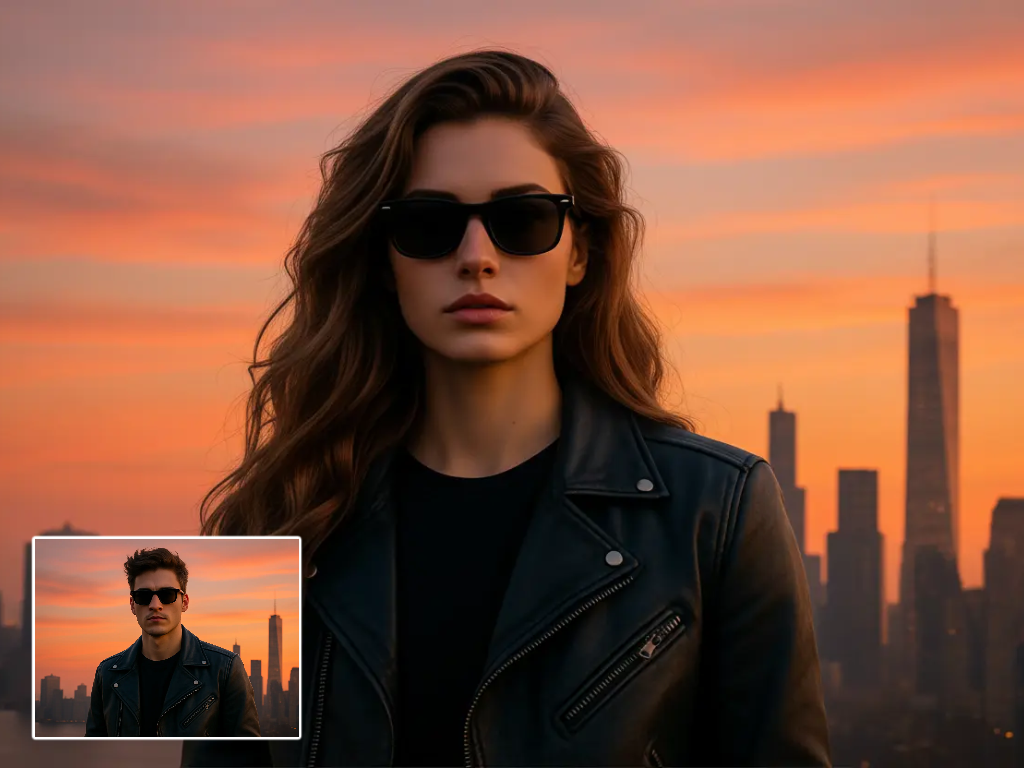
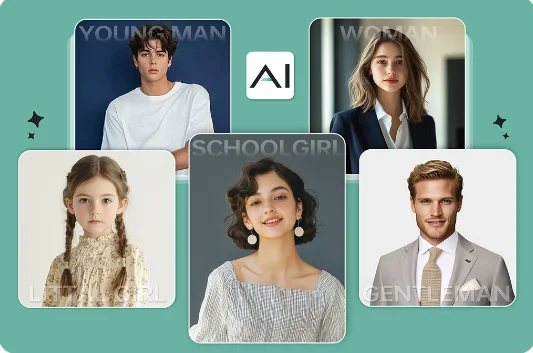
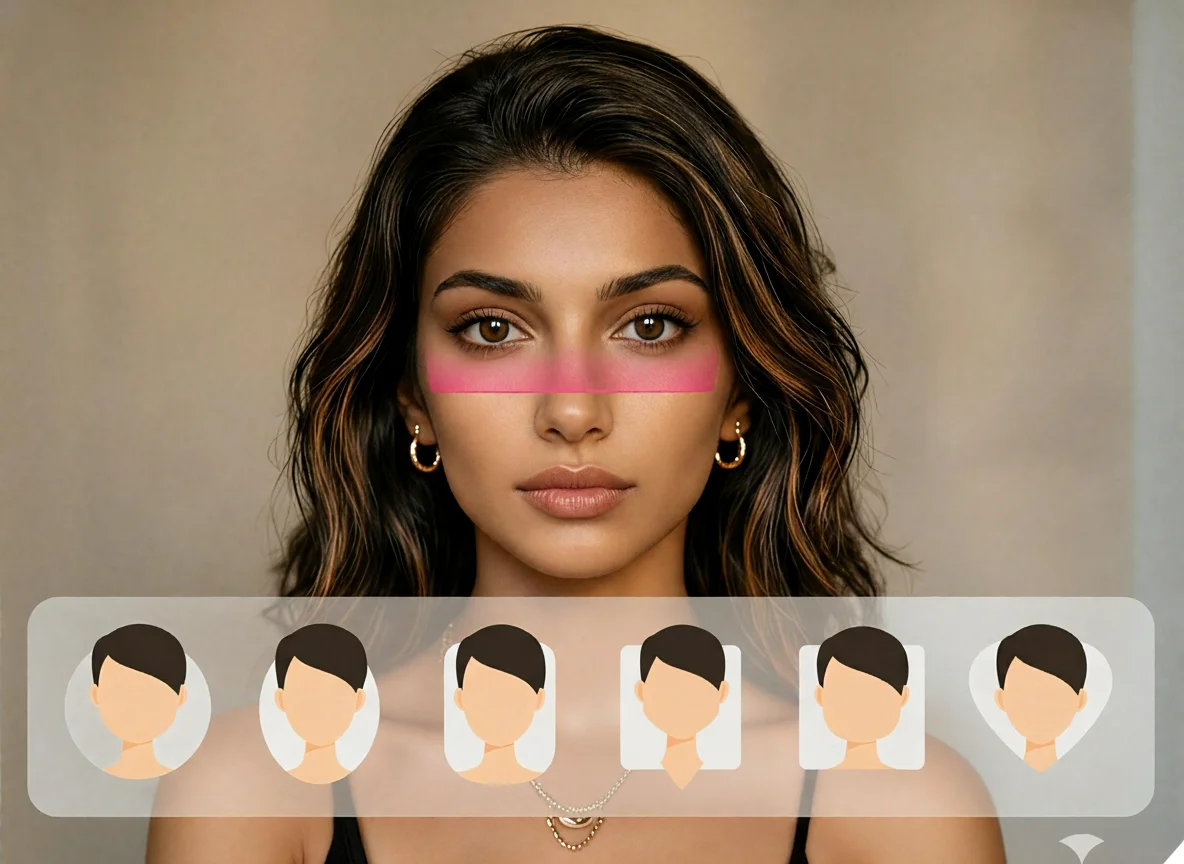
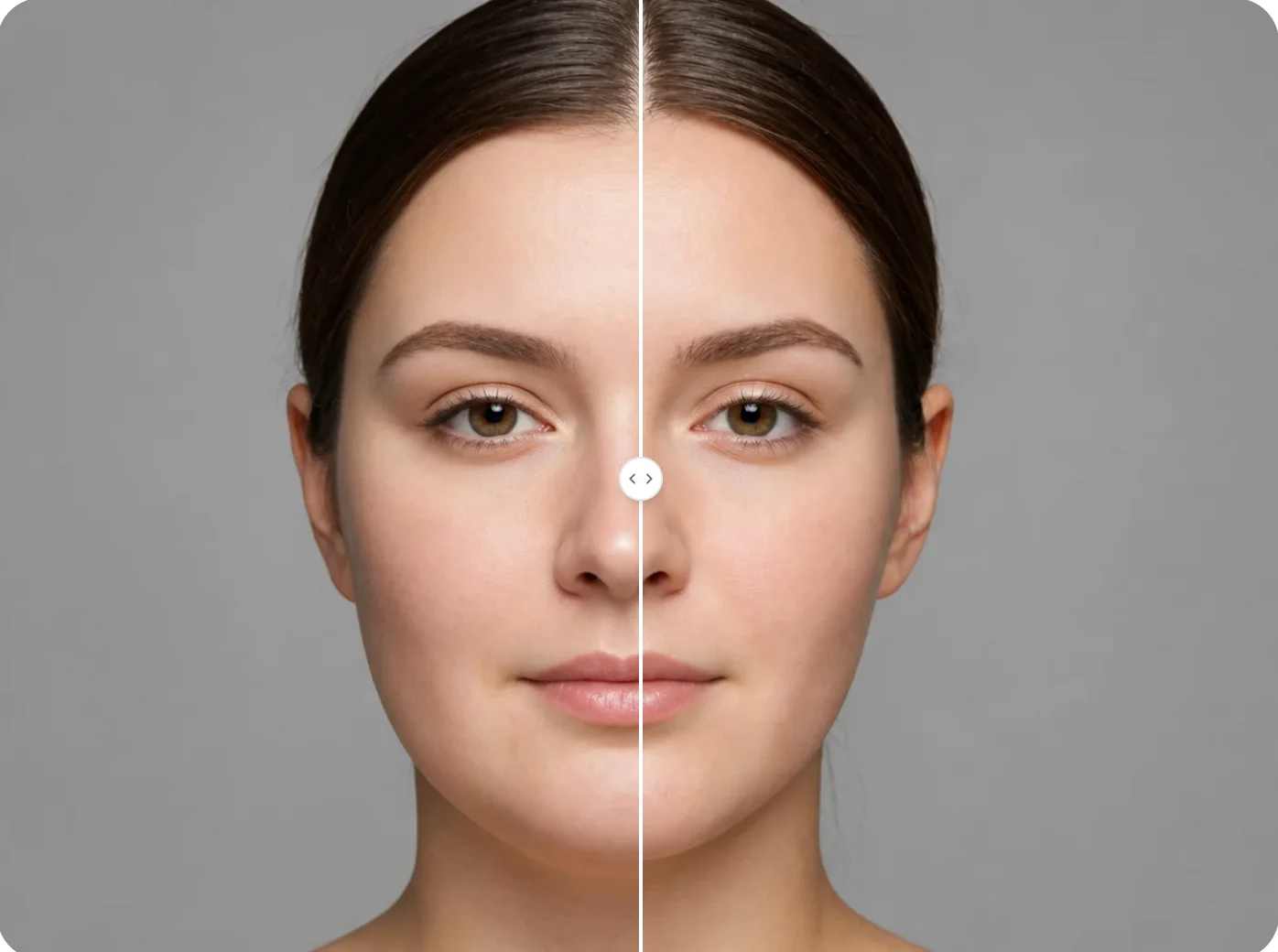
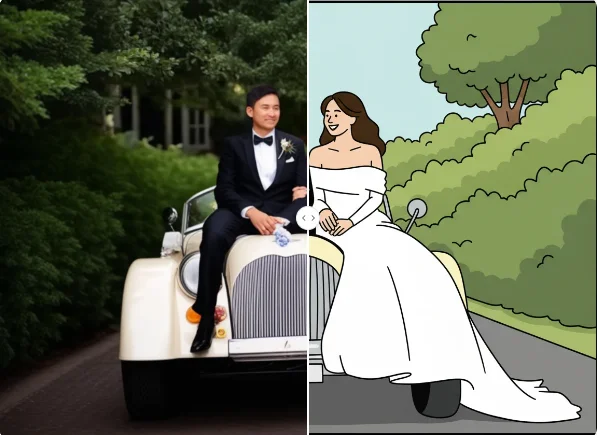
Upload clear portraits and combine their facial structure, skin tone, and distinctive traits into one coherent, recognizable result.