Upload
Choose a clear portrait, travel photo, landscape, or everyday image that you want to give a nostalgic look.
 AI Photo Editor
Upload a photo, describe the decade or film mood you want, and transform it with grain, faded tones, light leaks, and classic camera character while preserving the original subject.
Upload a photo, describe the decade or film mood you want, and transform it with grain, faded tones, light leaks, and classic camera character while preserving the original subject.
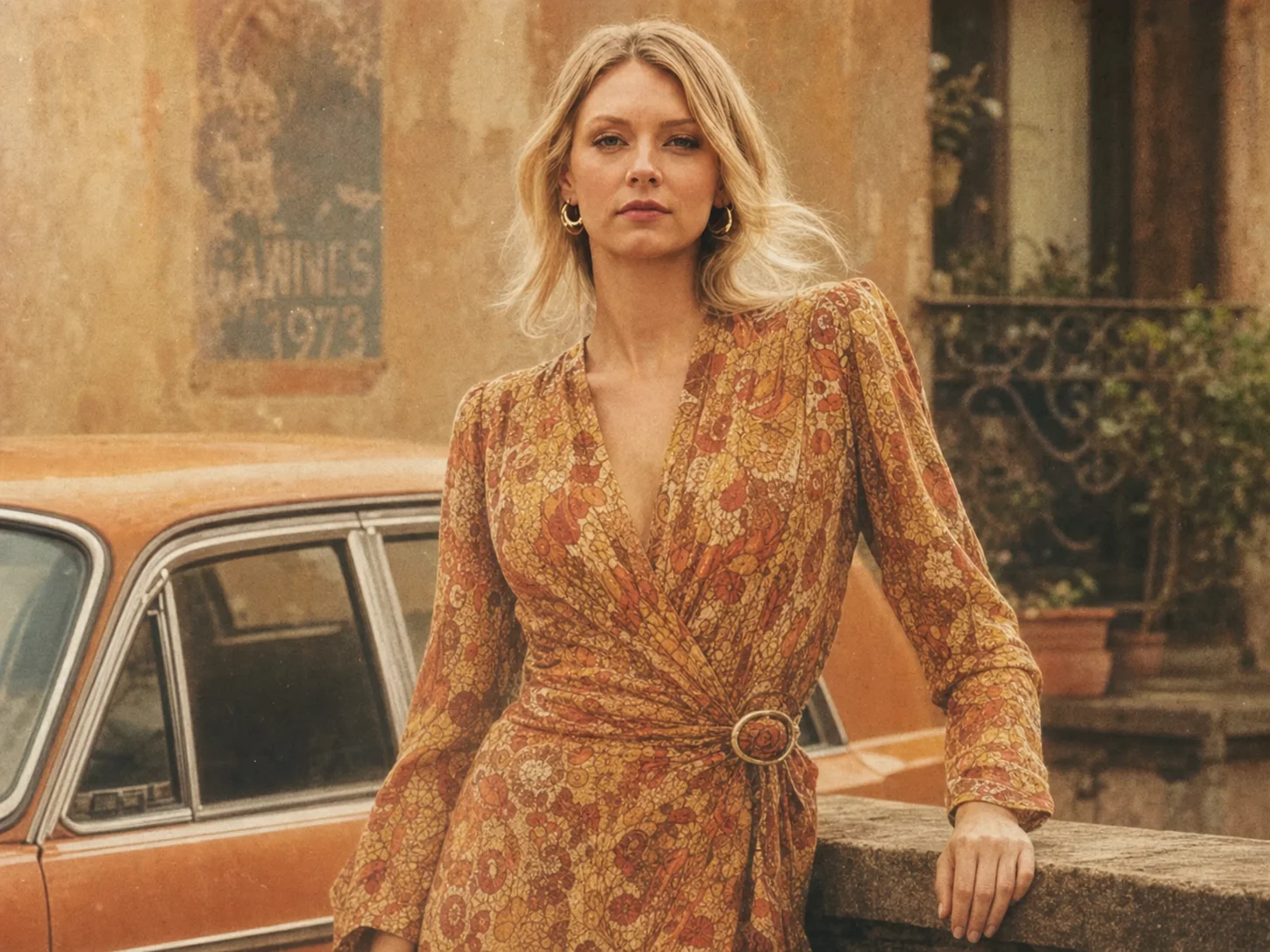
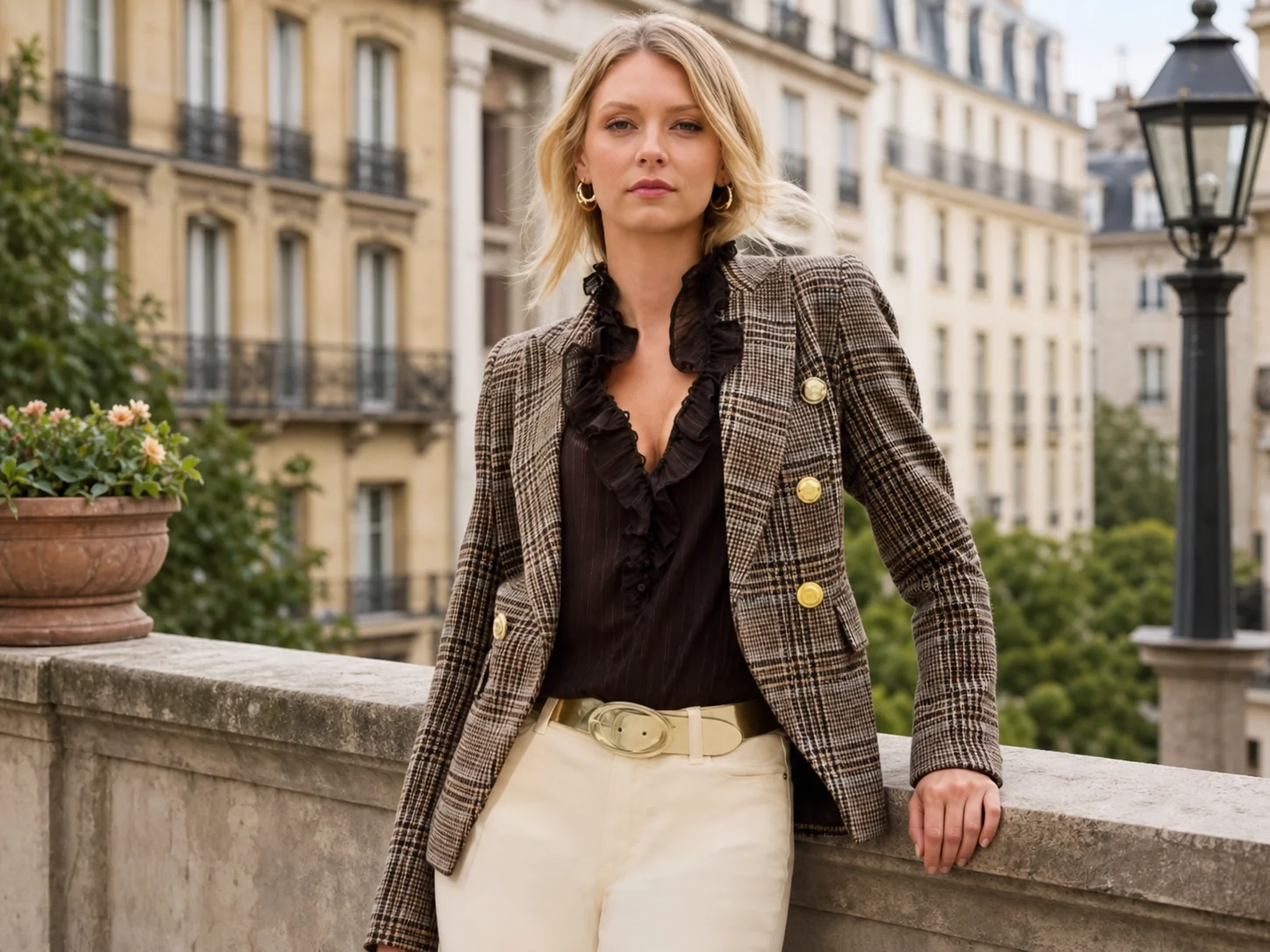
Choose a clear portrait, travel photo, landscape, or everyday image that you want to give a nostalgic look.
Describe the preferred decade, film stock, color mood, grain, or light leak, then let the vintage photo filter create the transformation.
Review the retro treatment, choose the result that best suits your idea, and download it for sharing or further design.
Recreate the visual character of classic photography with soft grain, faded color, subtle dust, gentle vignettes, and light leaks. The effects work together to give a digital photo convincing age and atmosphere instead of simply applying a flat color overlay.
Add a nostalgic mood while keeping faces, objects, composition, and important details recognizable. The vintage photo filter balances retro texture with image clarity, making it suitable for portraits, travel memories, landscapes, and creative projects.
Move beyond a single preset by describing the exact look you want, from warm 1970s portraits and faded instant film to cinematic analog color or old street photography. Adjust the creative direction without manually rebuilding grain, tone, and lighting effects.
Turn portraits, travel memories, and everyday photos into nostalgic visuals for social posts, profile images, mood boards, and personal storytelling.
Explore retro color directions and film-inspired treatments for posters, editorials, album artwork, invitations, and visual concepts.
Create distinctive campaign images with nostalgic character for lifestyle brands, seasonal promotions, events, and social media content.
It recreates the look of older film photography through grain, faded colors, warm or muted tones, light leaks, vignettes, and other analog-inspired details. AI Photo Editor applies these elements while keeping the uploaded subject recognizable.
Clear portraits, street scenes, travel photos, landscapes, and everyday snapshots all work well. Images with visible subjects and balanced lighting give AI Photo Editor more detail to preserve during the transformation.
Yes. Tell AI Photo Editor whether you want a 1970s portrait, 1990s snapshot, instant-film look, sepia print, cinematic analog color, or another retro direction.
The goal is to preserve the person's identity, pose, and important features while changing the color, texture, lighting mood, and film character. Clear source images generally produce more consistent results.
Yes. Use the generated images for social content, mood boards, invitations, posters, profile visuals, memory albums, and other personal or commercial design work, subject to applicable rights.
AI Photo Editor is your go-to AI image toolkit for generating, editing, and enhancing photos and artwork.
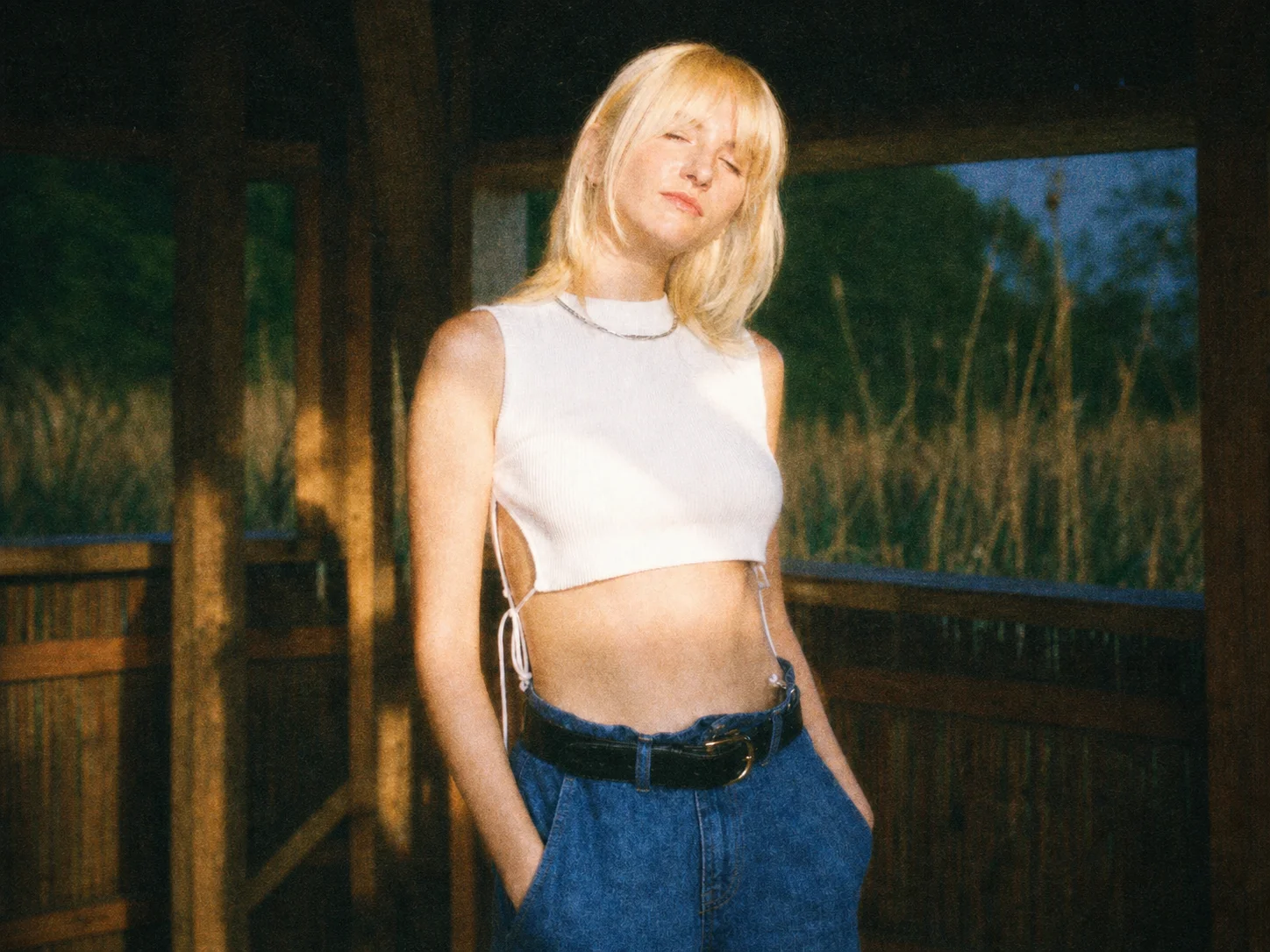
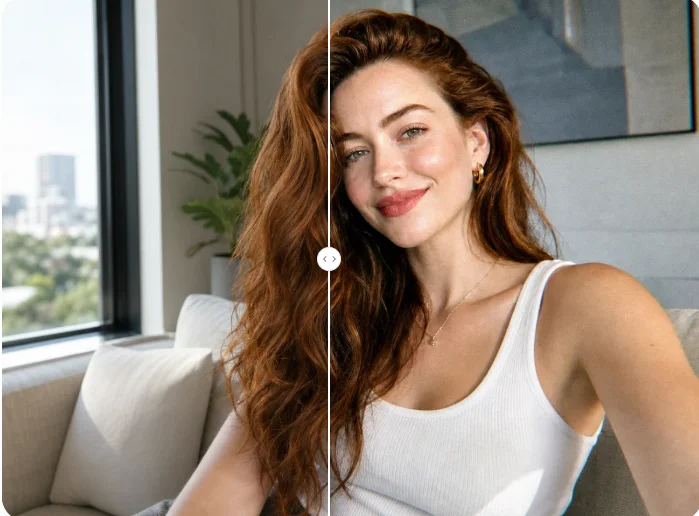
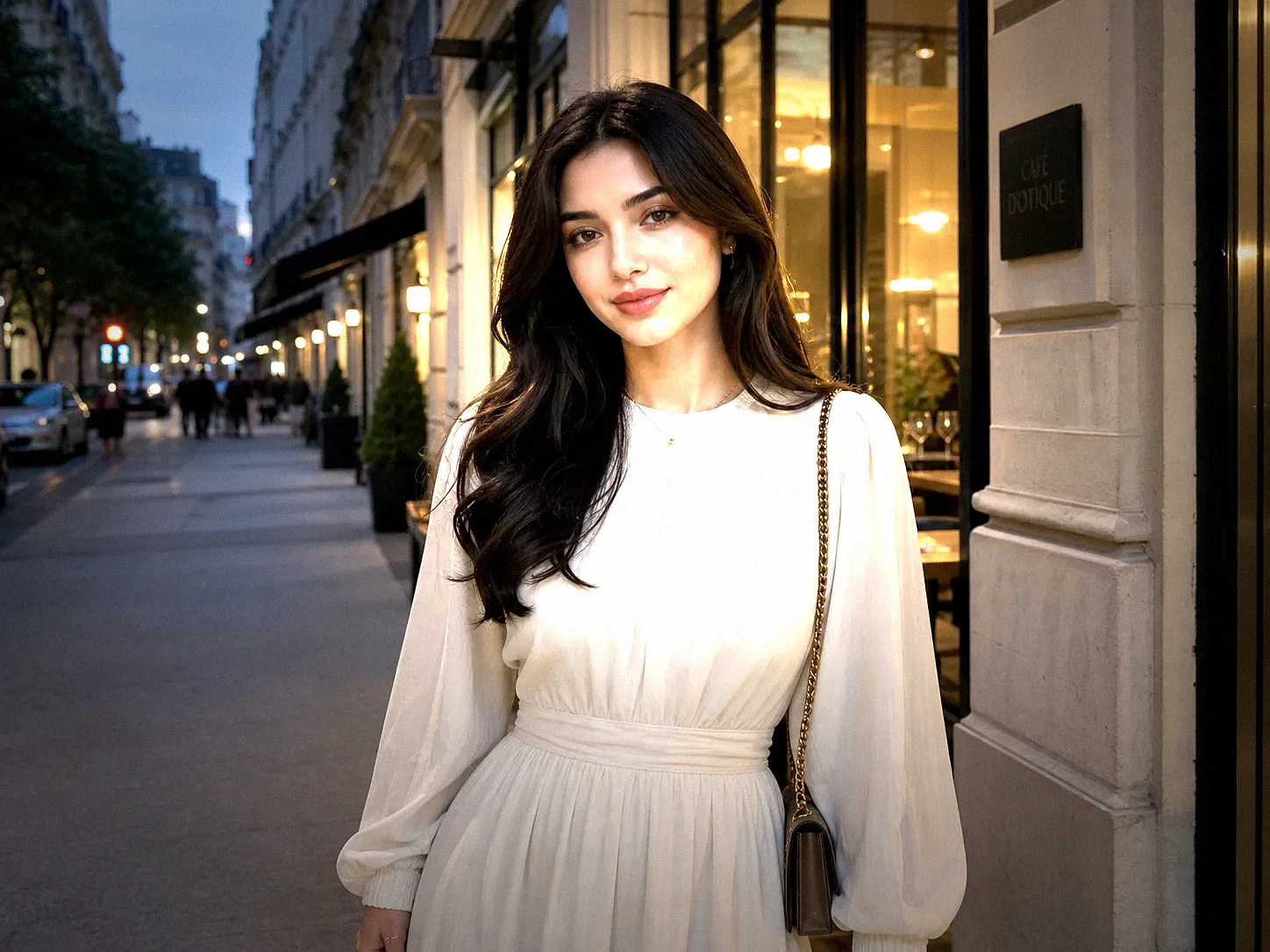
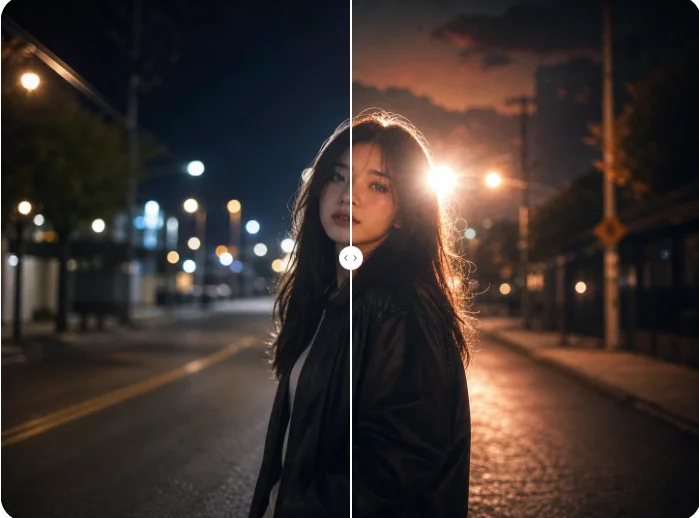
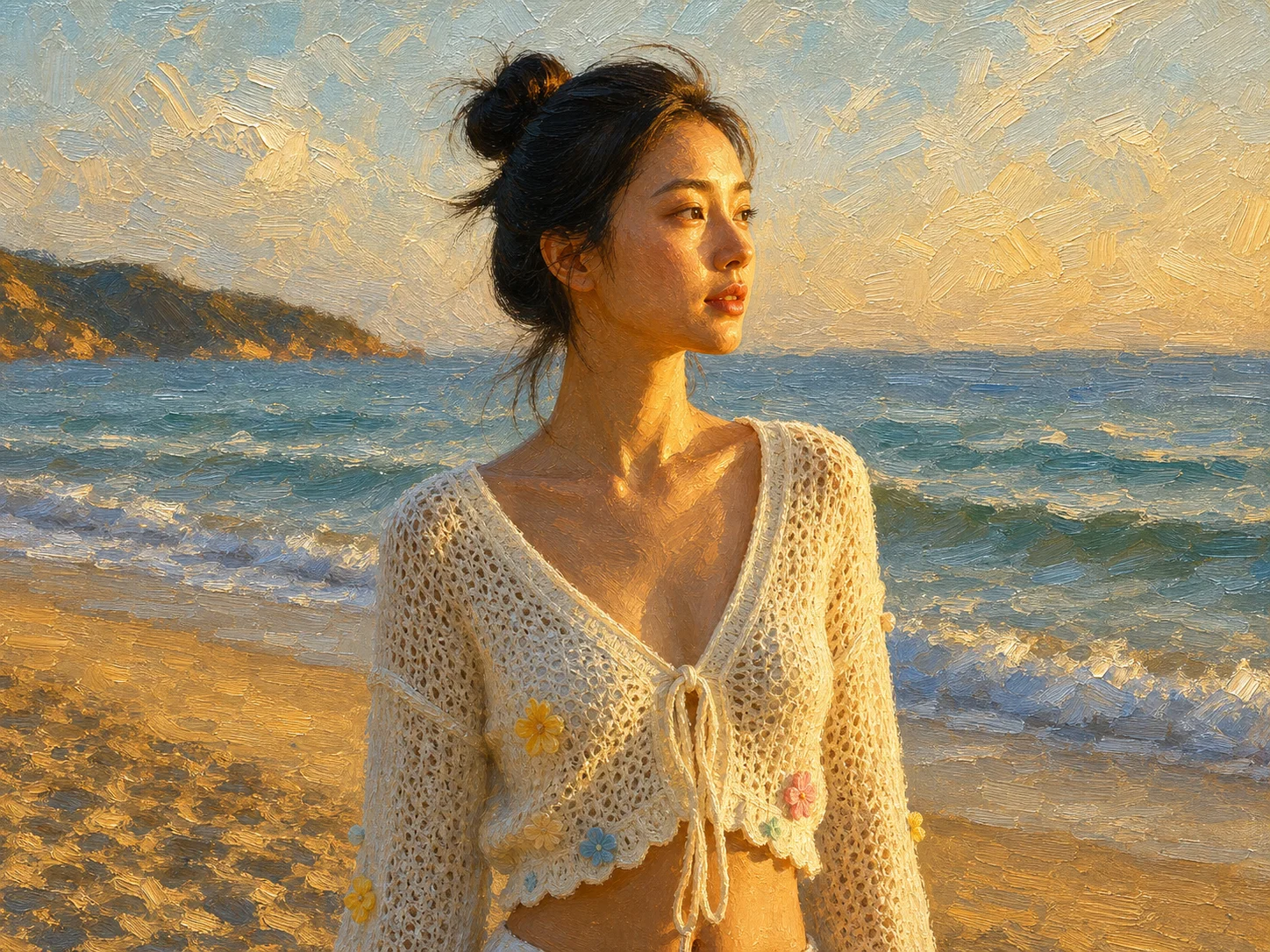
Upload a photo and create a nostalgic result with film grain, faded tones, light leaks, and the retro character you choose.