Upload
Upload a clear photo with a visible subject, such as a portrait, landscape, pet, travel image, or family memory.
 AI Photo Editor
Upload a portrait, landscape, pet photo, or memory image. AI Photo Editor converts it into an oil painting effect with visible brush strokes, richer color, canvas-like texture, and a classic art finish.
Upload a portrait, landscape, pet photo, or memory image. AI Photo Editor converts it into an oil painting effect with visible brush strokes, richer color, canvas-like texture, and a classic art finish.
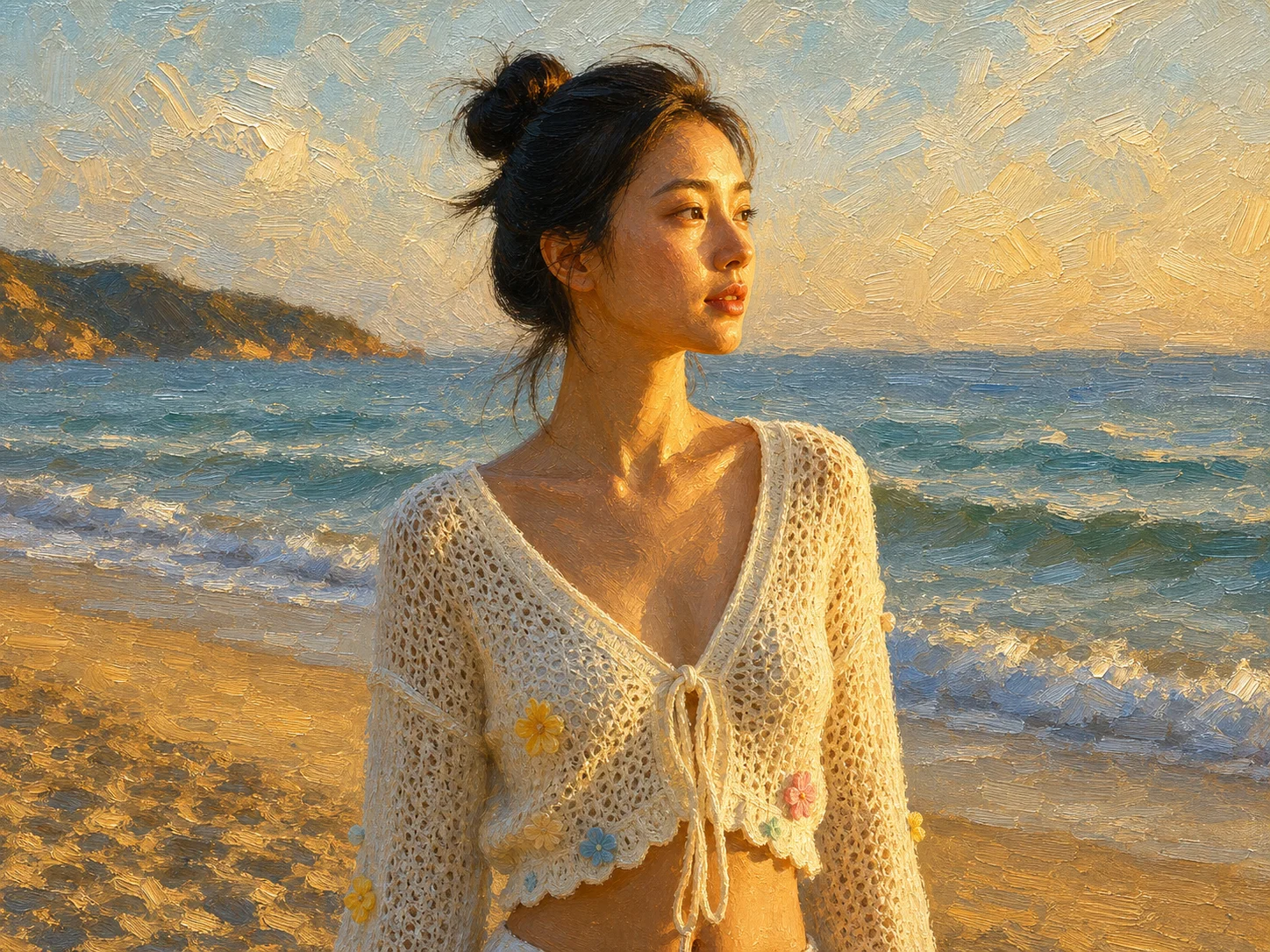
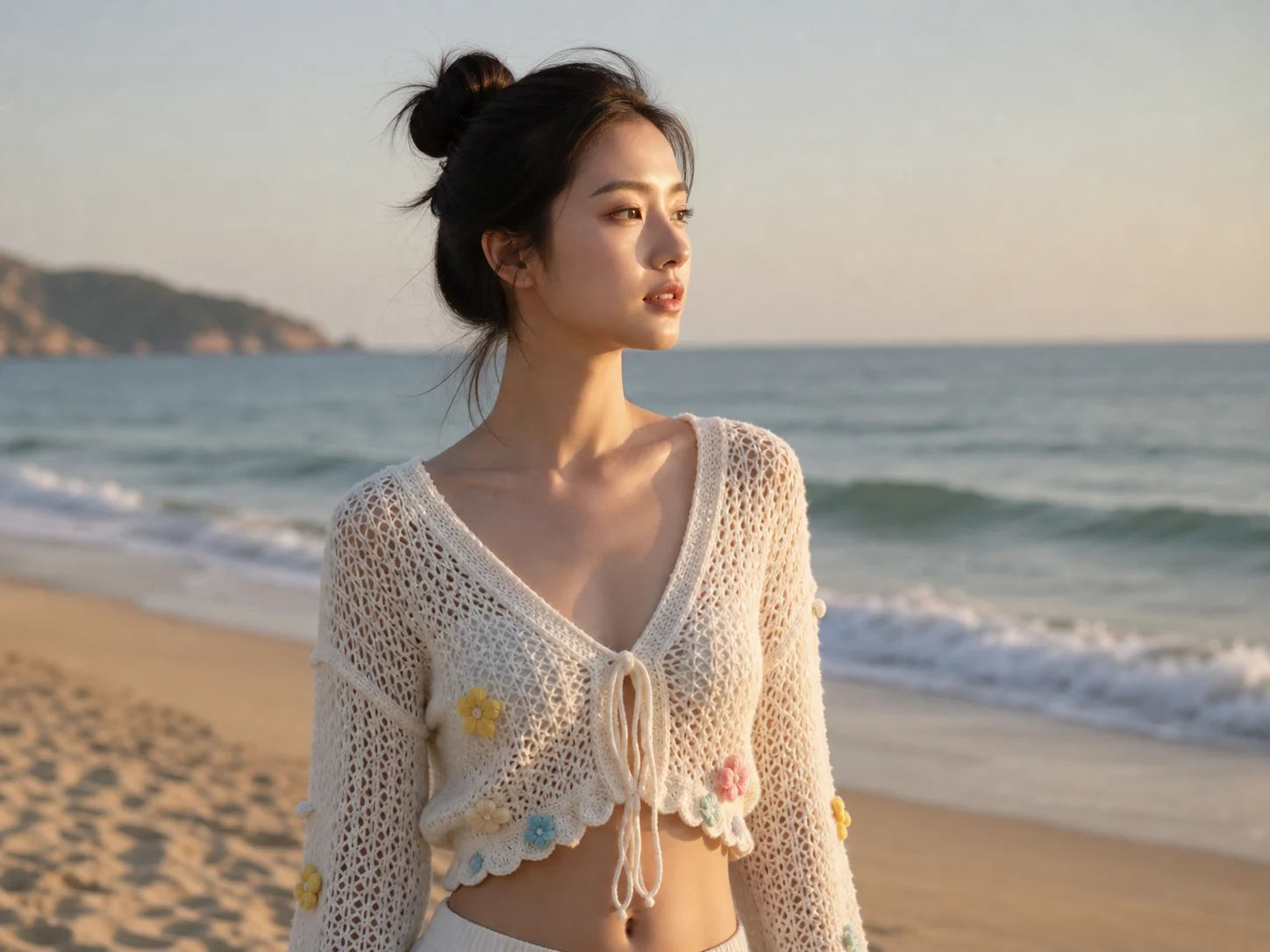
Upload a clear photo with a visible subject, such as a portrait, landscape, pet, travel image, or family memory.
Let AI apply an oil painting effect with brush texture, layered colors, painterly light, and classic canvas depth.
Preview the artwork, check that the main subject and key details are preserved, and download the finished oil-style image.
AI Photo Editor adds painterly brush detail, textured surfaces, and blended color transitions so a normal photo can feel closer to a finished oil painting.
The workflow aims to keep faces, shapes, scenery, pets, and important edges recognizable while applying a stronger artistic finish.
Convert portraits, landscapes, travel images, and family memories into classic-looking artwork for prints, gifts, wall decor, and social posts.
Create artistic portraits, story visuals, social posts, and thumbnails with a classic painted look.
Generate oil-painting references, moodboards, texture directions, and art concepts before production design.
Produce campaign visuals, gift concepts, decor mockups, and lifestyle assets with a premium art-inspired finish.
It turns a photo into an oil painting style image by adding brushstroke texture, richer color, painterly lighting, and canvas-like depth.
Clear portraits, landscapes, pets, architecture, travel images, and family photos work well when the subject and lighting are easy to read.
Yes. The goal is to keep the main subject, composition, and key details recognizable while changing the surface into a painted style.
Yes. Oil-style results can be useful for personalized gifts, printable art concepts, wall decor mockups, cards, and social visuals.
No. An oil painting effect should change texture, brush detail, depth, and color handling, not only adjust brightness or color tone.
AI Photo Editor is your go-to AI image toolkit for generating, editing, and enhancing photos and artwork.
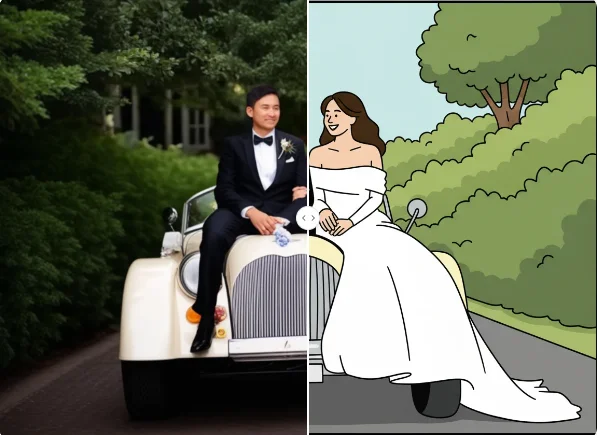
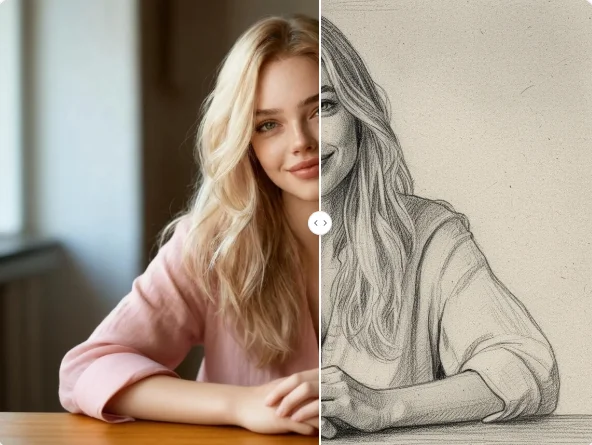
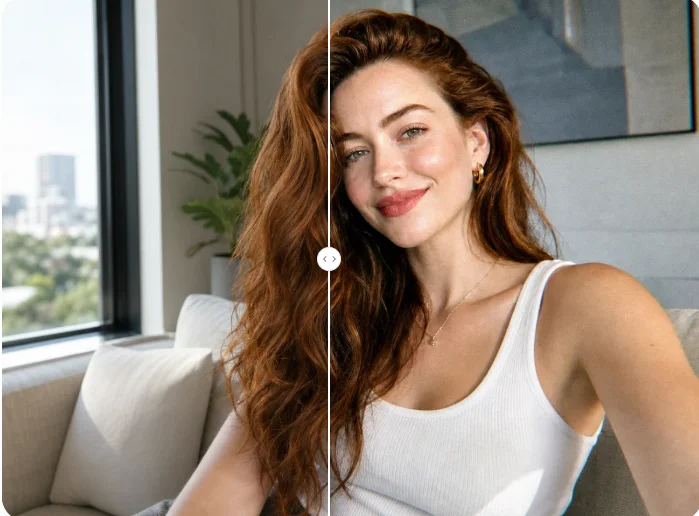
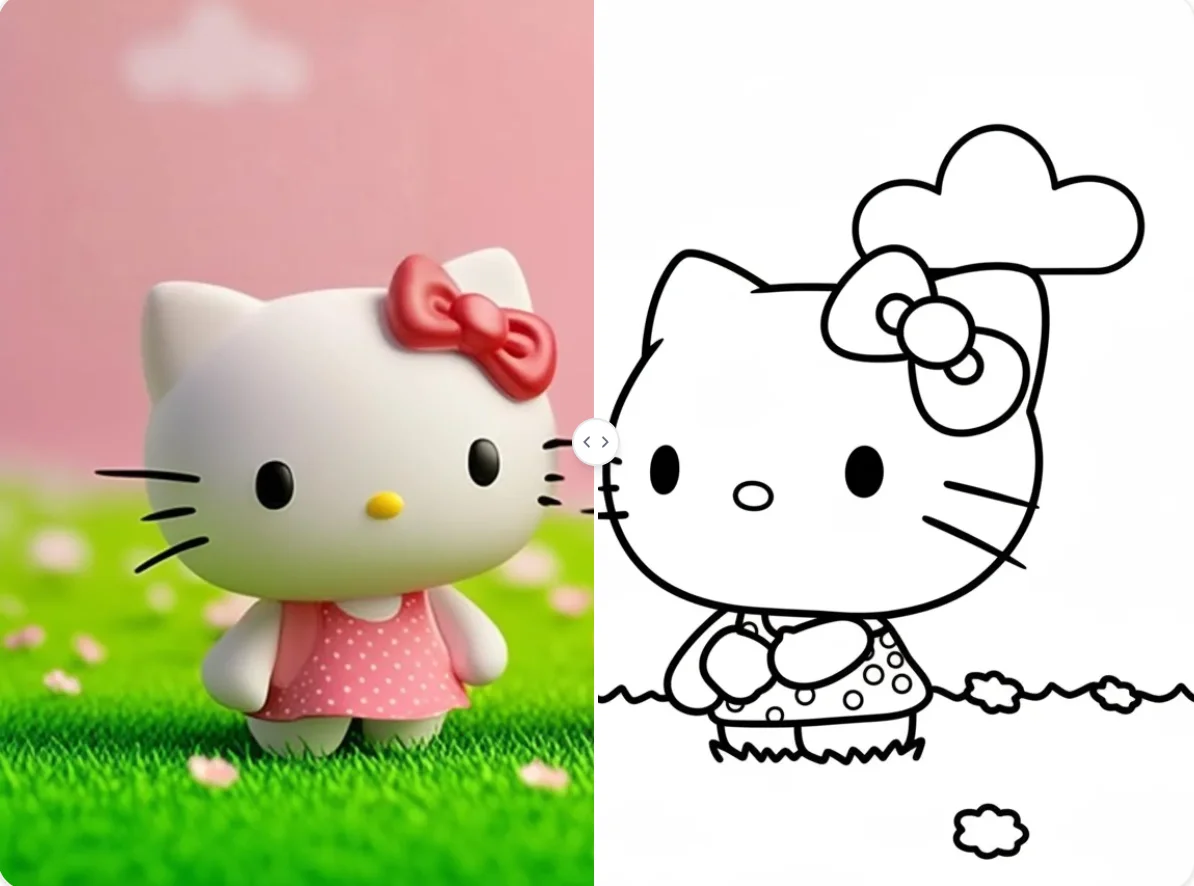
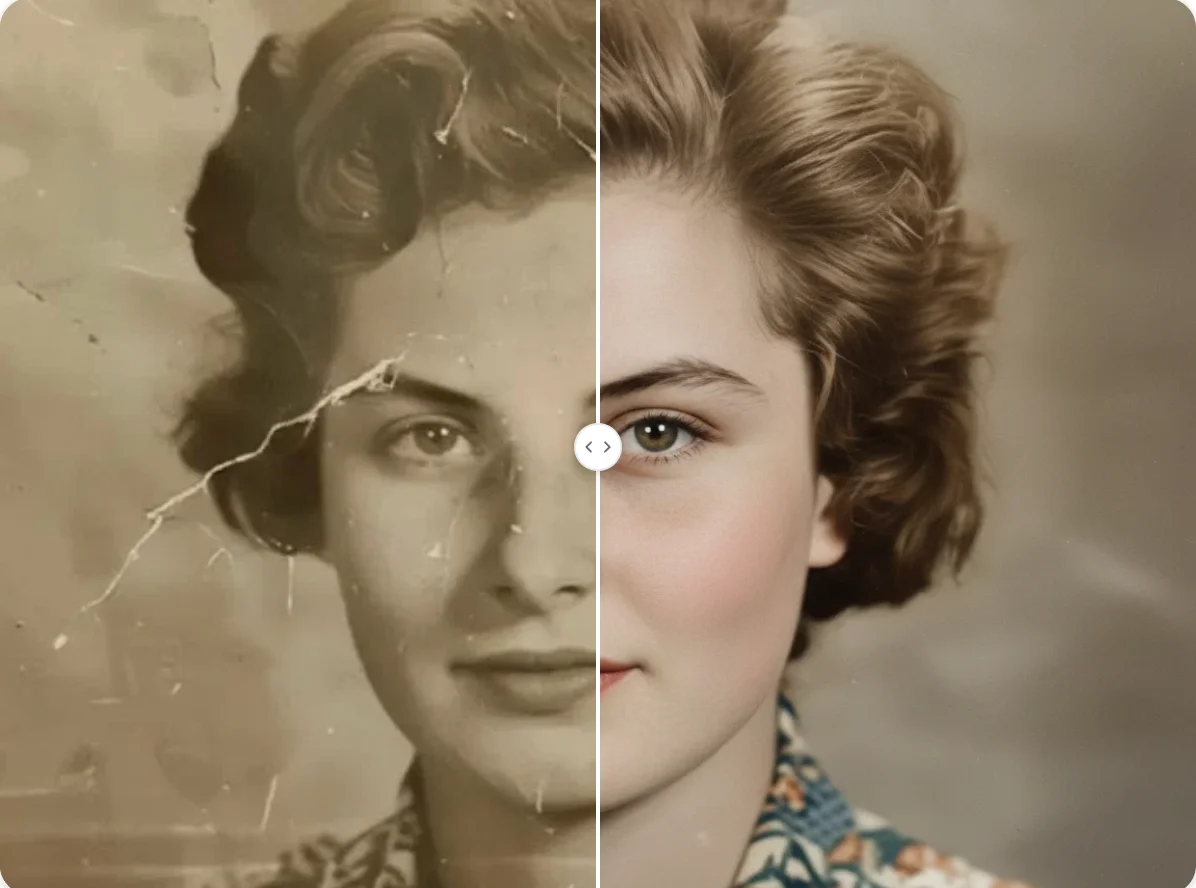
Upload a photo and turn it into oil-style artwork with brush texture, layered color, and classic painted depth.