Upload
Choose a clear photo with a recognizable subject. A well-lit portrait, product photo, or simple composition gives the model a useful starting point for your illustration.
 AI Photo Editor
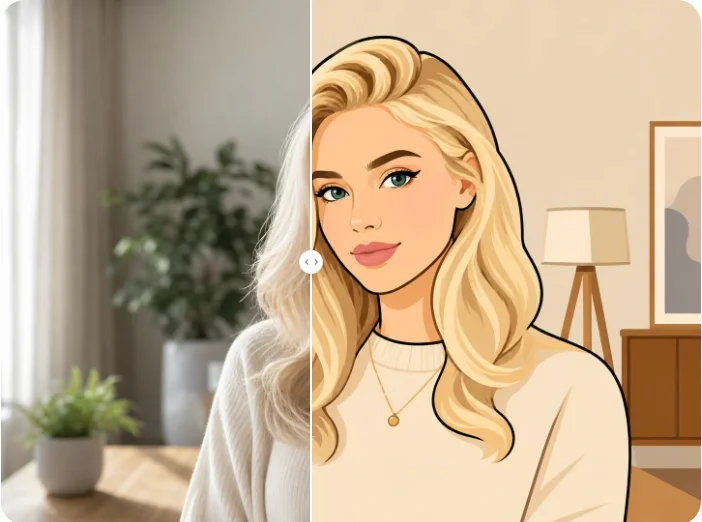
Turn your photo into a vector-style illustration. Refine the prompt to shape colors, outlines, and shading while keeping your subject recognizable.
Turn your photo into a vector-style illustration. Refine the prompt to shape colors, outlines, and shading while keeping your subject recognizable.
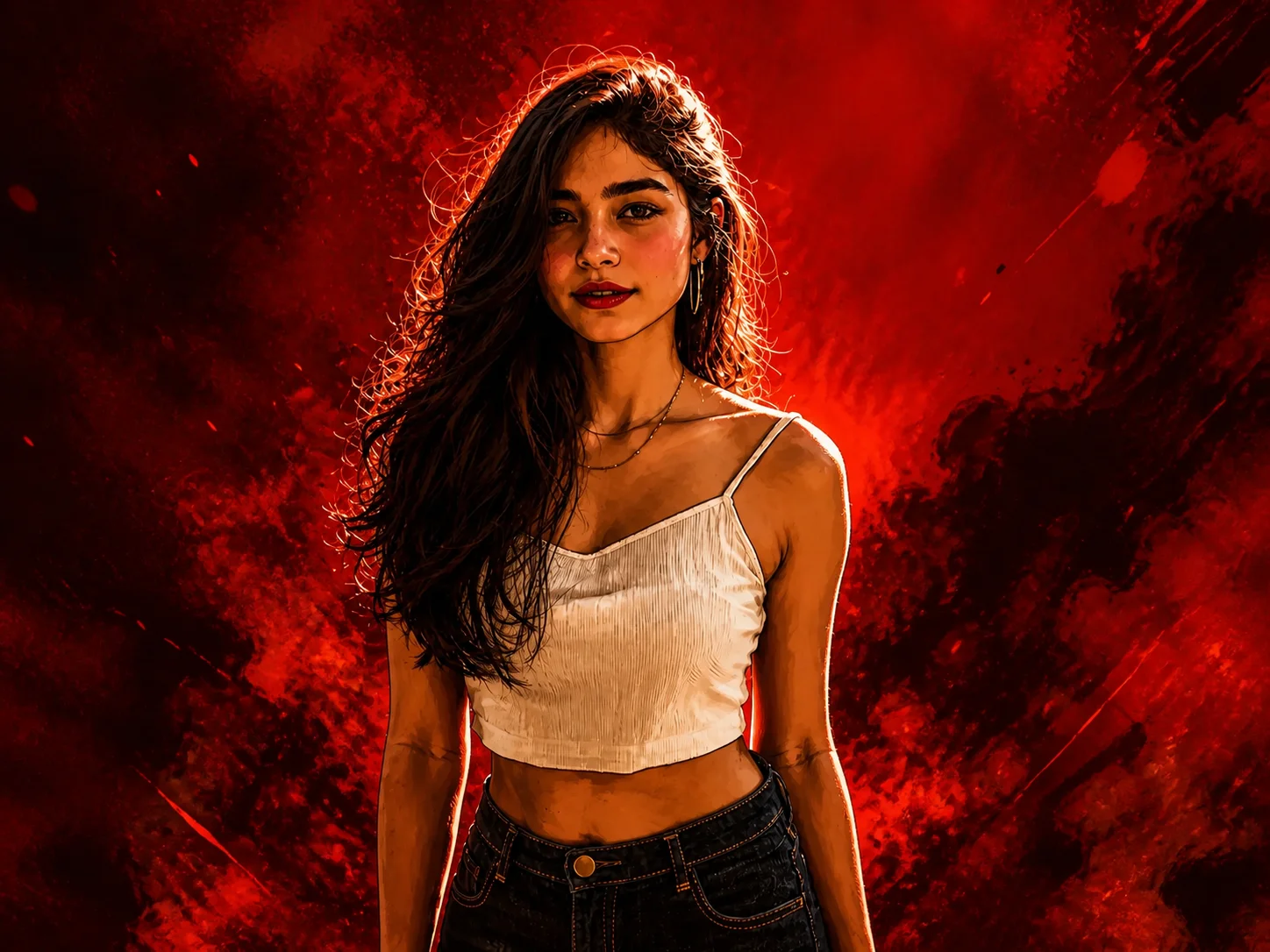
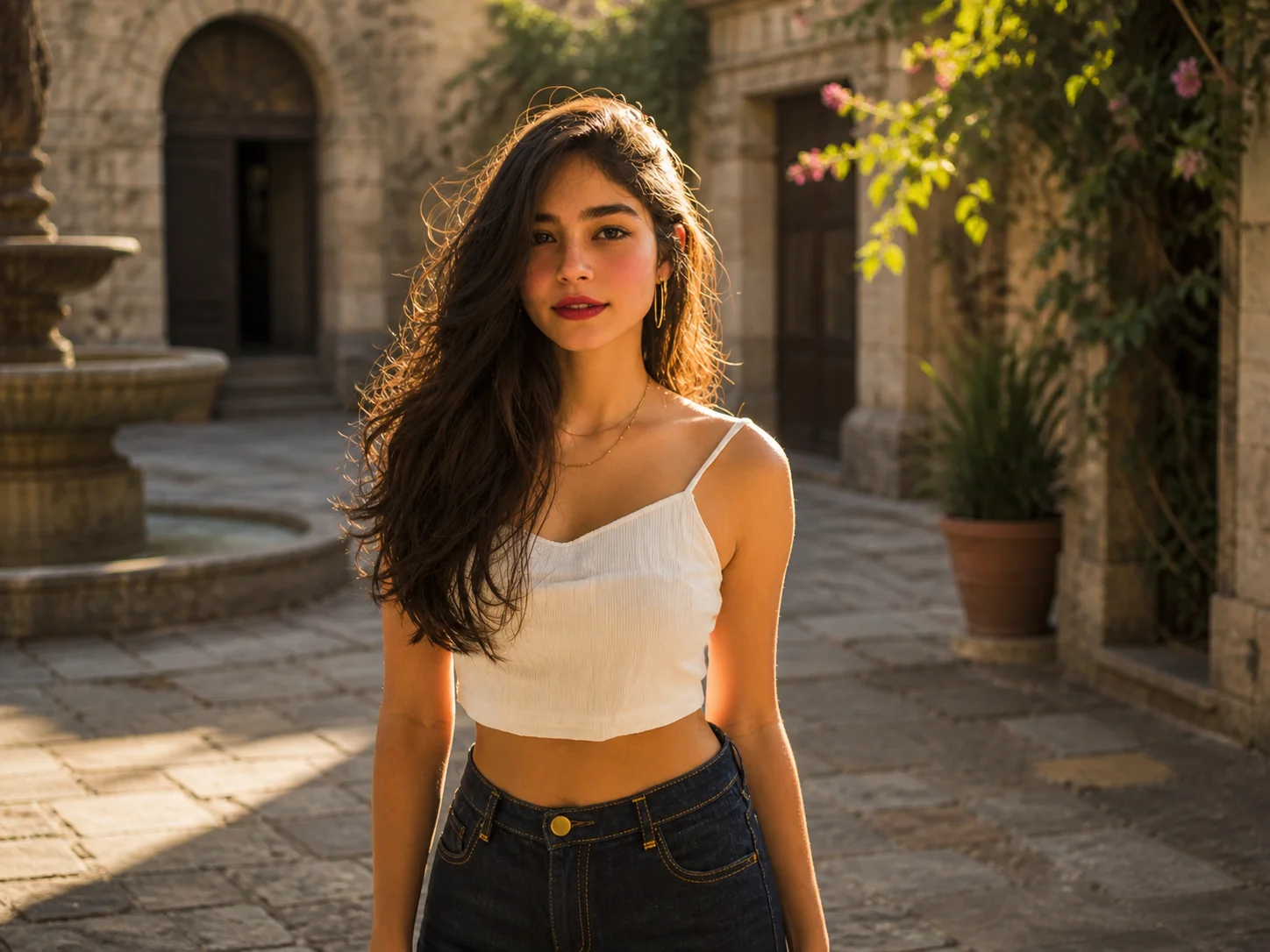
Choose a clear photo with a recognizable subject. A well-lit portrait, product photo, or simple composition gives the model a useful starting point for your illustration.
Edit the prompt to describe your preferred outlines, colors, background, and shading. Choose an aspect ratio and generate your vector-style image.
Review the subject and fine details, then download your finished image. Use it in digital layouts or take it into a separate vector editor if you need editable paths.
Reinterpret a portrait, product, or everyday scene with defined contours and purposeful shapes. Keep the recognizable features of your reference while replacing photographic texture with an illustrated treatment. From profile artwork to a poster centerpiece, build a visual that feels connected to the original photo rather than an unrelated design.
Describe flat color blocks, geometric details, bold outlines, or dramatic comic shading in the editable prompt. Adjust the palette and background to suit the mood of your project, then generate a new variation. You can explore restrained illustrations and high-contrast graphic portraits without being limited to one fixed visual treatment.
Create illustrated starting points for social graphics, editorial layouts, campaign concepts, and personal art. Explore composition and visual direction before spending time on detailed drawing. Download the image for your digital project, or use it as a reference for tracing and further refinement when a production task calls for true vector paths.
Turn personal photos into distinctive illustrated portraits, social graphics, and cover images with a visual style that suits your content.
Explore illustration concepts, palettes, and compositions with AI Photo Editor before refining selected ideas in your usual design workflow.
Develop graphic directions for product stories, campaign mockups, and branded social content from existing photo references.
It transforms an uploaded photo into vector-style artwork guided by your prompt. You can create illustrated portraits, graphic poster concepts, and simplified visual designs with distinctive outlines, shapes, colors, and shading.
No. This tool generates raster images with a vector-inspired appearance, not editable SVG paths. If you need a true vector file for further editing or large-format production, trace or convert the downloaded image in a separate vector editor and review the resulting paths.
Start with a sharp photo where the subject is clearly visible. Good lighting, recognizable facial or object details, and an uncluttered composition help guide the transformation. For portraits, avoid images where important facial features are hidden or heavily blurred.
Yes. Replace or refine the editable prompt to describe the colors, outline weight, background, and shading you want. Specify flat shapes for a simpler graphic look or stronger contrast for an expressive poster treatment, then generate again to explore the change.
No. Upload a photo and describe your preferred look in everyday language. The model generates an illustration from that reference, so you can test a visual idea without drawing it manually. Review the result before using it in a finished design, especially small details and lettering.
AI Photo Editor is your go-to AI image toolkit for generating, editing, and enhancing photos and artwork.
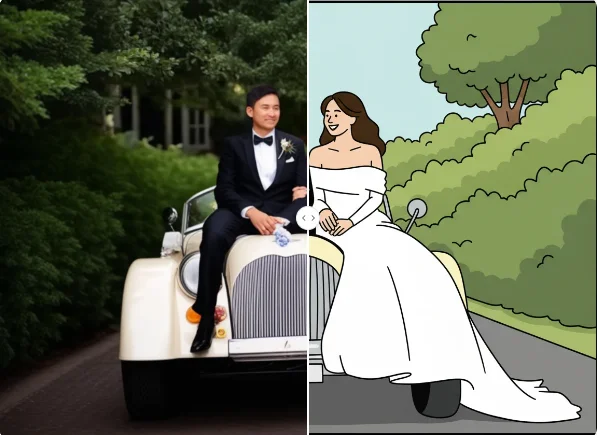
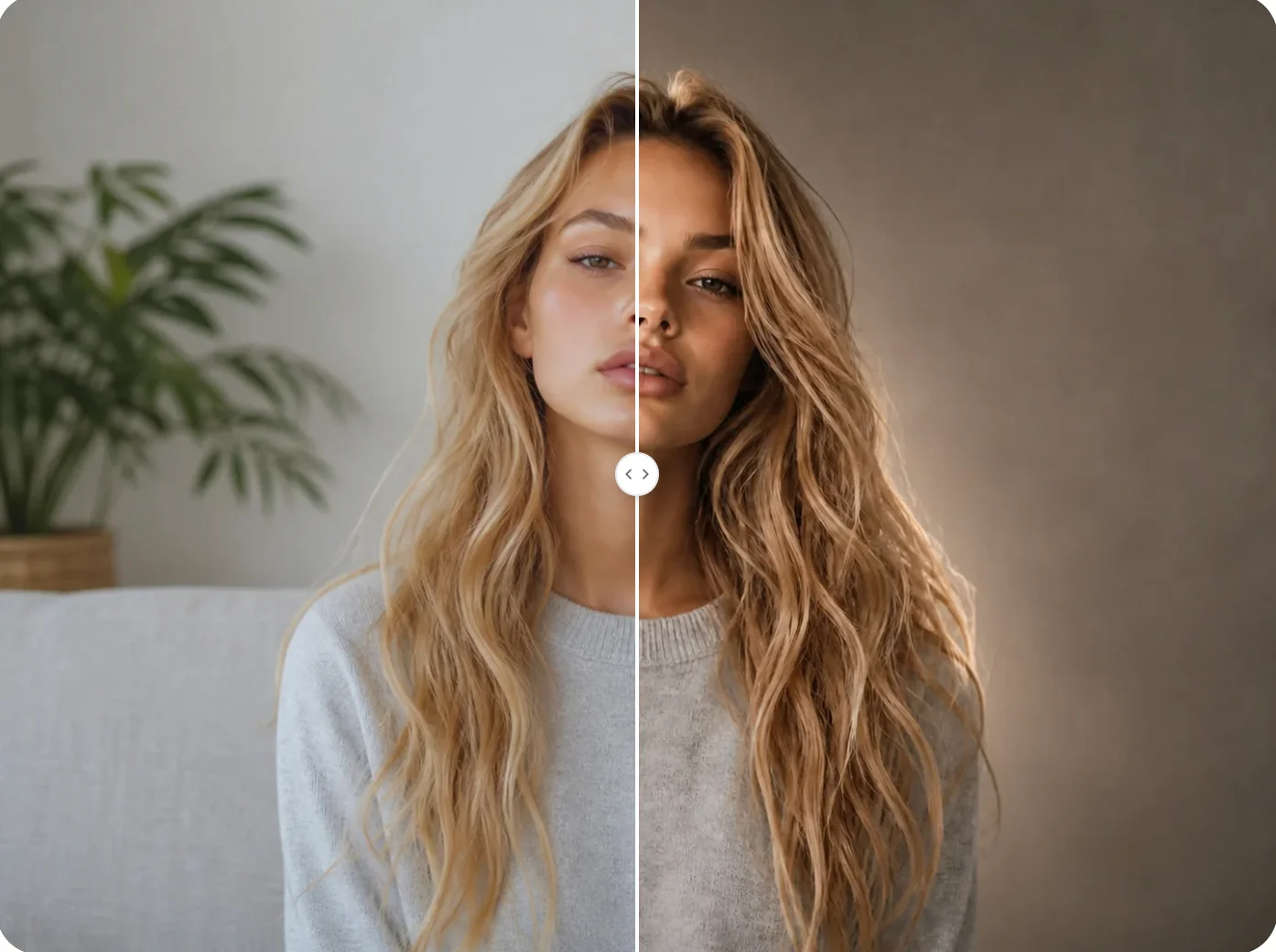
Upload your reference, refine the prompt, and explore an illustration shaped around your subject and creative direction.