Upload Your Photo
Add a clear portrait, pet, landscape, product, or travel image with a visible main subject and balanced lighting.
 AI Photo Editor
Upload a portrait, pet, landscape, or travel photo. The tool softens hard edges, blends colors, and adds layered watercolor washes while keeping the subject recognizable.
Upload a portrait, pet, landscape, or travel photo. The tool softens hard edges, blends colors, and adds layered watercolor washes while keeping the subject recognizable.
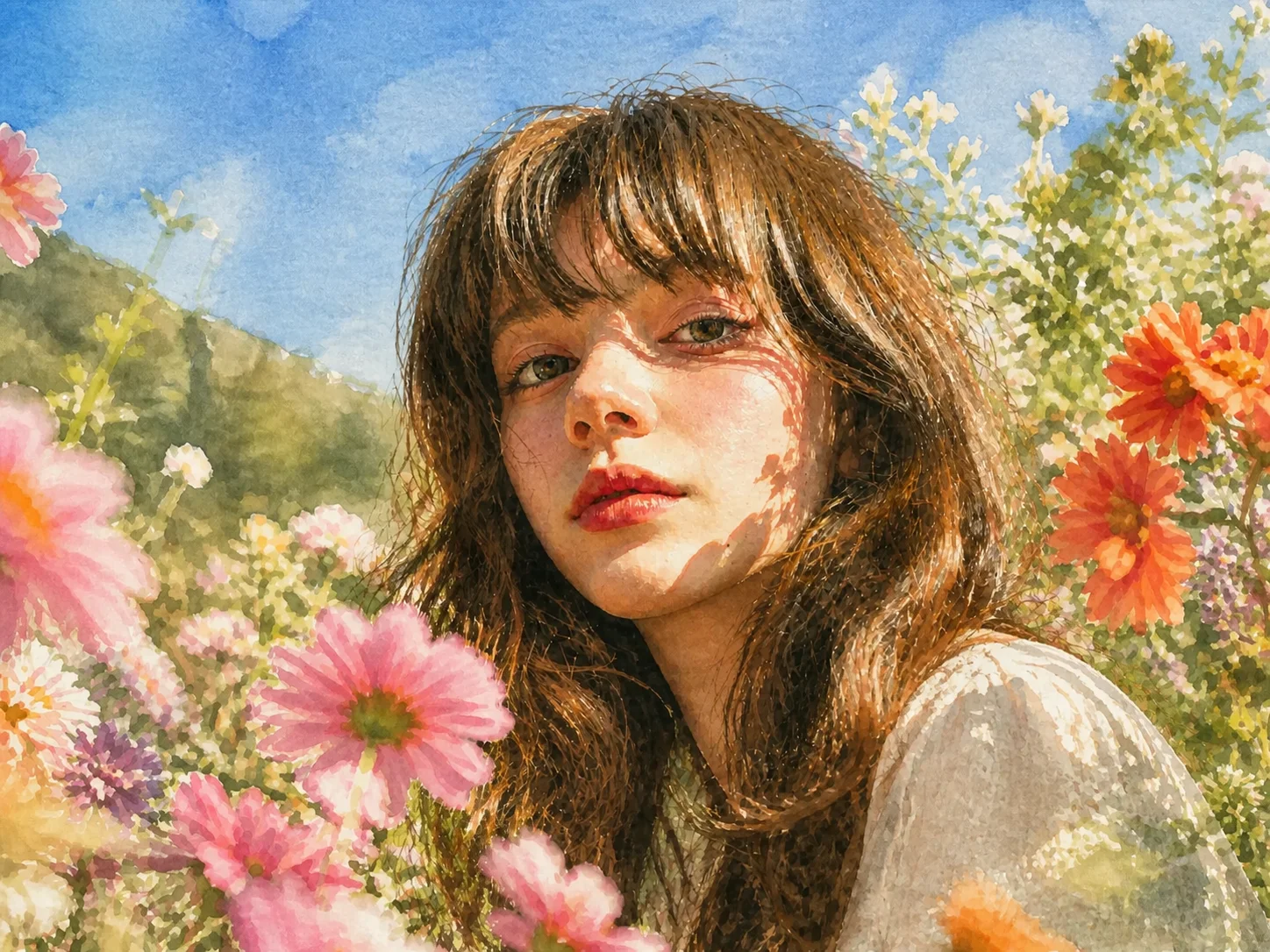
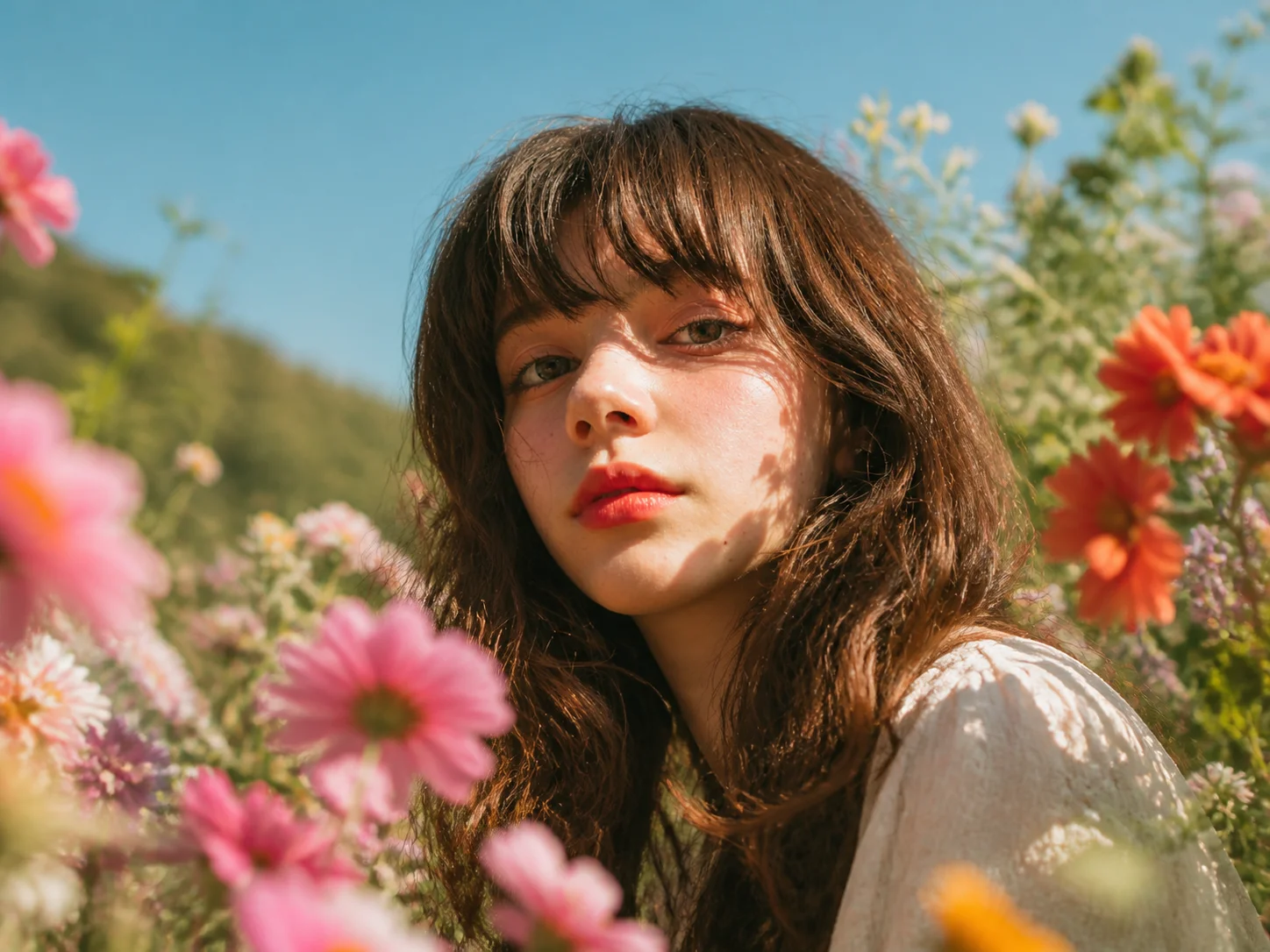
Add a clear portrait, pet, landscape, product, or travel image with a visible main subject and balanced lighting.
Start the transformation and let the tool soften edges, blend colors, and recreate the image with watercolor washes and painted texture.
Review the face, outlines, colors, and background details, then download the finished watercolor image for your project.
Convert an existing image into watercolor art while retaining its central subject, pose, expression, and overall composition. The result keeps the source photo familiar while replacing hard photographic edges with a softer painted finish.
Rework colors into translucent washes, gentle transitions, and brush-like textures inspired by watercolor painting. Portraits, pets, flowers, scenery, and travel images can gain a handcrafted visual character without manual painting.
Use the effect on portraits, landscapes, product shots, family memories, or social visuals. Clear lighting and a focused composition help the watercolor treatment balance artistic texture with readable details.
Turn portraits, pet photos, travel memories, and everyday images into watercolor-style visuals for posts, thumbnails, profile art, and personal projects.
Produce watercolor references, moodboard assets, cover concepts, and illustration directions from existing photos before refining the strongest visual approach.
Create softer artistic versions of product images, campaign visuals, seasonal content, and branded social assets without painting every concept manually.
It transforms an uploaded photo into watercolor-style artwork by softening hard edges, blending colors, and adding painted washes and brush-like texture while keeping the main subject recognizable.
Clear portraits, pets, landscapes, flowers, travel photos, and simple product images usually work well. Balanced lighting, a visible subject, and an uncluttered composition help produce cleaner watercolor details.
The transformation is designed to retain the main subject and overall composition while changing colors, edges, and textures into a painted style. Results may vary with image clarity and scene complexity.
Yes. Portraits can gain softer facial and hair details, while landscapes can turn skies, foliage, water, and reflections into layered watercolor washes. Start with a clear image for the most consistent result.
Use a well-lit source image with one clear focal point. If the result looks crowded or loses small details, crop closer to the subject or choose a higher-resolution photo before generating again.
AI Photo Editor is your go-to AI image toolkit for generating, editing, and enhancing photos and artwork.
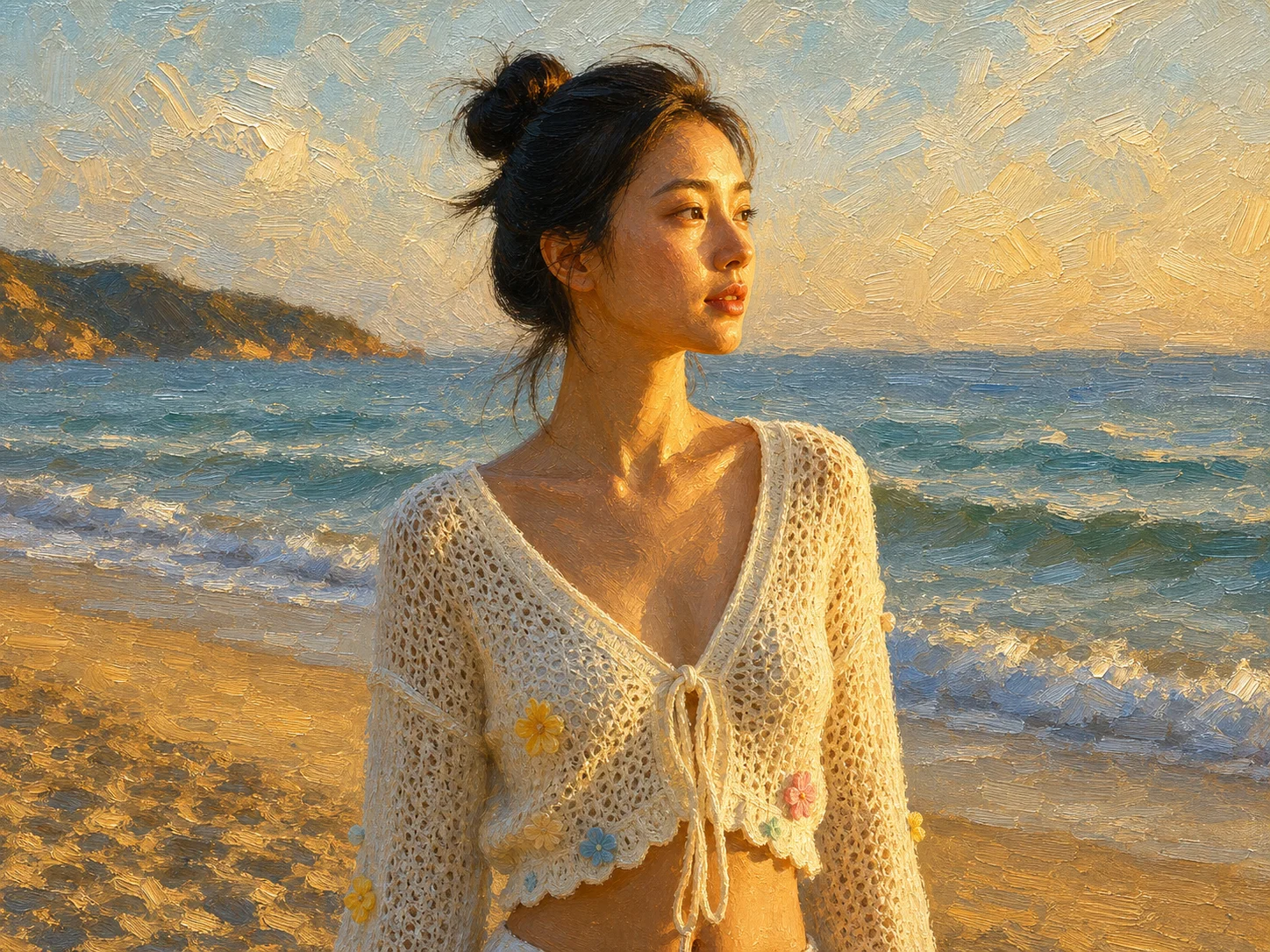
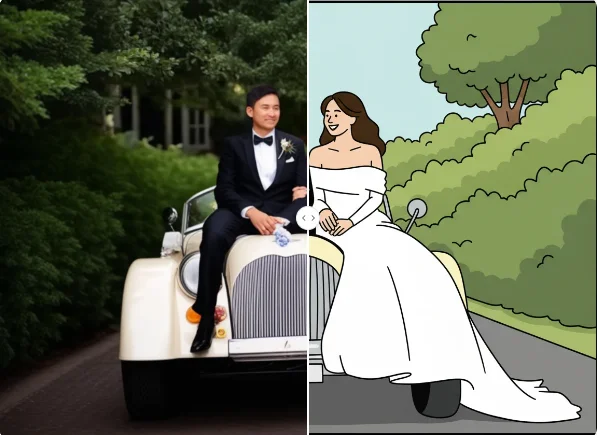
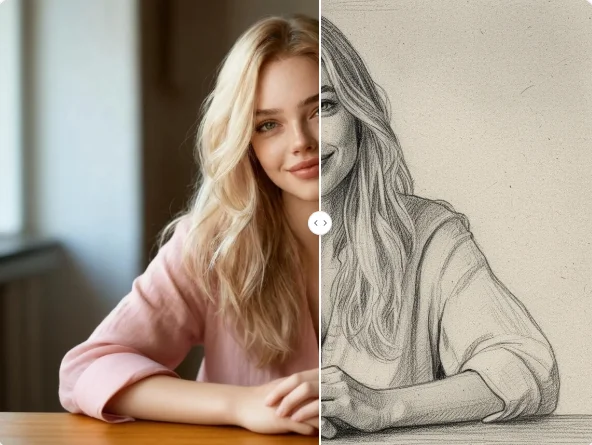
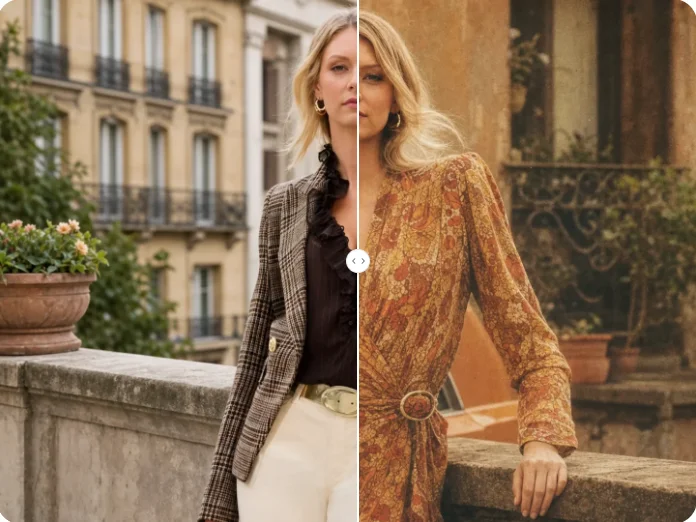
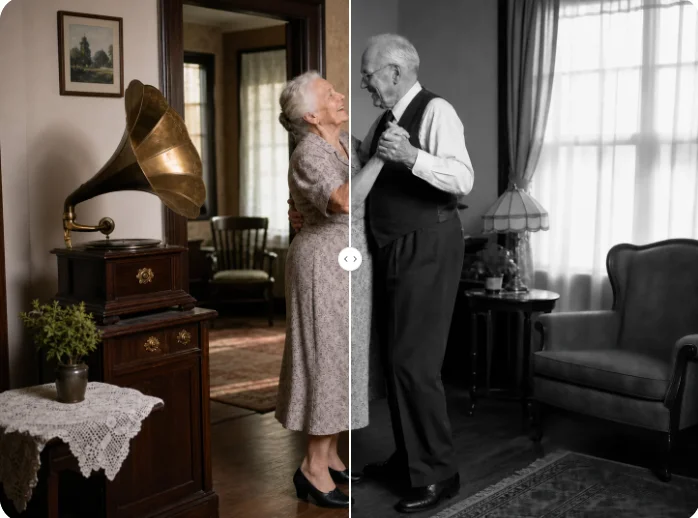
Transform a favorite portrait, pet, landscape, or travel photo into a soft watercolor image with painted color washes and recognizable details.