Add Your Image Idea
Write a clear prompt describing the subject, setting, mood, lighting, composition, and visual style. Include the details that should define the final scene.
 AI Photo Editor
Describe the subject, setting, mood, composition, and style you want. The Grok Image interprets your prompt and creates polished images in your selected aspect ratio.
Describe the subject, setting, mood, composition, and style you want. The Grok Image interprets your prompt and creates polished images in your selected aspect ratio.
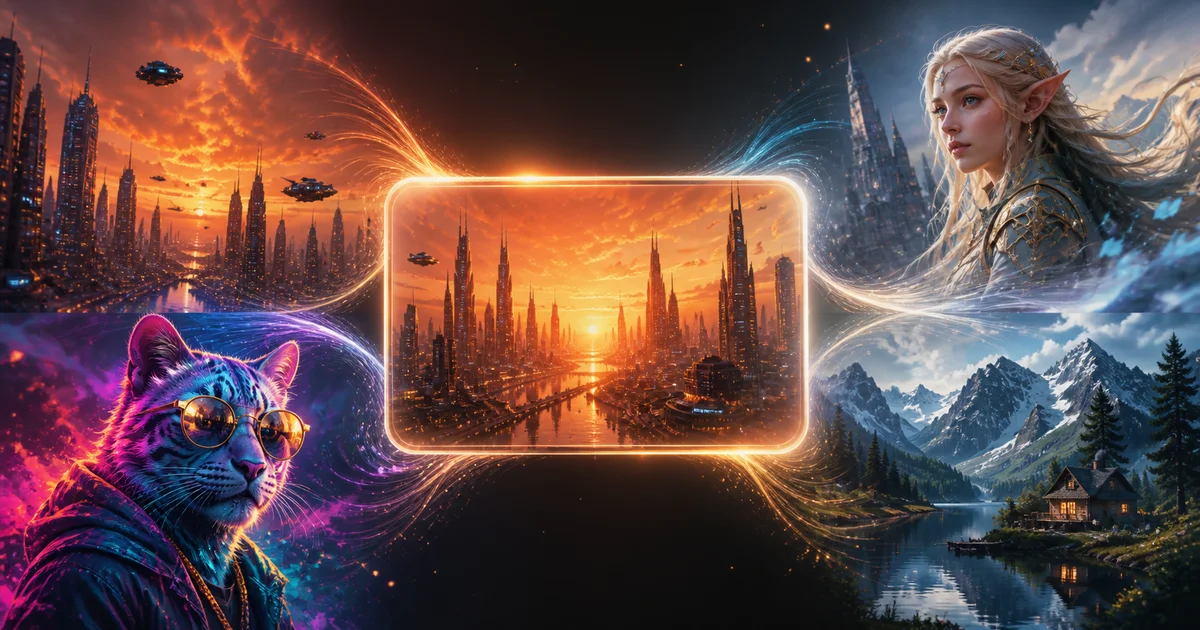
This prompt-based creative tool turns written ideas into original visuals. It can interpret subjects, environments, lighting, camera framing, color direction, and stylistic cues within one detailed request.
With the Grok AI Image Generator on AI Photo Editor, you can explore social graphics, character concepts, product scenes, thumbnails, editorial artwork, and surreal compositions without building each visual manually. Adjust the prompt or output ratio to develop the strongest direction for your project.
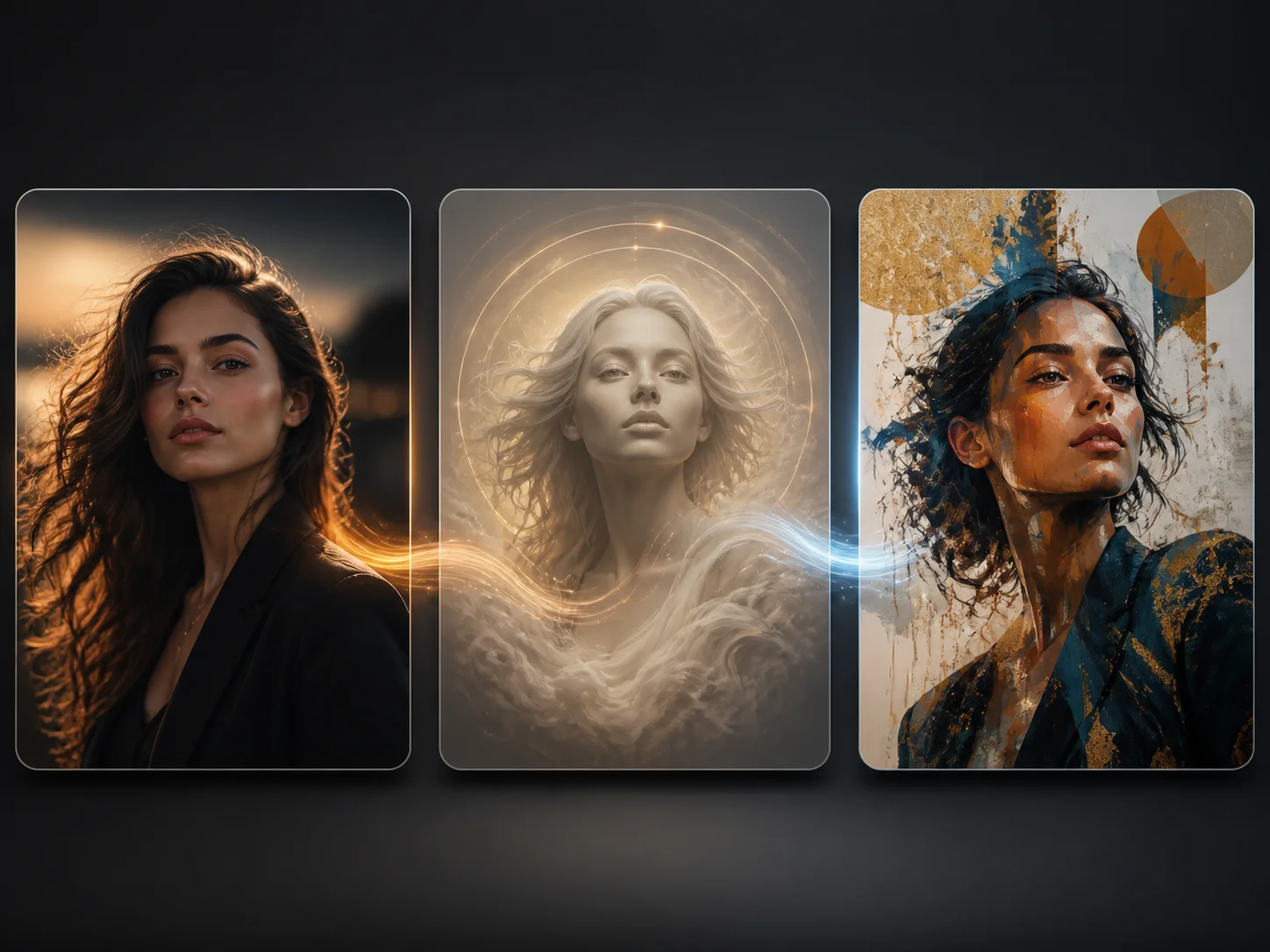
Write a clear prompt describing the subject, setting, mood, lighting, composition, and visual style. Include the details that should define the final scene.
Choose the available model settings, aspect ratio, and output options, then start generating. Refine the wording when you want a different composition or stronger stylistic direction.
Review the generated image for subject accuracy, composition, and visual quality. Download the result or revise the prompt to create another variation.
Describe more than a simple subject. The model can follow layered directions for mood, environment, lighting, object details, color, camera framing, and embedded visual ideas, helping a complex concept become a coherent image.
Use one generation workflow to explore photorealistic scenes, illustration, fantasy art, editorial compositions, product concepts, cinematic characters, and abstract directions without switching between separate creative tools.
Select an aspect ratio suited to square posts, portrait graphics, widescreen concepts, banners, thumbnails, or presentation visuals. Flexible framing helps each result fit its intended publishing context from the start.
Turn an early idea into a polished visual direction without manually assembling every object and effect. Use the Grok AI Image Generator to compare creative approaches, refine a promising result, and prepare assets for further production.



Create visuals faster without design skills. Turn ideas into images, thumbnails, social posts, and creative assets in seconds.
Accelerate your creative workflow. Use AI Photo Editor to generate concepts, references, and visual directions, then refine them into production-ready designs.
Produce high-converting visuals on demand. Create ads, campaign visuals, and branded images quickly.
It uses an AI model to interpret text prompts and create original images. On AI Photo Editor, you can describe a subject, setting, mood, composition, and style, then generate a visual based on those directions.
You can combine the subject with lighting, environment, camera angle, color palette, visual style, and important object details. Clear, structured descriptions generally give the model a stronger creative direction.
You can create social graphics, thumbnails, character concepts, product scenes, editorial artwork, cinematic compositions, surreal images, and other prompt-driven visuals for personal or creative projects.
Yes. Choose an available ratio that matches the intended placement, such as a square post, portrait graphic, widescreen scene, thumbnail, banner, or presentation visual.
No. Start by describing the result in natural language. More specific details can improve control, but you do not need drawing, design, or coding skills to begin generating images on AI Photo Editor.
Create stunning AI videos from text or images with multiple models.

Google image generation

OpenAI image generation

ByteDance video generation

Google video generation

Kuaishou video generation

xAI image & video generation
AI Photo Editor is your go-to AI video toolkit for generating, editing, and enhancing videos.
Generate expressive videos from text prompts or reference images with xAI's creative model.
Create original videos from text prompts or reference images.
Turn a written scene, script, or idea into a generated video.
Animate a still photo with prompt-guided motion and cinematic effects.
Generate cinematic video with Google's Veo model from text or visual references.
Create dynamic AI videos with controlled movement and visual consistency.
Turn a detailed prompt into a polished visual for social content, concept art, product ideas, characters, and more with AI Photo Editor.