Upload
Start with a clear portrait, party photo, travel shot, concert image, wedding candid, or everyday snapshot.
 AI Photo Editor
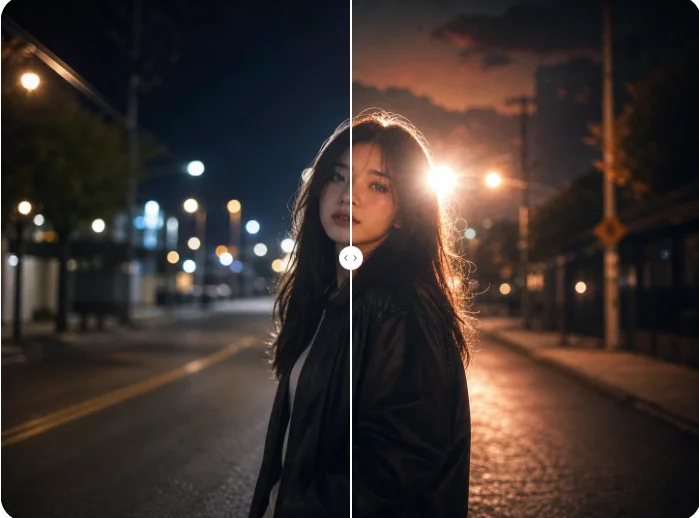
Upload a photo and let AI Photo Editor restyle it with a disposable camera look. Add grain, direct flash, faded contrast, soft focus, light leaks, and nostalgic color shifts while keeping the main subject readable.
Upload a photo and let AI Photo Editor restyle it with a disposable camera look. Add grain, direct flash, faded contrast, soft focus, light leaks, and nostalgic color shifts while keeping the main subject readable.
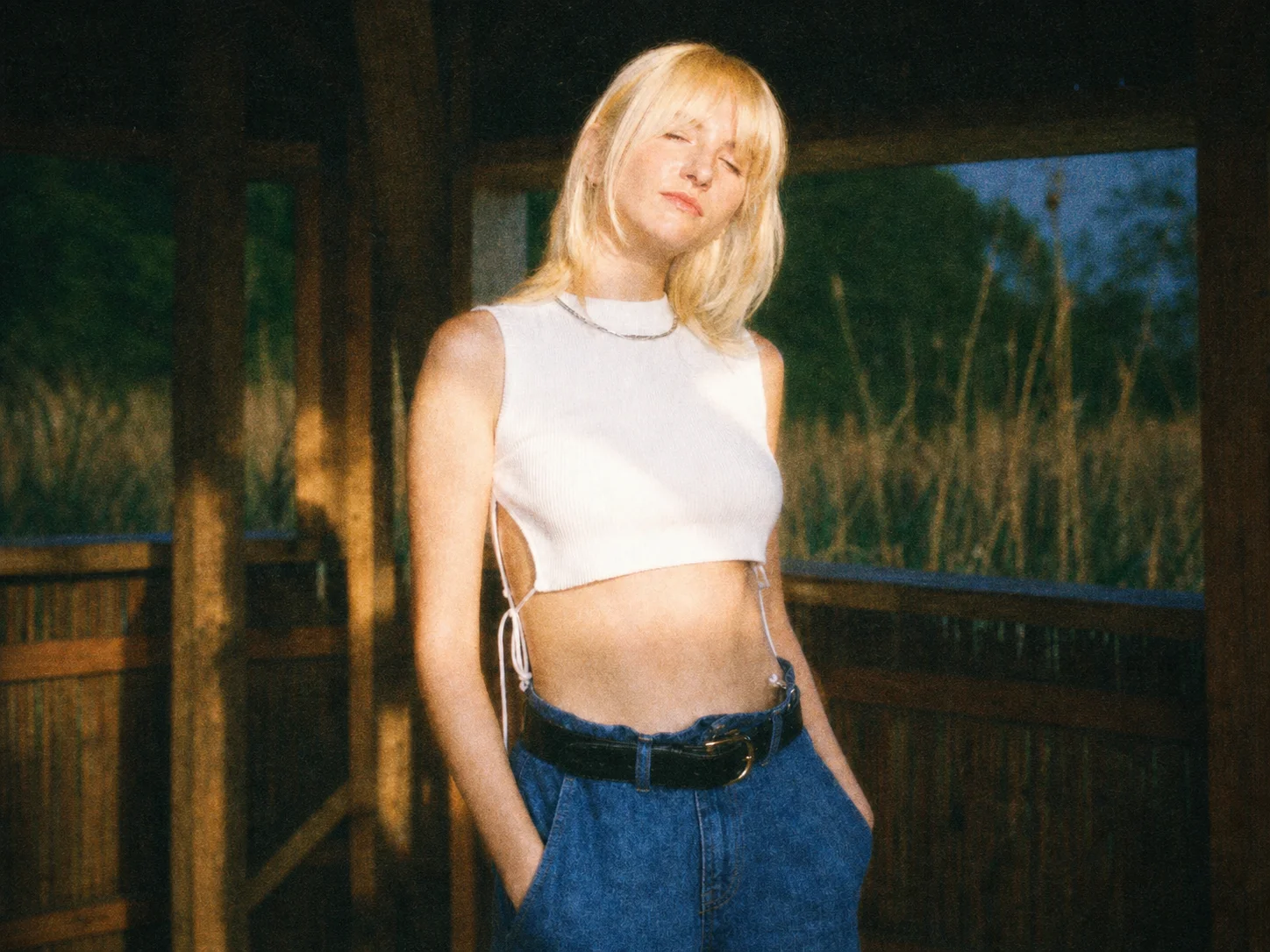
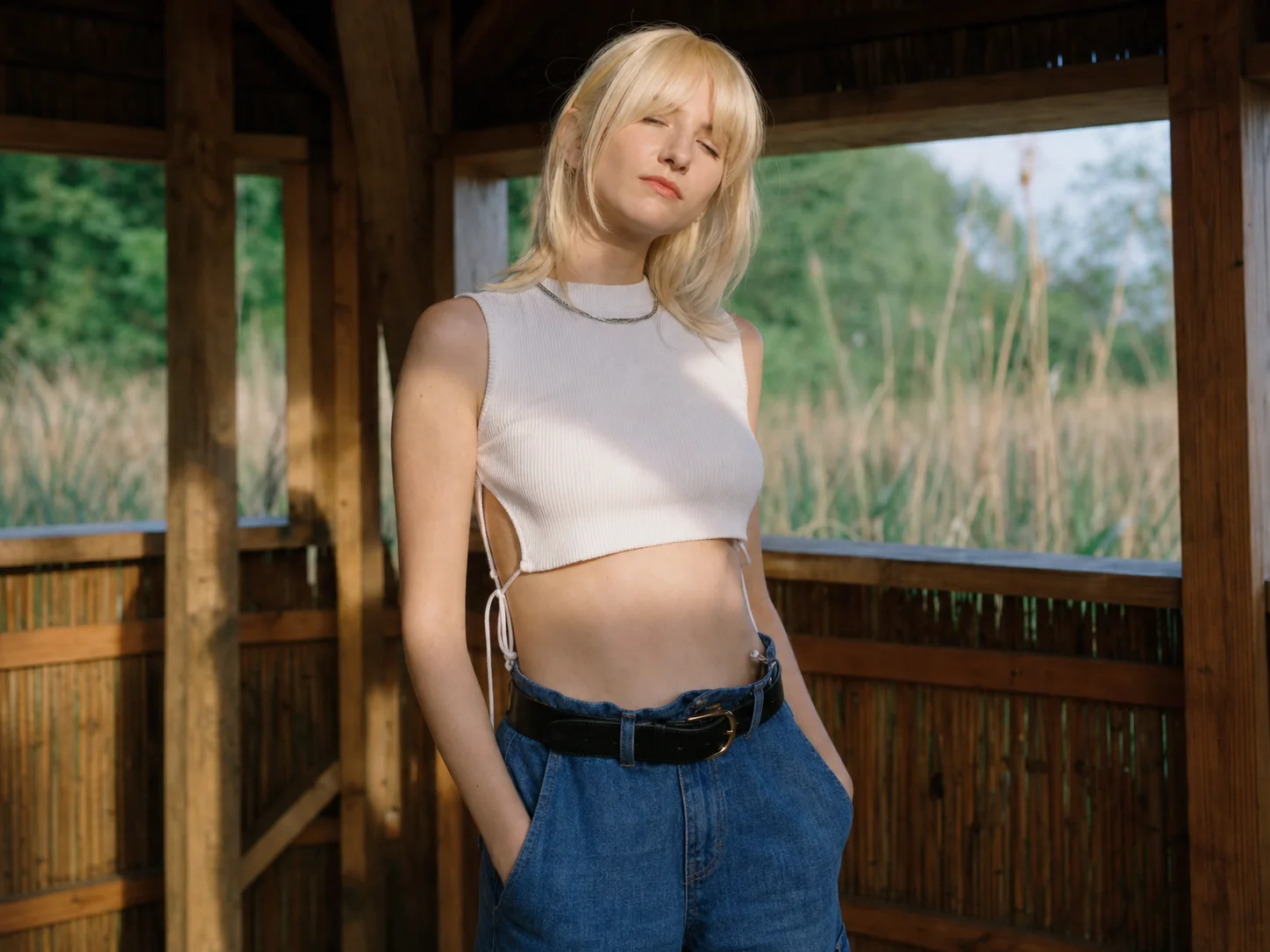
Start with a clear portrait, party photo, travel shot, concert image, wedding candid, or everyday snapshot.
Choose the retro mood you want, such as direct flash, heavy grain, faded blacks, green shadows, light leaks, or soft focus.
Preview the disposable camera effect, make sure the subject still looks clear, and download the finished retro photo.
AI Photo Editor adds the visual details that make disposable camera photos recognizable, including grain, uneven flash, faded contrast, and nostalgic color shifts.
The effect is designed to support the original photo instead of covering it. Faces, outfits, products, or scenes can stay readable while the retro mood surrounds them.
Turn clean digital images into casual film-style memories for parties, concerts, weddings, road trips, cover art, and everyday posts.
Create retro posts, cover art, story images, and moodboard visuals with a fast disposable camera look.
Build nostalgic references, campaign directions, and film-inspired visual concepts before deeper design refinement.
Produce event visuals, lifestyle ads, and social campaign assets with a candid retro mood that feels less polished.
Balanced grain, softer contrast, uneven flash, light leaks, and slightly faded color usually make the result feel closer to casual film.
It should not. A good result keeps the subject readable while grain, blur, and light leaks add mood around the image.
Yes. Low-light portraits, party shots, concert photos, and flash images can work especially well with disposable camera grain and direct-flash mood.
Yes. Travel photos can gain a street-memory feeling through faded color, soft grain, and light leaks while keeping the place recognizable.
Use a clear photo with a visible subject and enough lighting. Portraits, candid event images, street scenes, and lifestyle photos are strong choices.
AI Photo Editor is your go-to AI image toolkit for generating, editing, and enhancing photos and artwork.
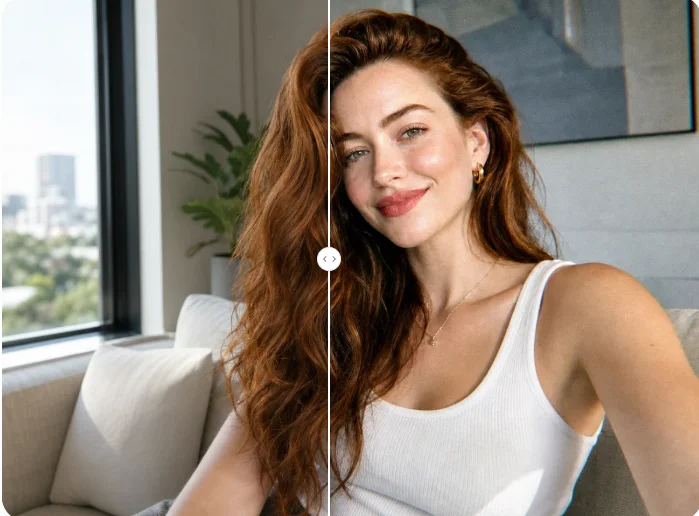
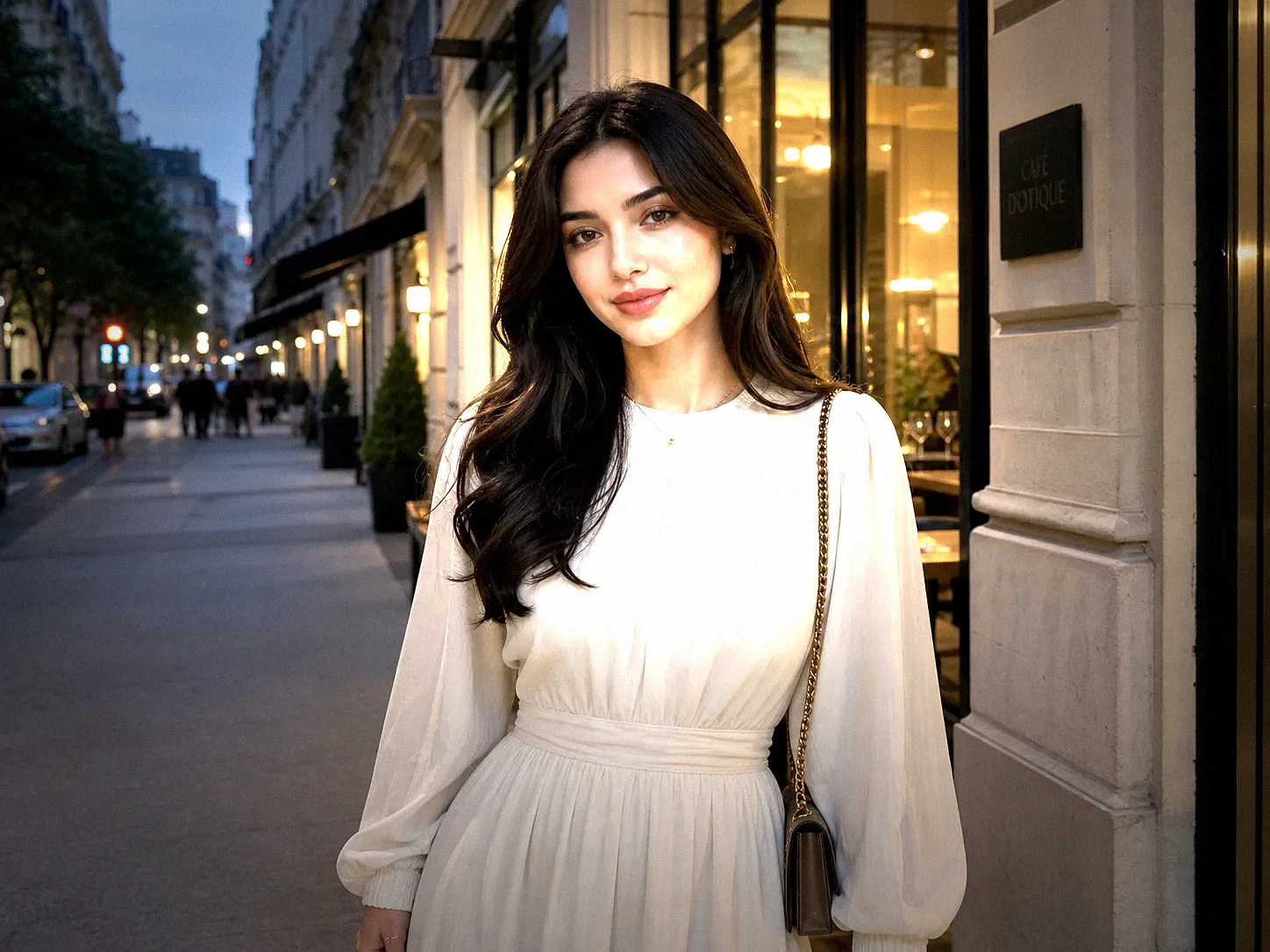
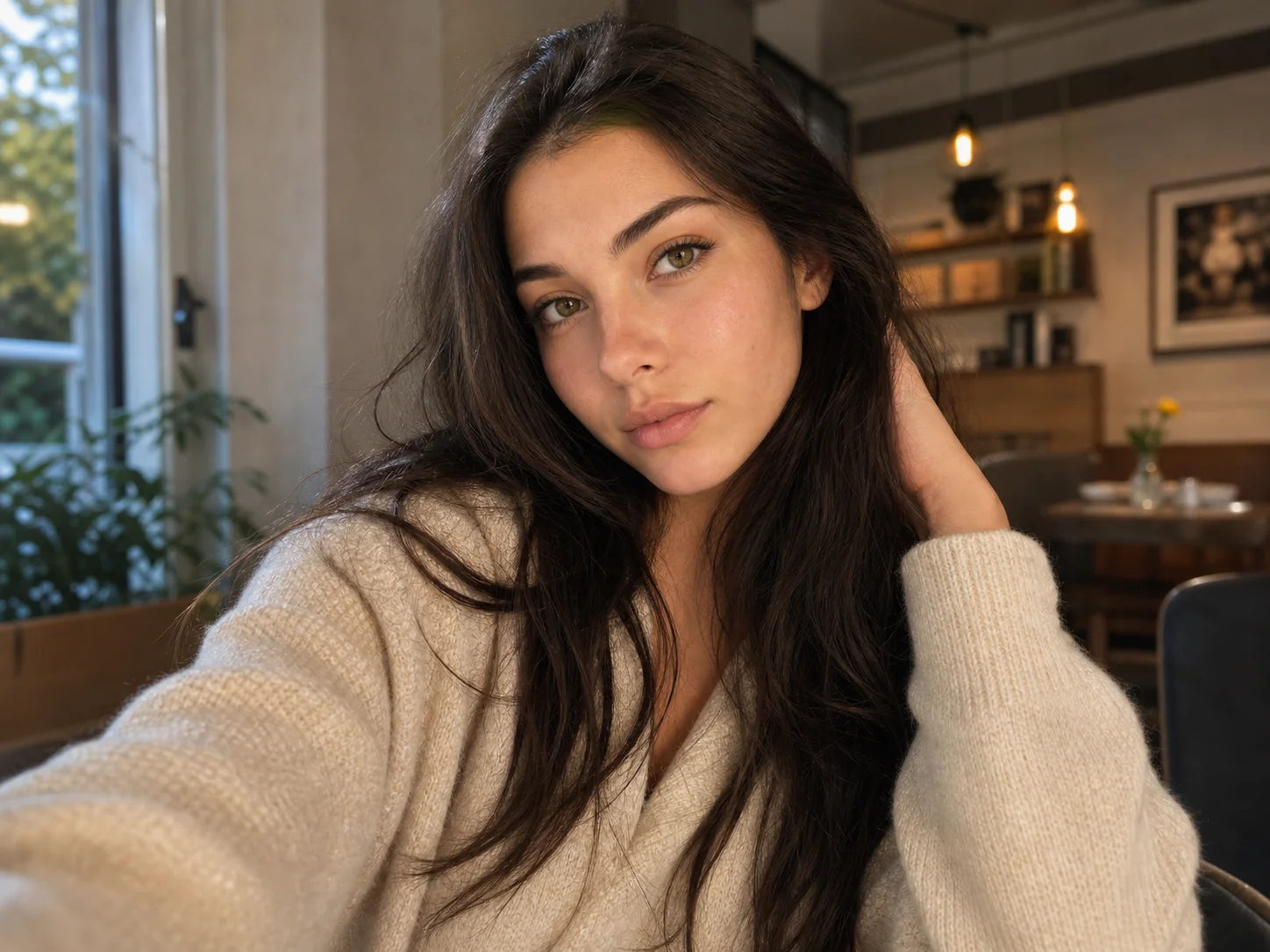
Upload a photo and turn it into a nostalgic film-style image with grain, flash, faded color, and casual retro energy.