Add Your Cover Idea
Describe the page, event, campaign, or visual you want to feature. You can also upload a photo to guide the subject, colors, or composition.
 AI Photo Editor
Start with a cover idea or upload a reference photo. Set the subject, message, colors, and visual direction to create a wide Facebook header with a clear focal point and space for important content.
Start with a cover idea or upload a reference photo. Set the subject, message, colors, and visual direction to create a wide Facebook header with a clear focal point and space for important content.
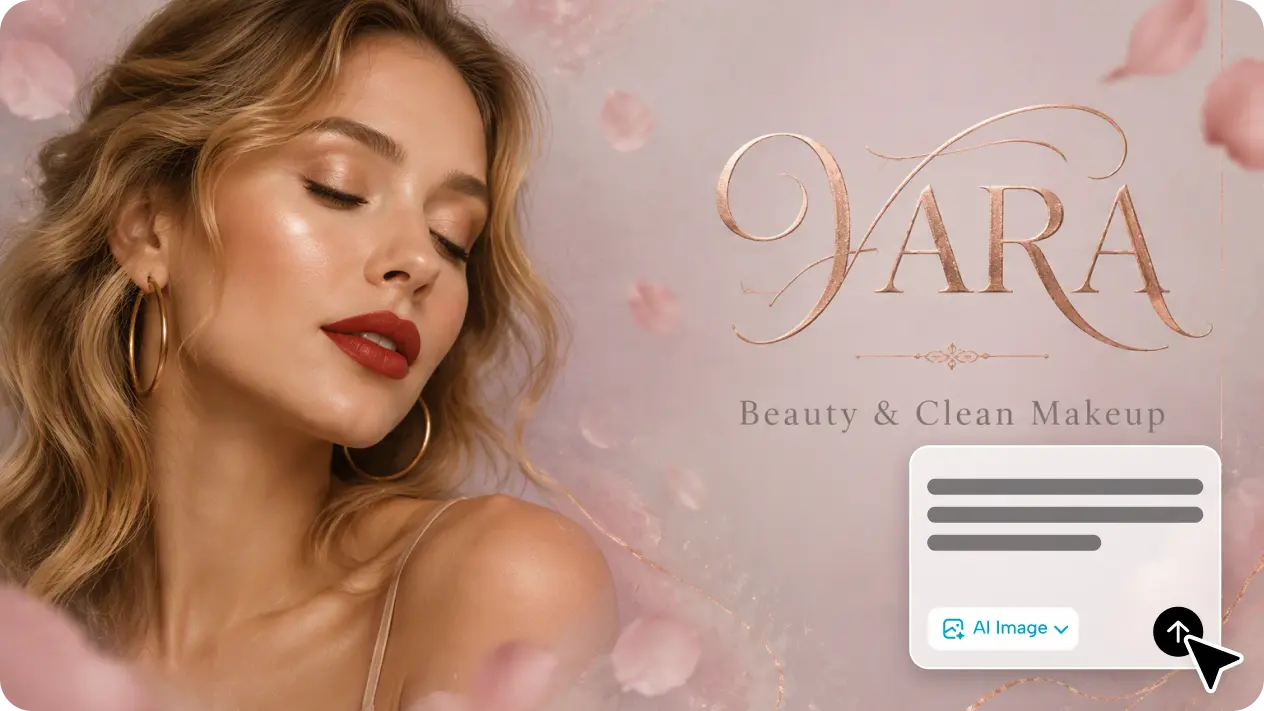
Describe the page, event, campaign, or visual you want to feature. You can also upload a photo to guide the subject, colors, or composition.
Choose a landscape ratio, refine the visual direction, and generate a Facebook cover that keeps the main subject easy to notice.
Check the focal area and text placement, choose the strongest result, and download it for your profile, page, group, event, or campaign.
Turn a written concept or reference photo into a complete cover direction without starting every composition from a blank canvas.
Shape a horizontal header with an obvious focal point and useful breathing room, helping important subjects and messages remain easy to see.
Guide colors, mood, subject placement, and visual style for personal profiles, business pages, communities, events, launches, and promotions.
Create recognizable covers for personal profiles, communities, content series, announcements, and upcoming launches.
Explore cover concepts, color directions, and horizontal compositions quickly before refining the most promising result.
Produce focused Facebook headers for business pages, events, promotions, seasonal campaigns, and branded announcements.
A Facebook cover photo maker helps turn an idea or reference photo into a wide header visual for profiles, pages, groups, events, and campaigns.
Yes. Start with a written cover idea and describe the subject, mood, colors, composition, and message you want the design to communicate.
Yes. Upload a reference image to guide the main subject, visual direction, color palette, or composition while creating a new cover.
Keep important faces, logos, and short text away from the outer edges. Review the downloaded cover on both desktop and mobile before publishing.
Use it for personal profiles, business pages, groups, events, product launches, store promotions, seasonal campaigns, and community announcements.
AI Photo Editor is your go-to AI image toolkit for generating, editing, and enhancing photos and artwork.
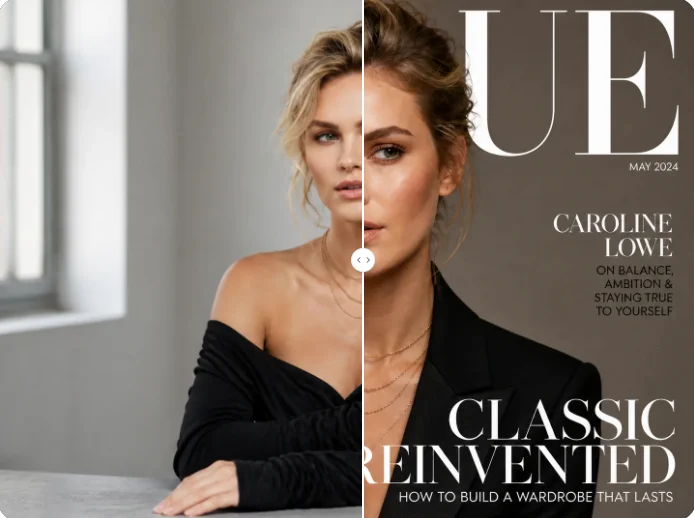
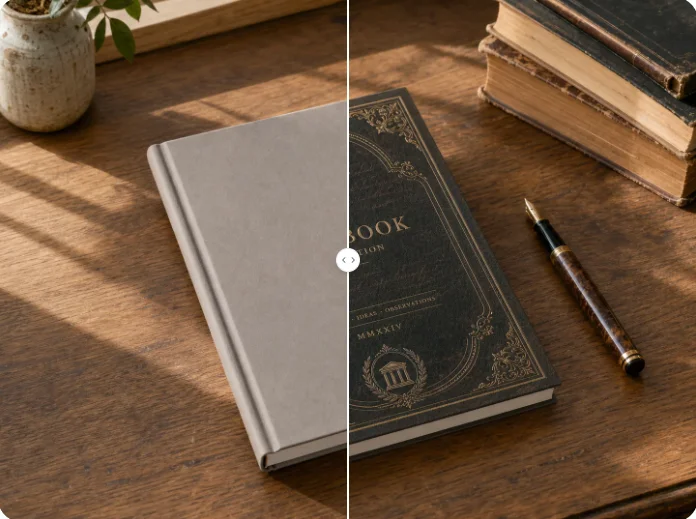
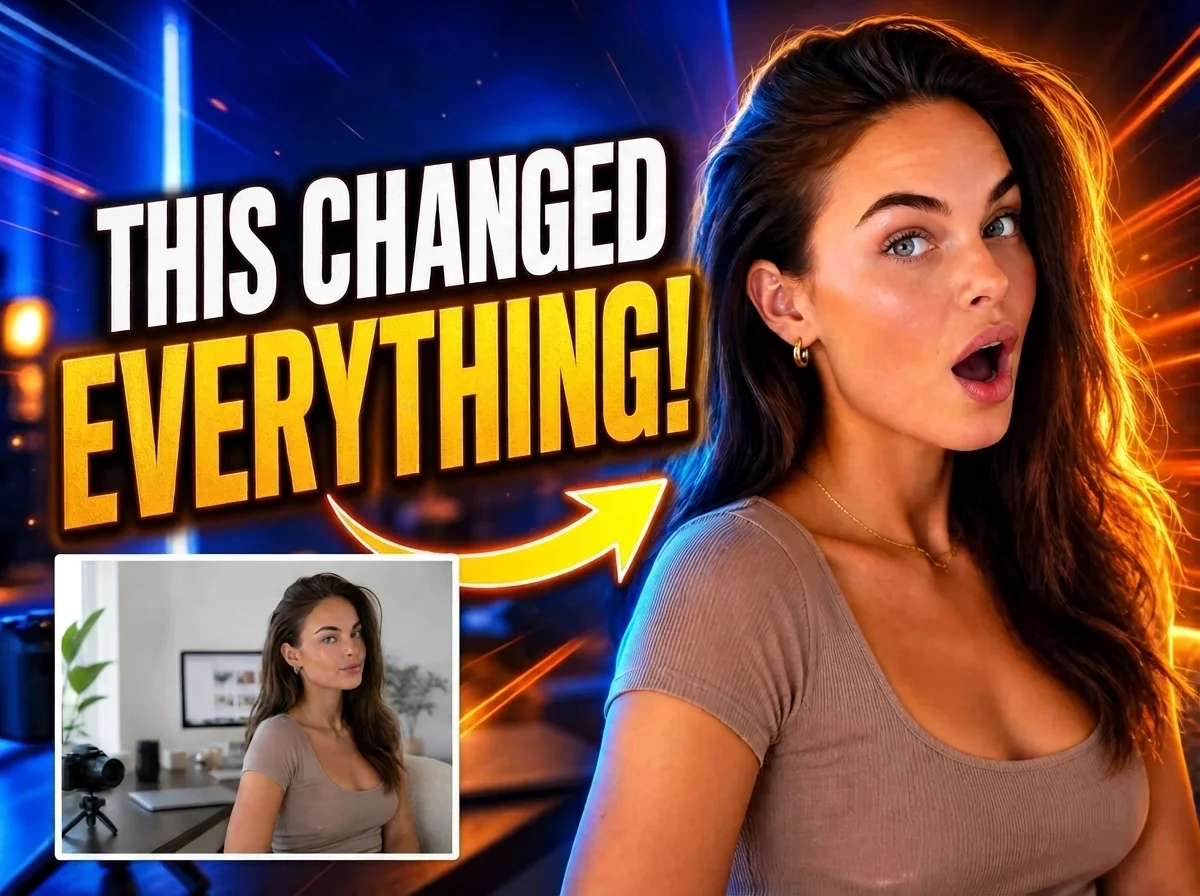
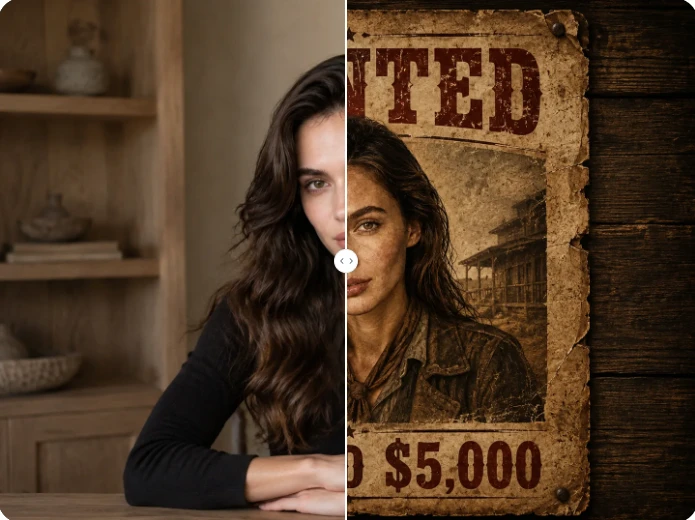

Turn an idea or reference image into a polished wide header for your Facebook profile, page, group, event, or next campaign.