Upload
Upload a clear photo, such as a passport-style image, application photo, travel picture, event memory, or social post.
 AI Photo Editor
Upload a photo and describe where the name, date, or label should appear. AI Photo Editor helps place clean, readable text while keeping the subject, layout, and original photo style balanced.
Upload a photo and describe where the name, date, or label should appear. AI Photo Editor helps place clean, readable text while keeping the subject, layout, and original photo style balanced.
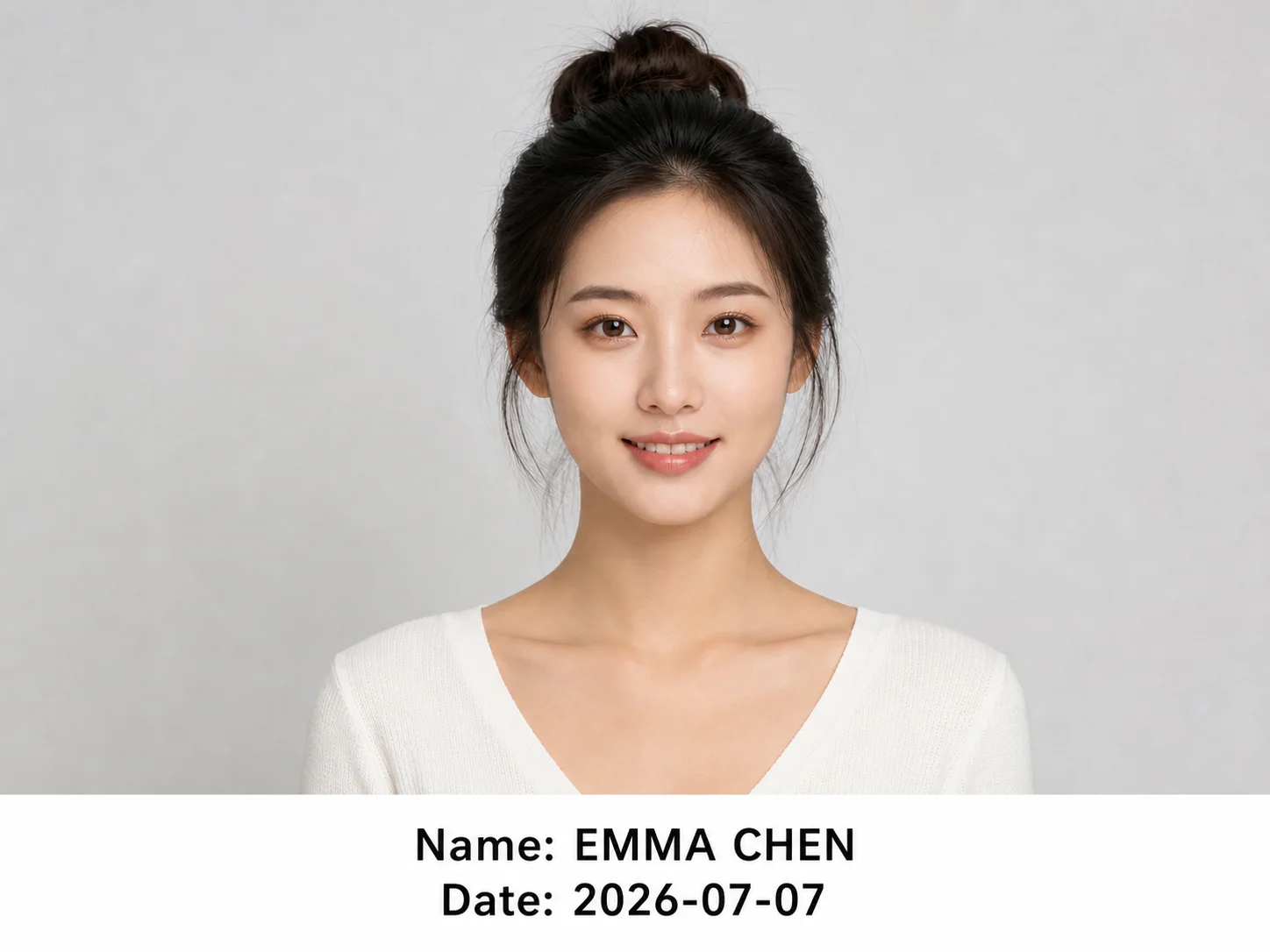

Upload a clear photo, such as a passport-style image, application photo, travel picture, event memory, or social post.
Enter the name, date, and placement style you need, such as a bottom strip, corner stamp, or clean centered label.
Review the result, make sure the text is readable, and download the edited image for documents, records, or sharing.
AI Photo Editor helps add names, dates, or labels while keeping the original subject recognizable. It is useful when you need a neat result without redesigning the full image.
Create a bottom text strip, a corner timestamp, or a clean label for passport photos, job applications, school images, event records, and personal keepsakes.
The workflow focuses on balanced spacing, readable text, and image clarity, so the final photo works better for practical submission, archiving, or sharing.
Create dated posts, memory cards, thumbnails, and social images with clean name or date labels that match the photo.
Prepare reference visuals, clean label layouts, and application-style image concepts faster before final manual refinement.
Create event visuals, campaign records, and branded image variations with readable dates, names, or message labels.
Yes. Upload a clear photo and describe the text placement, such as a clean bottom strip or centered label, so the name and date stay readable.
It does not have to. You can ask AI Photo Editor to place the text in a safe area, such as the lower margin, a corner, or a separate white strip.
Clear portraits, document photos, travel images, event photos, and memory pictures work well when the subject is visible and there is enough room for text.
Yes. Describe the font feel, color, placement, spacing, and whether you want a formal document style, camera timestamp, or memory-card layout.
No. It can also be used for birthdays, travel memories, event records, social posts, school images, and personal keepsakes.
AI Photo Editor is your go-to AI image toolkit for generating, editing, and enhancing photos and artwork.
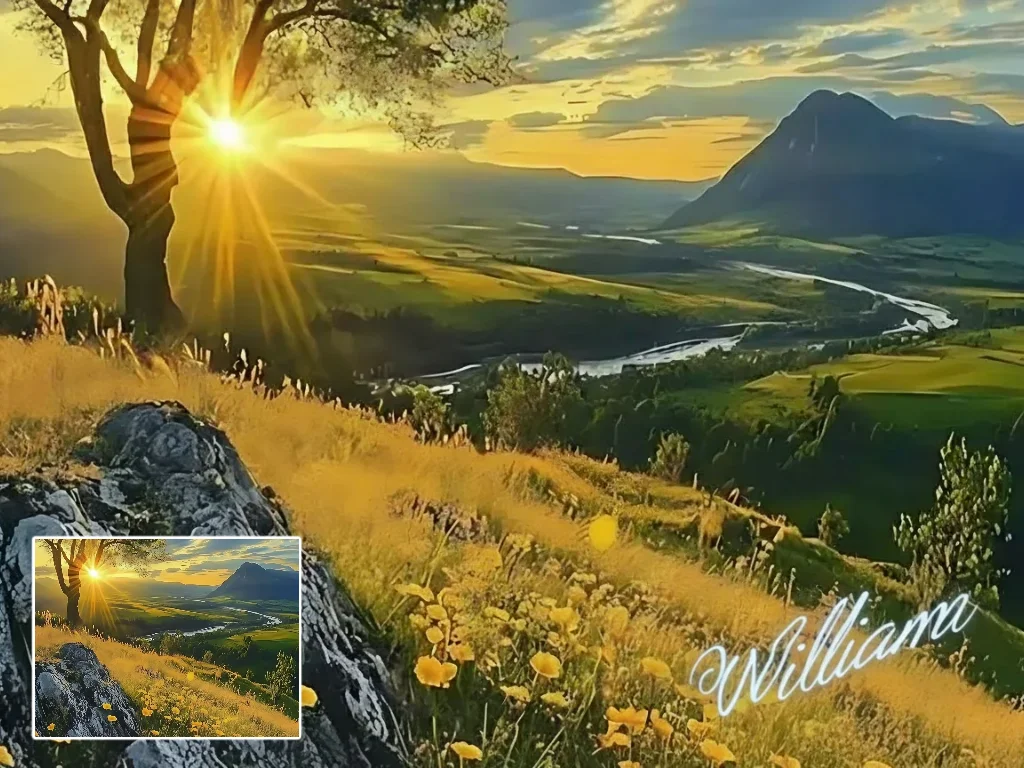
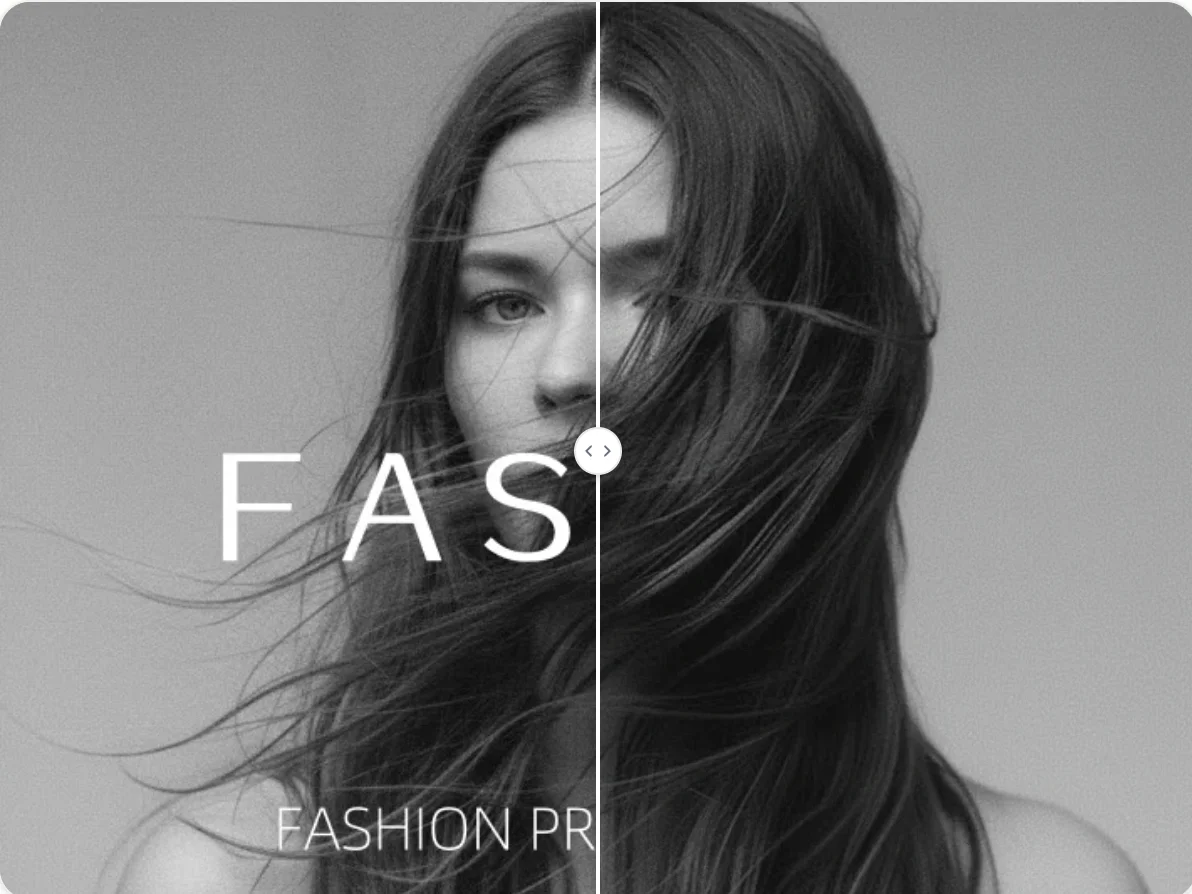
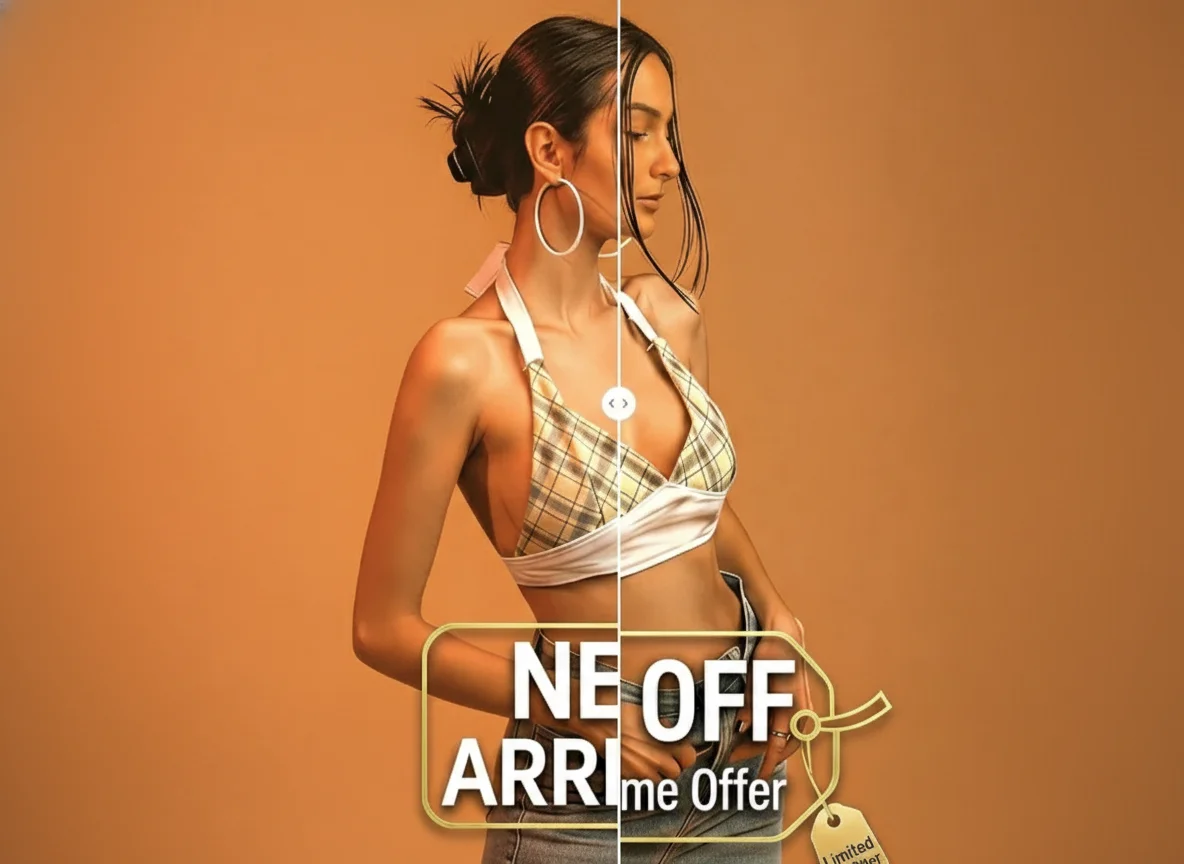
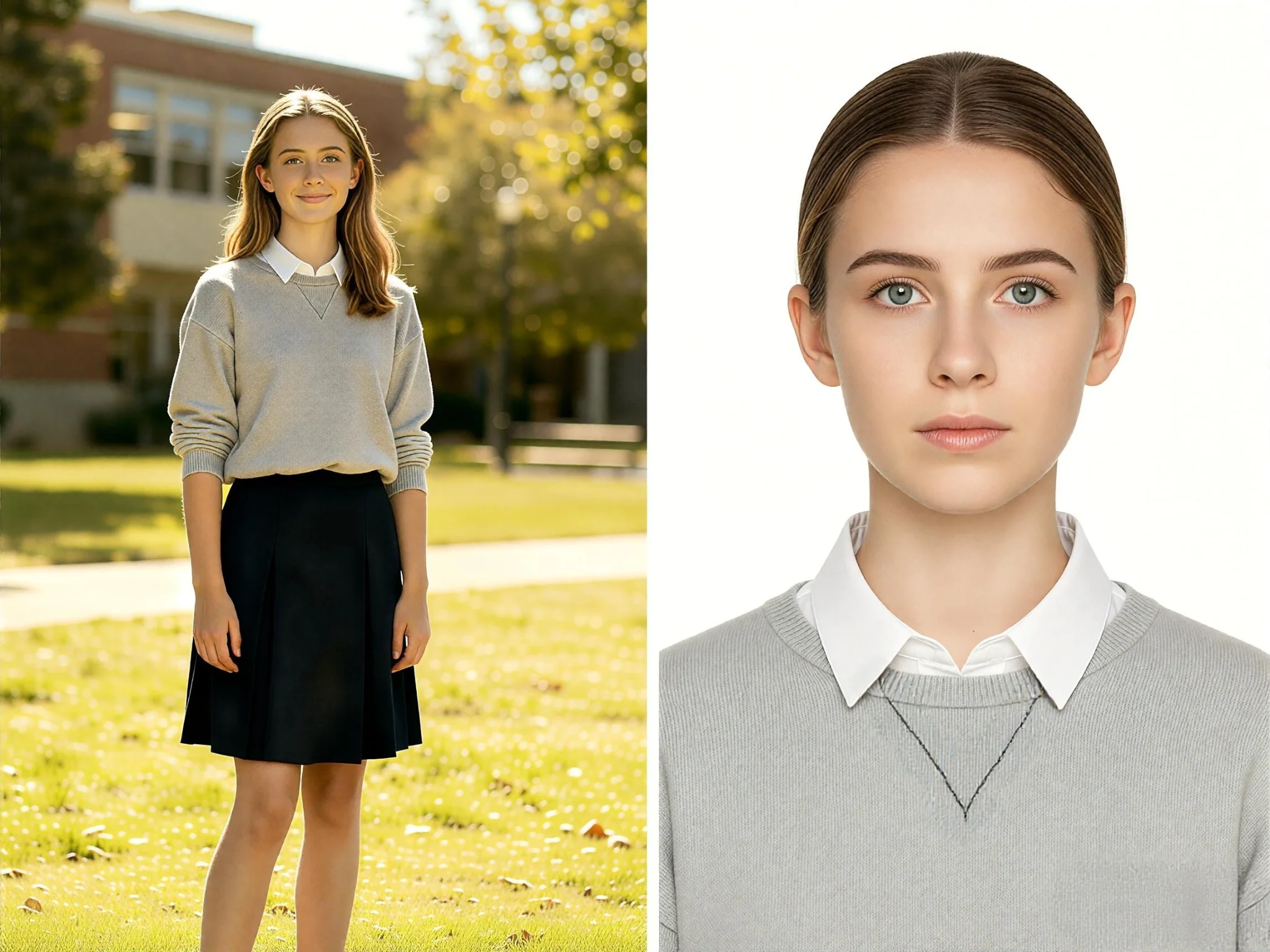

Upload your photo and create a clean name, date, or memory label that stays readable and natural.