Upload Your Image
Start by uploading the file you want to modify. For the best results, use a high-resolution photo where the letters are sharp and easy to read.
 AI Photo Editor
Stop manually recreating graphics just to fix a typo; our tool lets you edit text in image directly while automatically matching the original font and style.
Stop manually recreating graphics just to fix a typo; our tool lets you edit text in image directly while automatically matching the original font and style.
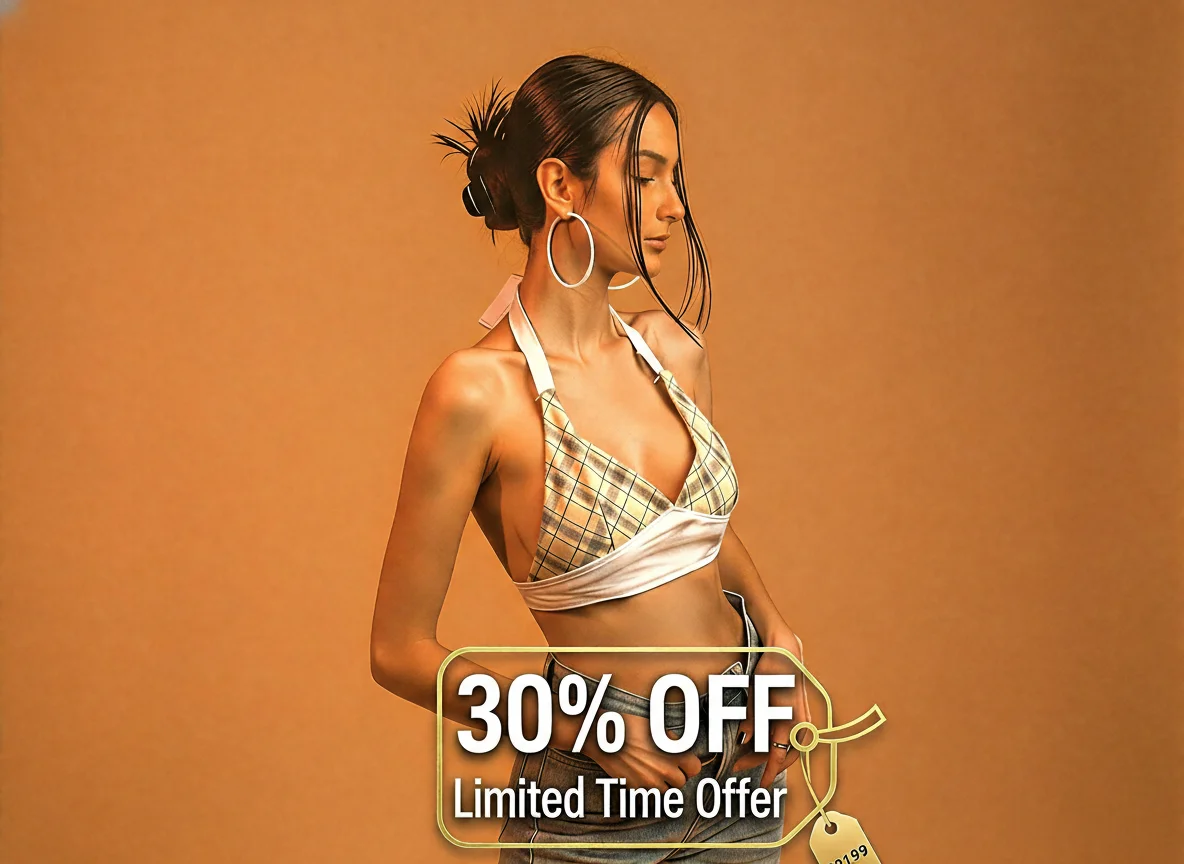
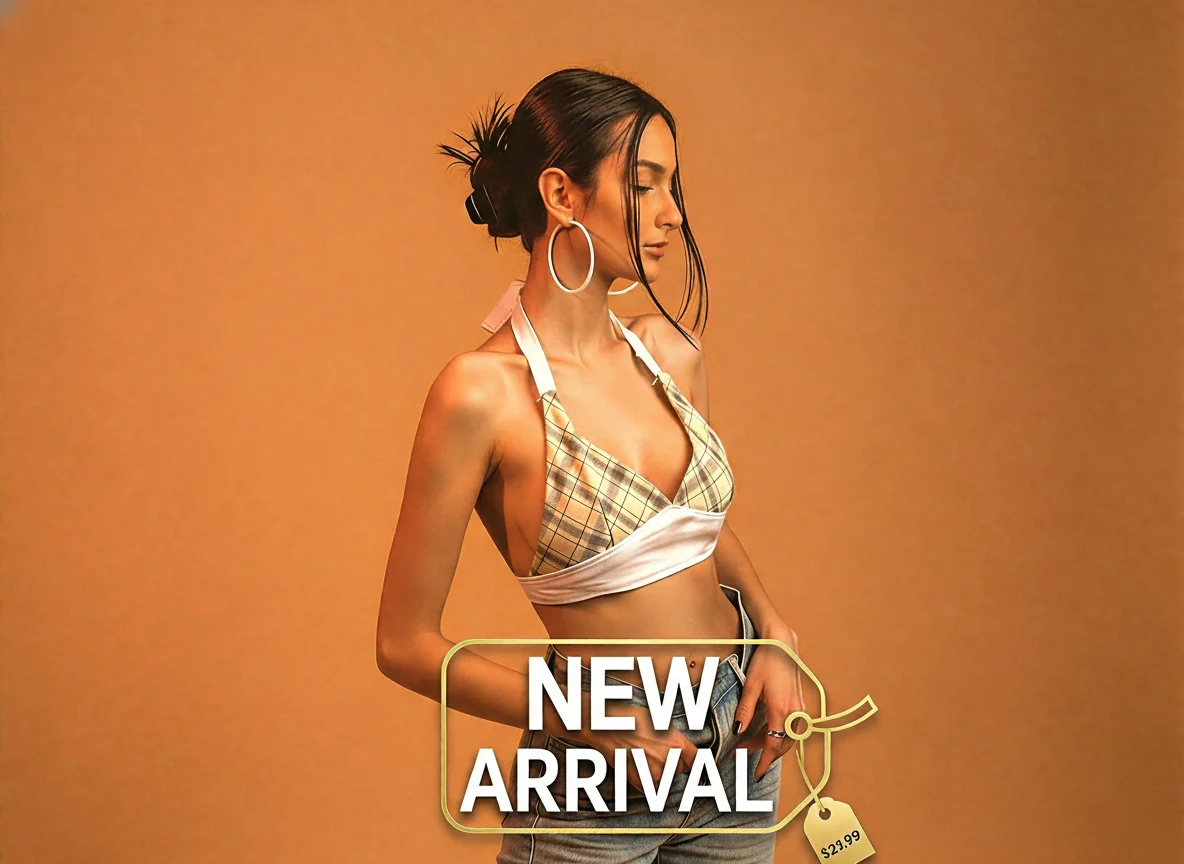
Start by uploading the file you want to modify. For the best results, use a high-resolution photo where the letters are sharp and easy to read.
Use your cursor to highlight the specific area you want to change. Type your new content into the box—whether you are swapping out a caption or fixing a spelling error.
Click "Generate" to see the magic happen. You can preview the changes, perform a quick second edit if needed, and then download your updated image instantly. It's the fastest way to edit text in images without needing any professional design skills.
Forget about learning complex software or starting from scratch. Our free AI text editor handles the heavy lifting by automatically matching fonts and styles to your original picture. Whether you need to fix a quick typo or update an outdated date, you can edit text in JPEG images online in just a few clicks.
Speed is everything when you're managing social media or business assets. Our tool is built for efficiency, allowing you to edit text in image online directly through your browser without any downloads. Simply upload your file, make the change, and download the result. It's designed to be the most intuitive way to edit text in image free, saving you hours of re-design time so you can focus on what matters most.
One of the biggest challenges in photo editing is modifying words without ruining the scenery behind them. Our advanced AI text-in-image generator uses smart inpainting technology to fill in the gaps perfectly. This means you can how to edit text in image and remove old captions while keeping the original textures and lighting completely natural.
Create visuals faster without design skills. Turn ideas into images, thumbnails, social posts, and creative assets in seconds.
Accelerate your creative workflow. Use AI Photo Editor to generate concepts, references, and visual directions, then refine them into production-ready designs.
Produce high-converting visuals on demand. Create ads, campaign visuals, and branded images quickly.
Yes! With AI Photo Editor's Edit Text in Image tool, you can modify any text while keeping the original background intact. Our advanced AI technology "reads" the pixels behind the letters and heals the background automatically as you type. This means you can fix typos or change captions without needing complex design skills or re-creating the entire file.
Editing a JPEG is simple with our online text editor. Upload your JPEG file to the AI Photo Editor dashboard. Select the text area you wish to change; the AI will detect the font and style. Type your new text. The tool will automatically match the original font, size, and color. Download your updated image instantly for free.
To edit text in a PNG image online free, simply drag and drop your PNG file into our tool. Since PNGs often have transparency, our AI ensures that the text replacement respects the layer structure and alpha channels
Yes. One of the most powerful features of our AI image text editor is "Font Matching." When you select text within an image, the AI analyzes the typeface's geometry and searches for the closest match in our library.
The best way is to use an AI-powered image text fixer like AI Photo Editor. Traditional editors require you to blur the old text and place a messy box over it. Our tool allows you to directly edit text in image online, seamlessly replacing the characters while maintaining the texture and lighting of the original photo.
AI Photo Editor is your go-to AI image toolkit for generating, editing, and enhancing photos and artwork.
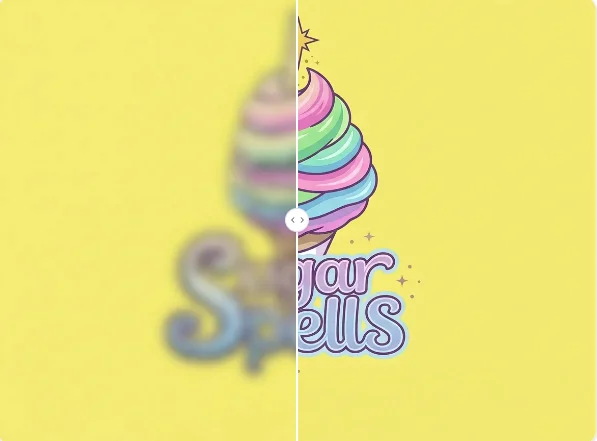
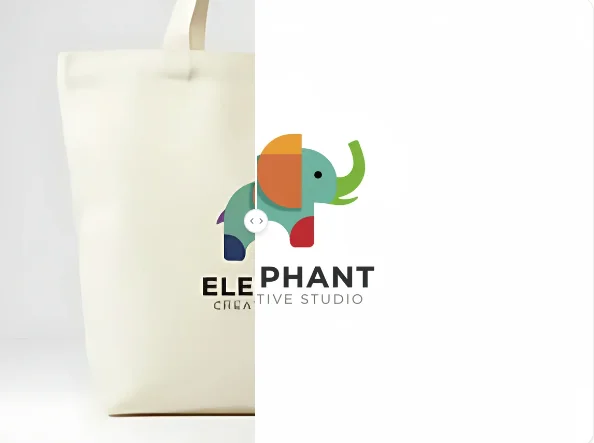
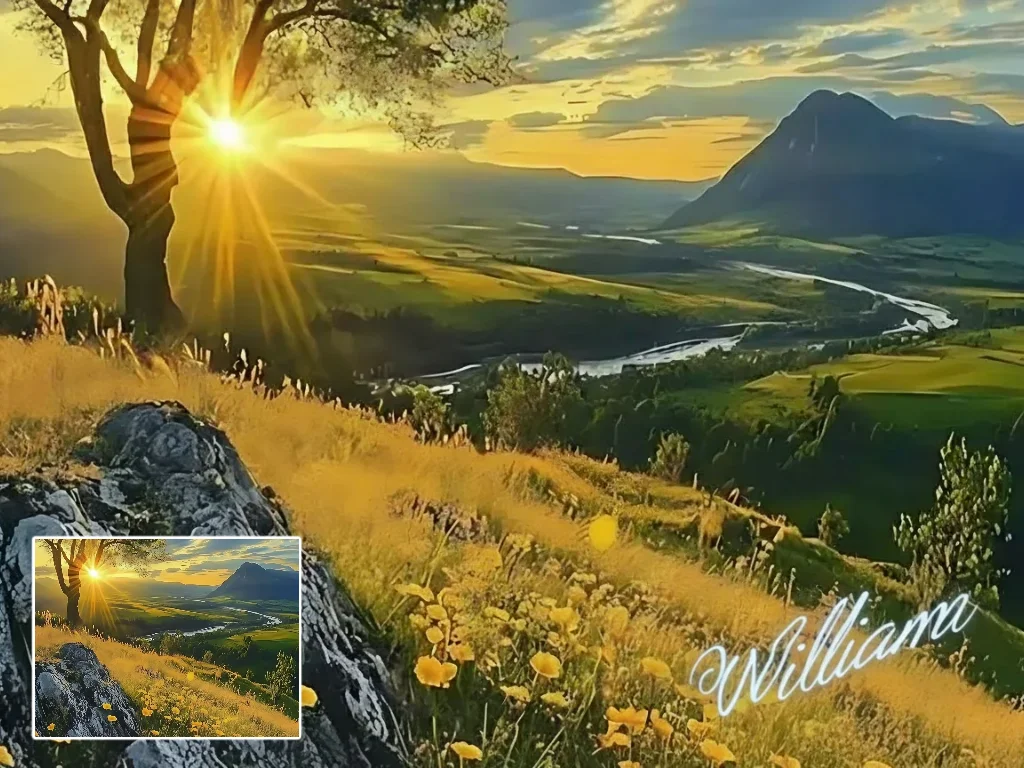
Edit text in image online without re-designing the whole file. Easily modify typos, swap dates, or update captions. It's the simplest way to edit text in JPEG images online for free while keeping the original background intact.