Upload
Upload the photo you want to sign and your handwritten signature image. For the best results, use a clear signature on a plain background.
 AI Photo Editor
Upload your photo and signature, and let AI blend them seamlessly. Add a professional, personalized signature to any image in seconds.
Upload your photo and signature, and let AI blend them seamlessly. Add a professional, personalized signature to any image in seconds.
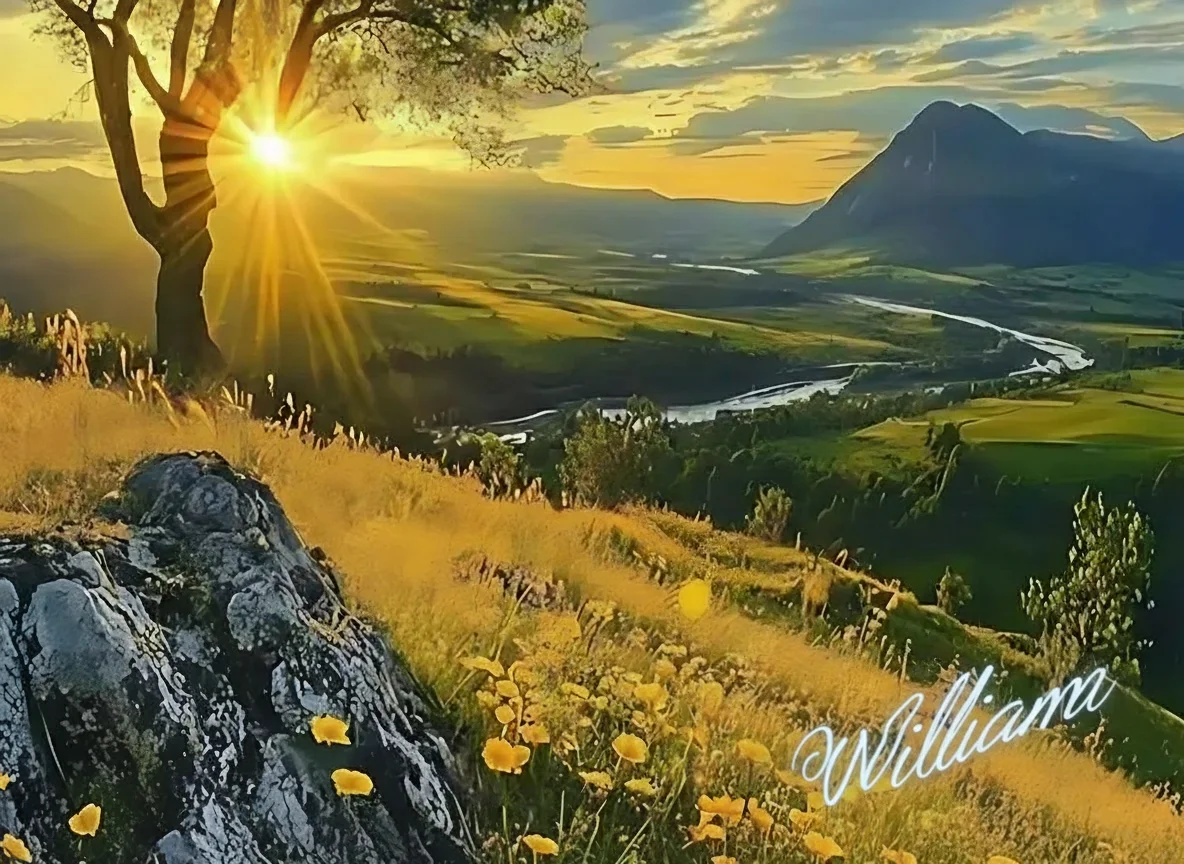
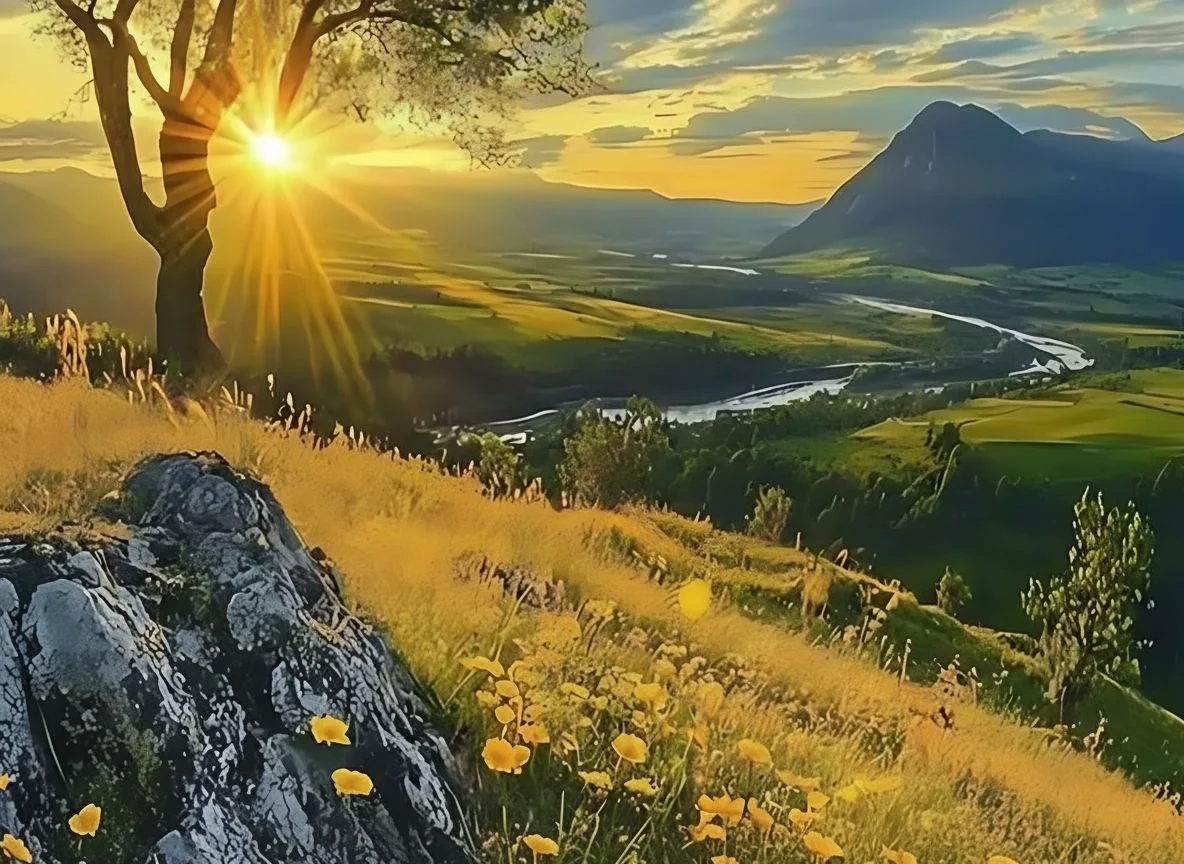
Upload the photo you want to sign and your handwritten signature image. For the best results, use a clear signature on a plain background.
Click the Generate button. AI Photo Editor's AI will automatically extract your signature, remove the background, and blend it naturally onto your photo.
Preview your signed photo and download the high-resolution result, ready for sharing, portfolio display, or copyright protection.
Add Signature to Photo uses AI to ensure your signature blends naturally with the photo's lighting and texture. Unlike simple overlay tools, AI Photo Editor delivers a professional, clean result that looks like a natural part of your artwork.
AI Photo Editor supports handwritten signatures, digital text signatures, and logo watermarks. You can adjust position, size, and opacity to match your unique branding style and protect your creative work effectively.
With AI Photo Editor, you can add signature to photo directly from your browser on any device. No software downloads needed — just upload, generate, and download your signed photo whenever you want.
Create visuals faster without design skills. Turn ideas into images, thumbnails, social posts, and creative assets in seconds.
Accelerate your creative workflow. Use AI Photo Editor to generate concepts, references, and visual directions, then refine them into production-ready designs.
Produce high-converting visuals on demand. Create ads, campaign visuals, and branded images quickly.
Add Signature to Photo is an AI-powered tool that allows you to overlay handwritten or digital signatures onto your photographs. It automatically extracts your signature, removes the background, and blends it seamlessly onto your image for a professional look.
Simply photograph or scan your signature on a plain background, then upload it to AI Photo Editor. The AI will automatically extract your signature with a transparent background and place it onto your target photo.
No. Simply upload your photo and signature to AI Photo Editor, and the AI handles the entire process — from background removal to signature placement — automatically.
Not at all. The tool processes images in high definition, ensuring your original photo quality is fully preserved while the signature is applied cleanly.
AI Photo Editor supports common image formats including JPG, JPEG, PNG, BMP, and WebP. You can upload your signature in any of these formats for processing.
Want to protect your photos with a professional signature? Upload your image and signature to AI Photo Editor, and create a beautifully signed photo in seconds!