AI T‑Shirt Design Generator

Turn your ideas into custom t-shirt designs to print or share—no design skills needed. Try different styles and colors to create a tee that truly fits your vision.

Required inputs: 1 reference image.

0/20000
Advanced settings
8Generate

AI T‑Shirt Design Generator

Turn your ideas into custom t-shirt designs to print or share—no design skills needed. Try different styles and colors to create a tee that truly fits your vision.

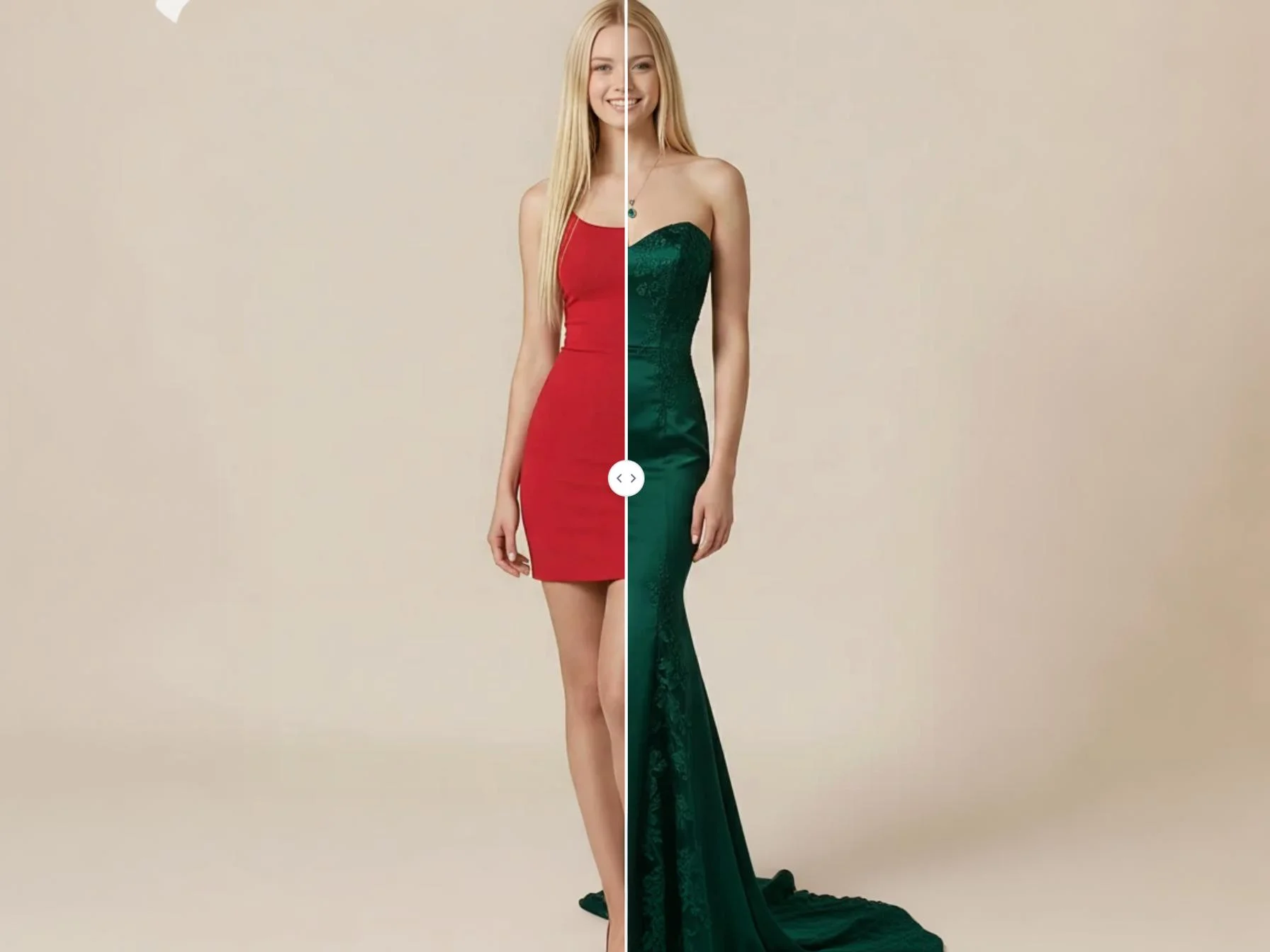
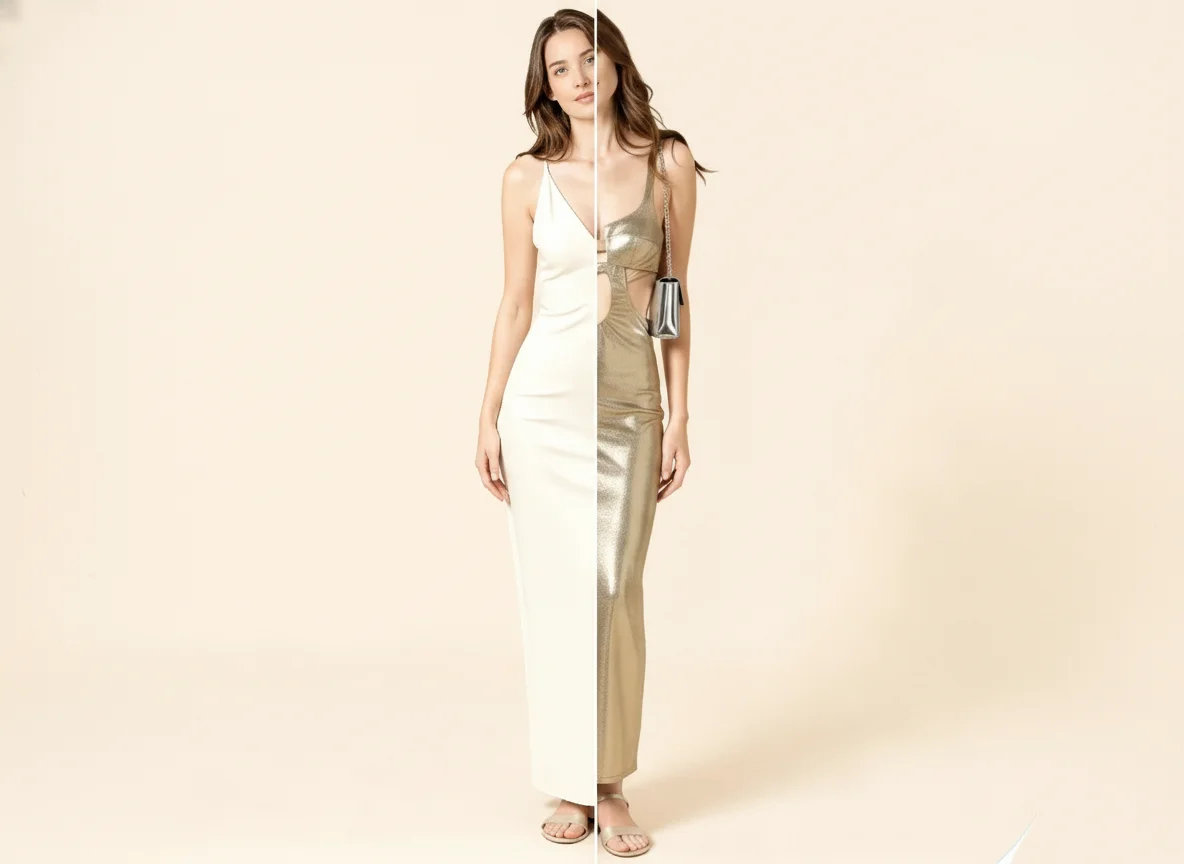
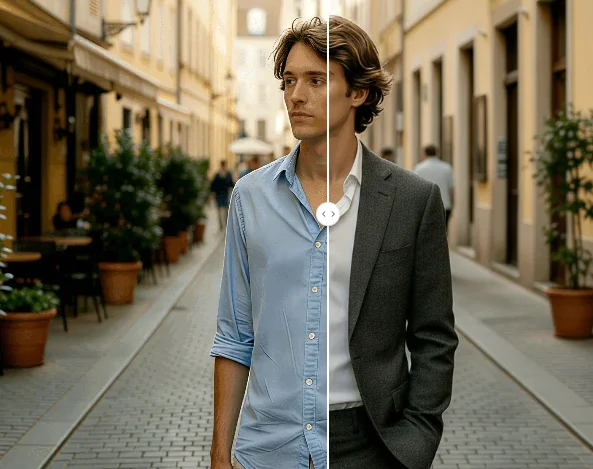
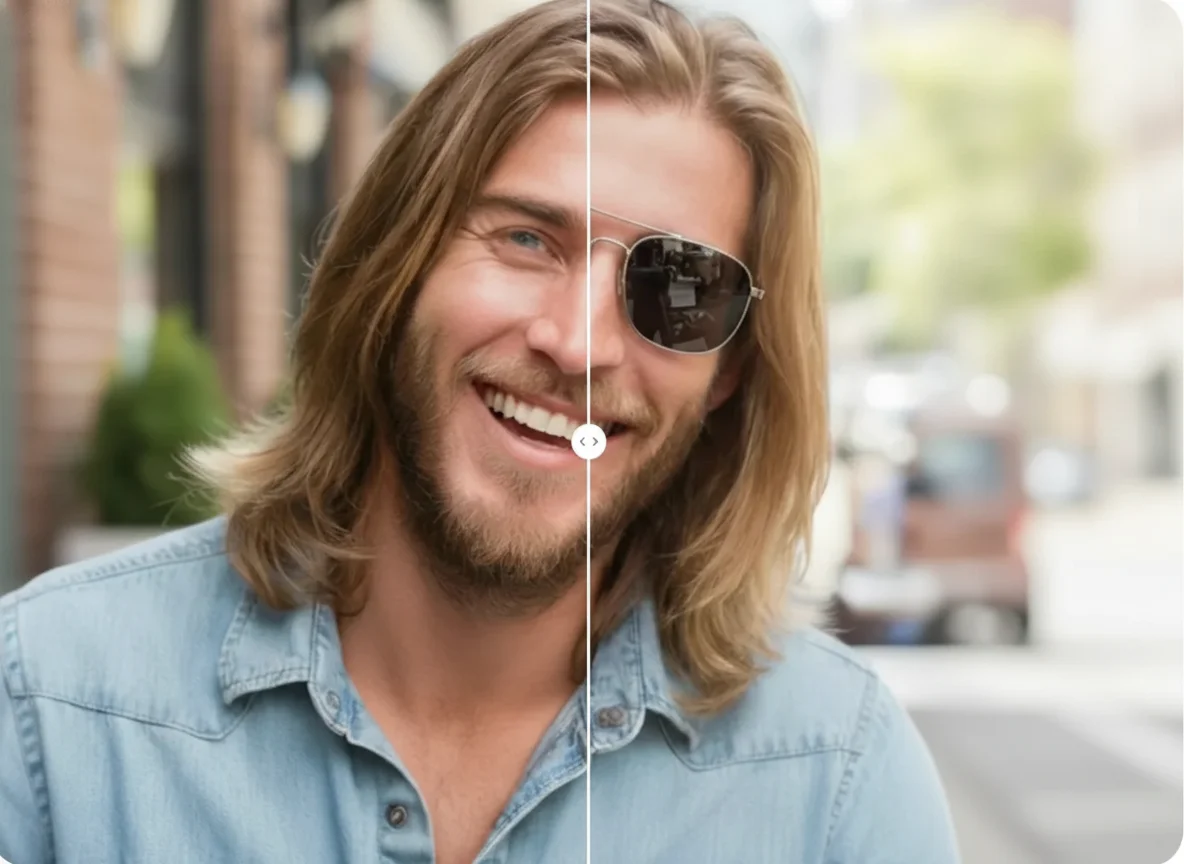
AI T‑Shirt Design Generator afterAI T‑Shirt Design Generator before
BeforeAfter

How to create your own t-shirt design in 3 steps

01

Pick Your Idea or Starting Point

Think about the message, theme, or look you want for your shirt. It could be a phrase, an illustration, a hobby, or a brand style. Having a clear idea helps the t‑shirt design generator shape something that really fits your vision. You can start from scratch or draw inspiration from things you love. The more you know what you want, the easier the next step becomes.

02

Enter Details or Upload Reference

Describe your design in simple words, such as colors, layout, and style, or upload a sketch or photo as a guide. Our t‑shirt design generator uses your input to create a t‑shirt design that matches what you pictured. No drawing skills are needed — just tell us the key parts you want to see, and the tool will form a first version for you to review.

03

Review, Adjust and Download

Check the design the generator makes for you. If something needs to change, adjust your description and create another version. Repeat until the result feels right. When you are happy, download your own t‑shirt design to print or share. You now have a custom tee that shows your personal style, made easily with our t‑shirt design generator.

Key Features of AI Photo Editor's T‑Shirt Design Generator

Designs That Look Sharp and Ready to Print

AI Photo Editor's t‑shirt design generator creates artwork in clear, high‑quality detail, so lines, colors, and shapes stay crisp. Each design comes out smooth and balanced, with no unwanted blur or distortion. This means your create t shirt design results are easy to view, share, or send straight to printing. You get a professional look without needing graphic design skills, helping your finished tee appear just as you imagined.

Create Your Own T‑Shirt Design From Words or Pictures

As a t‑shirt design generator that works from text and photo, AI Photo Editor lets you start with a simple description or upload a sketch, logo, or photo. Just tell it the style, colors, and main elements you want, and it builds a matching design. Being able to create your own t shirt design this way makes the process quick and open to anyone. You can turn thoughts into visuals in minutes, try different ideas, and shape the shirt exactly how you like it.

Endless Ideas With Every Try

AI Photo Editor's ai t shirt design generator responds to each new description with a fresh version, so you can explore many looks from one concept. Change a word, switch a color, or tweak the layout, and you get a new option to compare. This freedom turns creating t shirt designs into a fun, repeatable journey. You can mix styles, test bold statements or subtle details, and find the one that feels most yours before making it real.

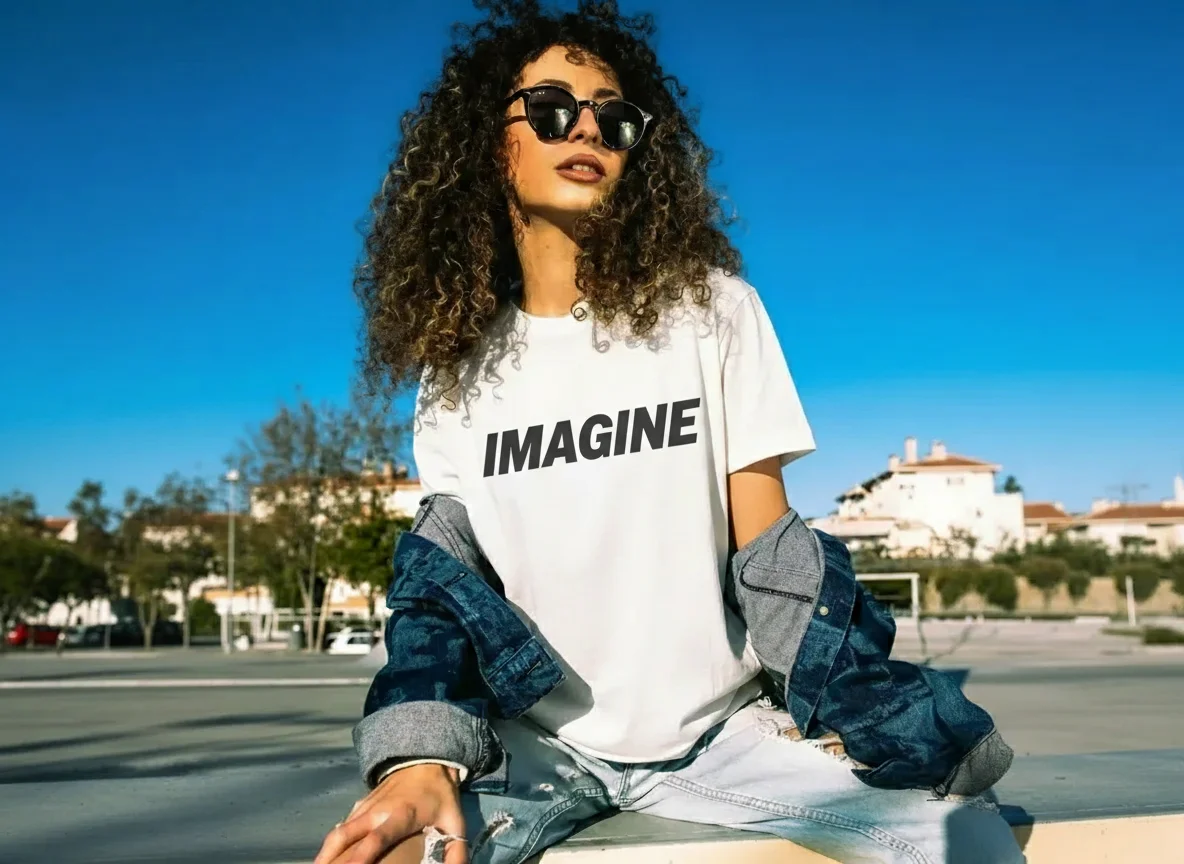
Who Use AI Photo Editor

Creators

Create visuals faster without design skills. Turn ideas into images, thumbnails, social posts, and creative assets in seconds.

Designers

Accelerate your creative workflow. Use AI Photo Editor to generate concepts, references, and visual directions, then refine them into production-ready designs.

Marketers

Produce high-converting visuals on demand. Create ads, campaign visuals, and branded images quickly.

QUESTIONS & ANSWERS

FAQs About AI T‑Shirt Design Generator

How to create a design for a t‑shirt?+

Start by deciding on a theme, message, or style you want. Then use a t‑shirt design generator like AI Photo Editor to turn your idea into a clear visual. You can type details or upload a reference, and the tool will help you create a t shirt design that's ready to print or share.

Where can I create my own t-shirt design?+

Create custom t-shirt designs with AI Photo Editor. The t-shirt design generator works from text or images, making it easy to build unique artwork without design skills. Enter your concept and download the result when you're ready.

How to use AI for t‑shirt design?+

With AI Photo Editor's ai t shirt design generator, you describe what you want—such as colors, layout, and theme—or give a sample image. The tool reads your input and forms a matching design, making it easy to create t shirt designs even if you don't draw.

How to use AI to make t‑shirt designs?+

To make t‑shirt designs with AI Photo Editor, pick your idea, put it into the t‑shirt design generator as words or a picture, and let the tool create options for you. You can try different descriptions to get fresh looks, then choose and download your favorite.

How to design text‑only t‑shirts with AI?+

Enter your chosen words, font style, size, and placement into AI Photo Editor's ai t shirt design generator. It focuses on the text you provide and arranges it into a clean, eye‑catching design, so you can create a t shirt design that speaks clearly through words alone.

Create Your Own Tee Design Free

Use AI Photo Editor's t‑shirt design generator to create t‑shirt designs from your ideas. Make your own tee design easily, try styles, and download for printing or sharing.