Upload
Choose a clear portrait, product photo, or video screenshot that contains the main subject for your thumbnail.
 AI Photo Editor
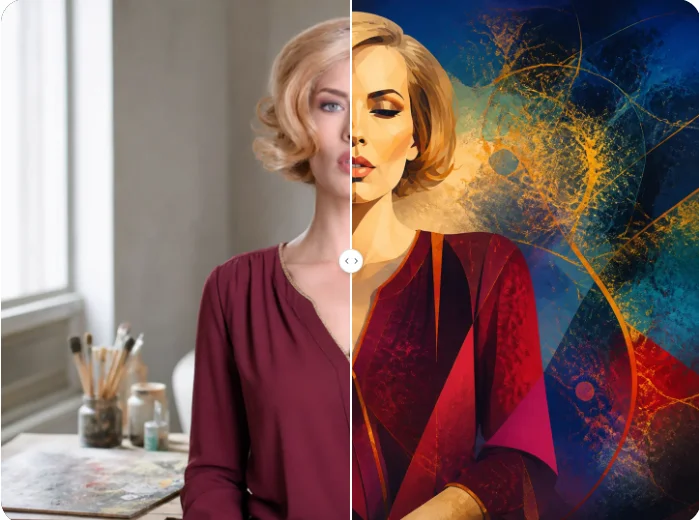
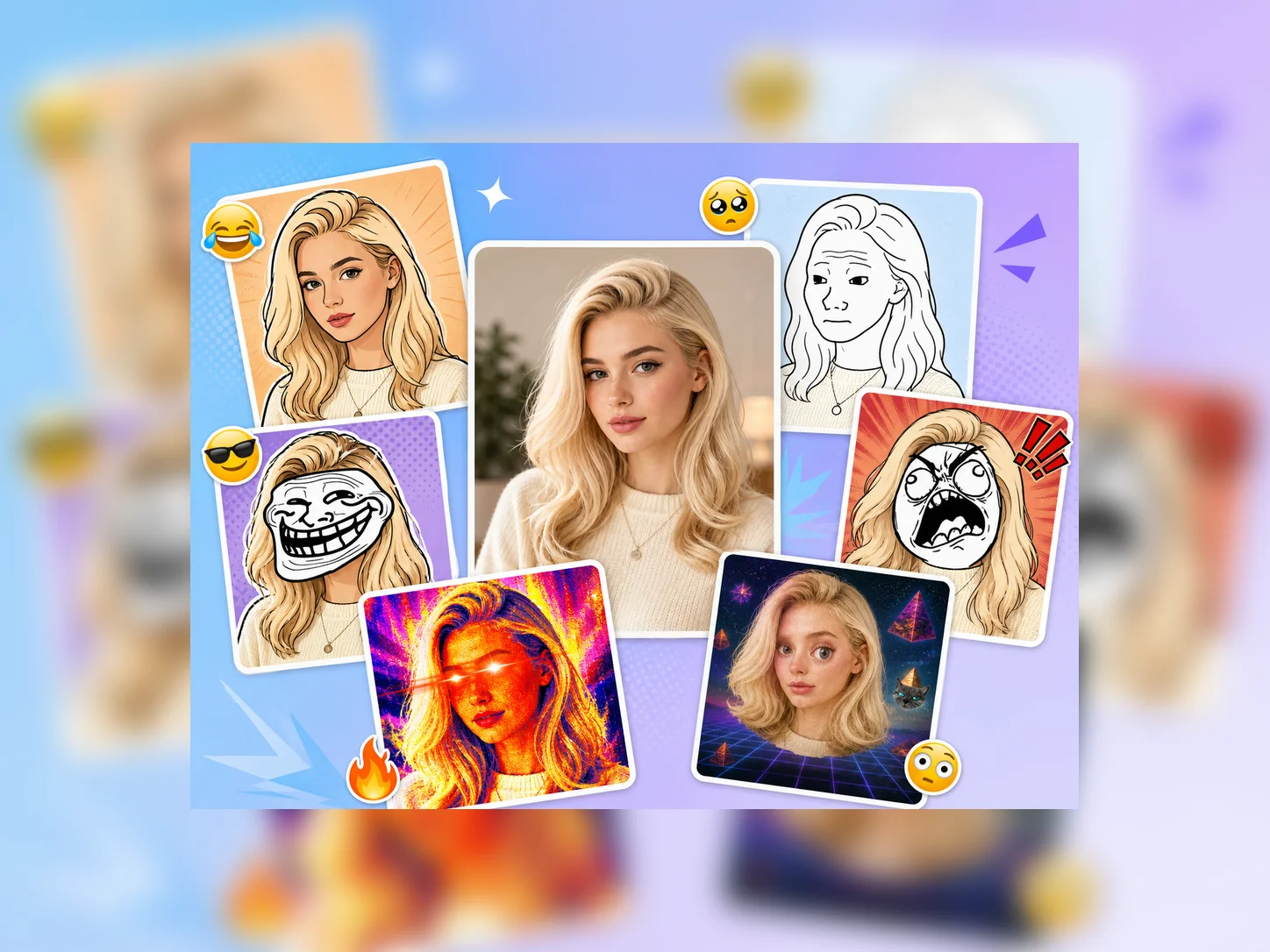
Upload a portrait, product image, or video screenshot, then edit the prompt to describe the headline, color palette, mood, lighting, and composition. Generate a polished thumbnail with a recognizable subject and a clear visual focus.
Upload a portrait, product image, or video screenshot, then edit the prompt to describe the headline, color palette, mood, lighting, and composition. Generate a polished thumbnail with a recognizable subject and a clear visual focus.
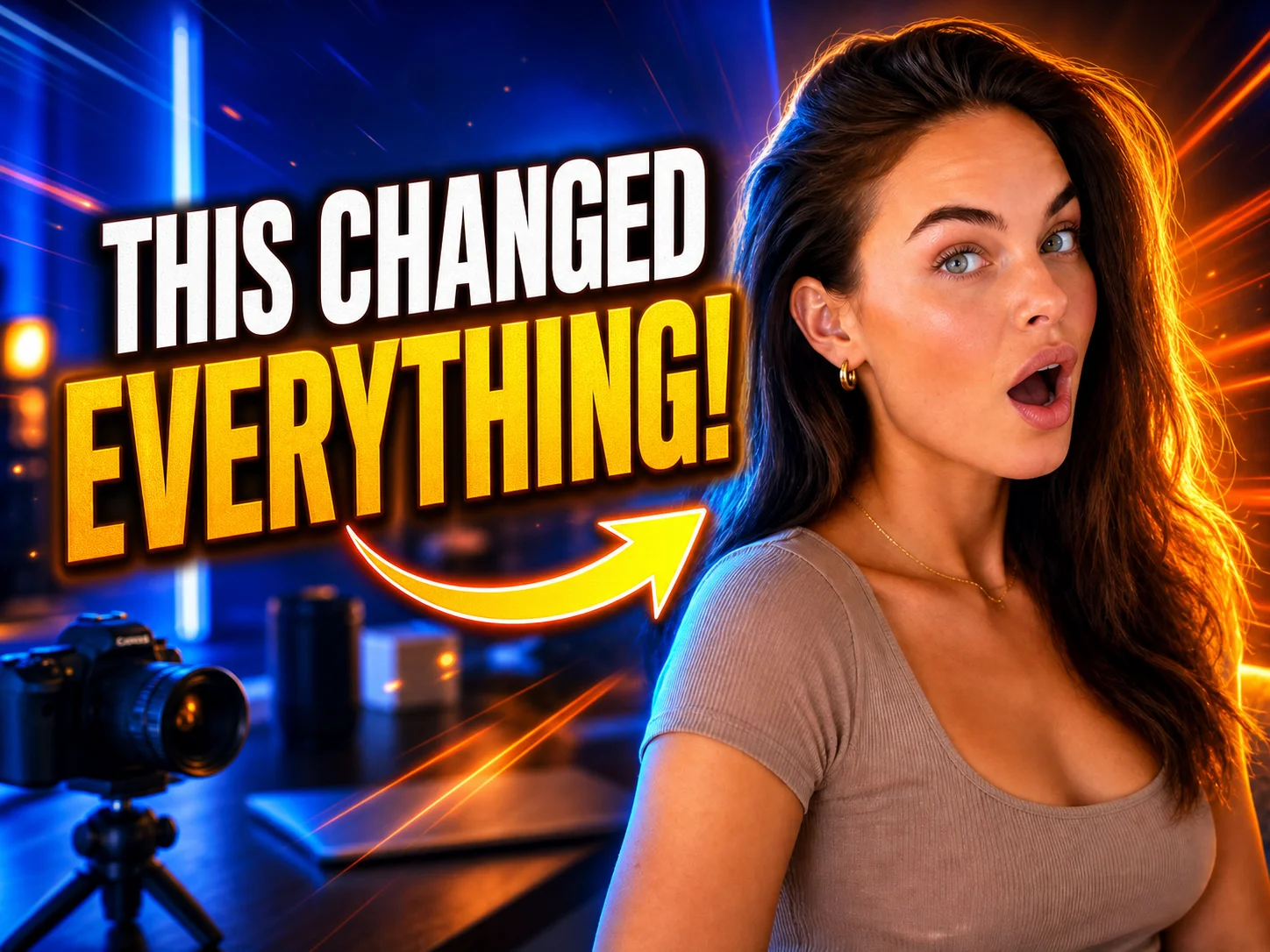
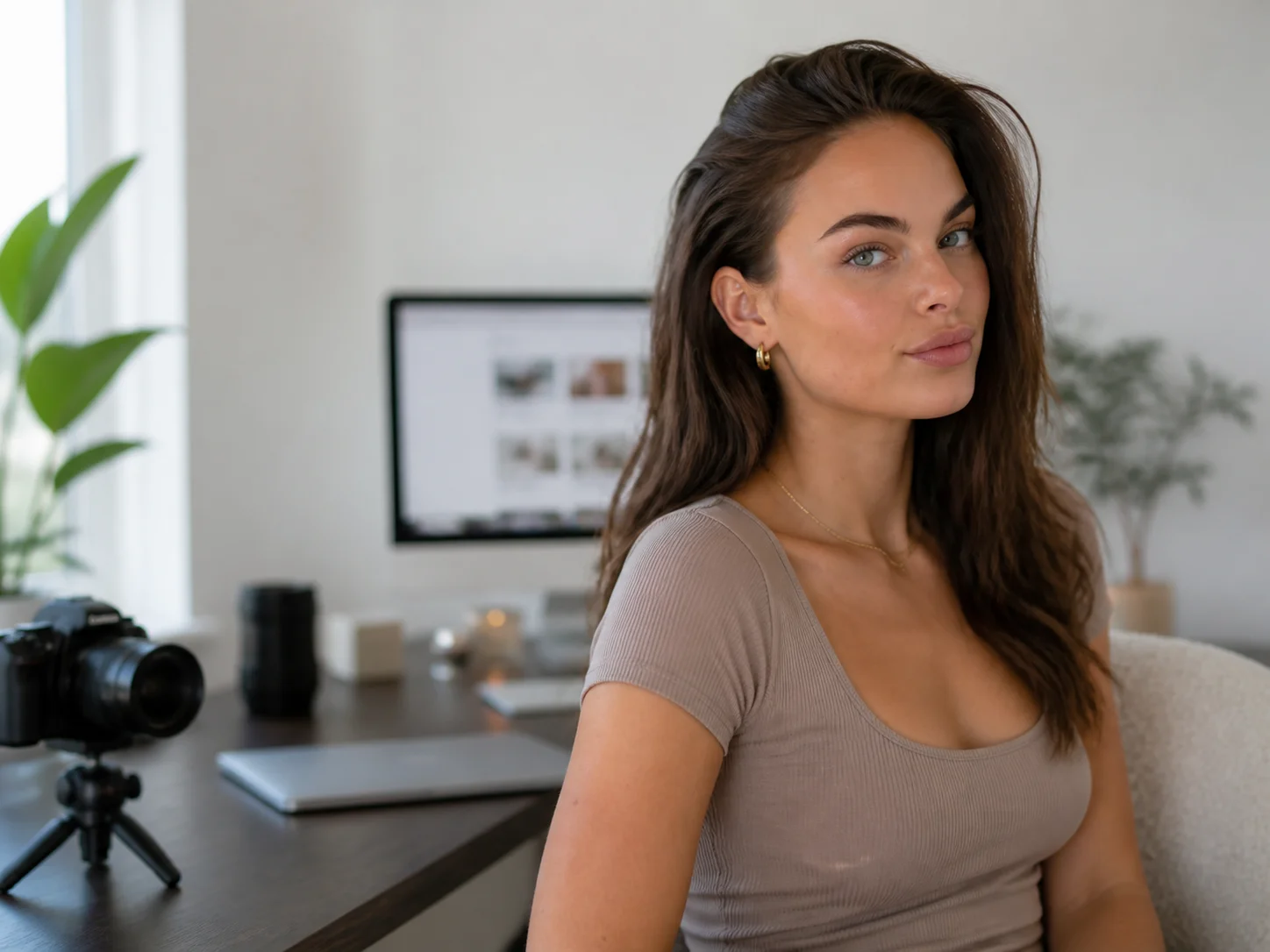
Choose a clear portrait, product photo, or video screenshot that contains the main subject for your thumbnail.
Edit the prompt to define the headline, visual hierarchy, colors, lighting, expression, and background, then generate the thumbnail.
Review the layout and readability, then download the finished visual for your video, channel, social post, or campaign.
Turn portraits, products, screenshots, and campaign images into focused thumbnail compositions that guide attention toward the subject and core message.
Describe the headline, facial expression, color contrast, lighting, background elements, and visual mood so the result follows your intended creative direction.
Create bold video covers, product highlights, social thumbnails, and promotional graphics while keeping the subject recognizable and the message easy to scan.
Turn video screenshots, portraits, and content ideas into polished covers that communicate the topic quickly and strengthen channel consistency.
Explore headline treatments, compositions, color directions, and visual hierarchy before refining thumbnail concepts for production.
Produce campaign thumbnails and promotional visuals that highlight products, offers, and key messages across social channels.
An AI thumbnail generator uses an uploaded image and written instructions to create a designed thumbnail. It can arrange the subject, headline, colors, lighting, and background into a clear visual composition.
Use a clear portrait, product photo, or video frame with a visible main subject. Images with good lighting and enough space around the subject provide more flexibility for headlines and supporting elements.
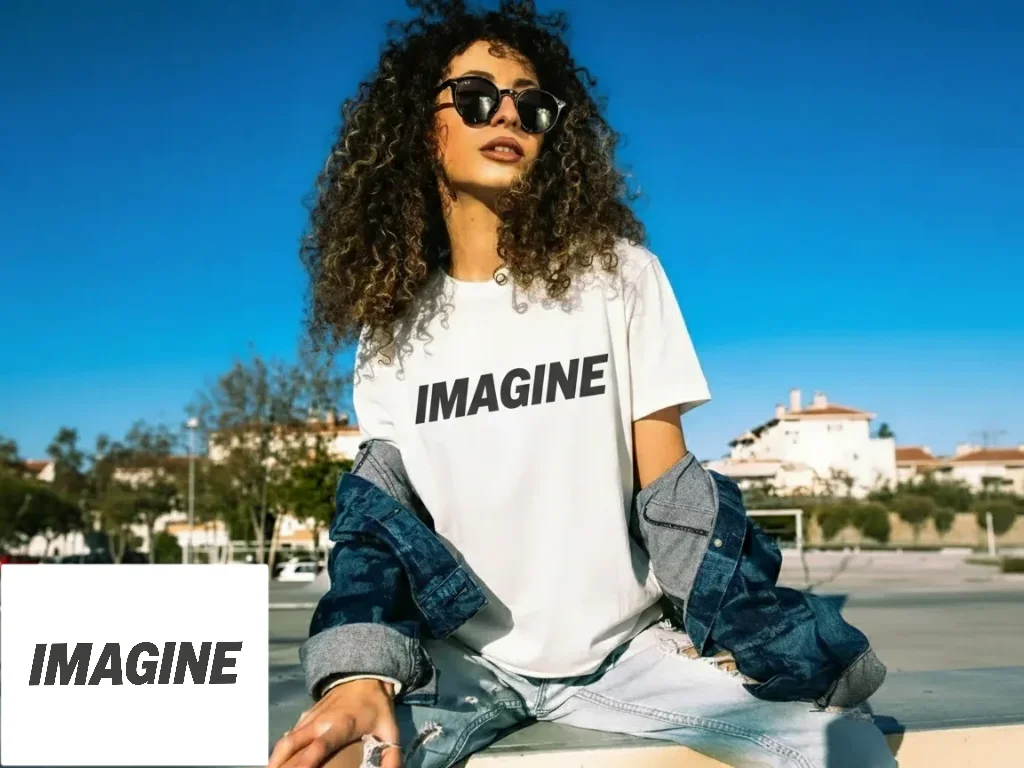
Yes. Include the exact headline in your prompt and describe its placement, size, color, and emphasis. Keep the wording short so it remains readable at thumbnail size.
Yes. Edit the prompt to guide facial expression, subject placement, background, contrast, lighting, typography, and overall mood for a specific video or campaign.
Use them for YouTube videos, Shorts, social posts, product features, blog covers, and promotional campaigns, subject to the rights associated with your uploaded and referenced content.
AI Photo Editor is your go-to AI image toolkit for generating, editing, and enhancing photos and artwork.
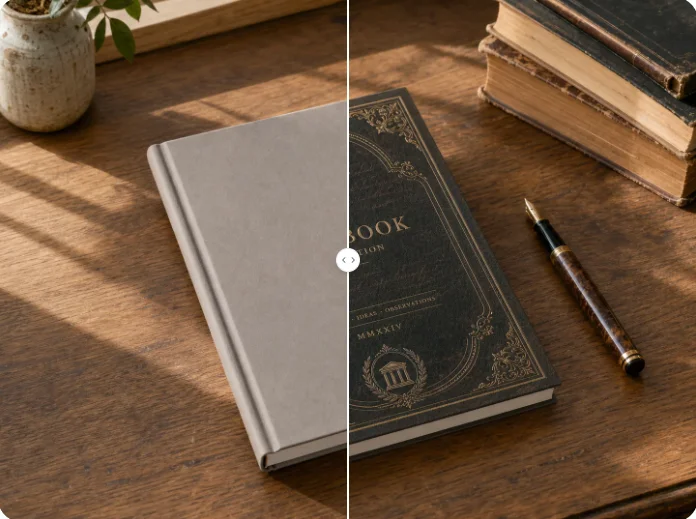
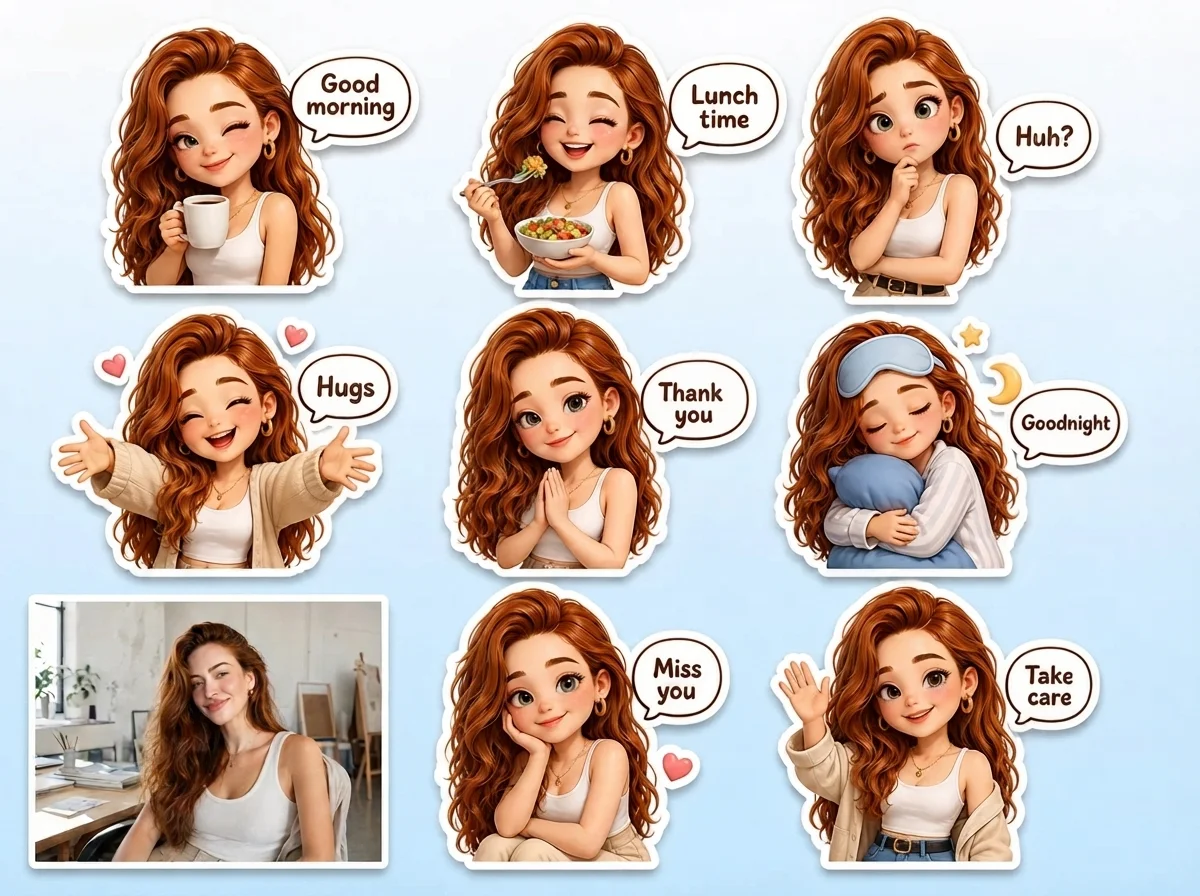
Upload an image, refine the editable prompt, and generate a polished thumbnail with a strong focal point, readable message, and publishing-ready composition.