Upload
Enter a description of the clipart you need, such as a cute animal, flower icon, business illustration, classroom graphic, or sticker design. You can also upload a photo as a reference.
 AI Photo Editor
Enter a prompt or upload a photo to generate custom clipart with clean shapes, bold colors, and styles ready for digital or print projects.
Enter a prompt or upload a photo to generate custom clipart with clean shapes, bold colors, and styles ready for digital or print projects.
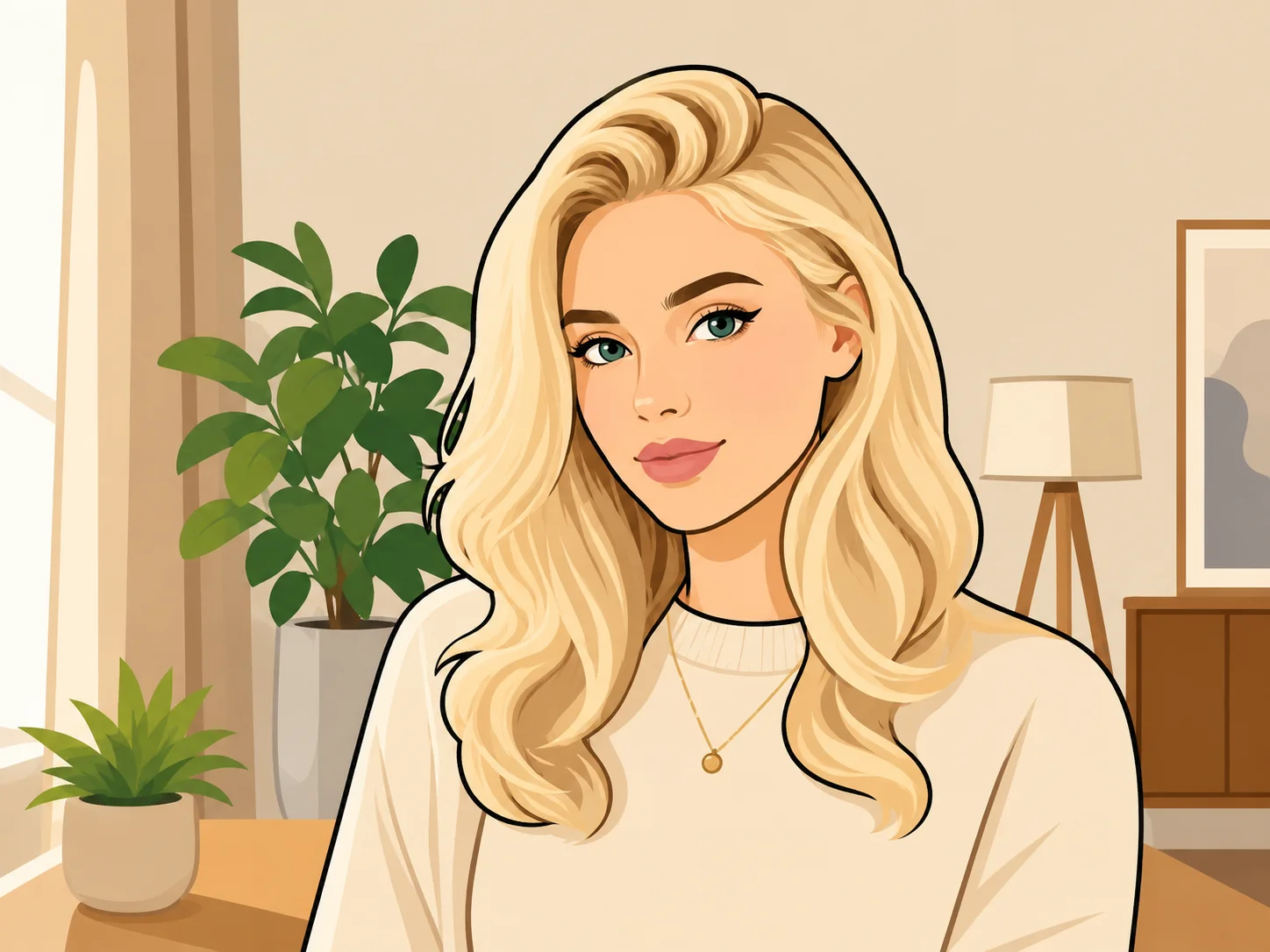

Enter a description of the clipart you need, such as a cute animal, flower icon, business illustration, classroom graphic, or sticker design. You can also upload a photo as a reference.
Choose the style direction and click Generate. AI Photo Editor will create clipart options with clean outlines, simple shapes, and colors that match your prompt.
Preview your favorite design and download the high-resolution clipart for presentations, lesson materials, websites, social media, stickers, or print projects.
AI Photo Editor turns simple descriptions into custom clipart, from cute animals and seasonal icons to business graphics and educational illustrations. You can create visuals that match your exact project instead of searching through generic stock libraries.
Clipart works well for presentations, worksheets, social posts, websites, stickers, invitations, marketing materials, and print layouts. AI Photo Editor helps generate simple, readable designs that are easy to place into different formats.
With AI Photo Editor, you do not need to draw by hand or build vector graphics from scratch. Write what you need, generate options, refine the prompt, and download the clipart when it fits your style.
Create visuals faster without design skills. Turn ideas into images, thumbnails, social posts, and creative assets in seconds.
Accelerate your creative workflow. Use AI Photo Editor to generate concepts, references, and visual directions, then refine them into production-ready designs.
Produce high-converting visuals on demand. Create ads, campaign visuals, and branded images quickly.
A clipart maker creates simple illustration-style graphics for digital or print use. AI Photo Editor can generate clipart from text prompts or photo references, making it easier to create custom visuals.
Yes. Describe the object, style, color, theme, or use case, and AI Photo Editor can generate clipart options based on your prompt.
Yes. You can upload a photo as a reference and ask AI Photo Editor to create a simplified clipart-style version with cleaner shapes and more graphic details.
Clipart is useful for presentations, classroom materials, social media graphics, websites, stickers, posters, invitations, product visuals, and marketing designs.
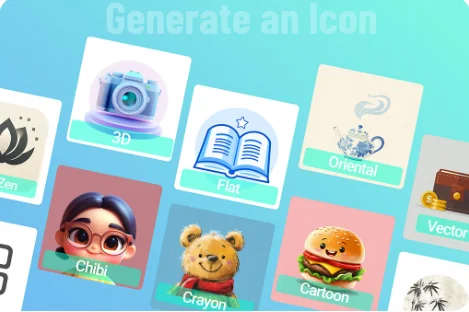
AI Photo Editor supports flat design, 3D icons, watercolor, cartoon, line art, kawaii, and other variations. Switch the style in the prompt or via a preset to take the same subject in a completely different visual direction.
AI Photo Editor is your go-to AI image toolkit for generating, editing, and enhancing photos and artwork.
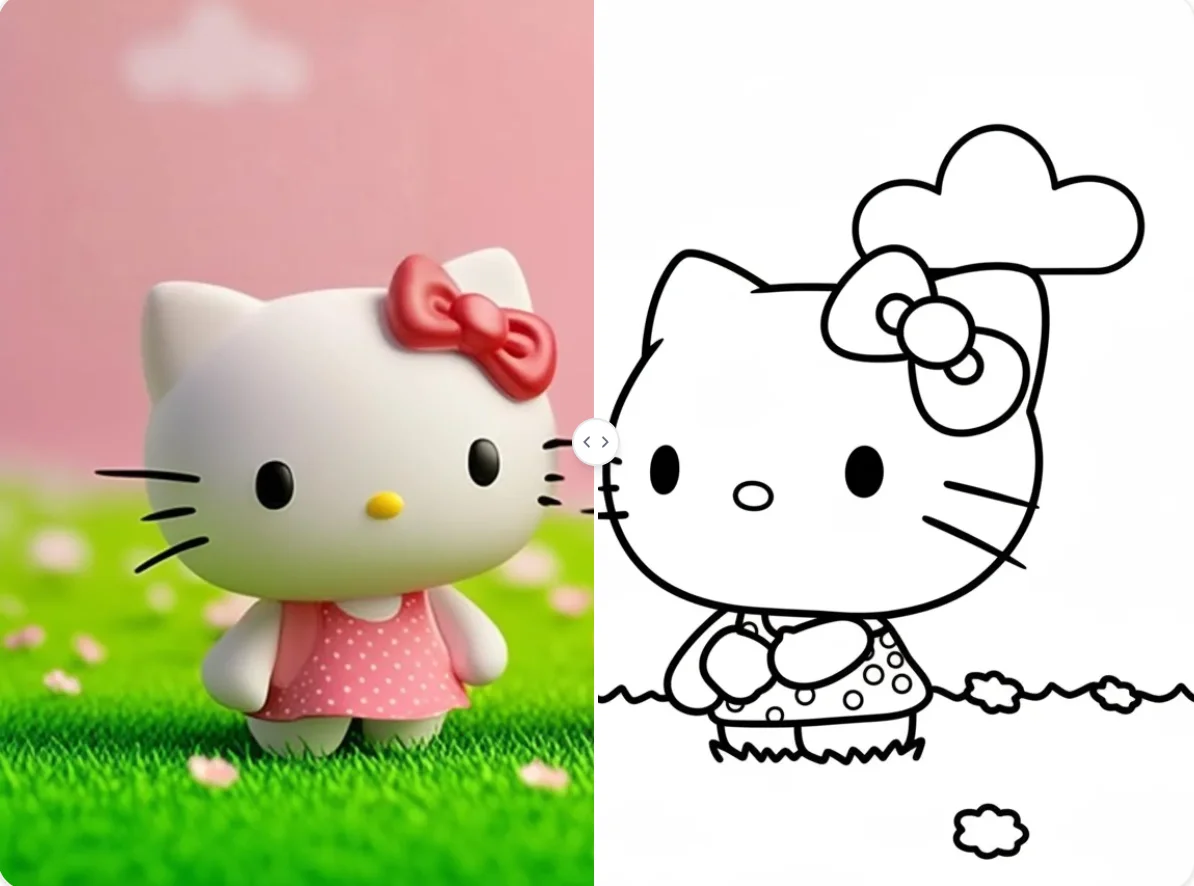
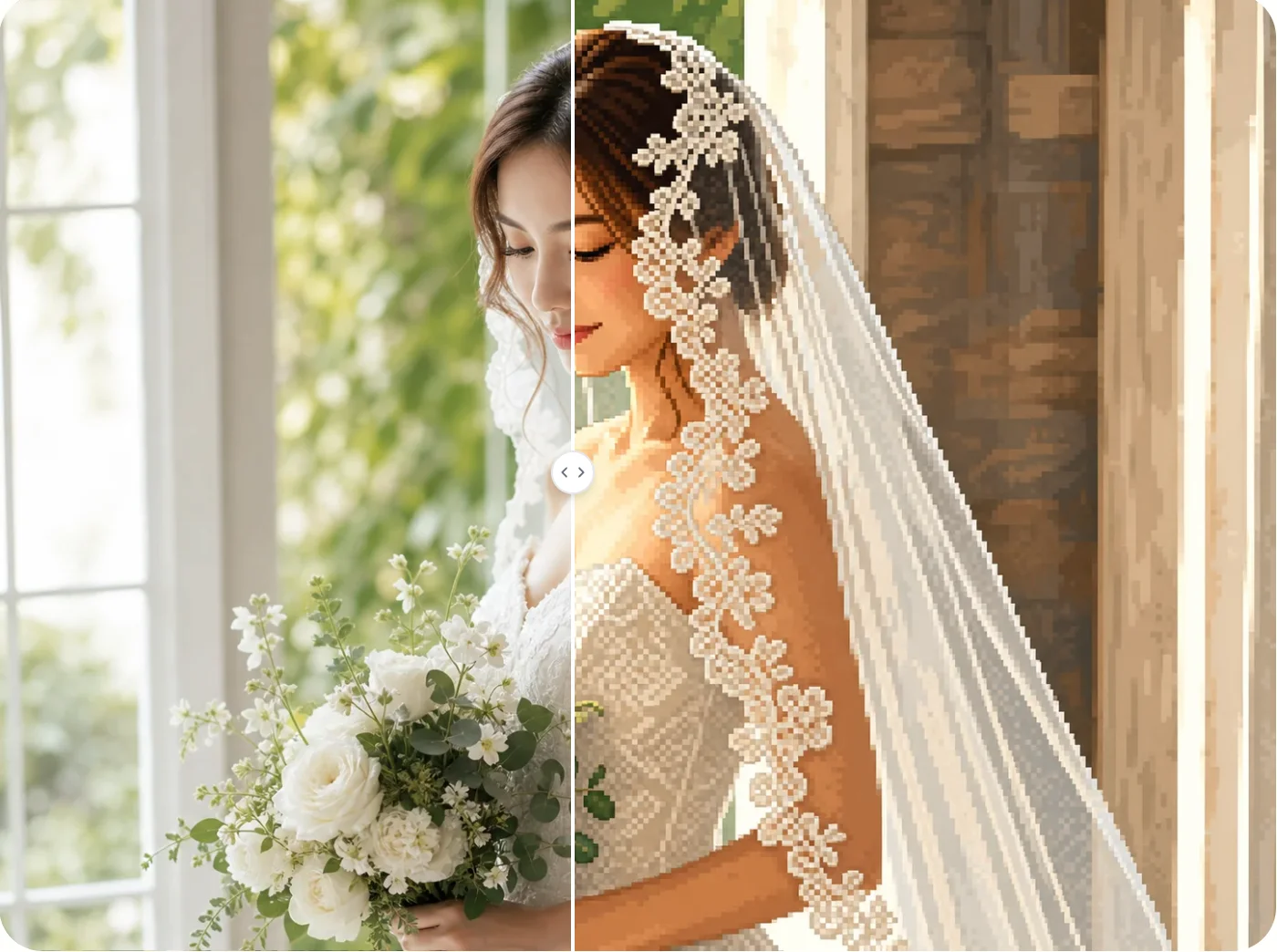
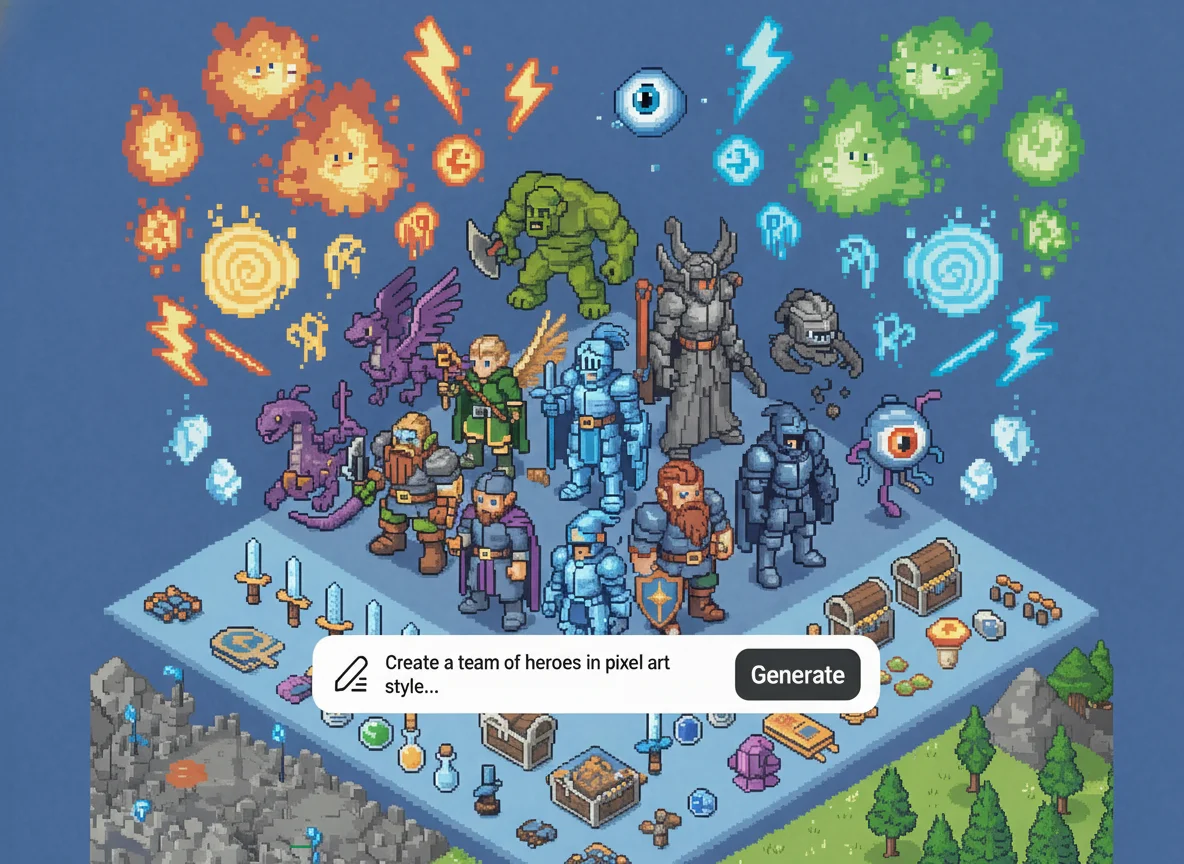
Create custom clipart with AI Photo Editor. Turn prompts or photos into clean, colorful graphics for presentations, stickers, websites, and creative projects.