Upload Your Portrait
Choose a clear, well-lit portrait where your face is easy to see.
 AI Photo Editor
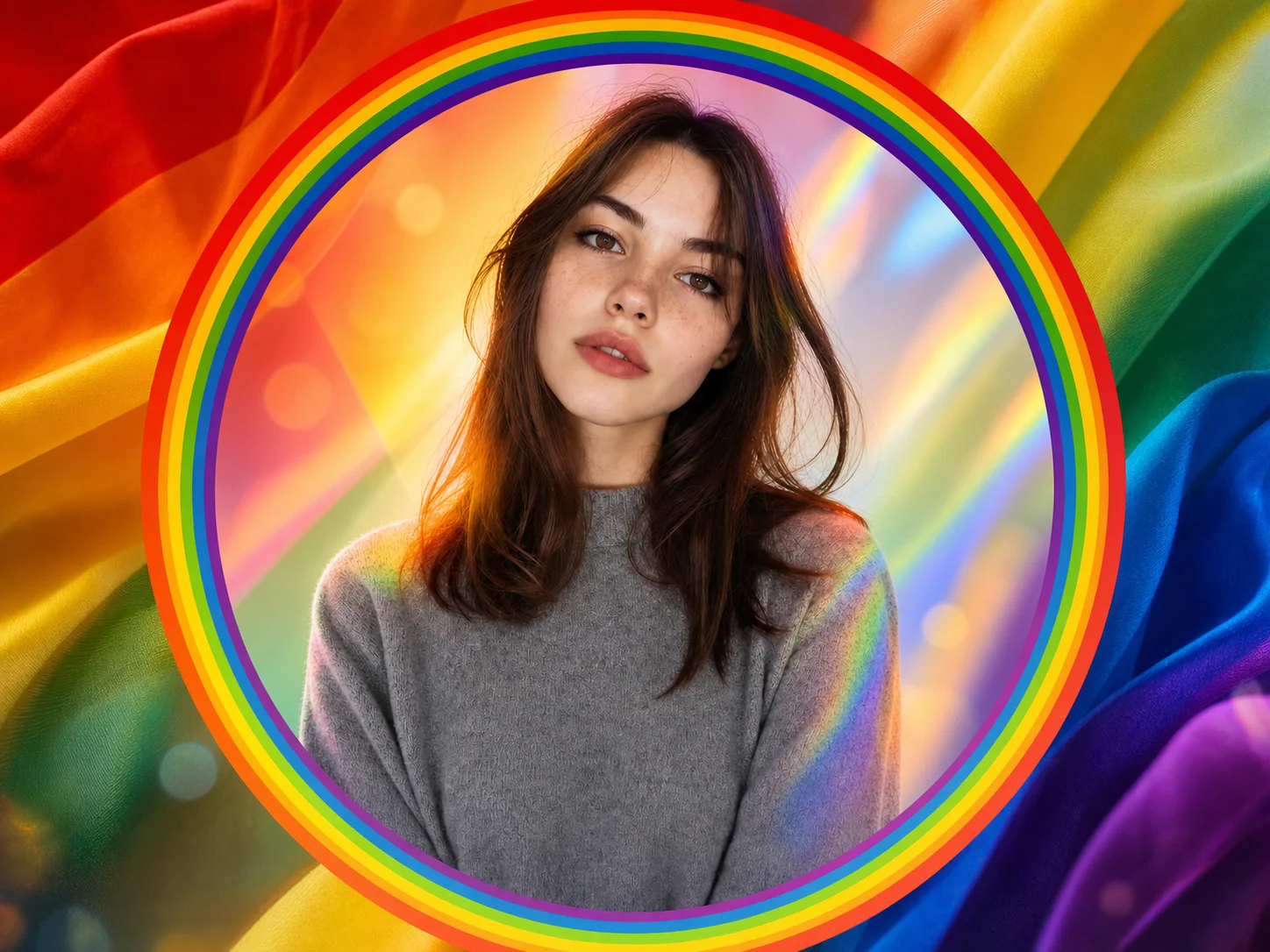
Upload a clear portrait, describe the Pride colors or flag identity you want, and generate a polished profile picture with a coordinated border, overlay, or background while keeping your face recognizable.
Upload a clear portrait, describe the Pride colors or flag identity you want, and generate a polished profile picture with a coordinated border, overlay, or background while keeping your face recognizable.
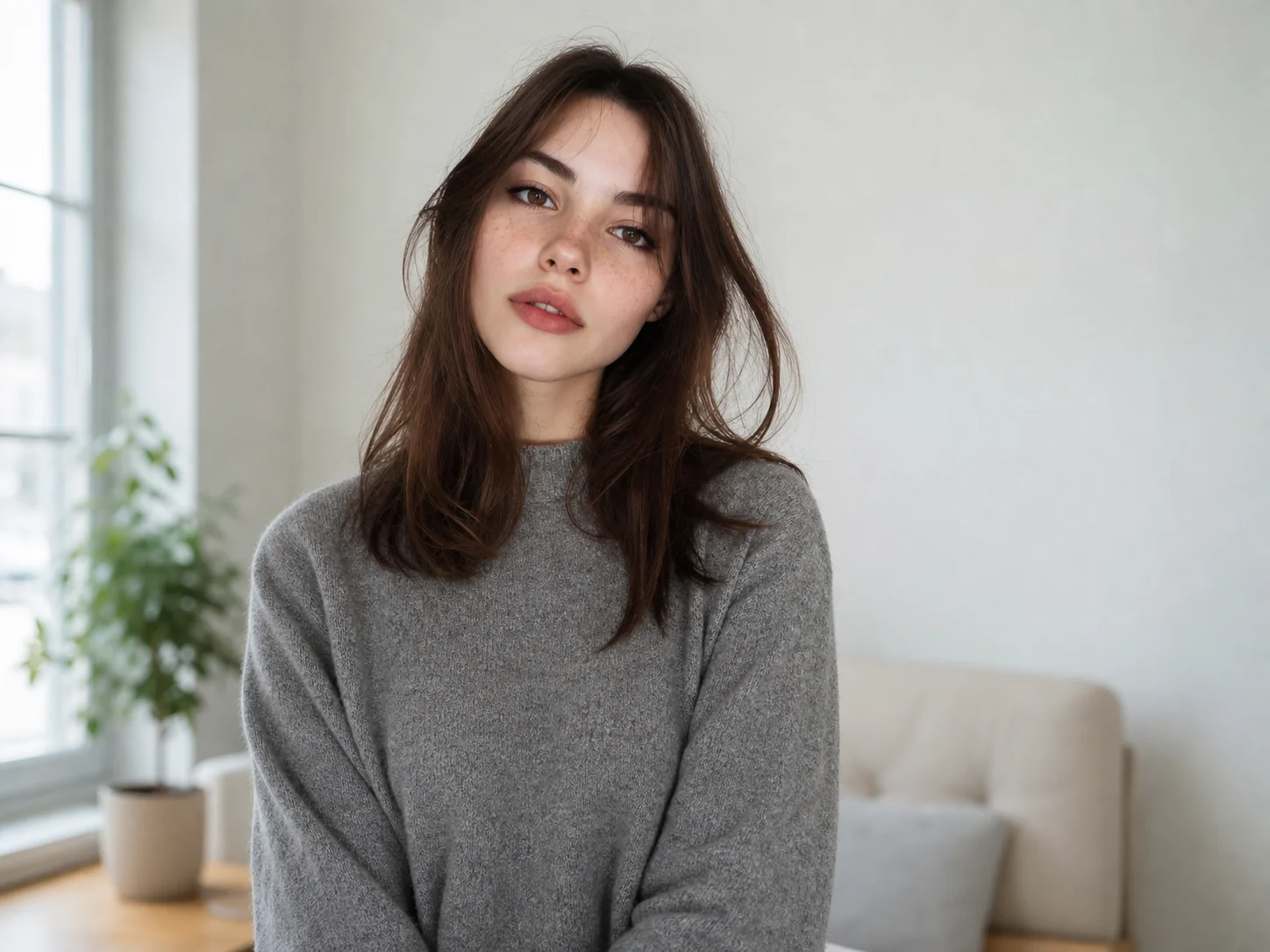
Choose a clear, well-lit portrait where your face is easy to see.
Describe your preferred flag colors, border, overlay, or background, then start the generation.
Review the finished Pride profile picture and download it for your social accounts.
Turn your chosen Pride flag into a coordinated visual treatment around your portrait. Use rainbow, trans, bisexual, lesbian, non-binary, or other community colors to create an avatar that feels personal rather than generic.
Add expressive borders, overlays, and backgrounds without hiding the person at the center. The generated composition balances Pride elements with facial detail for a polished social profile image.
Move from portrait upload to a finished Pride PFP without manually layering flags, frames, and effects. Create a cohesive result ready for profile pages, community posts, and Pride campaigns.
Create distinctive Pride avatars for creator profiles, community content, and seasonal campaigns while keeping your visual identity consistent.
Explore Pride color combinations, borders, and profile-picture directions quickly before refining final campaign assets.
Produce inclusive profile visuals for Pride campaigns, community initiatives, and social channels with a clear, recognizable subject.
A Pride PFP maker transforms a portrait into a Pride-themed profile picture by adding coordinated flag colors, borders, overlays, or backgrounds around the subject.
You can describe rainbow, transgender, bisexual, lesbian, non-binary, pansexual, asexual, and other Pride flag palettes in your prompt to guide the result.
Yes. A clear, front-facing source portrait helps preserve recognizable facial features while Pride elements are added around or behind the subject.
Use a high-quality portrait with good lighting, a visible face, and enough space around the head and shoulders for borders or background effects.
Use it on social profiles, creator pages, community forums, Pride campaign posts, or other spaces where you want to express identity and support.
AI Photo Editor is your go-to AI image toolkit for generating, editing, and enhancing photos and artwork.
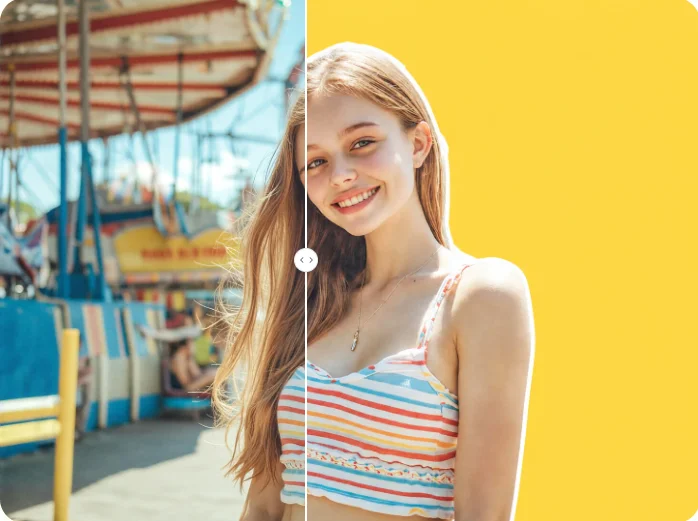
Upload a portrait and turn your chosen Pride colors into a polished profile picture with a coordinated border, overlay, or background.