Upload a photo to add a suit to a photo
Choose a clear portrait with your upper body visible. Front-facing photos usually produce the most natural clothing adjustments.
 AI Photo Editor
 helps you add a suit to a photo online free, making it easy to preview formal looks without changing clothes or booking another photoshoot.
AI Photo Editor helps you add a suit to a photo online free, making it easy to preview formal looks without changing clothes or booking another photoshoot.
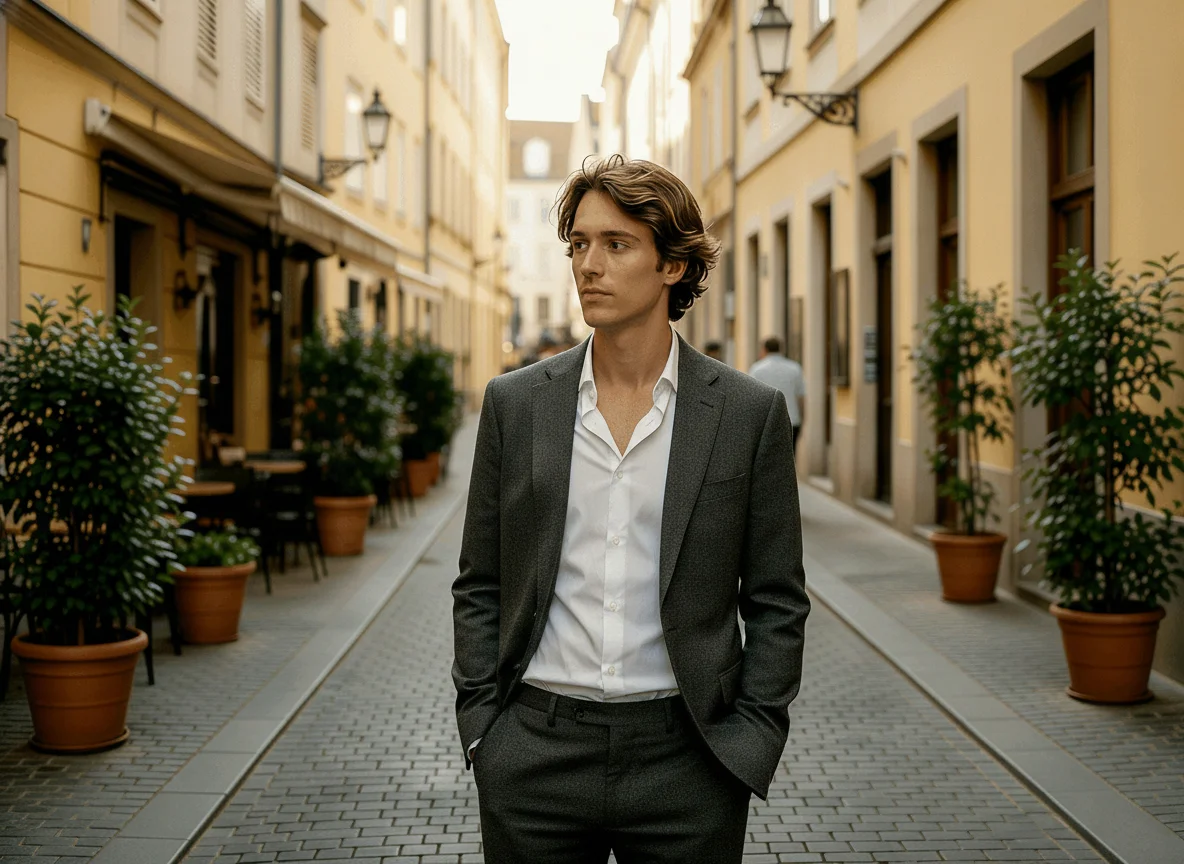
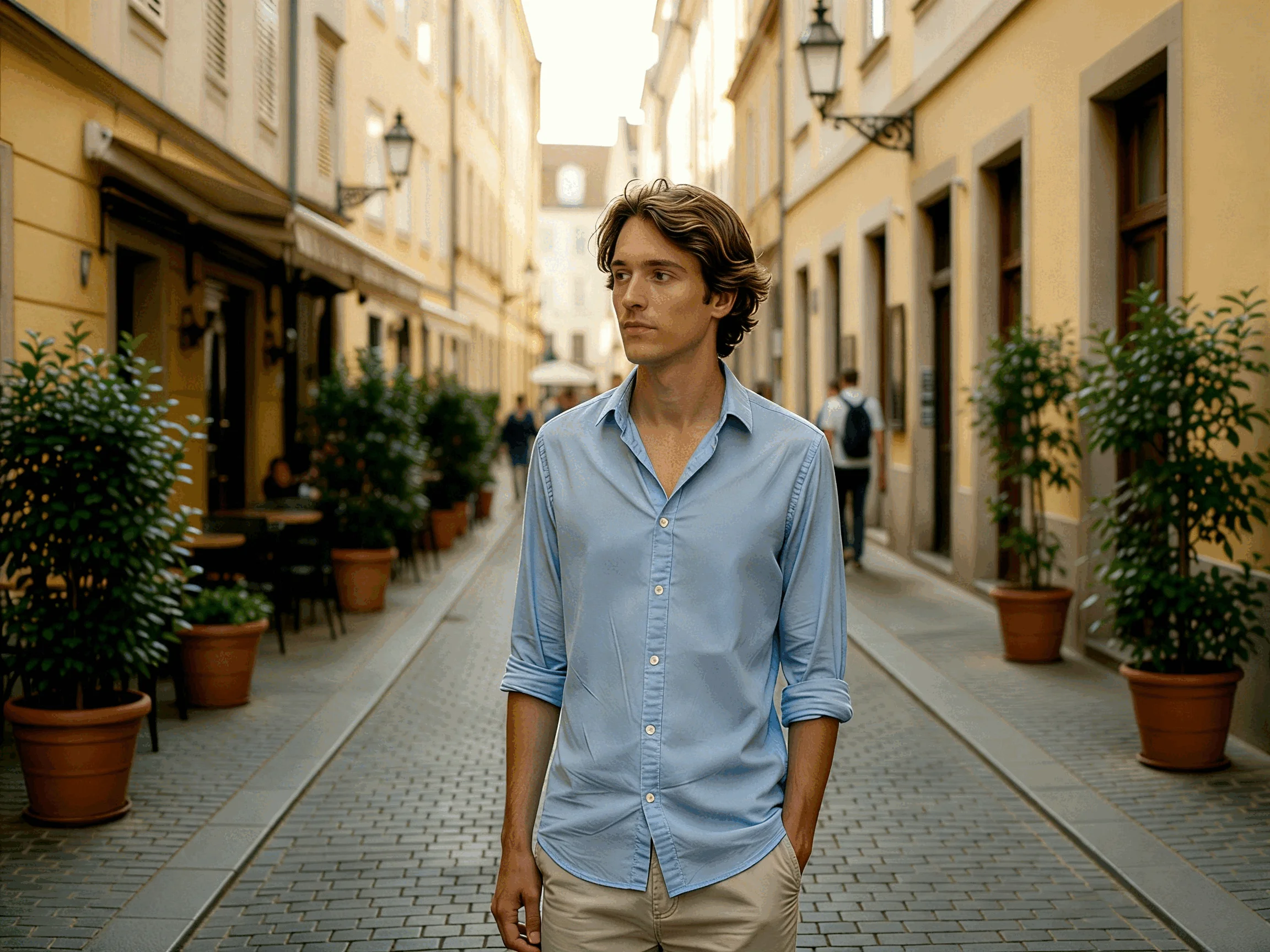
Choose a clear portrait with your upper body visible. Front-facing photos usually produce the most natural clothing adjustments.
Choose a formal style and generate a new version of the image. You can explore different suit and tie combinations to find the look that matches your needs.
Review the result and save the version you prefer. Comparing multiple styles can help when choosing a photo for professional use.
Many people realize they need a professional-looking image only after a photo has already been taken. Adding a suit digitally allows users to update an existing portrait instead of starting over.
Not every suit creates the same impression. A business portrait for a corporate role may require a different look than a conference profile or personal brand image. Using a suit photo filter makes it easier to compare styles side by side and see the outfit directly on your own photo.
Many personal photos have good lighting, natural expressions, and strong image quality but lack formal clothing. Adding a suit and tie to a photo can help transform an existing image into something suitable for professional use.
Create visuals faster without design skills. Turn ideas into images, thumbnails, social posts, and creative assets in seconds.
Accelerate your creative workflow. Use AI Photo Editor to generate concepts, references, and visual directions, then refine them into production-ready designs.
Produce high-converting visuals on demand. Create ads, campaign visuals, and branded images quickly.
AI Photo Editor's Add Suit to Photo tool generates a version of your image with formal clothing added. Users can preview professional styles without changing the original photo.
After a photo is uploaded, AI Photo Editor analyzes the visible body position and clothing area, then generates a formal outfit that fits the image. The system aims to keep proportions and overall appearance consistent with the original portrait.
The result depends on image quality, pose, lighting, and how visible the upper body is in the original photo. Clear portraits with unobstructed clothing areas generally produce the most natural-looking results.
Yes. AI Photo Editor works directly in a browser and can be used on phones, tablets, and desktop computers without installing additional software.
AI Photo Editor is your go-to AI image toolkit for generating, editing, and enhancing photos and artwork.
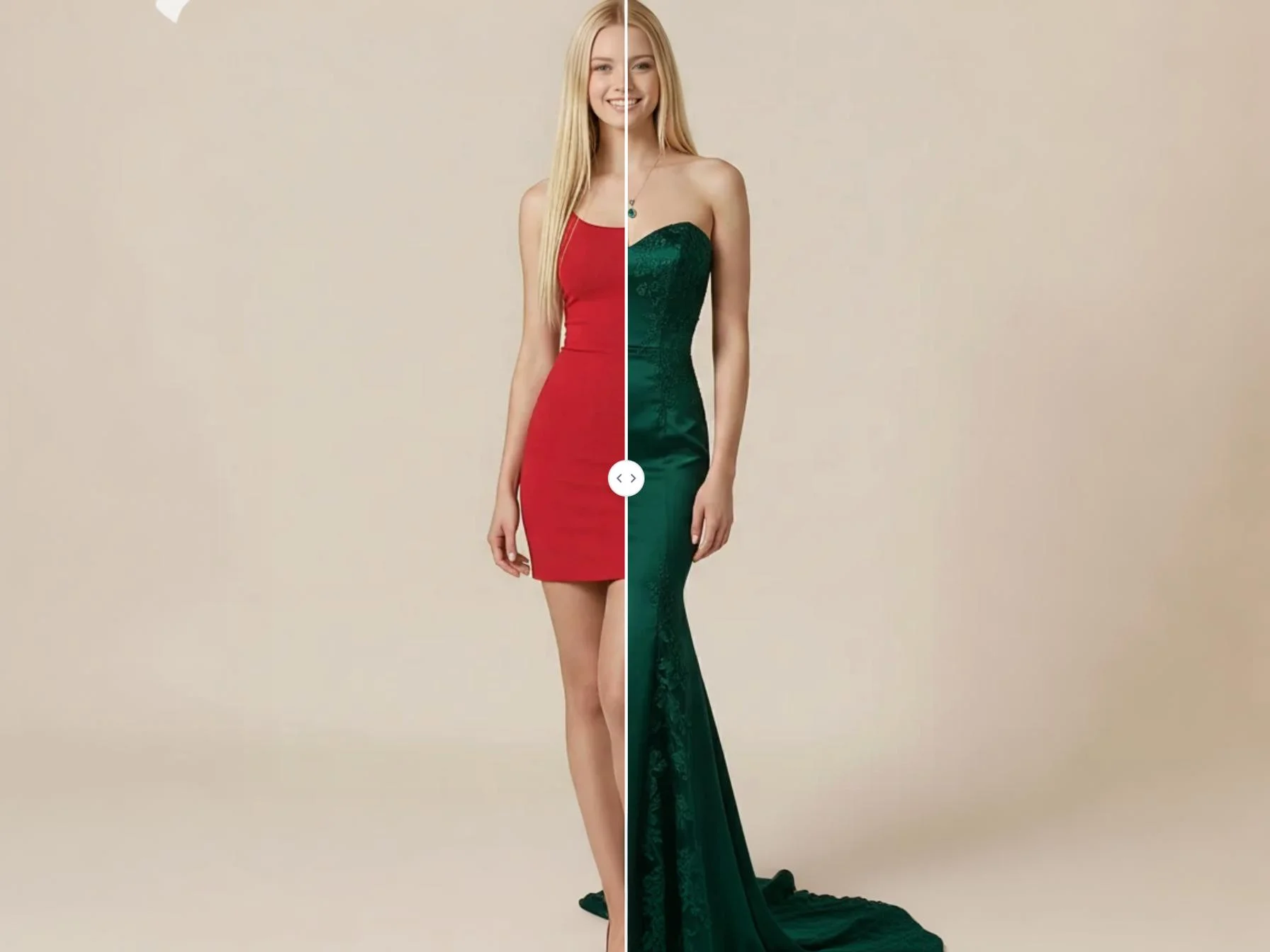
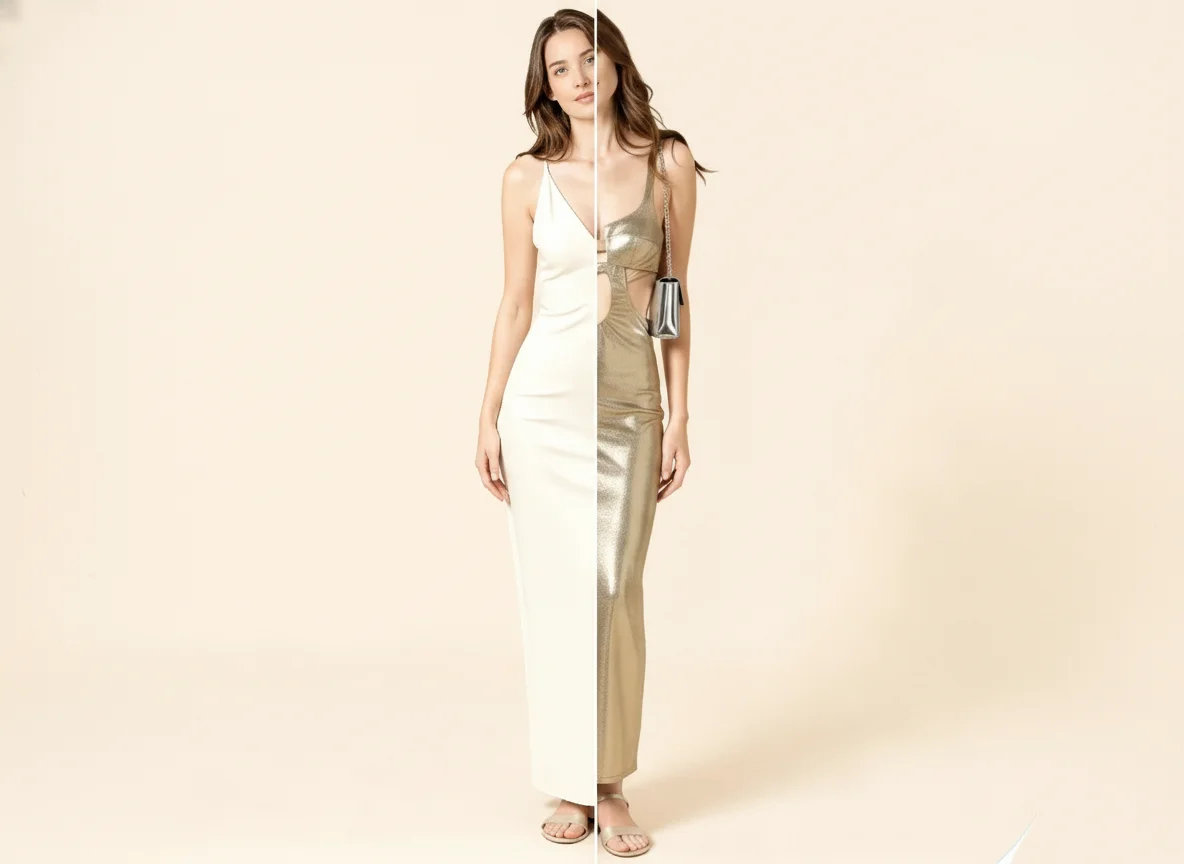
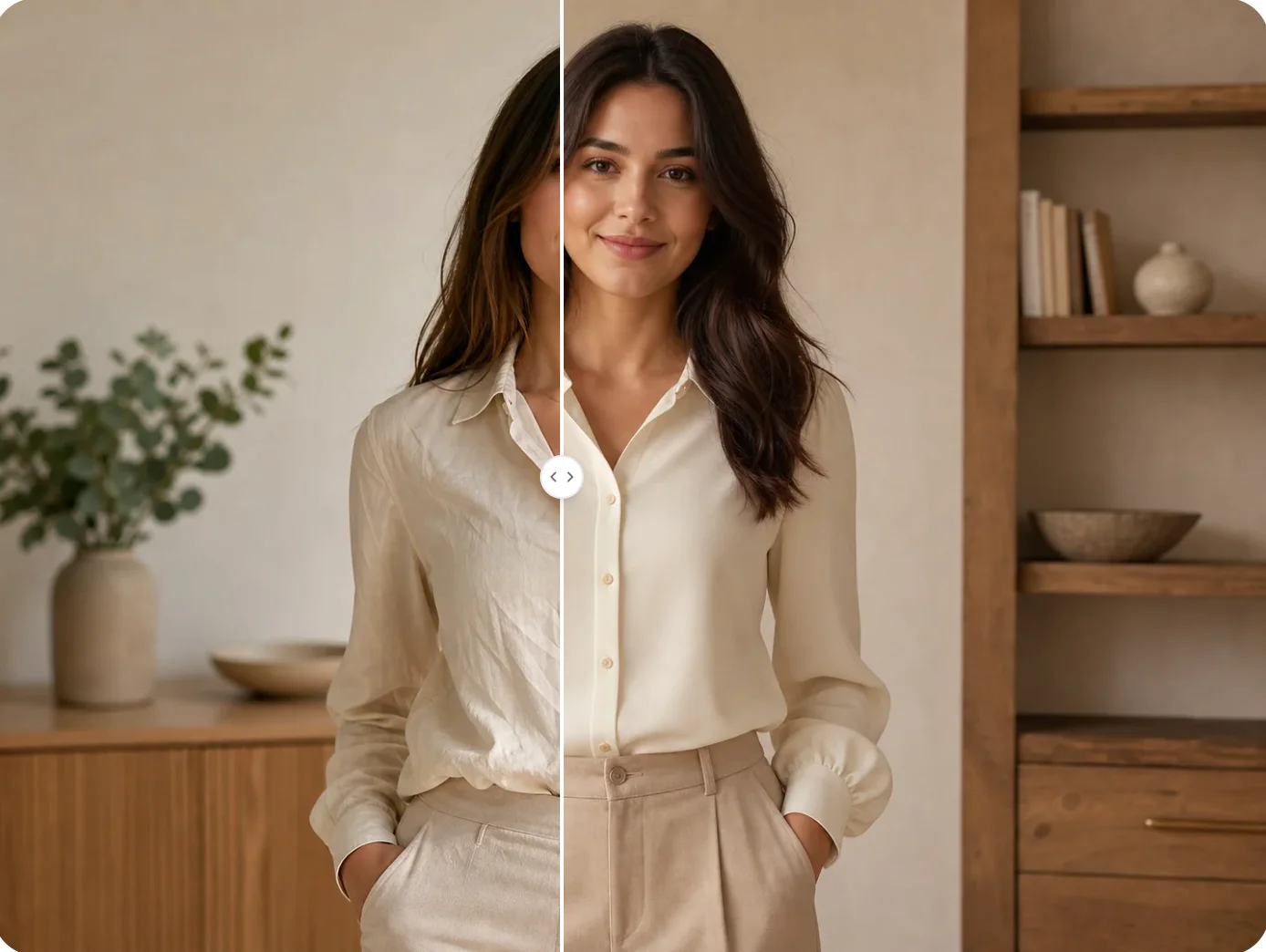
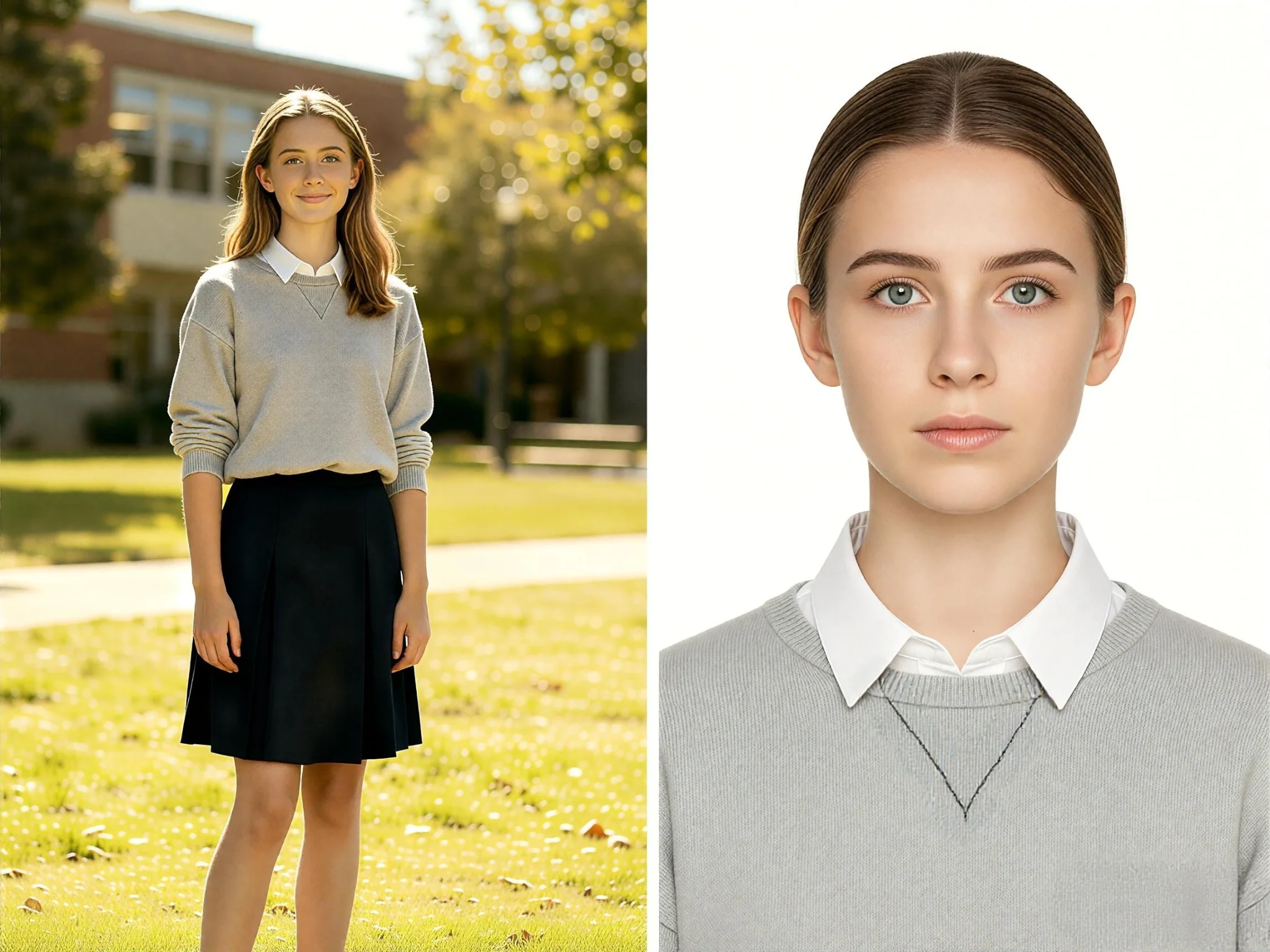
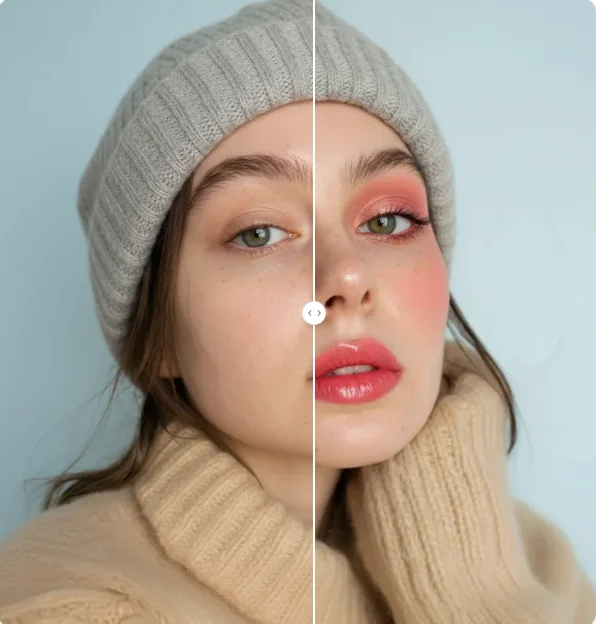
Add suit to photo online free and create a professional look in seconds. Try different suit styles, add a suit and tie to a photo, and update portraits without a new photoshoot.