Upload
Upload your blurry image to AI Photo Editor. We accept common formats like JPG, PNG, and WebP, and it works great for portraits, landscapes, or text.
 AI Photo Editor
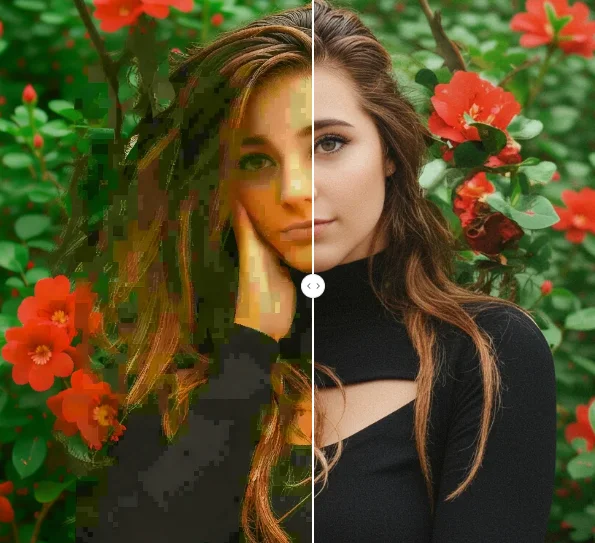
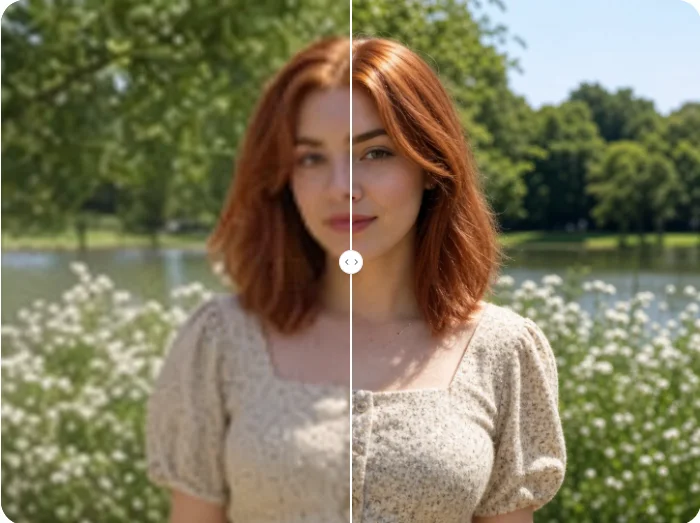
Upload your blurry photo and let AI restore it to crystal-clear quality. Remove blur, recover lost details, and get sharp images instantly.
Upload your blurry photo and let AI restore it to crystal-clear quality. Remove blur, recover lost details, and get sharp images instantly.
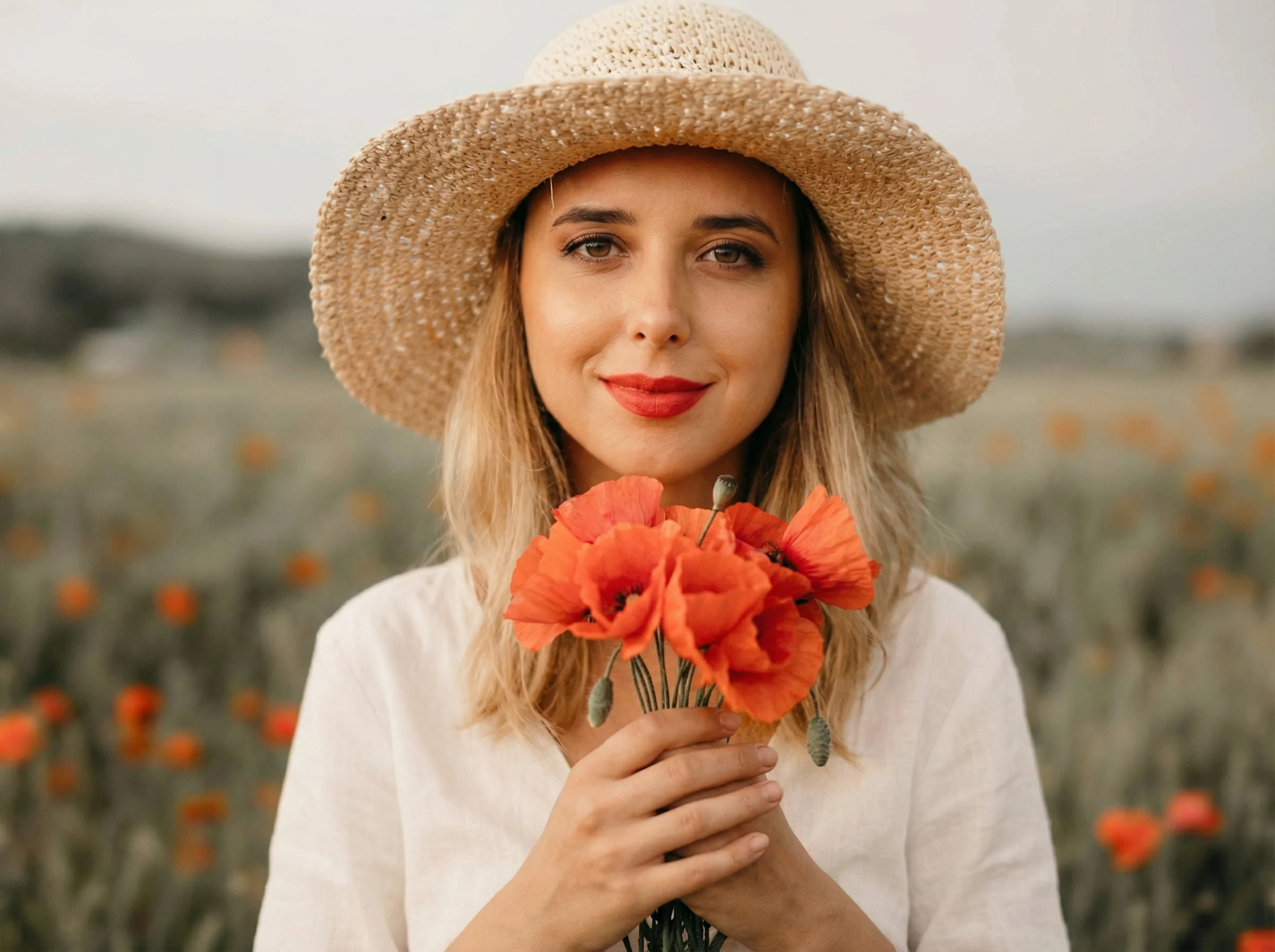
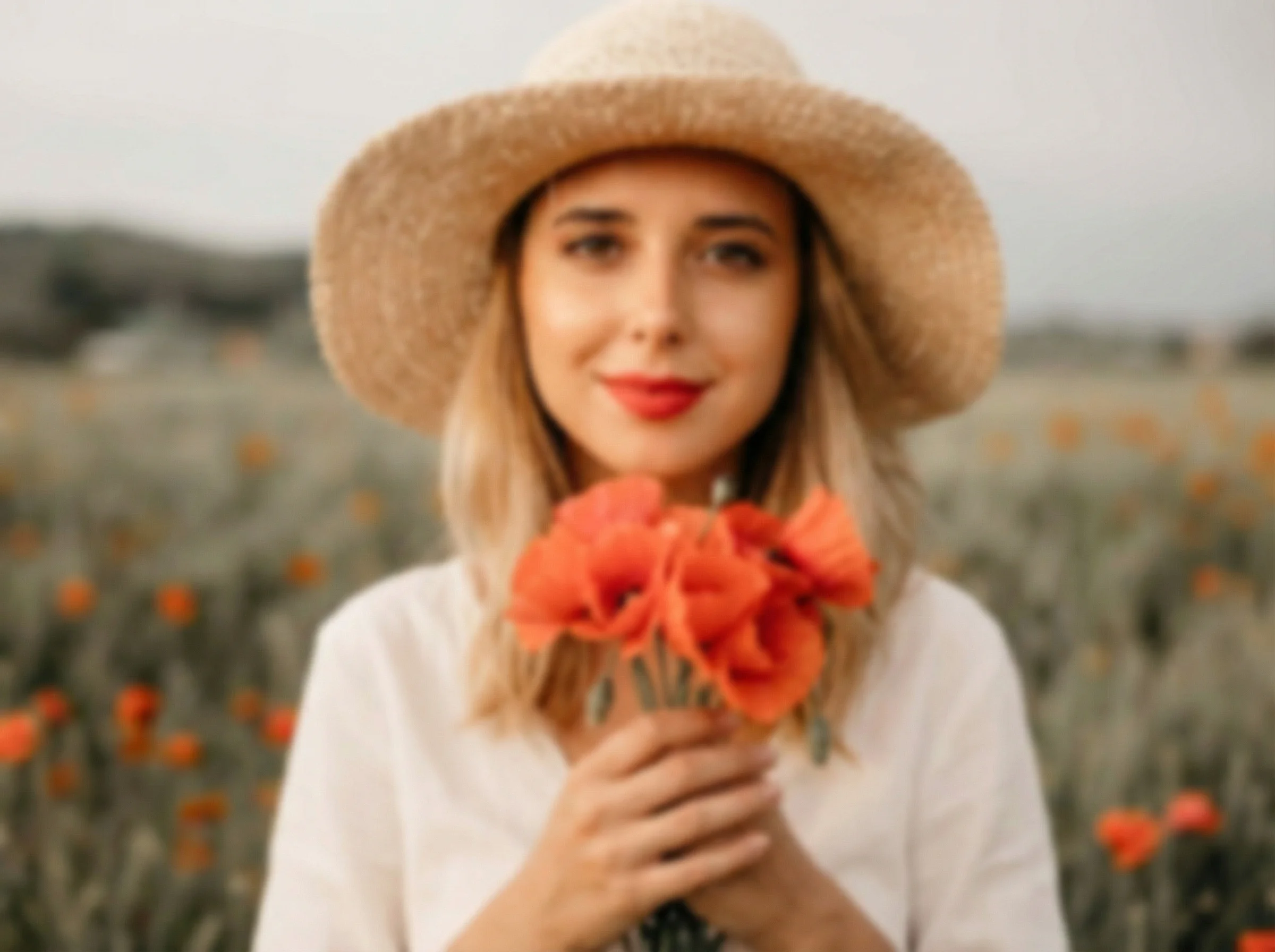
Upload your blurry image to AI Photo Editor. We accept common formats like JPG, PNG, and WebP, and it works great for portraits, landscapes, or text.
Click the "Generate" button. The AI automatically detects blurry areas and intelligently restores sharpness and texture in seconds.
Preview the sharpened image. Log in to download the high-quality, unblurred photo to your device.
AI Unblur Image technology focuses on preserving facial features, textures, and original colors while removing blur. Unlike basic sharpening tools, AI Photo Editor avoids over-processing and delivers realistic, balanced results that look naturally sharp.
AI Photo Editor uses cutting-edge AI models specifically trained for blur detection and removal tasks. These models intelligently restore missing details from motion blur, camera shake, and out-of-focus areas while keeping edges and textures realistic.
With AI Photo Editor, you can unblur photos online directly from your browser on any device. This flexible workflow makes it easy to fix blurry shots, restore important memories, and improve photo clarity whenever you need it.
Create visuals faster without design skills. Turn ideas into images, thumbnails, social posts, and creative assets in seconds.
Accelerate your creative workflow. Use AI Photo Editor to generate concepts, references, and visual directions, then refine them into production-ready designs.
Produce high-converting visuals on demand. Create ads, campaign visuals, and branded images quickly.
AI Unblur Image is an online tool that uses artificial intelligence to remove blur from photos. It detects unclear areas caused by motion, camera shake, or focus issues, then restores details and improves clarity automatically.
The AI analyzes patterns, textures, and content in your blurry photo, then uses trained restoration models to remove blur, reconstruct missing details, and improve overall image clarity while preserving the natural look.
AI Unblur Image can handle various types of blur, including motion blur, out-of-focus areas, camera shake, and low-light blur. It works well for portraits, screenshots, product photos, and everyday images.
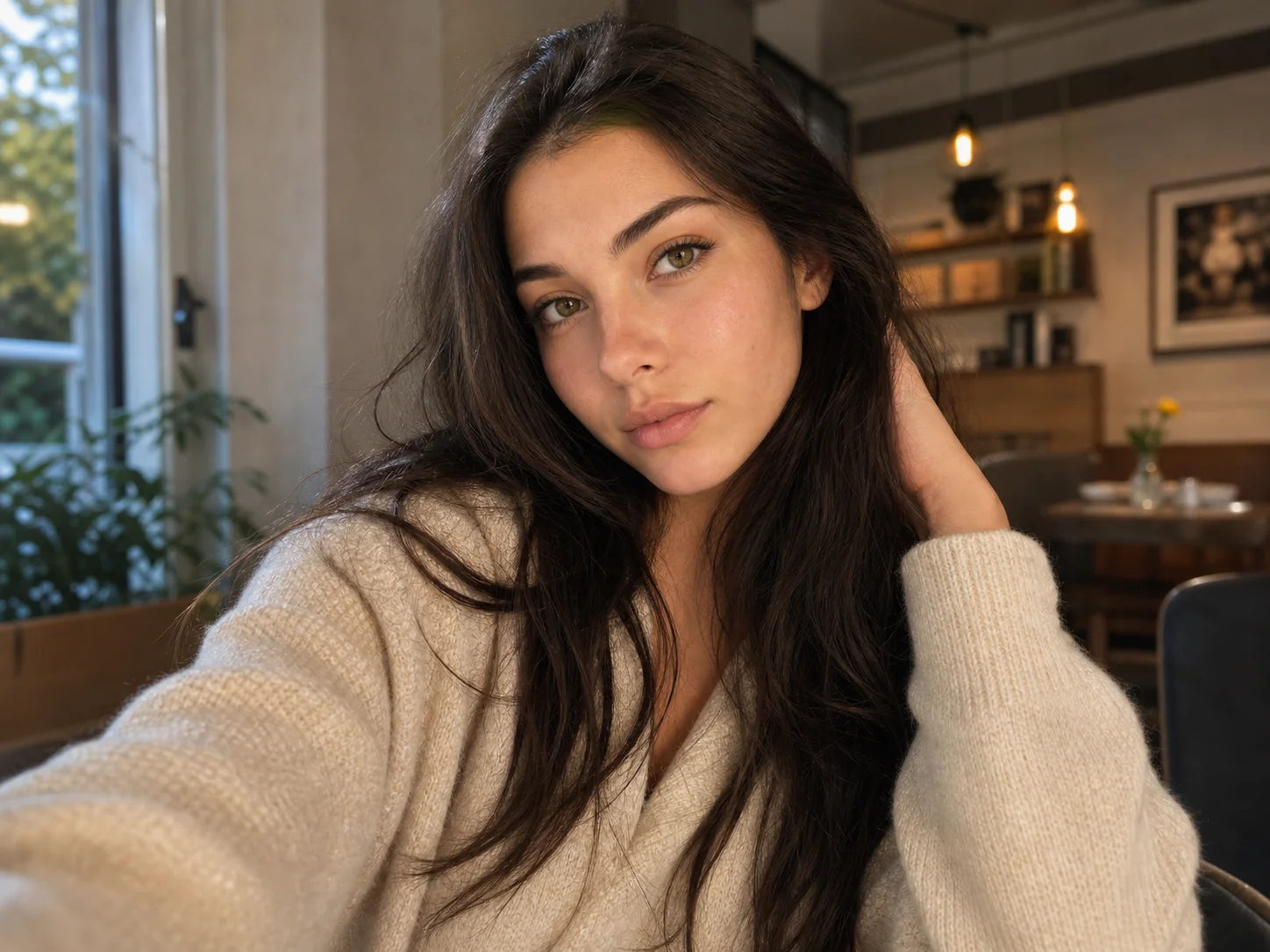
Absolutely. AI Photo Editor enhances facial details such as eyes, skin texture, and contours in blurry photos, making portraits clearer while avoiding over-sharpening or unnatural results.
No. The tool is fully automatic. Simply upload your blurry image, and the AI handles the entire blur removal process without any manual adjustments.
AI Photo Editor is your go-to AI image toolkit for generating, editing, and enhancing photos and artwork.
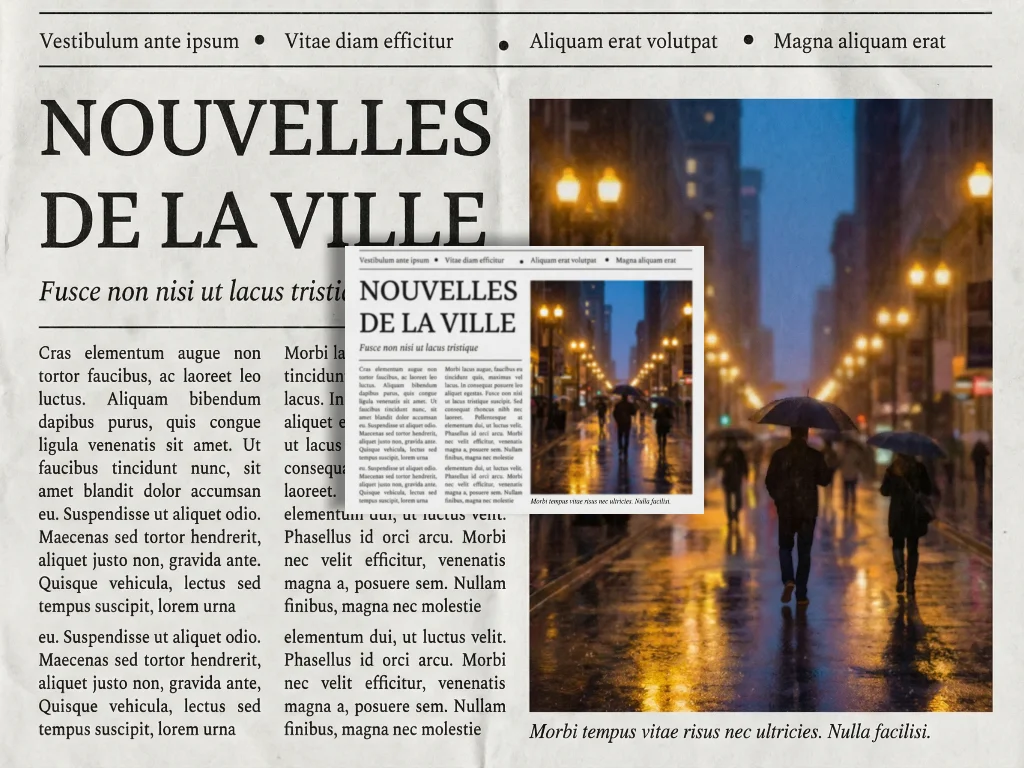
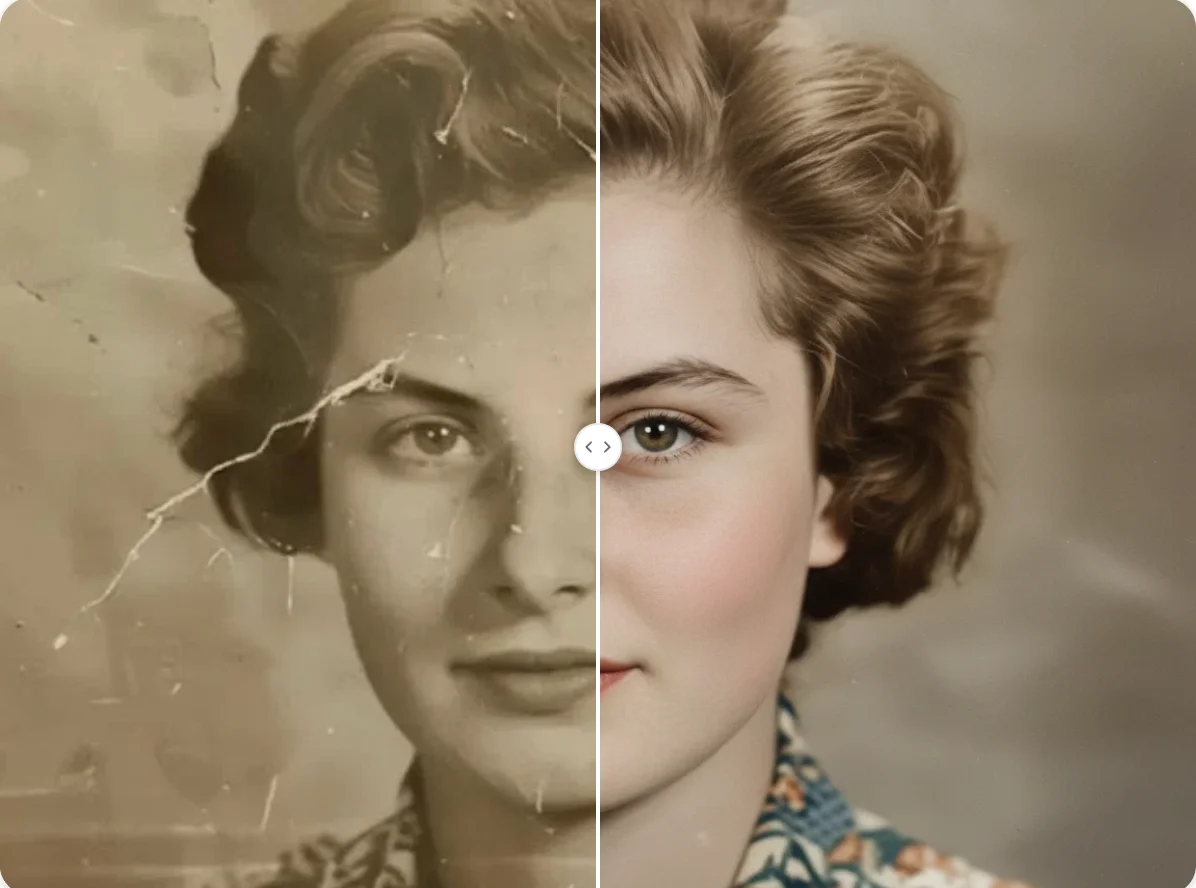
Upload your blurry photo and let AI restore it to crystal-clear quality. Remove blur, recover lost details, and get sharp images instantly.