Upload
Choose a clear portrait, travel photo, street scene, or lifestyle image that you want to give an analog film look.
 AI Photo Editor
Upload a photo and describe the film look you want. Control grain, color warmth, contrast, highlight bloom, and cinematic mood while keeping the person, subject, and composition recognizable.
Upload a photo and describe the film look you want. Control grain, color warmth, contrast, highlight bloom, and cinematic mood while keeping the person, subject, and composition recognizable.
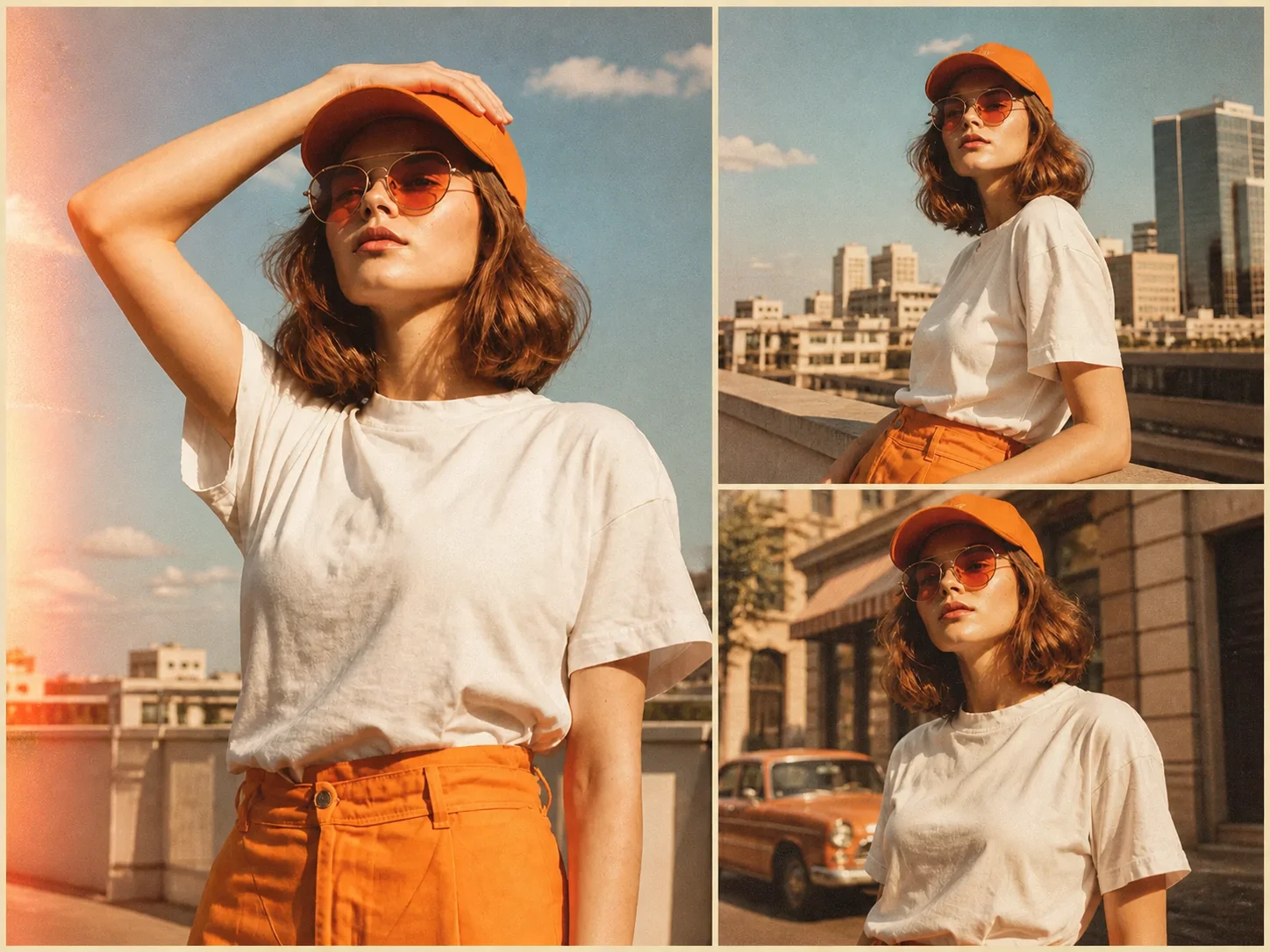
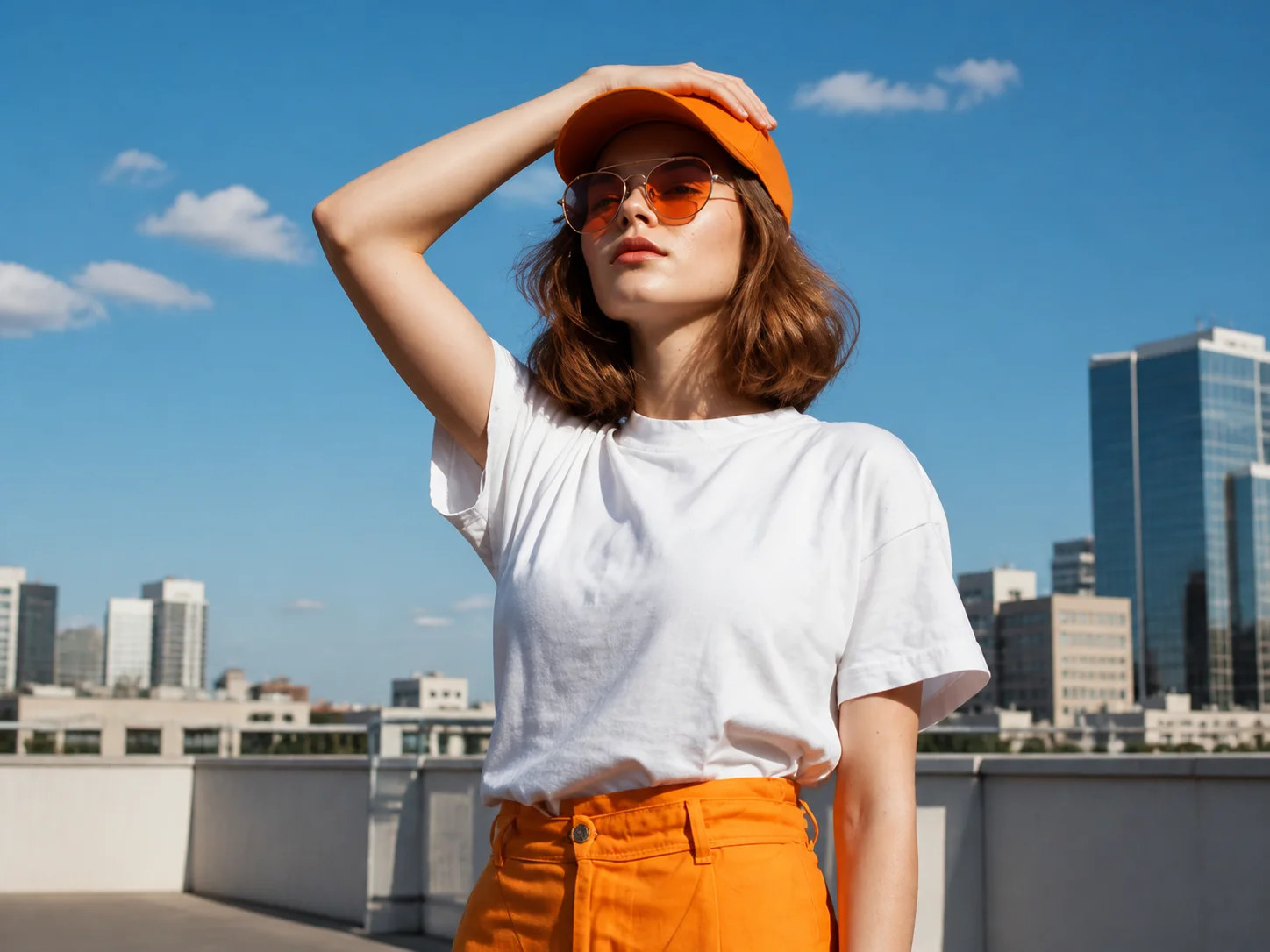
Choose a clear portrait, travel photo, street scene, or lifestyle image that you want to give an analog film look.
Describe the grain, color cast, contrast, softness, and mood you prefer, then generate the film-style transformation.
Compare the result with the original and download the finished image for social posts, albums, portfolios, or creative projects.
Add fine film grain, gentle diffusion, lifted matte blacks, subtle halation, and soft highlight bloom for a cohesive analog finish instead of simple digital noise.
Describe warm cream tones, amber golden-hour color, faded low contrast, cool green casts, or cinematic haze to guide the final film treatment.
Keep the subject's identity, pose, clothing, environment, and composition recognizable while changing the grain, tone, softness, and analog character.
Give portraits, travel photos, street scenes, and social posts a consistent analog look without manually building every film effect.
Explore grain structures, nostalgic color palettes, soft highlights, and cinematic treatments for editorial layouts, covers, and visual concepts.
Create warm, memorable campaign images and lifestyle visuals with a cohesive vintage character across social and branded content.
A film filter gives a digital photo analog characteristics such as visible grain, softer highlights, faded contrast, matte blacks, subtle halation, and nostalgic color casts.
Portraits, street photography, travel images, lifestyle shots, wedding photos, and editorial-style pictures work especially well, but the effect can adapt to many clear source images.
Yes. Describe the preferred grain intensity, color temperature, contrast, matte level, and highlight bloom in the prompt to guide the transformation.
The edit is designed to preserve the person's recognizable identity, pose, clothing, and composition while changing the photo's texture, tone, softness, and atmosphere.
Yes. You can describe warm portrait film, cool green street photography, faded vintage color, cinematic movie stills, or other analog directions without relying on one fixed preset.
AI Photo Editor is your go-to AI image toolkit for generating, editing, and enhancing photos and artwork.
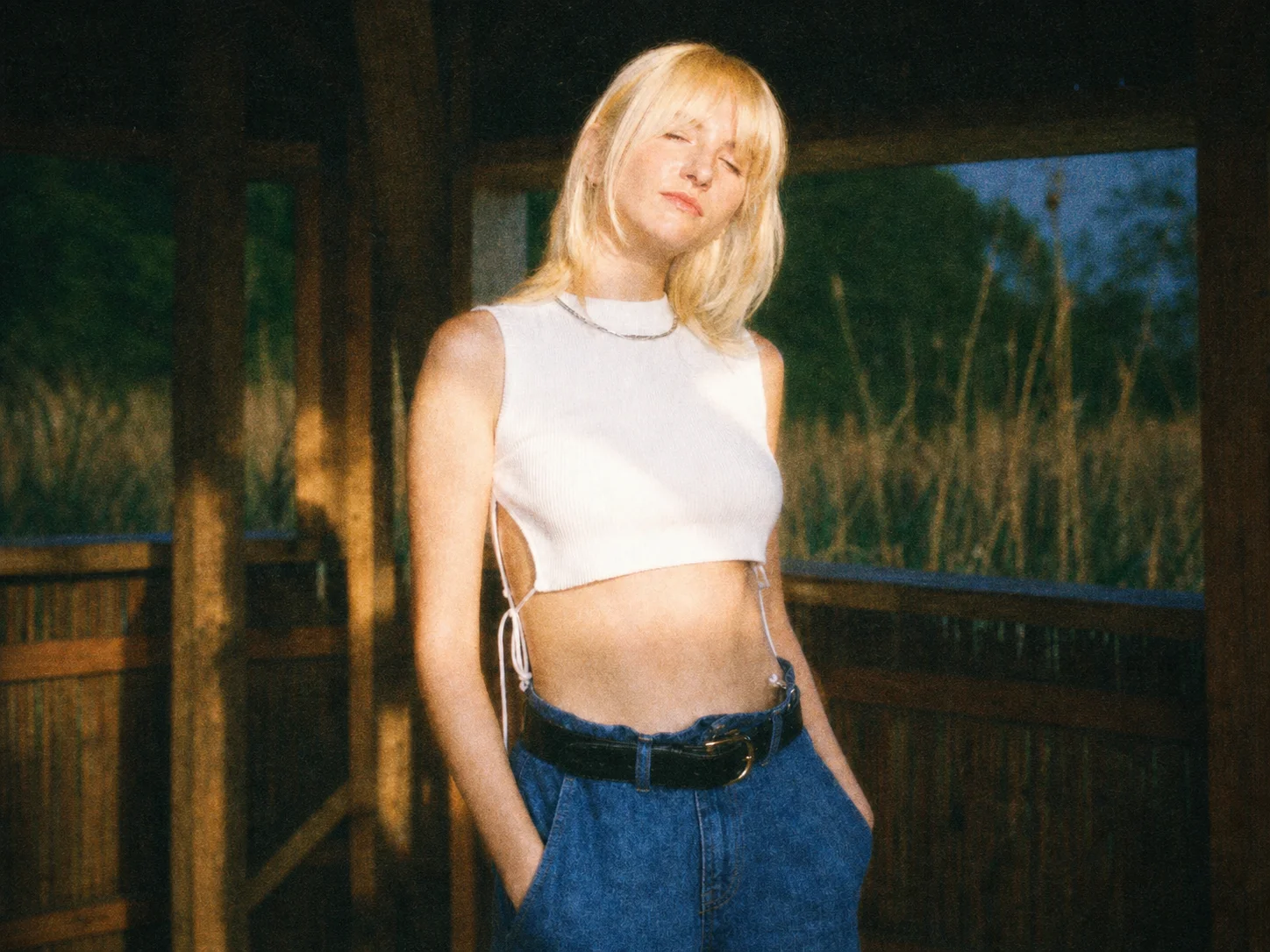
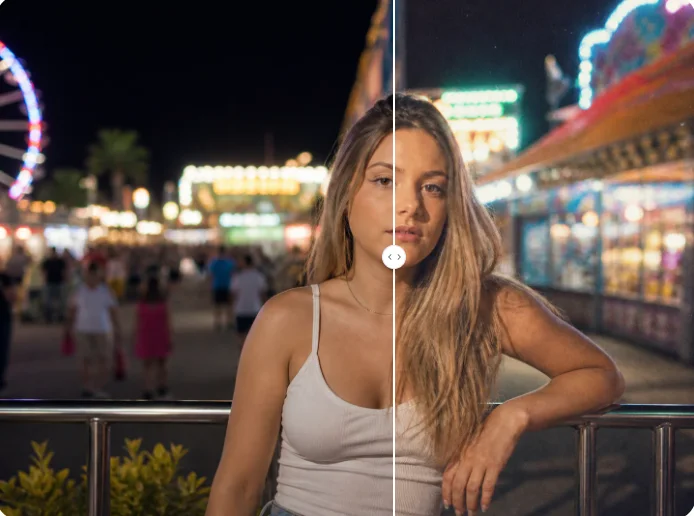
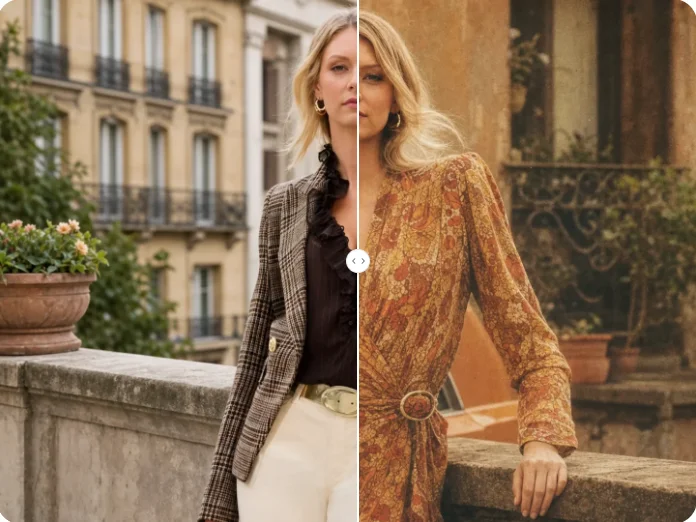
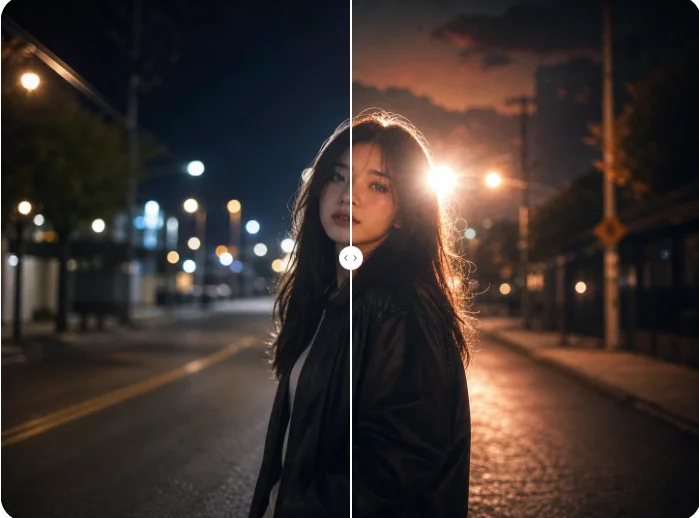
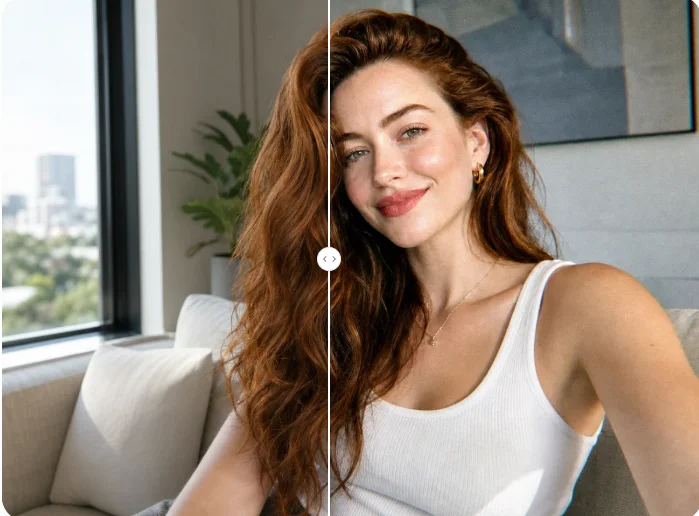
Upload a photo and create a polished analog look with natural grain, nostalgic color, soft highlights, and faded contrast while preserving the original image.