Upload
Choose a clear portrait, selfie, travel photo, room image, or everyday snapshot that you want to turn into a nostalgic 90s memory.
 AI Photo Editor
Upload a photo, describe the 90s camera mood you want, and transform it with film grain, faded tones, soft flash, subtle light leaks, and nostalgic color while preserving the original subject.
Upload a photo, describe the 90s camera mood you want, and transform it with film grain, faded tones, soft flash, subtle light leaks, and nostalgic color while preserving the original subject.
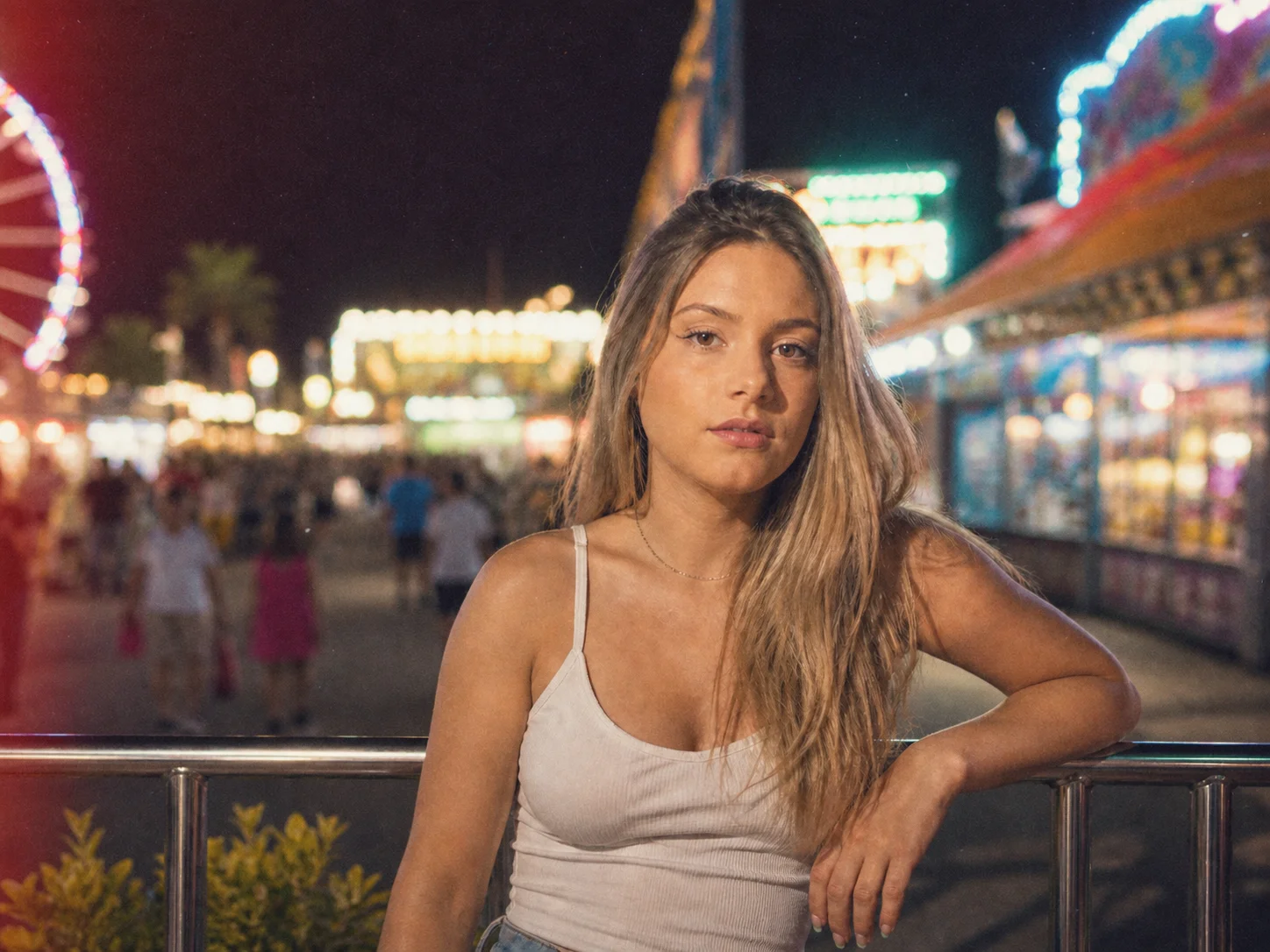
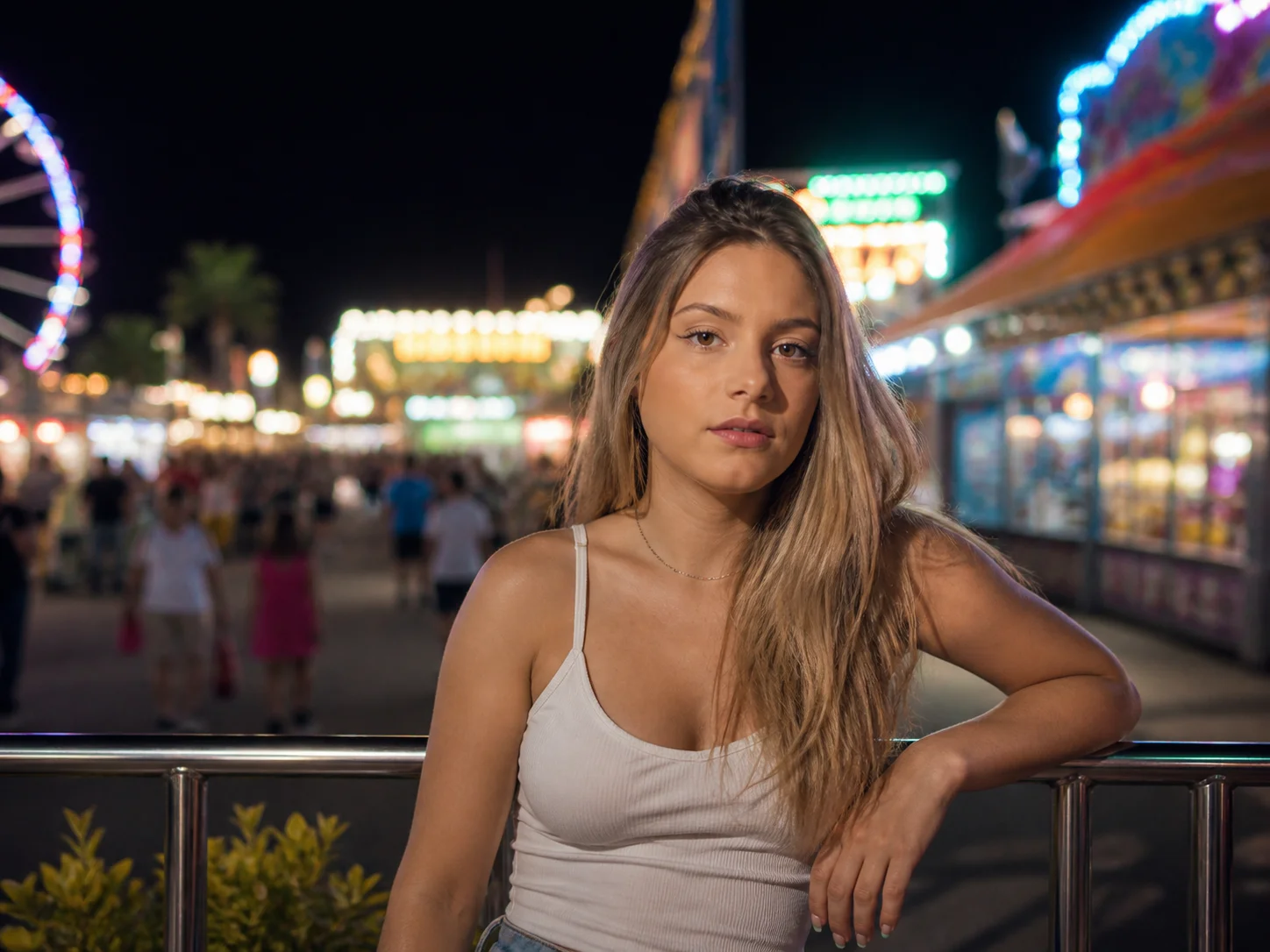
Choose a clear portrait, selfie, travel photo, room image, or everyday snapshot that you want to turn into a nostalgic 90s memory.
Describe the preferred 90s mood, film grain, faded palette, flash, glow, or camera character, then generate the retro transformation.
Review the nostalgic color and texture, confirm that the original subject remains recognizable, and download the finished image.
The 90s photo filter combines visible film grain, faded or warm color, soft contrast, direct-flash character, light leaks, and subtle lens artifacts to create a complete retro treatment instead of a simple color overlay.
Describe whether you want a casual yearbook portrait, disposable-camera snapshot, bedroom scene, street photo, soft selfie, or cinematic 90s look. The prompt lets you shape the visual direction beyond a single fixed preset.
Add nostalgic texture and color while preserving the person's identity, pose, important objects, and overall composition. The balance between retro styling and recognizable details makes the effect suitable for portraits, memories, and creative projects.
Turn selfies, portraits, travel memories, and everyday snapshots into nostalgic visuals for social posts, profile images, mood boards, and personal stories.
Explore 90s-inspired color, grain, flash, and camera treatments for posters, editorials, album artwork, invitations, and visual concepts.
Create distinctive throwback campaign images for lifestyle brands, themed promotions, events, and social media storytelling.
A 90s photo filter recreates the look of photographs from the decade through film grain, faded colors, soft contrast, direct-flash character, light leaks, and other vintage camera details. AI Photo Editor applies these elements while aiming to keep the uploaded subject recognizable.
Clear selfies, portraits, travel photos, street scenes, rooms, and everyday snapshots all work well. Images with a visible subject and balanced lighting give AI Photo Editor more detail to preserve during the transformation.
Yes. Describe a yearbook portrait, disposable-camera flash, faded family snapshot, retro bedroom, grainy street photo, or another specific direction in the prompt. AI Photo Editor uses those details to guide the result.
The intended result preserves the person's identity, pose, and important facial features while changing the color, texture, lighting mood, and camera character. A clear source photo generally produces a more consistent transformation.
Processing time depends on the selected model, image size, and current service load. After generation, review the result and adjust the prompt if you want a different grain, color palette, flash, or nostalgic mood.
AI Photo Editor is your go-to AI image toolkit for generating, editing, and enhancing photos and artwork.
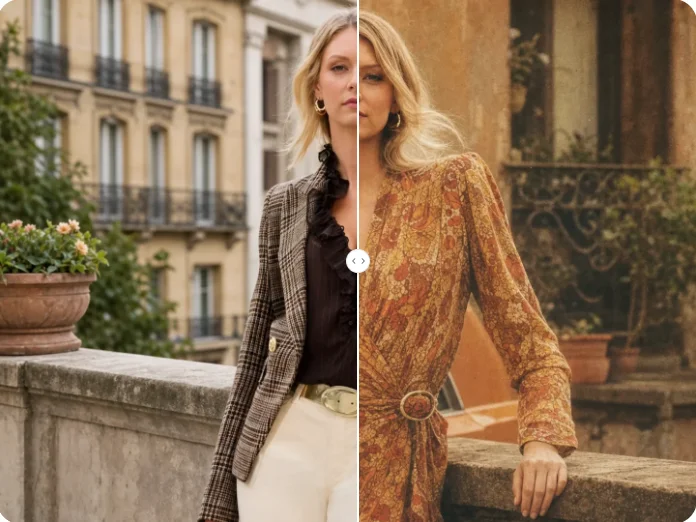
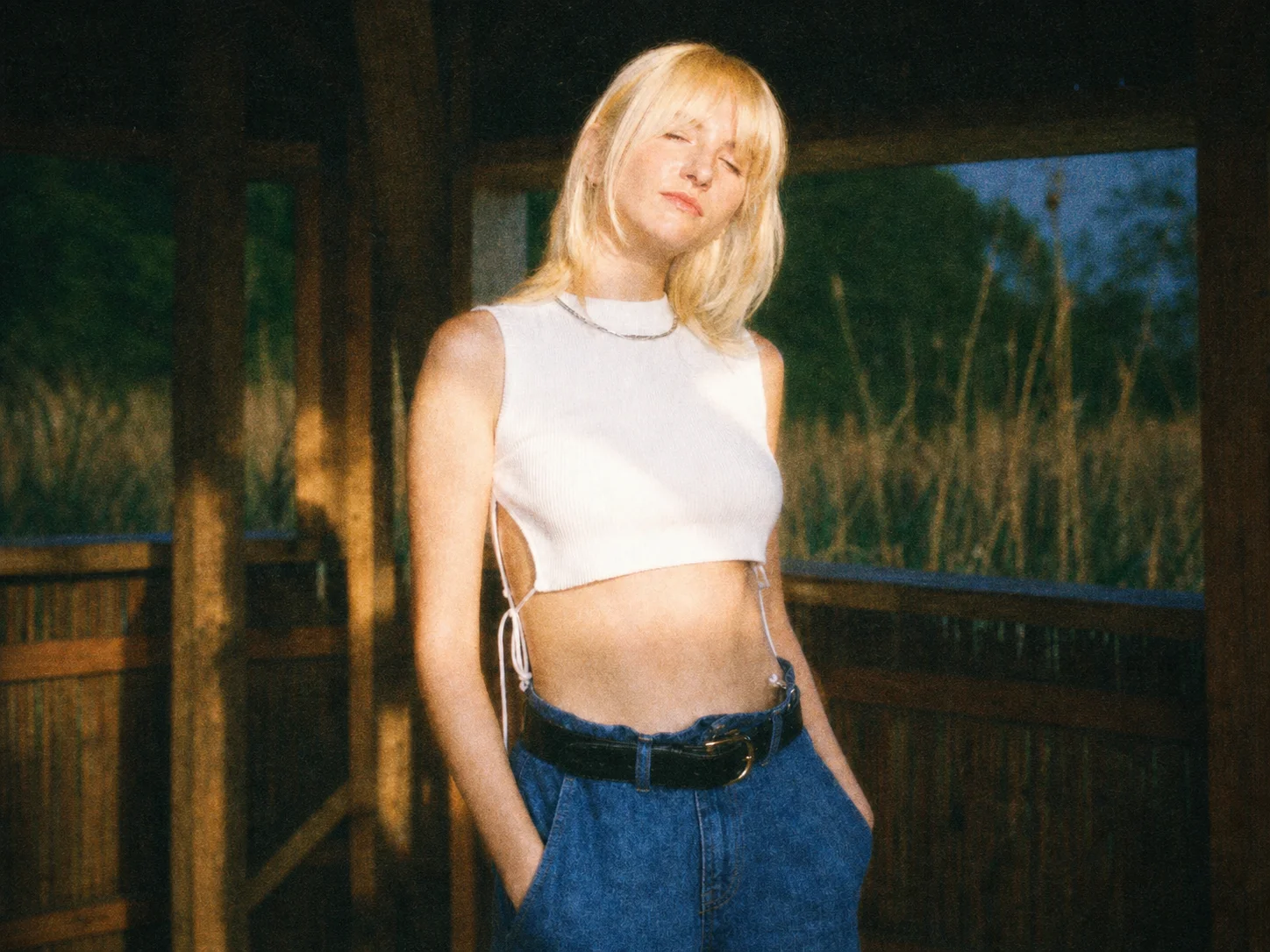
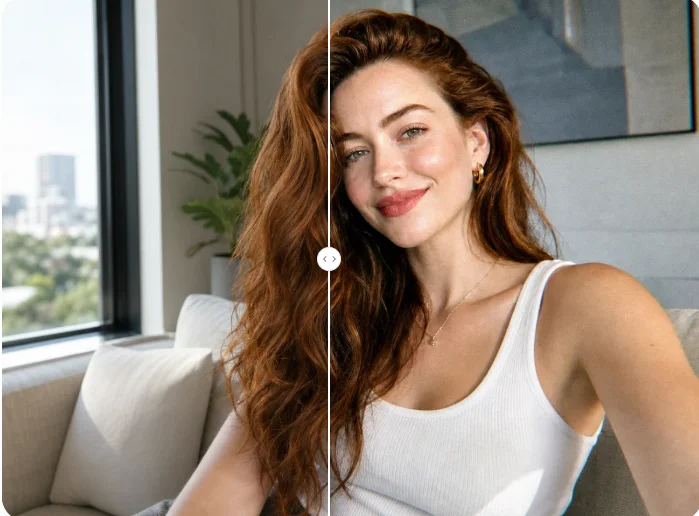
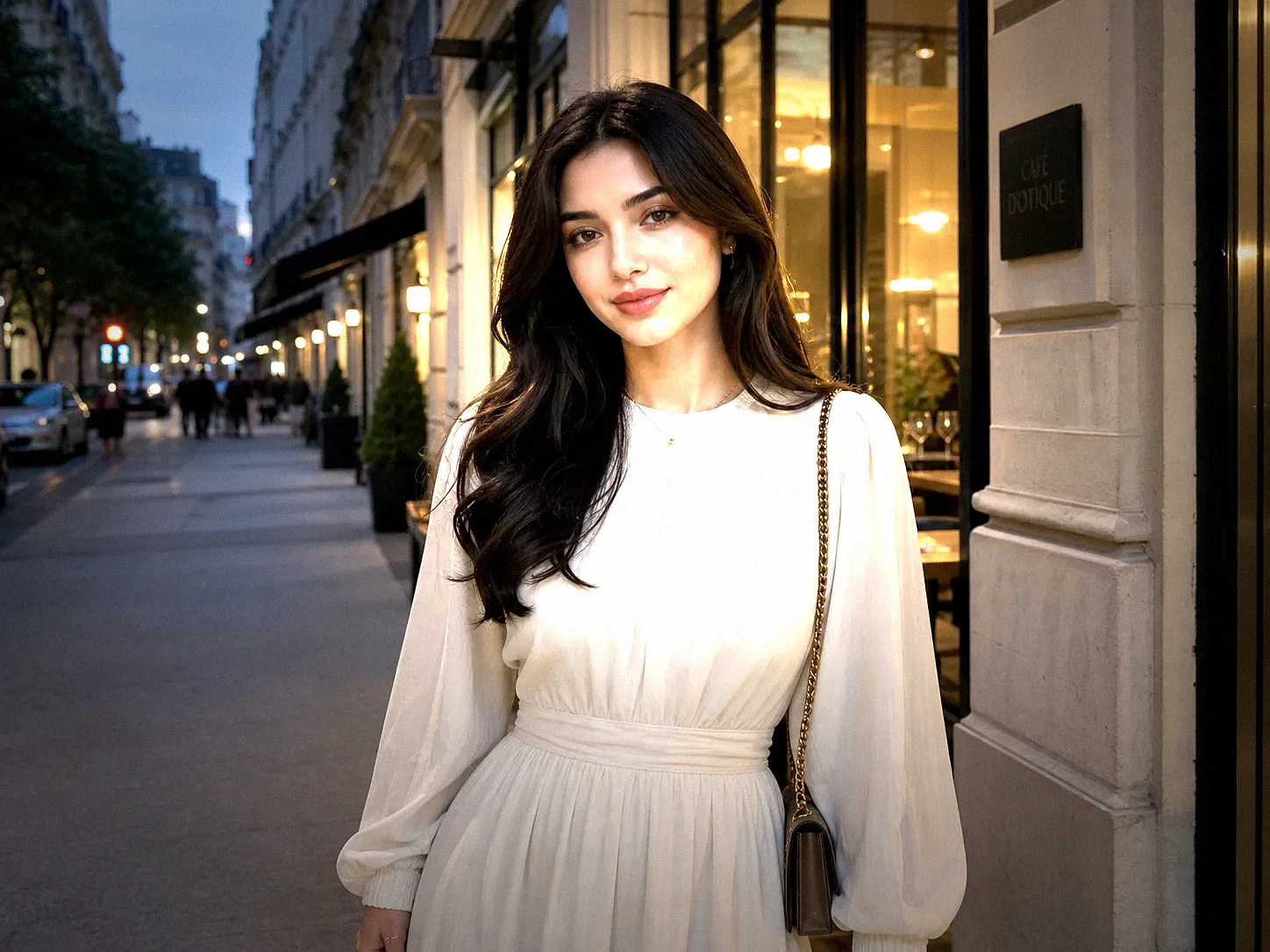
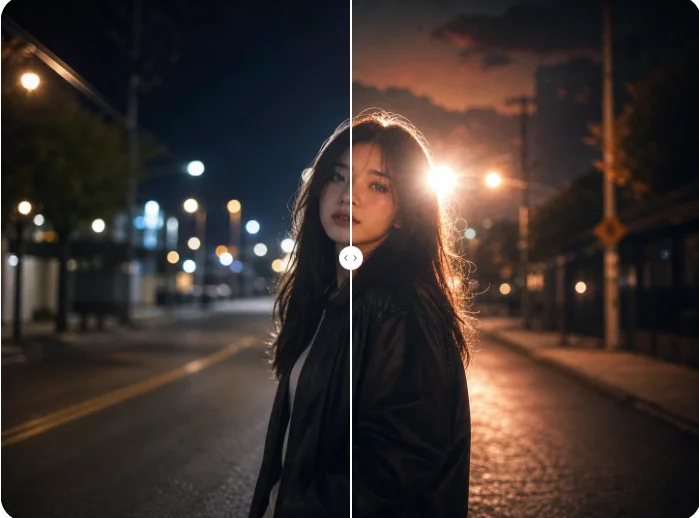
Upload a photo and recreate the nostalgic grain, faded color, flash, glow, and vintage camera mood that defined 90s snapshots.