Upload
Upload a clear photo with visible facial features. For the best gigachad transformation, use a front-facing portrait with good lighting.
 AI Photo Editor
Upload your photo and transform it into gigachad style instantly. Get sharp jawlines and bold, chiseled features with AI in seconds.
Upload your photo and transform it into gigachad style instantly. Get sharp jawlines and bold, chiseled features with AI in seconds.
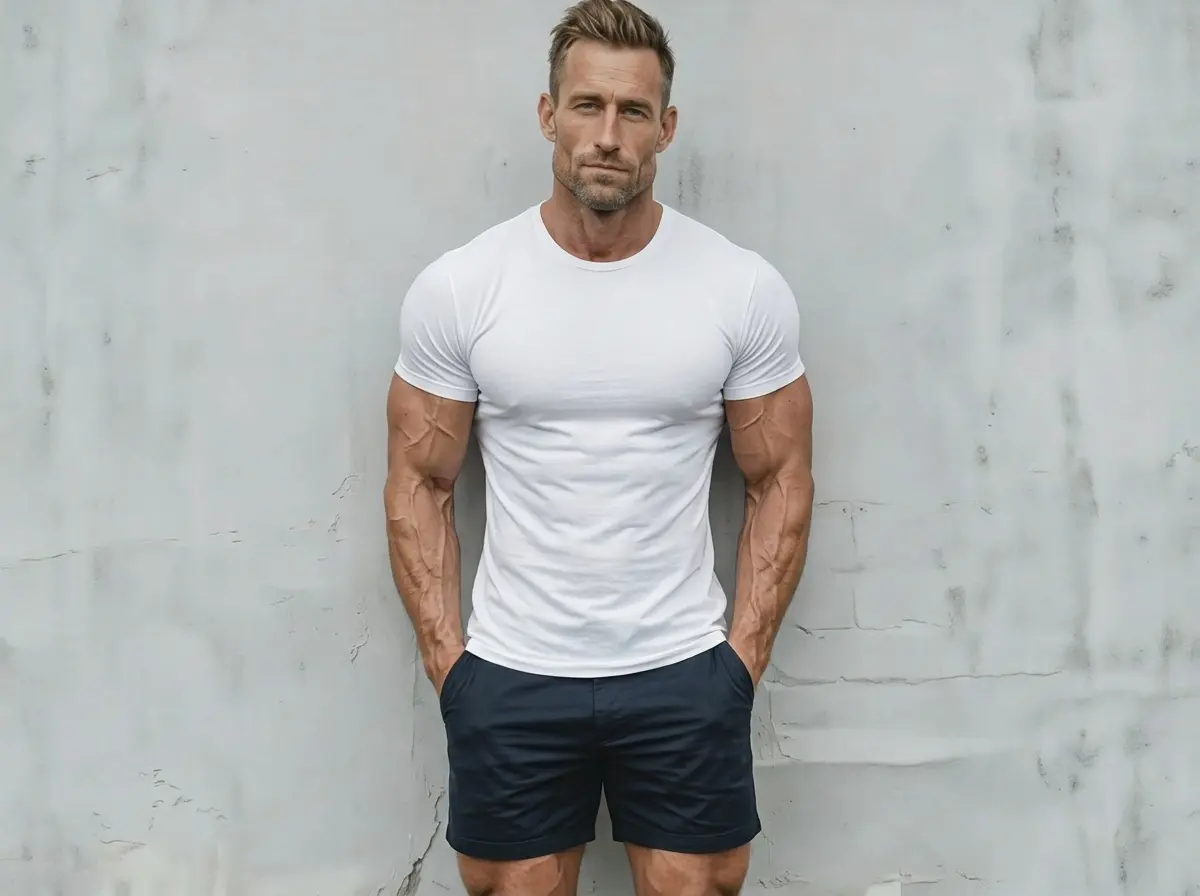
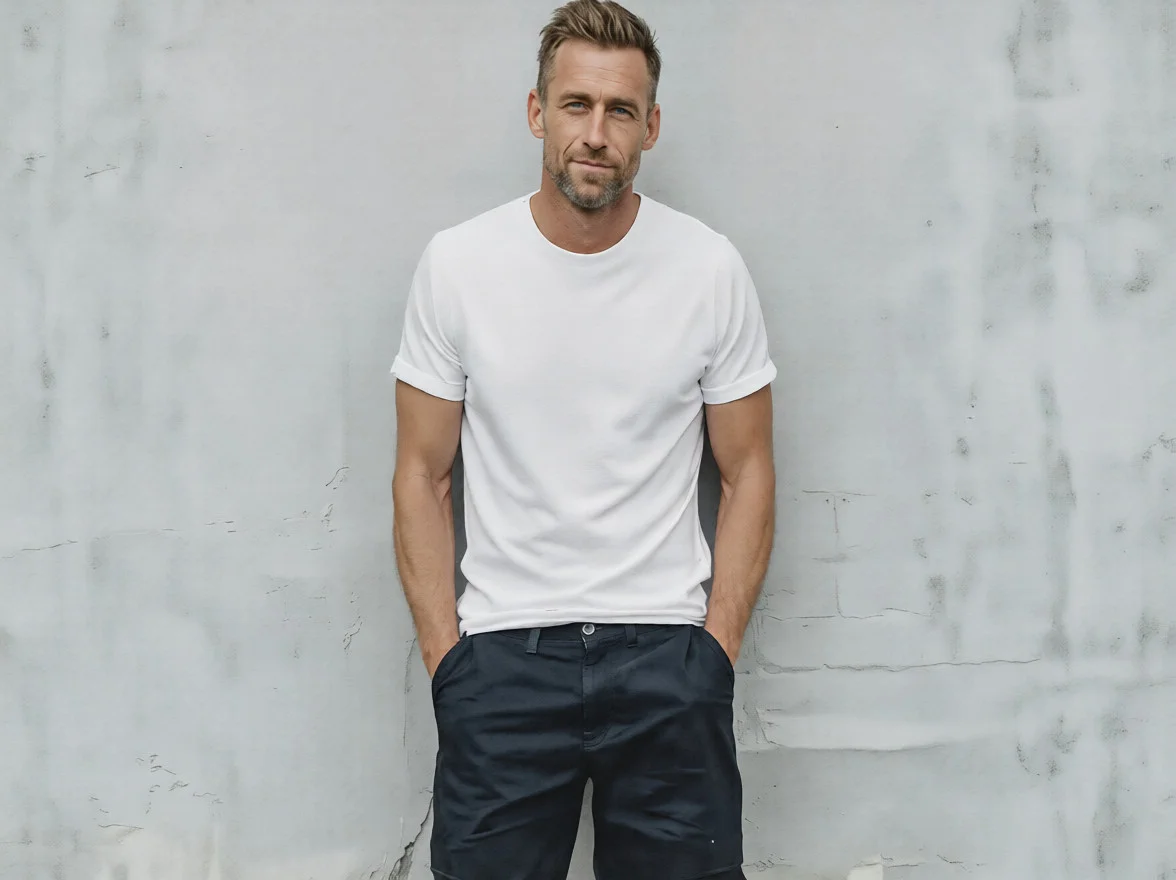
Upload a clear photo with visible facial features. For the best gigachad transformation, use a front-facing portrait with good lighting.
Click the Generate button. AI Photo Editor will instantly transform your photo into a bold gigachad style with sharp jawlines and defined features.
Download your high-quality gigachad photo, ready to share on Instagram, TikTok, Discord, or any social media platform.
AI Photo Editor's Gigachad Filter uses advanced AI to transform any face into a bold, hyper-masculine style with sharp jawlines and chiseled features. The result is striking yet realistic, avoiding the cartoonish look of basic filters.
Join the viral gigachad trend on TikTok, Instagram, and Discord. AI Photo Editor makes it easy to create unique, shareable gigachad content that grabs attention and drives engagement on any platform.
With AI Photo Editor, you can apply the gigachad filter directly from your browser on any device. No app downloads needed — just upload, generate, and download your transformed photo in seconds.
Create visuals faster without design skills. Turn ideas into images, thumbnails, social posts, and creative assets in seconds.
Accelerate your creative workflow. Use AI Photo Editor to generate concepts, references, and visual directions, then refine them into production-ready designs.
Produce high-converting visuals on demand. Create ads, campaign visuals, and branded images quickly.
The Gigachad Filter is an AI-powered effect that transforms your face into a bold, hyper-masculine style with sharp jawlines and defined features. It's popular for memes, social media posts, and fun photo edits.
The AI analyzes your facial features and applies a hyper-masculine transformation, enhancing jawlines, facial structure, and overall features. AI Photo Editor processes the transformation automatically in seconds.
Yes. You can apply AI Photo Editor's Gigachad Filter on any clear photo with visible facial features. Front-facing portraits with good lighting produce the best results.
No. The process is fully automatic. Simply upload your photo to AI Photo Editor and the AI handles the entire transformation with one click.
Absolutely. Download your high-quality gigachad photo and share it directly on Instagram, TikTok, Discord, Snapchat, or any other platform.
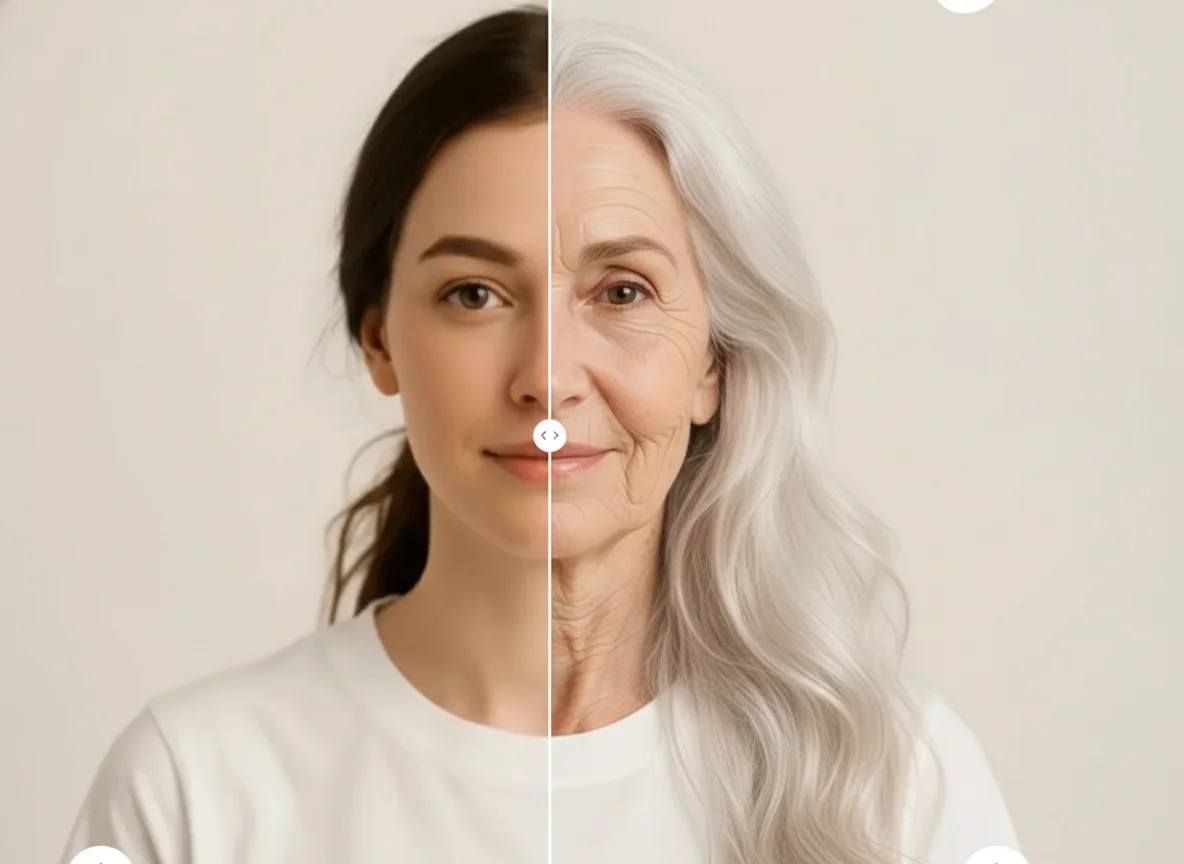
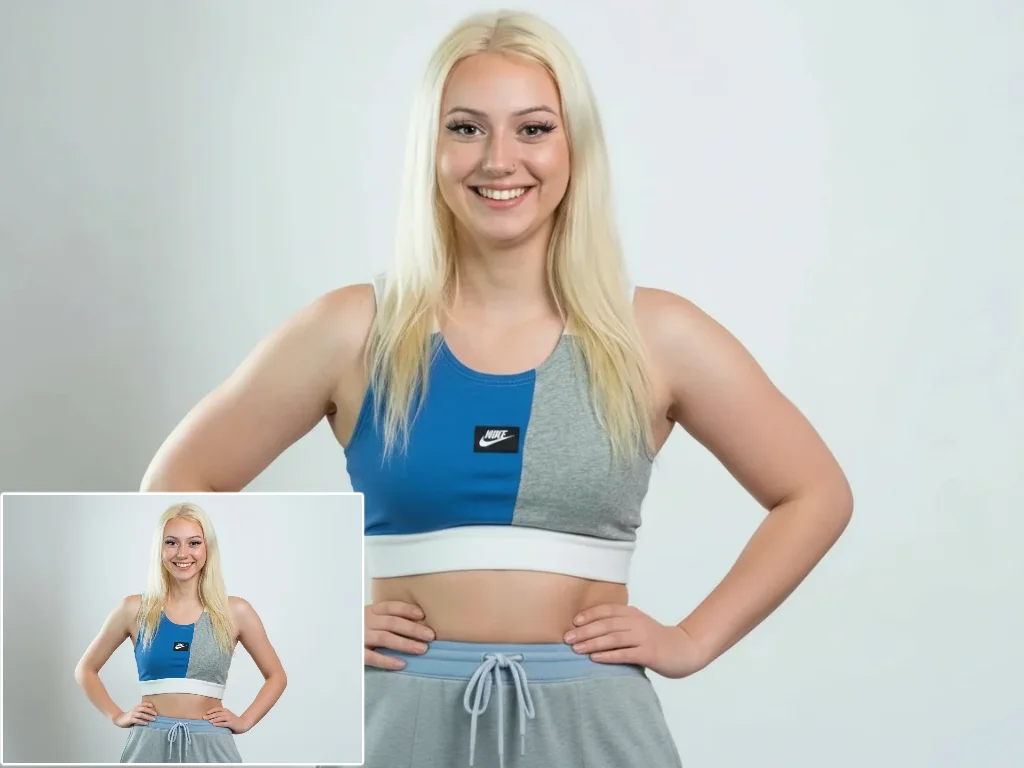
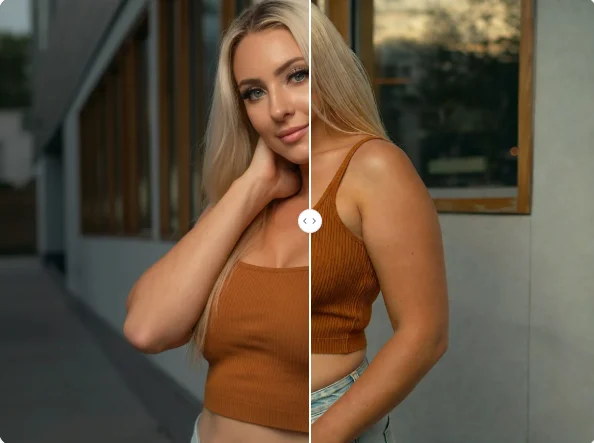
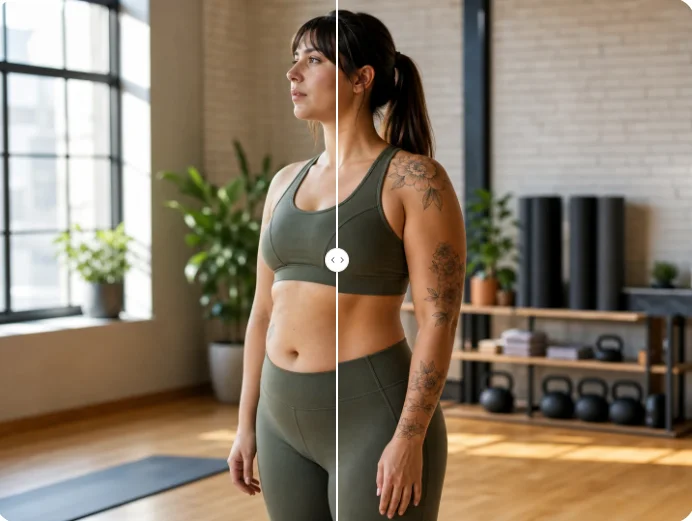
Upload your photo and transform into gigachad style instantly. Create bold, shareable content with AI Photo Editor in seconds.