Upload
Upload a clear photo where your face is fully visible. For best results, use a well-lit image with a neutral expression.
 AI Photo Editor
Upload your photo and create a professional ID photo in seconds—sized and formatted to meet official requirements.
Upload your photo and create a professional ID photo in seconds—sized and formatted to meet official requirements.
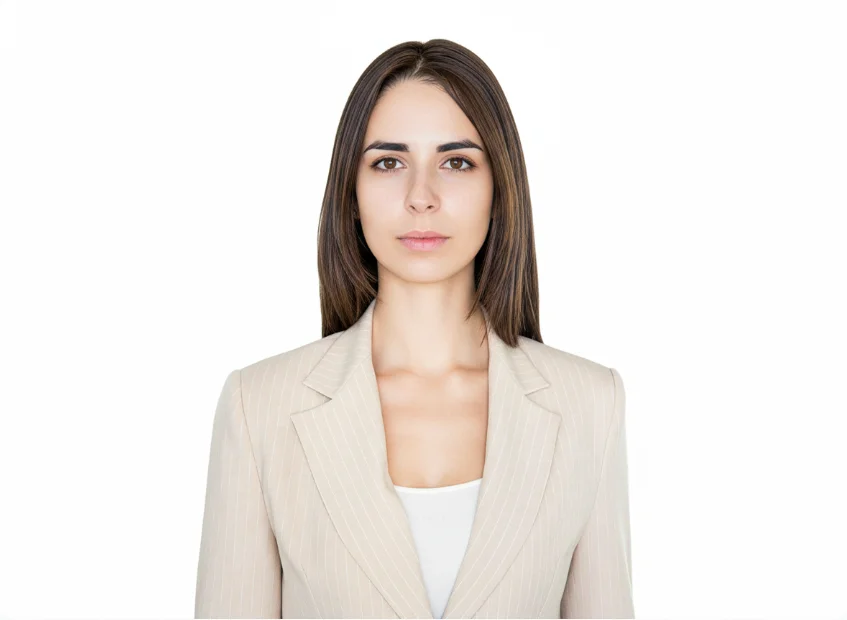

Upload a clear photo where your face is fully visible. For best results, use a well-lit image with a neutral expression.
Select your desired ID type or size and click the Generate button. AI Photo Editor will automatically adjust the background and crop the image.
Preview the result and download your high-resolution, compliant ID photo, ready for any official application.
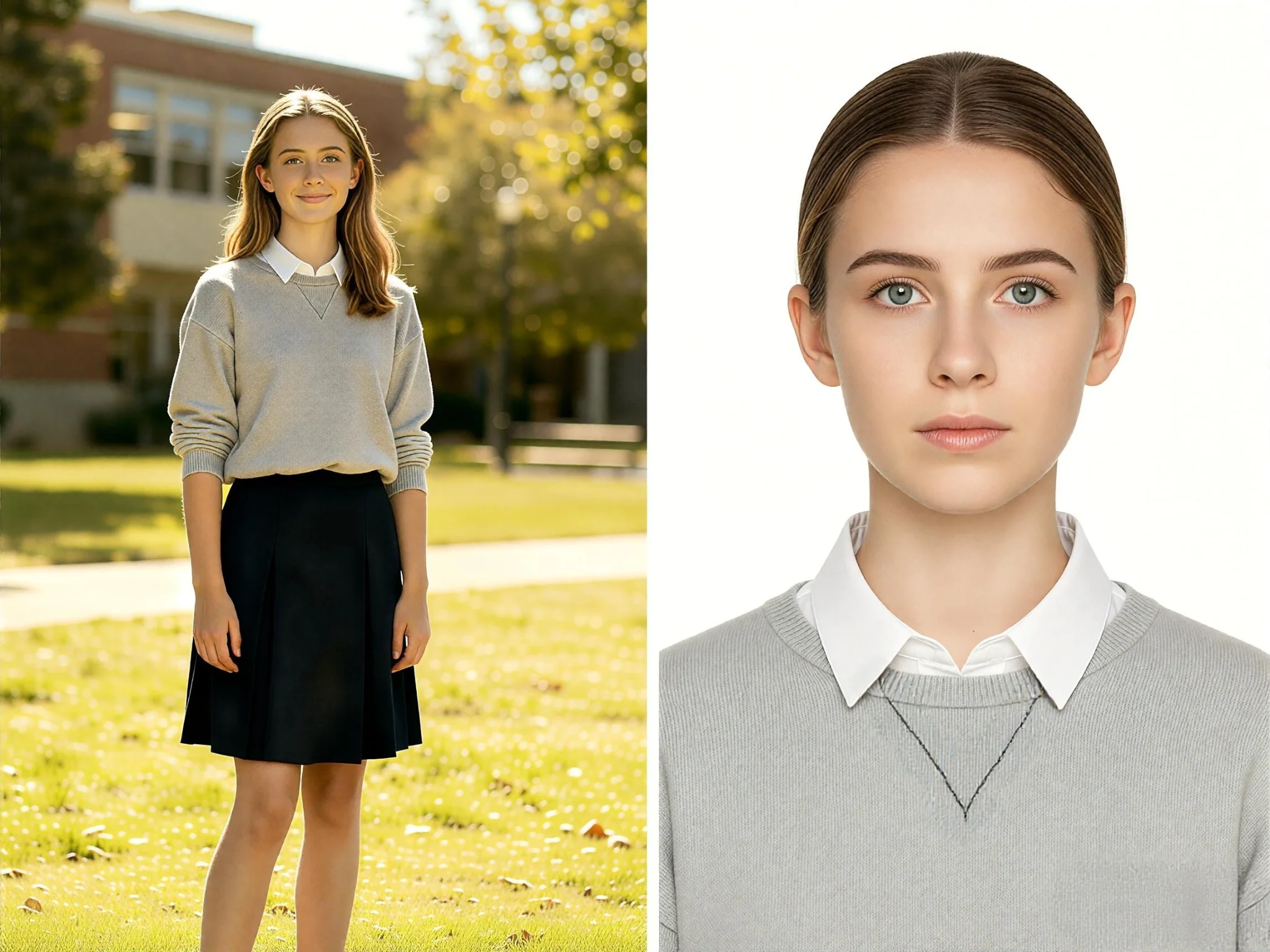
AI Photo Editor's id photo maker online creates clean, professional ID photos from any clear photo you upload. The AI automatically adjusts cropping, background, and proportions to meet official requirements. You skip the trip to a photo studio and get results that look polished and compliant, ready for driver's licenses, employee badges, school IDs, and other official documents.
Different documents require different photo sizes, and getting the wrong dimensions can delay your application. AI Photo Editor's id photo maker handles sizing automatically, formatting your photo to match the standards for the document you need. This removes the guesswork and manual cropping, so every ID photo you create is correctly sized from the start.
AI Photo Editor's id photo maker works directly in your browser on any device. There is nothing to install and no appointment to book. Upload a photo, generate your ID photo, and download the result wherever you are. This makes it simple to prepare compliant photos on your own schedule, whether you need them for a last-minute application or routine renewal.
Create visuals faster without design skills. Turn ideas into images, thumbnails, social posts, and creative assets in seconds.
Accelerate your creative workflow. Use AI Photo Editor to generate concepts, references, and visual directions, then refine them into production-ready designs.
Produce high-converting visuals on demand. Create ads, campaign visuals, and branded images quickly.
You can create photos for driver's licenses, national ID cards, employee badges, student IDs, and other official documents. AI Photo Editor's id photo maker online formats your image to match the size and background requirements for the document you choose.
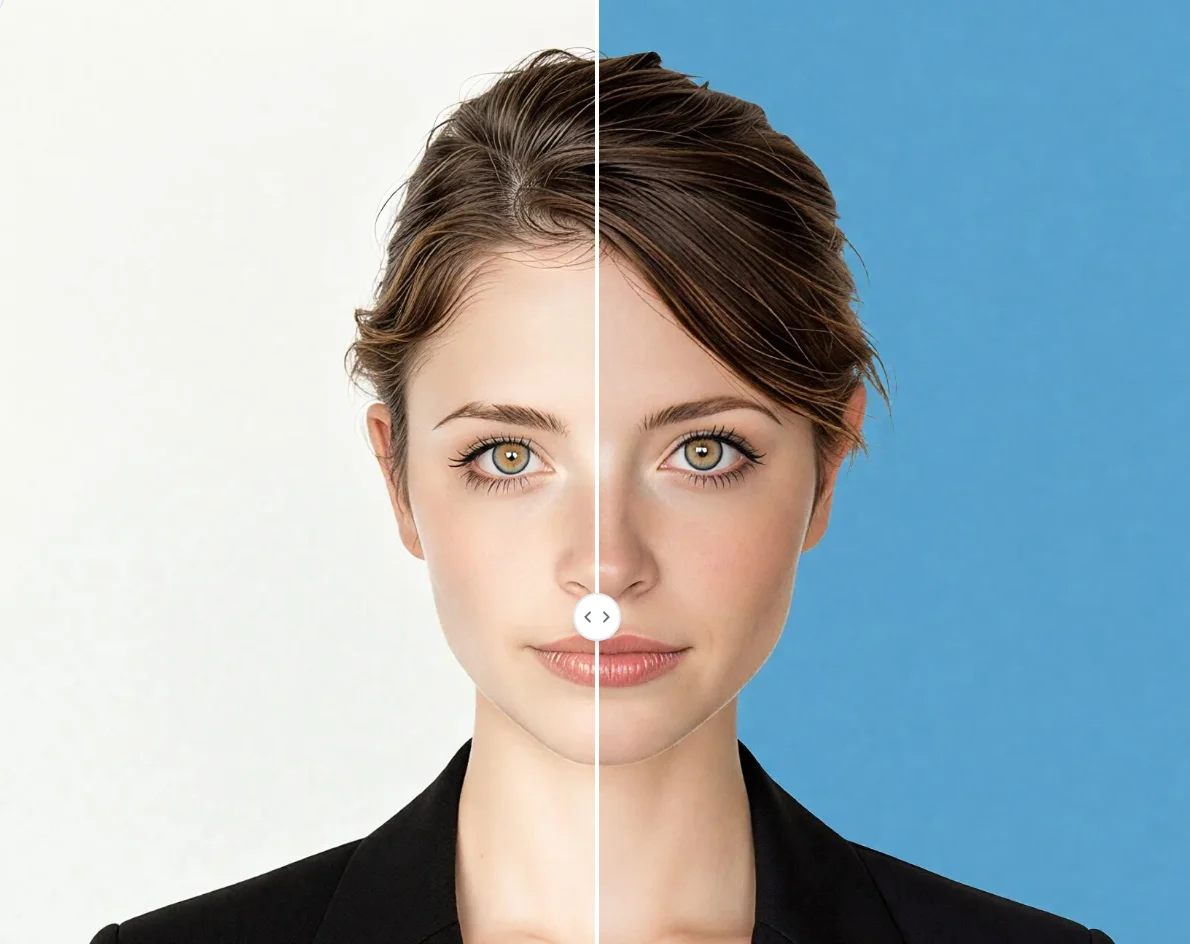
The tool uses advanced AI to analyze your portrait, detect your face, and automatically adjust the image to standard ID dimensions while replacing the background with a professional-grade backdrop.
We recommend a front-facing photo with good lighting, no glasses or hats, and a plain background if possible to help the AI achieve the most accurate cutout.
No. AI Photo Editor's id photo maker runs entirely in your browser. You can upload a photo, generate your ID photo, and download it from any device without installing anything.
Just a few seconds. Upload your photo, click Generate, and the AI creates your formatted ID photo almost instantly.
AI Photo Editor is your go-to AI image toolkit for generating, editing, and enhancing photos and artwork.


Create professional, compliant ID photos instantly with AI Photo Editor. Upload your photo and get results in seconds.