Upload Your Photo
Start with a clear portrait, selfie, professional headshot, group photo, or old family picture. Photos with visible faces and balanced lighting usually give the AI more facial detail to preserve.
 AI Photo Editor
Upload a portrait, selfie, headshot, family photo, or social image, then describe the smile you want. AI Photo Editor can adjust facial expression, lips, cheeks, and eye emotion to create a natural-looking smile while keeping the same person, pose, lighting, and overall photo style recognizable.
Upload a portrait, selfie, headshot, family photo, or social image, then describe the smile you want. AI Photo Editor can adjust facial expression, lips, cheeks, and eye emotion to create a natural-looking smile while keeping the same person, pose, lighting, and overall photo style recognizable.
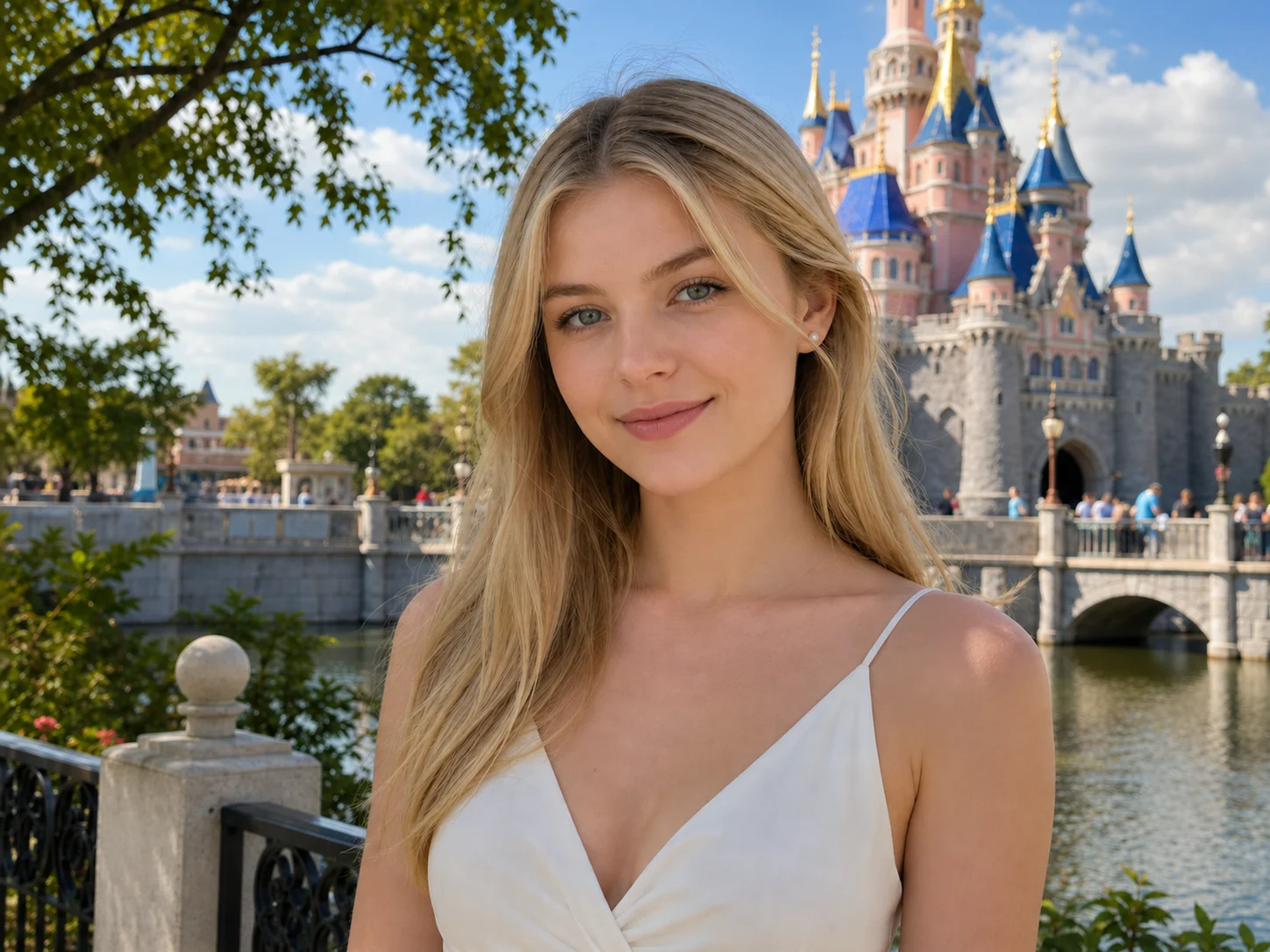
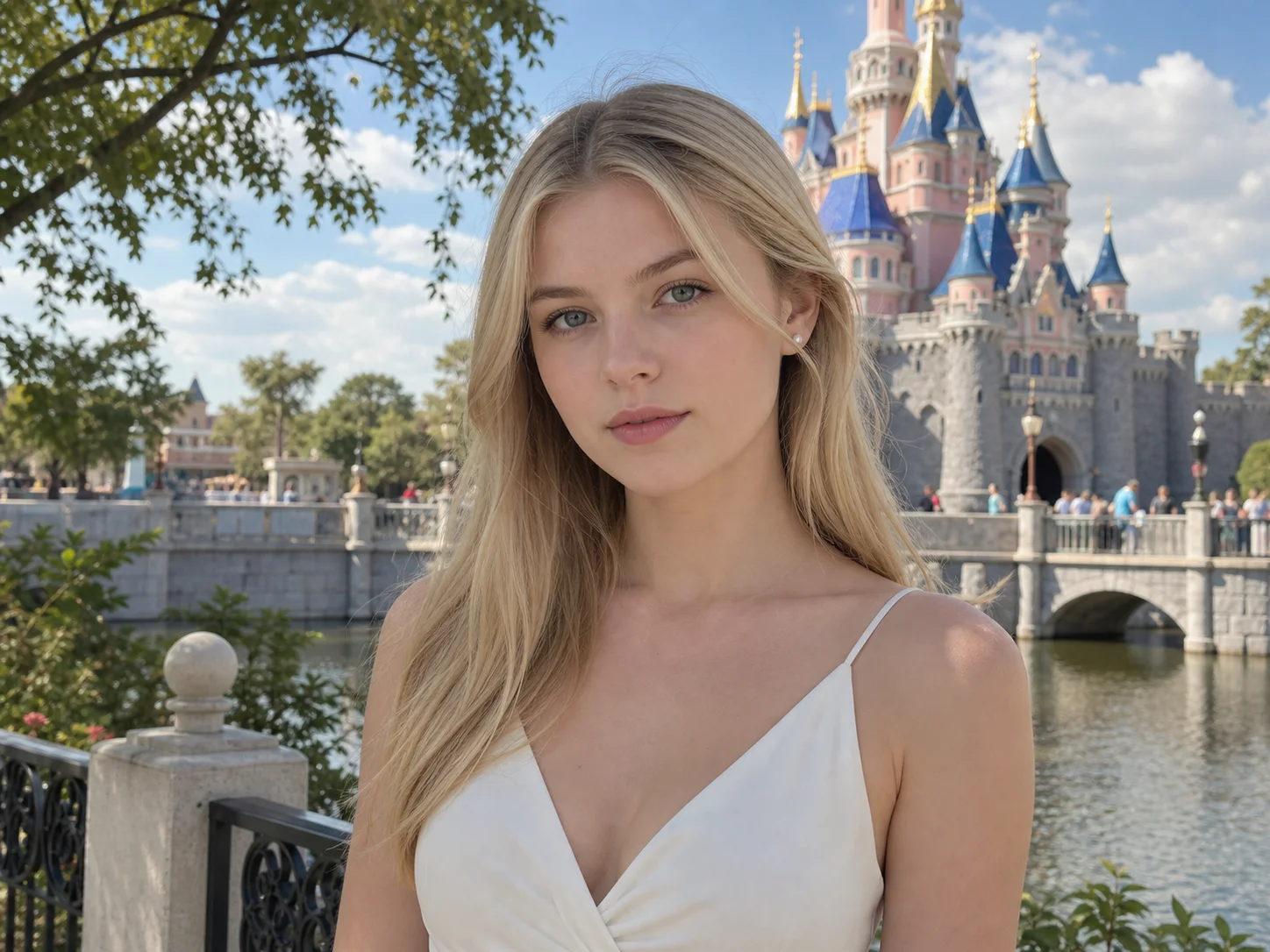
Start with a clear portrait, selfie, professional headshot, group photo, or old family picture. Photos with visible faces and balanced lighting usually give the AI more facial detail to preserve.
Describe the smile direction, such as a soft smile, warmer expression, confident grin, or subtle friendly look. AI Photo Editor adjusts the expression while keeping the original identity and image context.
Preview the result, check whether the smile blends with the face, lighting, and mood, then download the edited image for profiles, social posts, albums, or creative projects.
AI Photo Editor Smile Filter does more than stretch the mouth corners. It guides the expression through lips, cheeks, teeth visibility, and eye emotion so the result can feel closer to a genuine smile instead of an obvious edit.
A useful smile edit should improve expression without changing identity. You can ask AI Photo Editor to keep the same face, pose, hairstyle, outfit, lighting, background, and composition while only making the expression warmer.
Use Smile Filter for serious selfies, professional profile photos, dating app images, event pictures, and family memories. It can help improve a neutral or tense expression while keeping the image useful for real social and professional contexts.
Turn neutral selfies, thumbnails, portraits, and social images into warmer visuals for posts, profiles, albums, and short-form content.
Use AI Photo Editor to explore expression edits, profile-photo variations, and portrait references while preserving the original subject and visual direction.
Improve creator portraits, team photos, campaign visuals, and profile assets that need a friendlier first impression without arranging a new photo shoot.
A smile filter is an AI photo editing tool that changes or enhances facial expression by adding a natural-looking smile to a portrait. AI Photo Editor can help adjust lips, cheeks, and eye emotion while keeping the uploaded person recognizable.
It can work with many portraits, selfies, headshots, and group photos, but results depend on face visibility, lighting, angle, and image quality. Clear front-facing photos usually produce more natural smile edits.
No, not when the prompt is written carefully. Ask AI Photo Editor to keep the same person, face, pose, hairstyle, outfit, background, and lighting while only adjusting the smile and facial expression.
You can request a subtle smile, friendly expression, confident grin, warmer portrait look, natural teeth smile, or softer professional headshot expression. The more specific your prompt is, the easier it is to control the result.
Mention the smile intensity, what should change, and what must stay the same. For example, ask for a soft natural smile while preserving the same identity, facial structure, pose, hair, clothing, background, and lighting.
AI Photo Editor is your go-to AI image toolkit for generating, editing, and enhancing photos and artwork.
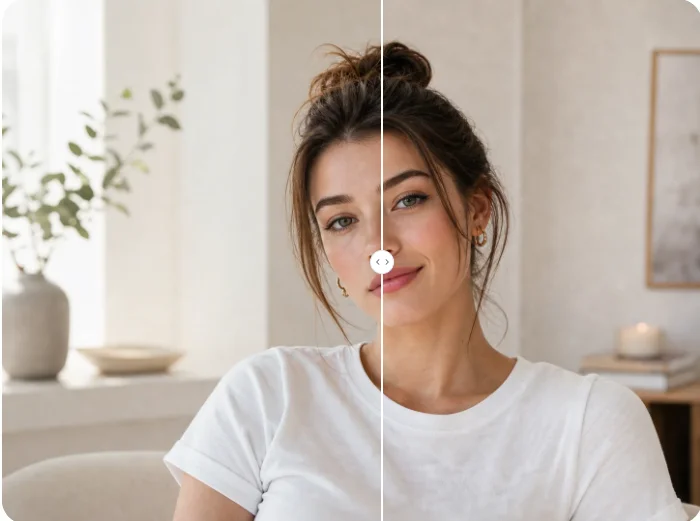
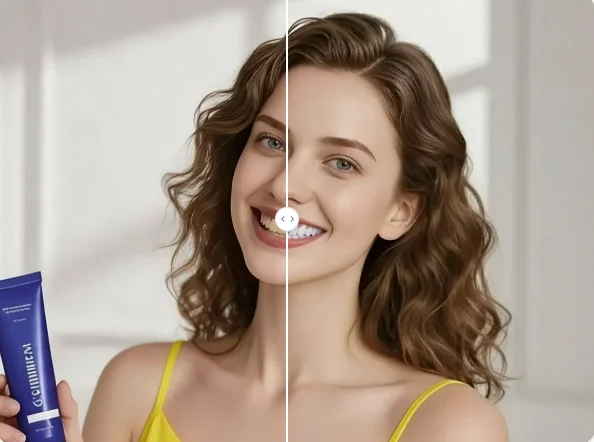
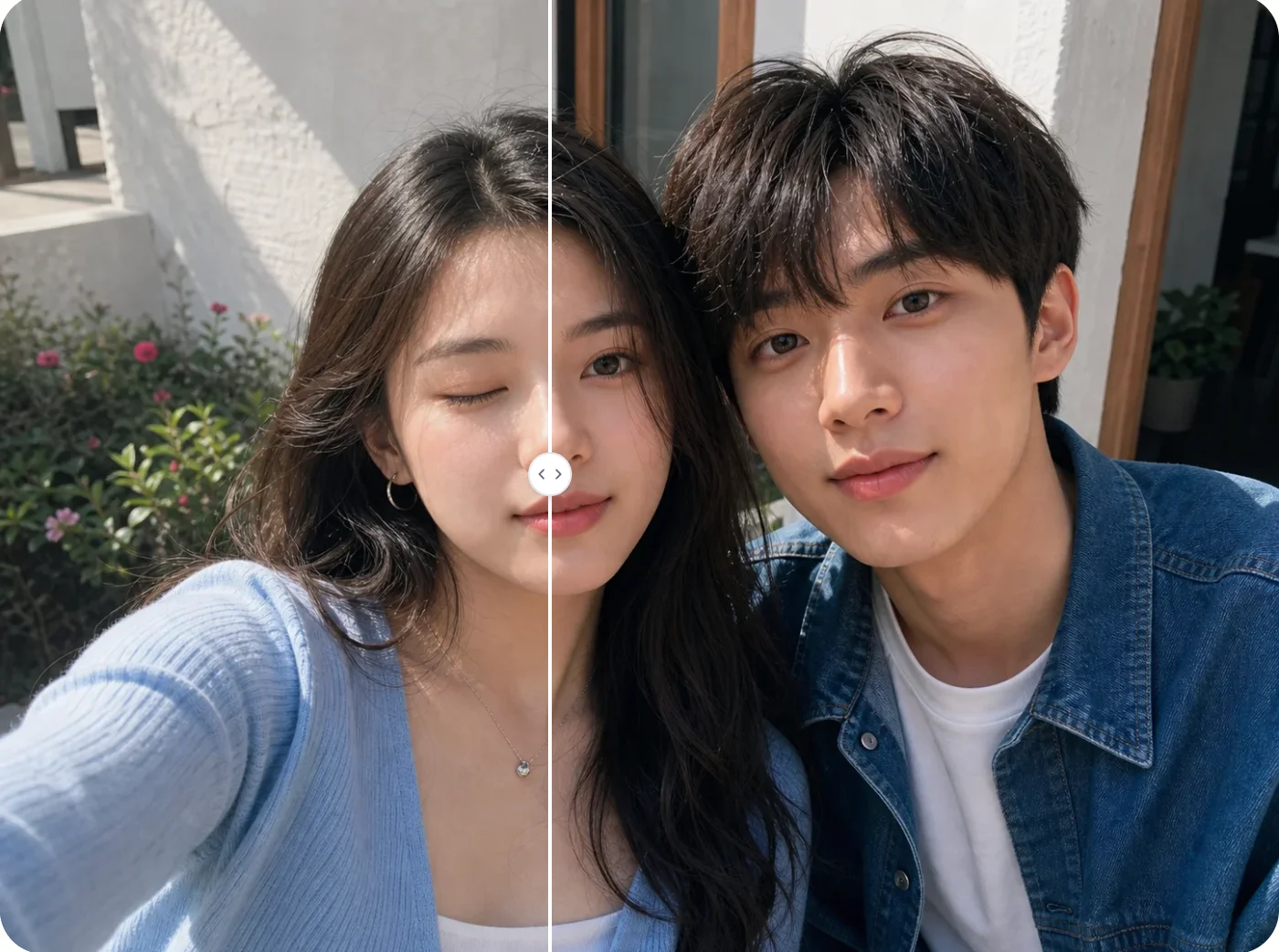
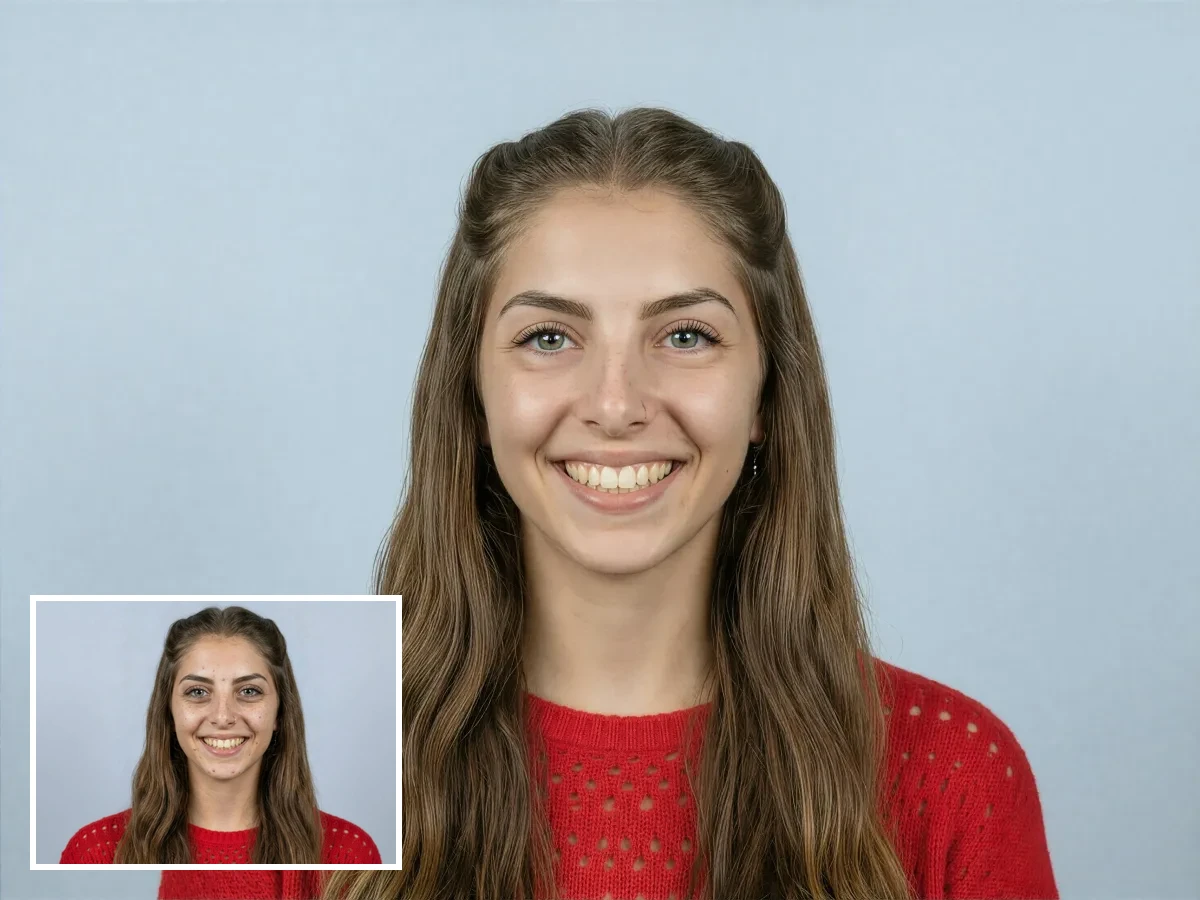
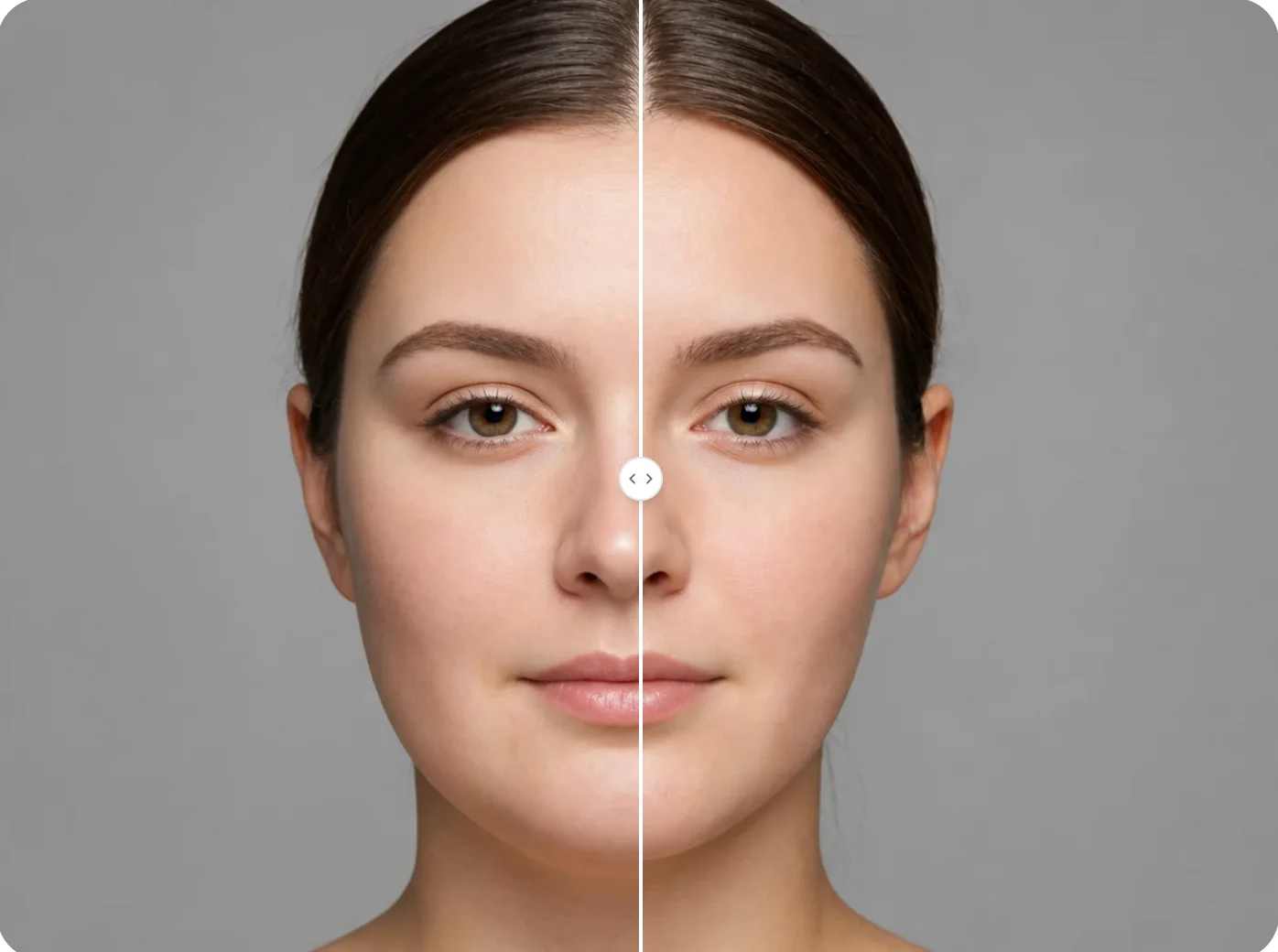
Upload a portrait and use AI Photo Editor to create a warmer, more natural smile. Adjust facial expression while keeping the same person, pose, lighting, and photo style recognizable.