Upload
Upload the image you want to clean up. For best results, use a clear photo and make sure you have the right to edit or modify the image.
 AI Photo Editor
Upload your photo, let the AI detect copyright text or logos automatically, and download a clean, high-resolution image with the background seamlessly rebuilt.
Upload your photo, let the AI detect copyright text or logos automatically, and download a clean, high-resolution image with the background seamlessly rebuilt.


Upload the image you want to clean up. For best results, use a clear photo and make sure you have the right to edit or modify the image.
Mark the unwanted copyright text, logo, stamp, or small overlay. AI Photo Editor will analyze nearby colors, textures, and patterns to reconstruct the selected area.
Preview the cleaned result, refine the marked area if needed, and download your high-resolution image for personal, internal, or authorized creative use.
Most removers make you brush every watermark by hand. AI Photo Editor identifies copyright text, signatures, and logos automatically — small corner stamps, full-image diagonal overlays, even repeating tiled watermarks — and queues them all for removal in one pass.
A flat eraser leaves an obvious smudge where the watermark used to be. AI Photo Editor reads the surrounding pixels and regenerates what should be there — sky, fabric, wall textures, fine patterns — so the cleaned area blends seamlessly with the rest of the photo.
Many quick erasers downscale the image or soften the cleaned area. AI Photo Editor renders the rebuilt pixels at matching resolution and sharpness, so the final image holds up at full size — useful when you're restoring an old scan or cleaning up your own product photography.
Create visuals faster without design skills. Turn ideas into images, thumbnails, social posts, and creative assets in seconds.
Accelerate your creative workflow. Use AI Photo Editor to generate concepts, references, and visual directions, then refine them into production-ready designs.
Produce high-converting visuals on demand. Create ads, campaign visuals, and branded images quickly.
AI Photo Editor's AI Copyright Remover is an AI inpainting tool that detects and erases copyright text, watermarks, signatures, and logos from images. Instead of just blurring the spot, it rebuilds the background behind the mark so the cleanup looks natural.
The AI scans the image for typical copyright patterns — diagonal text, corner stamps, repeating tiles, semi-transparent overlays — and isolates them from the underlying photo. It then uses deep learning to predict what was behind the mark and renders that area pixel by pixel.
Both. AI Photo Editor auto-detects most copyright marks in one pass and removes them without manual selection. For unusual marks the AI misses, you can switch to a brush tool and paint over the area to clean it up precisely.
No. AI Photo Editor matches the original resolution and sharpness of the surrounding pixels, so the cleaned area stays as crisp as the rest of the image — no soft spots or pixelated patches where the watermark used to be.
AI Photo Editor is designed for cleaning up images you own or have permission to use — your own product photos, personal scans, screenshots of your own creations, or images with expired copyright. Please respect intellectual property when using the tool on third-party content.
AI Photo Editor is your go-to AI image toolkit for generating, editing, and enhancing photos and artwork.
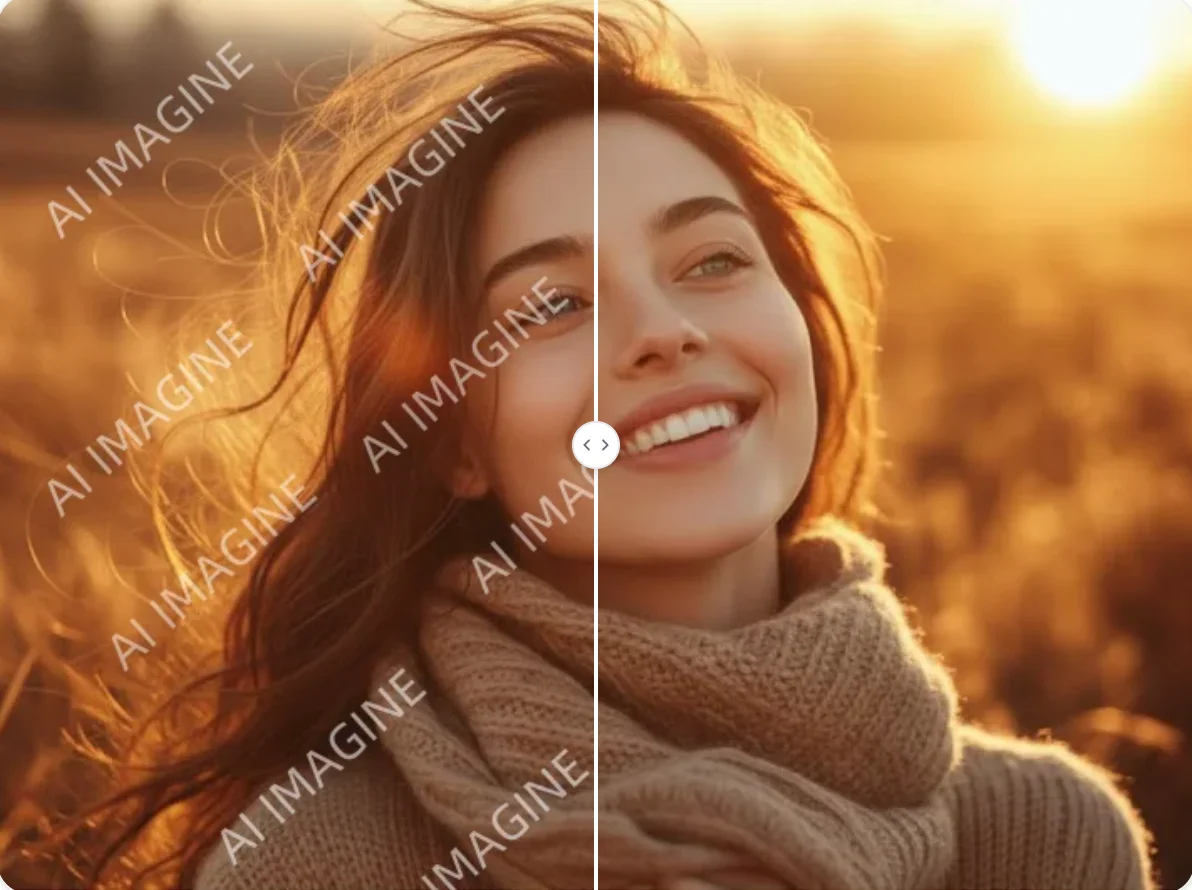
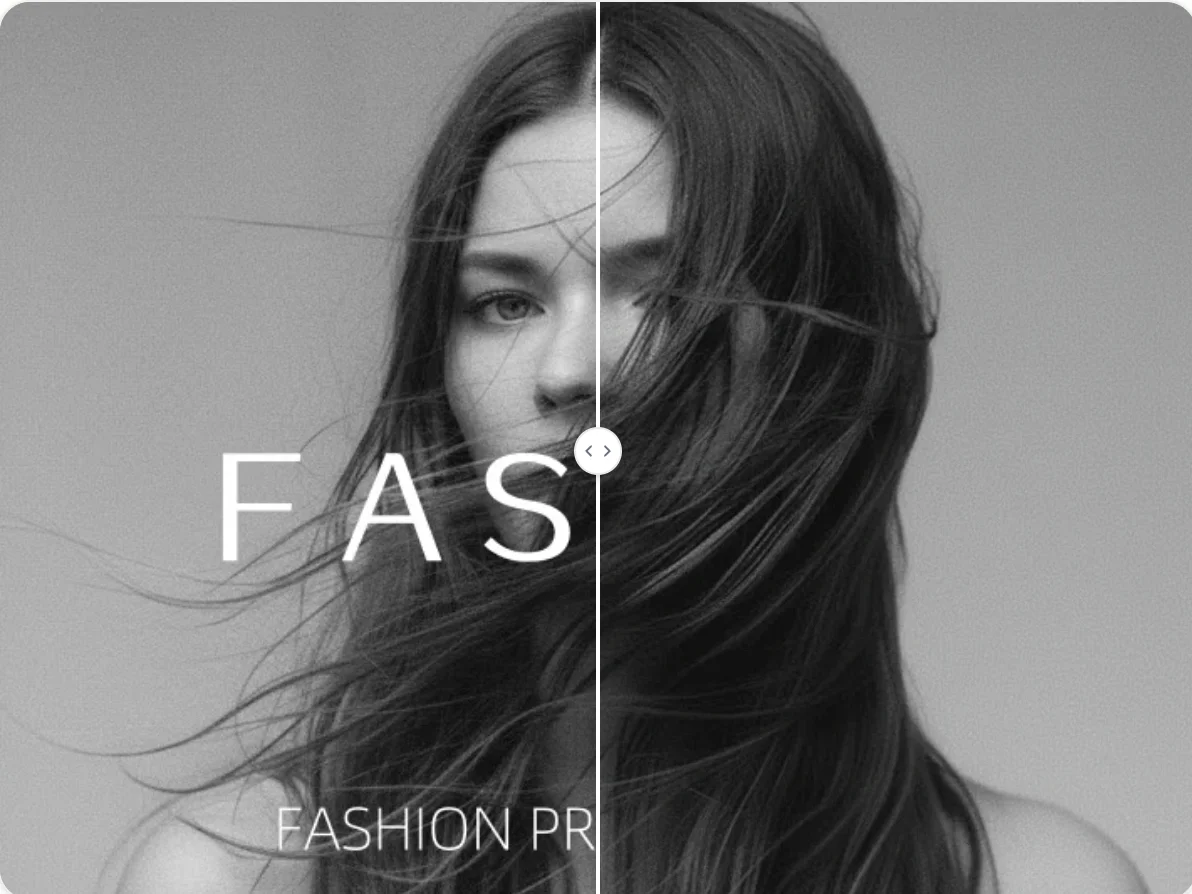
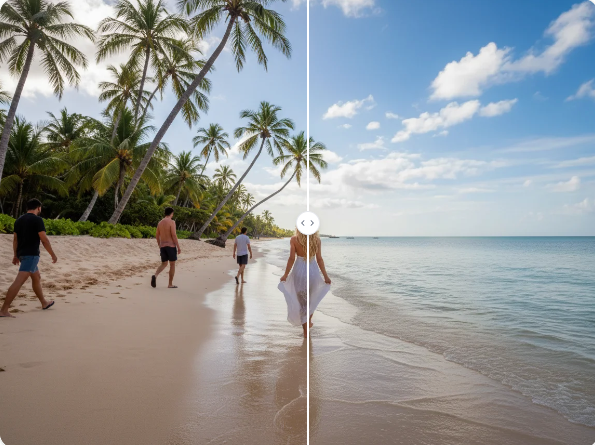
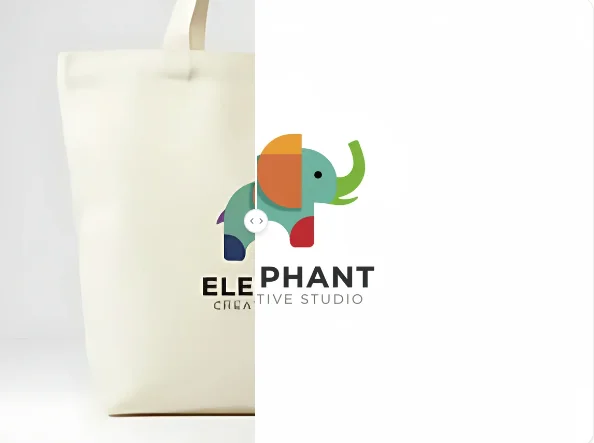
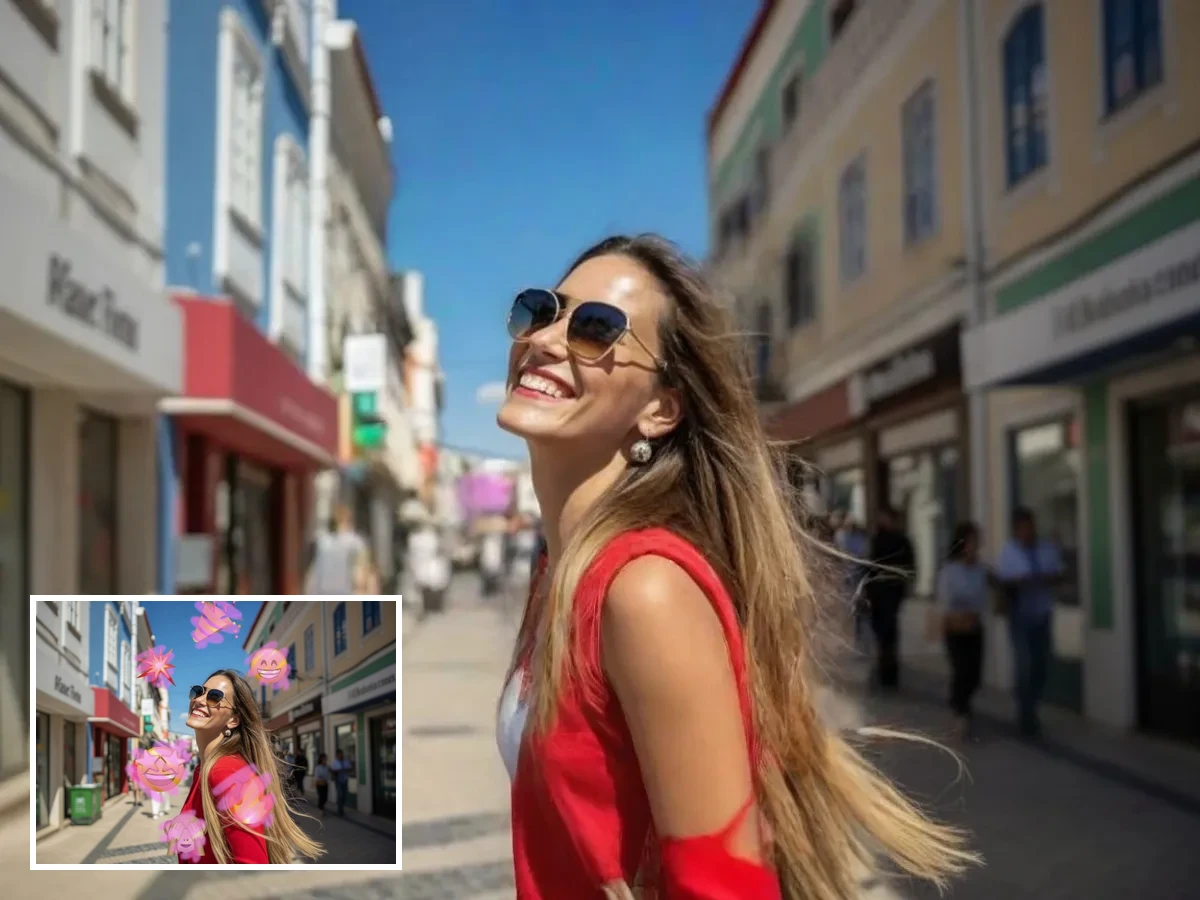
Clean up authorized images with AI Photo Editor. Remove unwanted text, logos, stamps, or marks and restore the background with natural AI inpainting.