Add Your Audio
Upload a recording. Clear speech, distinct music, and consistent volume help the system understand the source more accurately.
 AI Photo Editor
Upload an audio file. The generator analyzes the speech, lyrics, rhythm, and topic, then creates matching scenes while keeping the original audio synchronized.
Upload an audio file. The generator analyzes the speech, lyrics, rhythm, and topic, then creates matching scenes while keeping the original audio synchronized.
AI-powered audio video creation converts an existing recording into a visual story. It interprets spoken words, music, pacing, and context, then organizes those signals into scenes that support the meaning and mood of the sound.
Instead of writing a script, finding footage, arranging clips, and timing captions manually, you can begin with the audio itself. The result combines generated visuals, scene transitions, and readable captions with the original soundtrack in one coherent video.
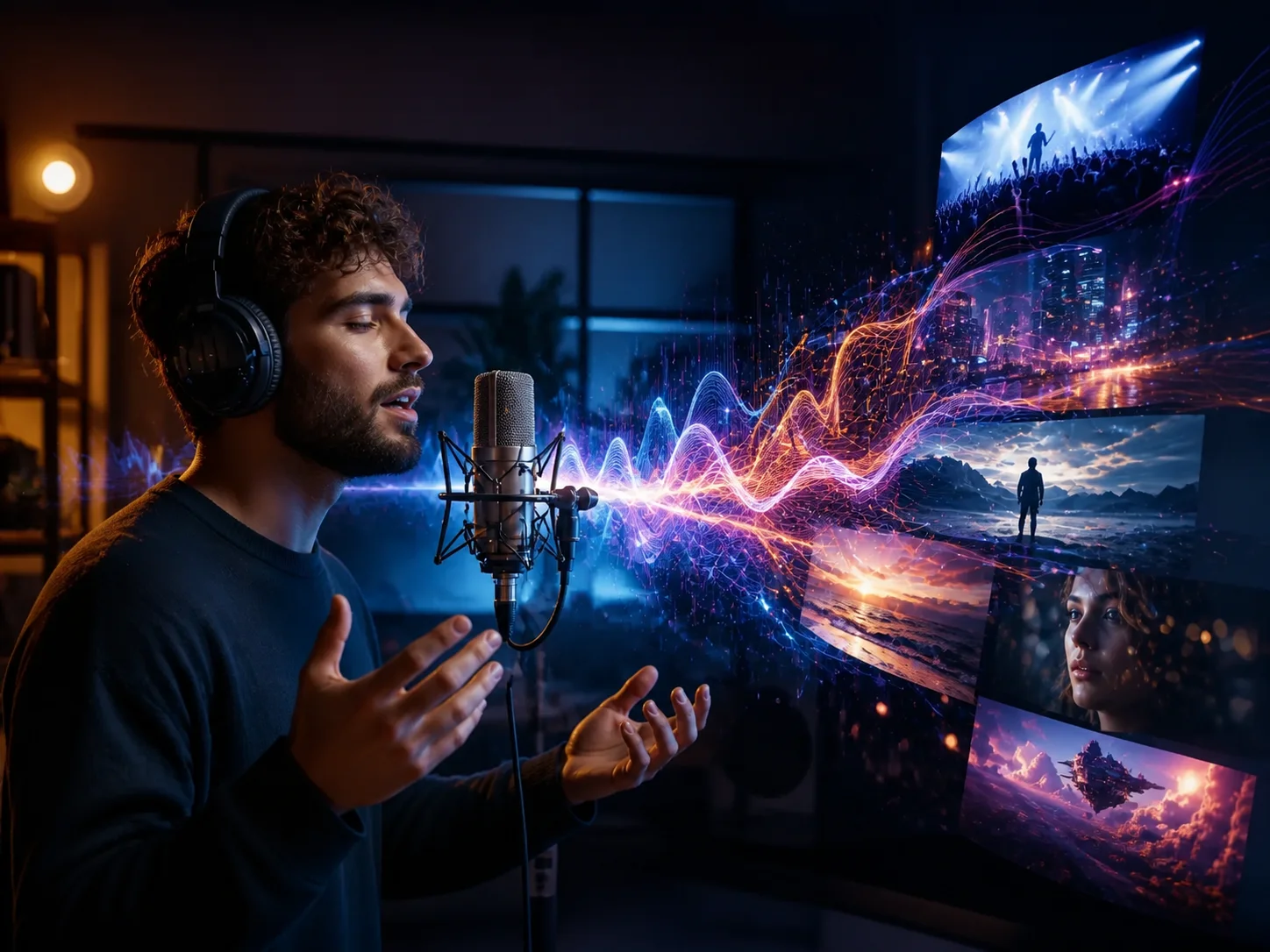
Upload a recording. Clear speech, distinct music, and consistent volume help the system understand the source more accurately.
Review the detected topic, add visual direction when needed, and start generation. AI builds a script and storyboard, then creates scenes and captions that follow the audio.
Watch the completed video, check scene timing and caption accuracy, then download the result for podcasts, music, lessons, presentations, or social posts.
The generator treats your recording as the source of the story. It analyzes speech, lyrics, rhythm, and emotional tone so each scene supports what viewers hear instead of showing unrelated stock footage.
Long recordings can be divided into logical sections with clear visual direction. Automatic scripting and storyboarding reduce the work of planning every shot before editing begins.
Scene changes and captions follow the timing of the source audio. This creates a more coherent viewing experience for narration, podcasts, educational recordings, songs, and voiceovers.
Turn existing audio into a visual format suitable for presentations, explainers, social posts, podcast highlights, training materials, and music content without assembling every scene manually.



Create visuals faster without design skills. Turn ideas into images, thumbnails, social posts, and creative assets in seconds.
Accelerate your creative workflow. Use AI Photo Editor to generate concepts, references, and visual directions, then refine them into production-ready designs.
Produce high-converting visuals on demand. Create ads, campaign visuals, and branded images quickly.
An audio to video generator analyzes a recording and creates synchronized visuals, scenes, and captions around its content. It helps turn narration, music, podcasts, and other audio into a complete video.
You can use clear recordings such as narration, voiceovers, podcast clips, lessons, interviews, songs, or music. Supported file formats depend on the upload options shown in the generator.
Yes. The source recording remains the main soundtrack while generated scenes and captions are synchronized to its timing and content.
Yes. It interprets speech, lyrics, rhythm, and context to plan scenes that support the audio. You can also add visual direction when you want a particular mood or style.
Yes. Preview the generated video first so you can check scene timing, visual relevance, and captions before downloading the final file.
Create stunning AI videos from text or images with multiple models.

Google image generation

OpenAI image generation

ByteDance video generation

Google video generation

Kuaishou video generation

xAI image & video generation
AI Photo Editor is your go-to AI video toolkit for generating, editing, and enhancing videos.
Turn a voice recording into a visual video with synchronized scenes.
Animate a still image into a dynamic AI-generated video.
Convert a prompt or script into a complete generated video.
Create short AI videos from text descriptions or reference images.
Develop AI influencer visuals and videos for digital content.
Transform a photo into a festive Santa-themed AI video.
Turn your recording into a coherent visual story with generated scenes, captions, and synchronized original sound.