Add Your Input
Write a detailed video prompt, upload a reference image, or use both when the selected mode supports them. Describe the subject, action, setting, and mood clearly.
 AI Photo Editor
Enter a prompt or upload a reference image, choose your video settings, and generate an original clip with the style, motion, aspect ratio, and duration you need.
Enter a prompt or upload a reference image, choose your video settings, and generate an original clip with the style, motion, aspect ratio, and duration you need.
A Perchance AI video generator turns written scene descriptions or reference images into animated video clips. Instead of filming every scene or building motion frame by frame, you describe the subject, action, setting, and visual direction you want.
The generator interprets that input, creates movement and transitions, and renders a video using the selected mode and output settings. You can refine the prompt or settings and generate another version when the first result needs adjustment.
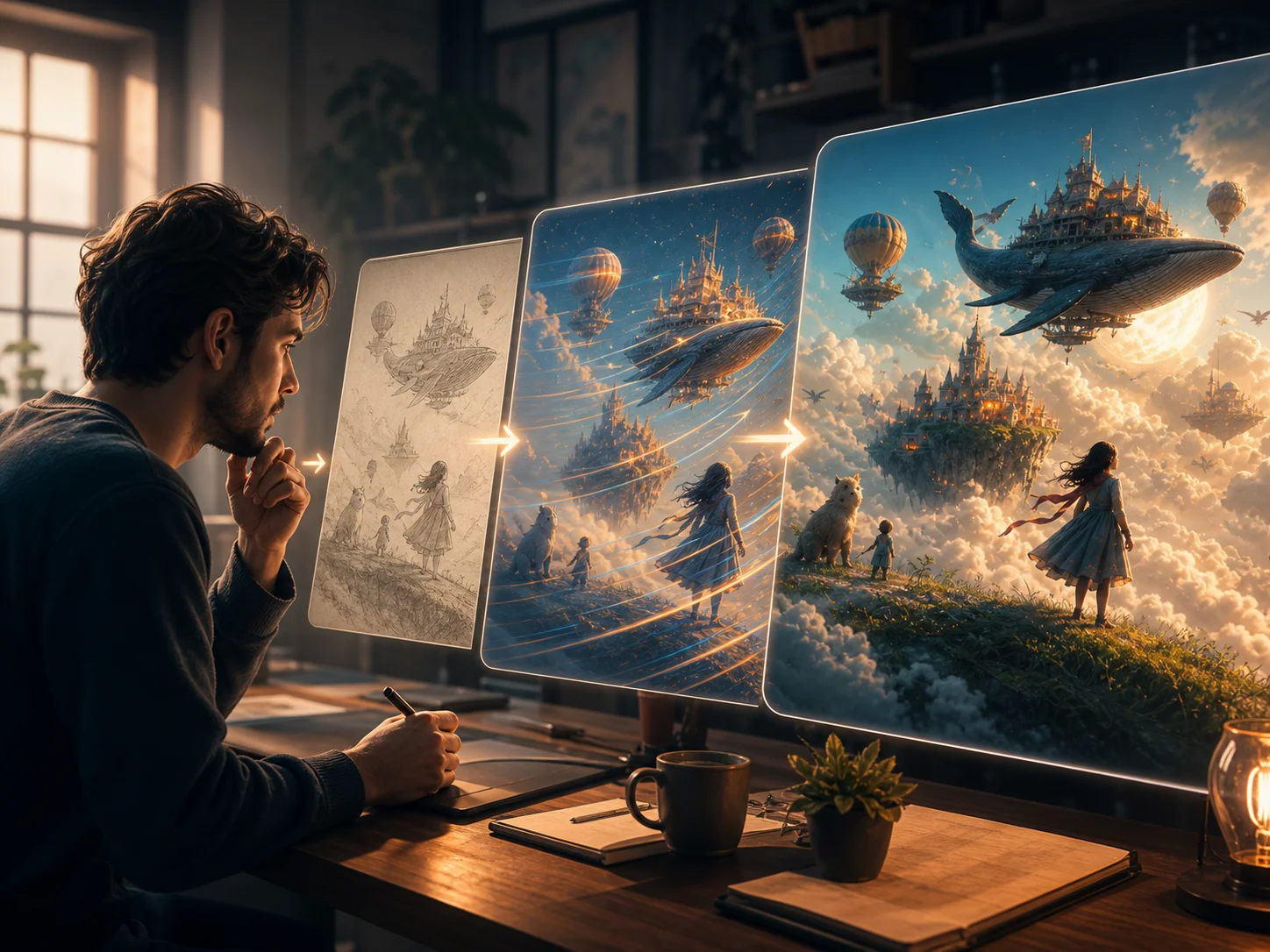
Write a detailed video prompt, upload a reference image, or use both when the selected mode supports them. Describe the subject, action, setting, and mood clearly.
Select the appropriate generation mode and adjust available settings such as model, aspect ratio, duration, or quality. Start generation after reviewing your input.
Review the generated clip, refine the prompt or settings when needed, and download the preferred result for creative projects, presentations, or social content.
Start from a written idea, a reference image, or both. This flexible input workflow helps turn a concept or existing visual into an animated clip without requiring a complete set of filmed footage.
Describe the subject, scene, camera movement, lighting, pacing, and visual style in the prompt. More specific direction gives the generator clearer guidance for the resulting video.
Use available controls for aspect ratio, duration, model, and quality to prepare different versions for landscape presentations, vertical social posts, or other creative formats.
Generate a first visual draft without filming or assembling every scene manually. You can review the clip, revise the input, and iterate on the same concept with less production setup.



Create visuals faster without design skills. Turn ideas into images, thumbnails, social posts, and creative assets in seconds.
Accelerate your creative workflow. Use AI Photo Editor to generate concepts, references, and visual directions, then refine them into production-ready designs.
Produce high-converting visuals on demand. Create ads, campaign visuals, and branded images quickly.
A Perchance AI video generator converts text prompts or reference images into animated video clips. It creates scenes, movement, and transitions from your input and selected settings.
Yes. Use the text-to-video mode and describe the subject, action, setting, camera direction, and visual style. A clear, specific prompt gives the model better guidance.
Upload a reference image and describe the movement or scene change you want. The generator uses the image as visual guidance while creating motion, camera behavior, and new video frames.
Yes. Depending on the selected model, you can guide style and motion through the prompt and adjust available settings such as aspect ratio, duration, quality, or resolution.
Complex scenes, unclear prompts, or detailed motion can produce unexpected results. Refine the subject, action, camera direction, and constraints, then generate another version.
Create stunning AI videos from text or images with multiple models.

Google image generation

OpenAI image generation

ByteDance video generation

Google video generation

Kuaishou video generation

xAI image & video generation
AI Photo Editor is your go-to AI video toolkit for generating, editing, and enhancing videos.
Generate videos from text or images with multiple AI models.
Turn written prompts and scene descriptions into original video clips.
Create cinematic AI video with Google's Veo models.
Generate detailed motion and cinematic scenes with Kling video models.
Create images and videos with xAI's multimodal generation models.
Generate and animate video scenes with Wan video models.
Turn a written idea or reference image into an original video, then adjust the prompt and settings until the result fits your project.