Add Your Campaign Idea or Image
Enter a concise description of the product, offer, audience, setting, and desired mood, or upload a clear product or brand image to anchor the generated scene.
 AI Photo Editor
Describe your campaign in text or upload a product or brand image. Turn the input into a short promotional video with a clear subject, purposeful motion, and a marketing-ready visual rhythm.
Describe your campaign in text or upload a product or brand image. Turn the input into a short promotional video with a clear subject, purposeful motion, and a marketing-ready visual rhythm.
A promo video helps people understand what you offer quickly. Start with a product benefit, campaign message, launch concept, or brand mood, and turn it into a focused video designed to catch attention across social media, ads, and product pages.
Use text-to-video when you want to build a campaign scene from an idea, or image-to-video when you already have a product shot, package photo, logo composition, or branded visual. Guide the setting, movement, audience, and tone through your prompt, then refine the result as needed.
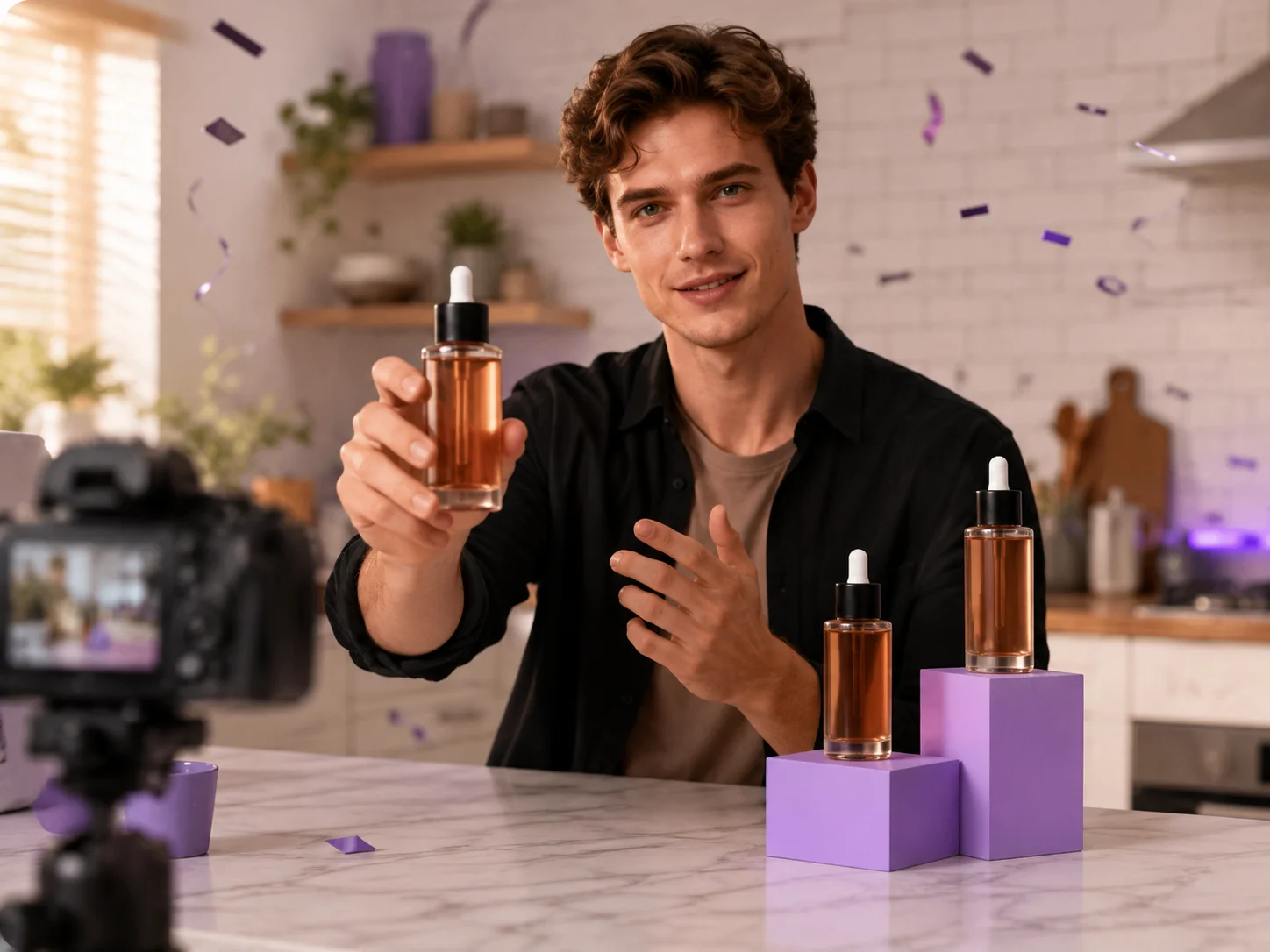
Enter a concise description of the product, offer, audience, setting, and desired mood, or upload a clear product or brand image to anchor the generated scene.
Select text-to-video or image-to-video, adjust the available settings, and start generation. Use the prompt to guide product presentation, camera motion, pacing, and promotional tone.
Review the subject, motion, visual consistency, and campaign message. Refine the prompt or source image if needed, then download the version that fits your promotion.
Build a promotional scene from a written concept, or animate an existing product and brand image while keeping the supplied visual as the starting point.
Guide camera movement, product handling, environmental action, and pacing so the video directs attention toward the subject and key campaign idea.
Create concepts for product launches, seasonal campaigns, social posts, paid ads, event announcements, and website hero sections from the same workflow.
Explore a complete promotional direction without first arranging locations, actors, cameras, and multiple clips on an editing timeline. Generate another version when you want a different interpretation.



Create visuals faster without design skills. Turn ideas into images, thumbnails, social posts, and creative assets in seconds.
Accelerate your creative workflow. Use AI Photo Editor to generate concepts, references, and visual directions, then refine them into production-ready designs.
Produce high-converting visuals on demand. Create ads, campaign visuals, and branded images quickly.
An AI promo video maker creates a new promotional video from a text description or an uploaded image. It can help visualize products, campaigns, launches, and brand concepts with generated scenes and motion.
Yes. Upload a clear product, package, or branded image in image-to-video mode. Describe the desired setting, product interaction, camera movement, and mood to guide the animation.
Yes. Use text-to-video mode and describe the subject, audience, environment, action, camera direction, and promotional tone you want in the generated scene.
Include the product or service, its main benefit, the intended audience, the setting, important actions, camera movement, lighting, and overall brand mood. Clear visual details give the generator stronger direction.
This page generates a new promo-style video from text or an image. It does not provide a timeline editor for cutting, combining, captioning, or manually editing uploaded video clips.
Create stunning AI videos from text or images with multiple models.

Google image generation

OpenAI image generation

ByteDance video generation

Google video generation

Kuaishou video generation

xAI image & video generation
AI Photo Editor is your go-to AI video toolkit for generating, editing, and enhancing videos.
Turn birthday ideas or photos into personalized celebration videos.
Create animated invitations for events, celebrations, and announcements.
Create influencer-style videos for products, brands, and social campaigns.
Animate a still image with natural motion and cinematic camera movement.
Turn scripts, ideas, or prompts into generated video scenes.
Generate cinematic videos from text or images in minutes.
Start with a campaign idea or product image and turn it into a focused promotional video for launches, ads, social posts, and brand storytelling.