Add Text or an Image
Describe one character, setting, joke, and main action, or upload a clear image of the person, pet, object, or original character you want to animate.
 AI Photo Editor
Enter an absurd character idea to create a new Italian Brainrot video, or upload an image to animate an existing character. Choose a mode, then guide the action, camera movement, framing, and visual style.
Enter an absurd character idea to create a new Italian Brainrot video, or upload an image to animate an existing character. Choose a mode, then guide the action, camera movement, framing, and visual style.
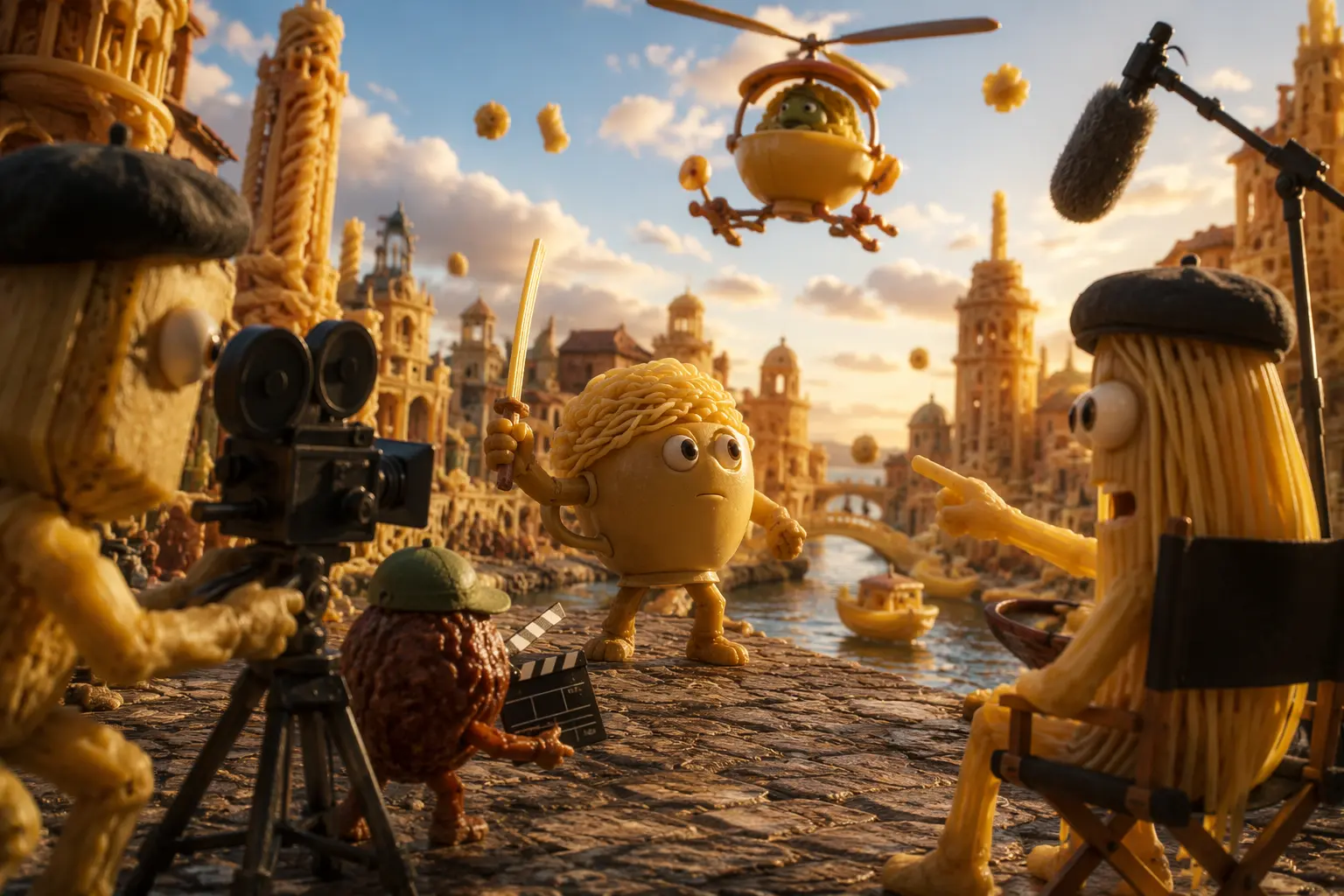
A brainrot video generator turns surreal character ideas, strange humor, and exaggerated situations into short animated meme scenes. Start from text when you want to invent a character and setting, or use an image when a specific subject should guide the scene.
The Italian Brainrot video workflow lets you direct gestures, reactions, camera movement, pacing, framing, and visual style without assembling every shot manually. AI Photo Editor gives you a focused way to iterate on chaotic concepts for memes, TikTok, Reels, Shorts, and other social edits.
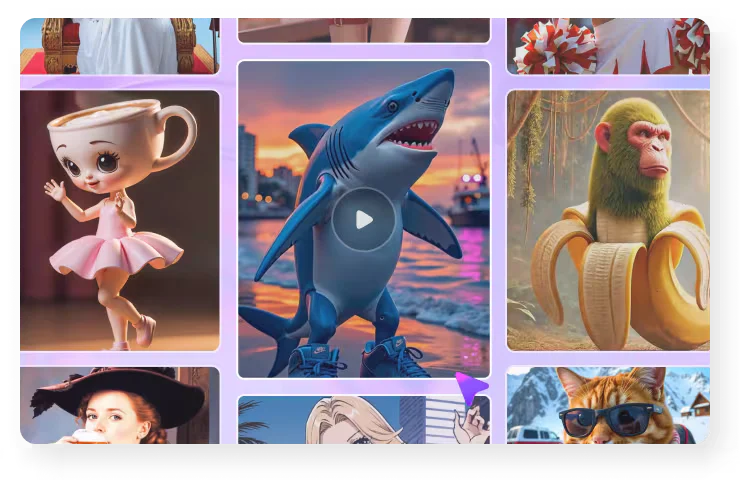
Describe one character, setting, joke, and main action, or upload a clear image of the person, pet, object, or original character you want to animate.
Select text-to-video or image-to-video, choose the available model and settings, and generate the scene. Adjust the action, camera direction, pacing, framing, or surreal style when you need another version.
Review the character, motion, composition, and final frame. Generate another version if needed, then download the clip for editing or social publishing.
Combine animals, objects, people, costumes, and surreal settings to explore distinctive characters and absurd visual jokes.
Build a new scene from a written idea, or animate a reference image when an existing character, composition, or visual identity should guide the result.
Guide gestures, reactions, camera movement, pacing, framing, and visual effects so each generated clip follows a clearer comic setup.
Create compact, attention-grabbing scenes for TikTok, Reels, Shorts, meme communities, and other social content workflows.



Create visuals faster without design skills. Turn ideas into images, thumbnails, social posts, and creative assets in seconds.
Accelerate your creative workflow. Use AI Photo Editor to generate concepts, references, and visual directions, then refine them into production-ready designs.
Produce high-converting visuals on demand. Create ads, campaign visuals, and branded images quickly.
It is an AI tool that turns absurd character ideas, surreal humor, written descriptions, or reference images into animated meme scenes. Your input guides the subject, action, camera direction, composition, and style.
Yes. Choose text-to-video and describe the character, setting, action, camera movement, pacing, and surreal details you want the scene to contain.
Yes. Choose image-to-video, upload a clear reference image, and describe how the character and camera should move. The image guides the starting composition and visible character details.
Surreal characters, unexpected combinations, exaggerated reactions, meme remixes, and short comic setups work well. Keep one clear subject and action so the visual joke remains easy to follow.
Short clips are usually easier to loop and share. Choose a duration supported by the selected model, keep the setup focused, and make the main action readable within that time.
Create stunning AI videos from text or images with multiple models.

Google image generation

OpenAI image generation

ByteDance video generation

Google video generation

Kuaishou video generation

xAI image & video generation
AI Photo Editor is your go-to AI video toolkit for generating, editing, and enhancing videos.
Turn playful prompts or images into entertaining generated video scenes.
Generate vertical video scenes for TikTok content and creative experiments.
Turn a written idea or prompt into a generated video scene.
Animate a still image with natural motion and camera direction.
Generate video scenes from text prompts or images.
Create visual video content without filming yourself on camera.
Start with a strange idea or character image, shape the movement and visual style, and create a distinctive Brainrot clip for your next social edit.