Add a Prompt or Image
Enter a clear description of your topic, subject, action, and visual direction, or upload an image that should become the opening frame and main reference.
 AI Photo Editor
Describe the scene you want to create or upload an image as the visual starting point. Generate a camera-free video with motion, atmosphere, and composition guided by your prompt.
Describe the scene you want to create or upload an image as the visual starting point. Generate a camera-free video with motion, atmosphere, and composition guided by your prompt.
Camera-free content lets the idea lead while the creator stays behind the scenes. Turn a topic, product concept, story beat, or visual direction into generated footage for explainers, social posts, brand content, and narrative clips.
Start with text when you want to build a scene from scratch, or upload an image when you want to animate an existing product photo, illustration, or visual asset. Describe the subject, action, camera movement, and mood to guide how the clip develops.
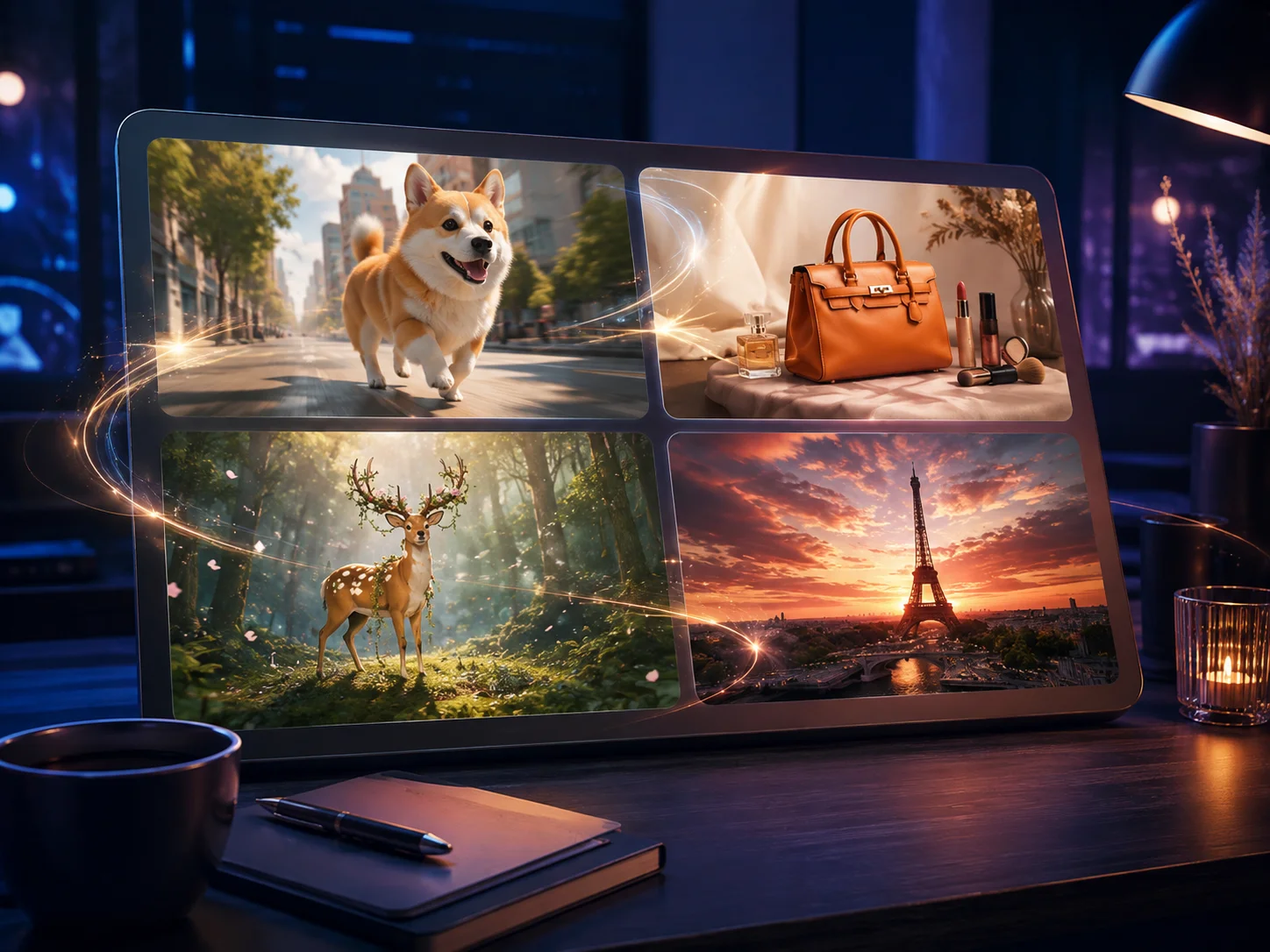
Enter a clear description of your topic, subject, action, and visual direction, or upload an image that should become the opening frame and main reference.
Choose text-to-video or image-to-video, select the available model and settings, then generate the scene. Use the prompt to guide motion, pacing, framing, and atmosphere.
Review the generated motion, subject consistency, and visual tone. Refine the prompt or source image if needed, then download the version that fits your content.
Build visual content without recording yourself or arranging an on-camera performance. This is useful when privacy, comfort, speed, or a topic-first presentation matters.
Generate a scene from a written idea, or animate a product image, illustration, or other still asset with guided movement and camera direction.
Develop visuals for explainers, story recaps, product concepts, educational topics, lifestyle ideas, and social content without tying every video to a visible host.
Describe the intended scene instead of first finding a location, preparing equipment, and recording source footage. Generate another interpretation when the direction needs refinement.



Create visuals faster without design skills. Turn ideas into images, thumbnails, social posts, and creative assets in seconds.
Accelerate your creative workflow. Use AI Photo Editor to generate concepts, references, and visual directions, then refine them into production-ready designs.
Produce high-converting visuals on demand. Create ads, campaign visuals, and branded images quickly.
It means creating a video without filming yourself as the presenter. The result can rely on generated scenes, animated images, product visuals, environments, or other subject-led footage instead.
Yes. Choose text-to-video mode and describe the subject, setting, action, camera movement, lighting, and mood you want the generated clip to show.
Yes. In image-to-video mode, upload a clear product photo, illustration, landscape, or other visual reference, then describe how the subject and camera should move.
Explainers, product demonstrations, story concepts, educational topics, visual lists, travel ideas, and social posts can all work well when the information or imagery is more important than a visible presenter.
No. This page generates a new video scene from text or an image. It does not provide a timeline editor for assembling narration, captions, stock footage, or multiple uploaded clips into a complete long-form production.
Create stunning AI videos from text or images with multiple models.

Google image generation

OpenAI image generation

ByteDance video generation

Google video generation

Kuaishou video generation

xAI image & video generation
AI Photo Editor is your go-to AI video toolkit for generating, editing, and enhancing videos.
Turn a written idea or prompt into a generated video scene.
Animate a still image with natural motion and camera movement.
Generate cinematic video content from text or images.
Create influencer-style scenes for social content and product ideas.
Transform audio-led ideas into engaging visual video content.
Create promotional scenes for products, brands, and campaigns.
Start with a text prompt or image and generate a camera-free clip for explainers, stories, product demonstrations, and social content.