Add Text or a Photo
Describe the key moments, people, setting, mood, and desired progression, or upload a clear image that should anchor the generated video.
 AI Photo Editor
Describe a memorable sequence in text or upload a photo as the visual starting point. Choose the available video settings, then generate a short highlight video with coordinated scenes, motion, atmosphere, and cinematic pacing.
Describe a memorable sequence in text or upload a photo as the visual starting point. Choose the available video settings, then generate a short highlight video with coordinated scenes, motion, atmosphere, and cinematic pacing.
A highlight video maker helps transform an idea or a meaningful photo into a concise visual recap. Instead of assembling every shot manually, describe the people, occasion, mood, and sequence you want the generated clip to portray.
Use text-to-video when you want to build scenes from a written concept, or use image-to-video when a supplied photo should guide the opening subject and visual direction. The result can support sports stories, trips, weddings, graduations, family memories, and event recaps.
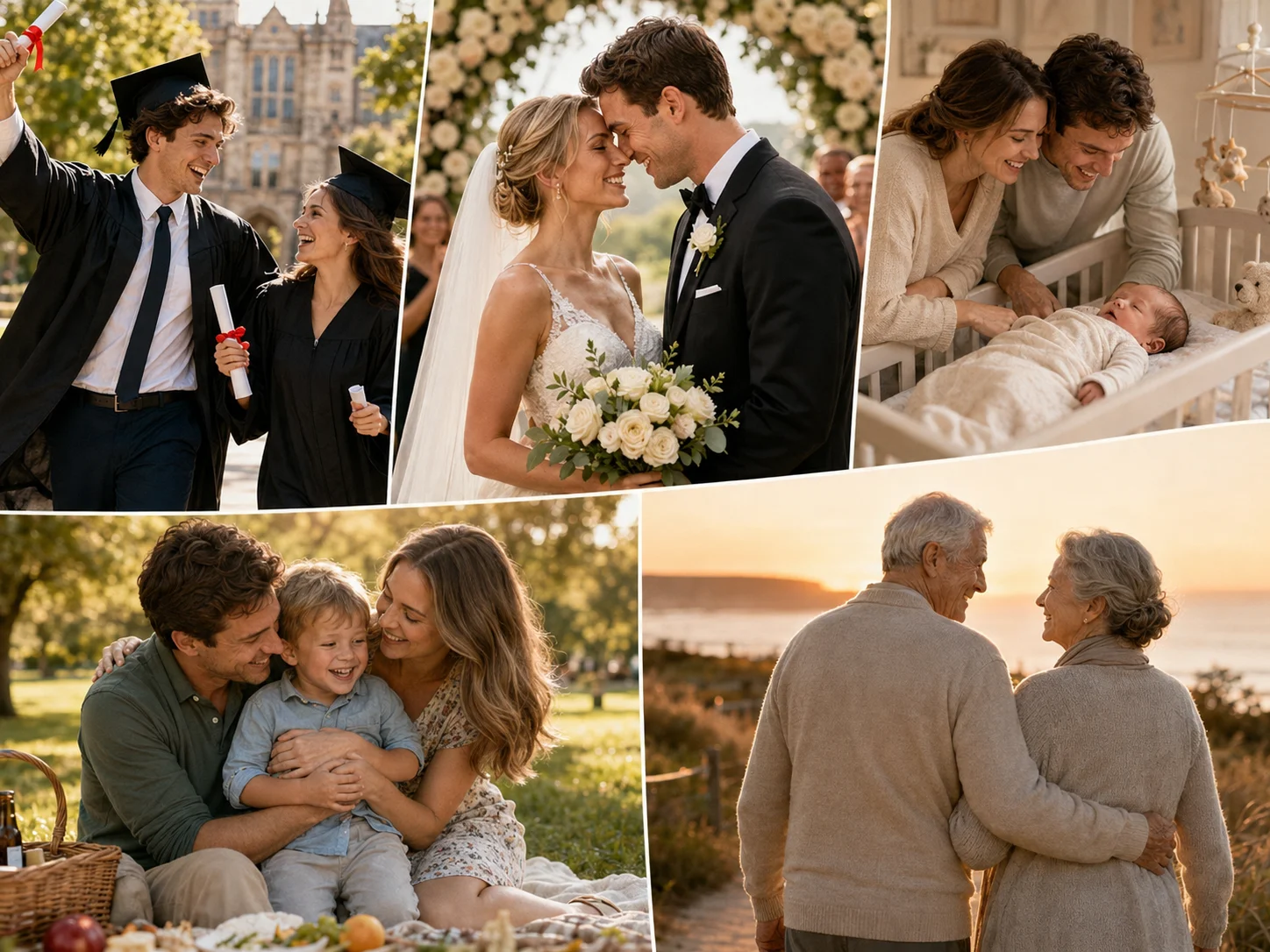
Describe the key moments, people, setting, mood, and desired progression, or upload a clear image that should anchor the generated video.
Select text-to-video or image-to-video, adjust the available format and generation settings, and start creating your highlight sequence.
Review the subject, scene continuity, motion, and pacing. Refine the prompt or source image if you want another interpretation, then download the preferred result.
Build a video from a detailed text concept, or animate a supplied photo when you want the generated sequence to retain a recognizable subject and visual direction.
Describe sports energy, travel discoveries, wedding moments, graduation memories, celebrations, or family milestones without being limited to one occasion.
Specify the emotional tone, camera movement, lighting, scene progression, and overall tempo so the model has a clearer direction for the generated recap.
Generate a cohesive first version directly from your input rather than preparing and arranging every individual shot on a traditional editing timeline.



Create visuals faster without design skills. Turn ideas into images, thumbnails, social posts, and creative assets in seconds.
Accelerate your creative workflow. Use AI Photo Editor to generate concepts, references, and visual directions, then refine them into production-ready designs.
Produce high-converting visuals on demand. Create ads, campaign visuals, and branded images quickly.
It turns a text description or supplied photo into a short generated video focused on memorable moments, atmosphere, motion, and visual progression.
Yes. In image-to-video mode, upload a clear photo and describe the motion, mood, camera behavior, and sequence you want the generated clip to follow.
Yes. Text-to-video mode lets you describe the people, setting, important moments, visual style, and pacing without uploading a source image.
No. This page generates a new highlight-style clip from text or a photo. It is not a long-video editor that scans existing footage and selects moments from a timeline.
Describe the main subject, occasion, location, emotional tone, key moments, camera movement, lighting, and preferred progression. Generated details can vary, so refine the prompt when you need another version.
Create stunning AI videos from text or images with multiple models.

Google image generation

OpenAI image generation

ByteDance video generation

Google video generation

Kuaishou video generation

xAI image & video generation
AI Photo Editor is your go-to AI video toolkit for generating, editing, and enhancing videos.
Turn birthday ideas or photos into celebratory video moments.
Create a respectful visual tribute from memories, text, or photos.
Generate an animated invitation concept for events and celebrations.
Create playful short videos from imaginative prompts or images.
Animate a still image with natural motion and cinematic camera movement.
Turn scripts, ideas, or prompts into generated video scenes.
Start with a text idea or meaningful photo and use AI Photo Editor to generate a focused highlight video for sports, trips, celebrations, events, or personal memories.