AI Tribute Video Maker

Transform scattered historical photos, milestone footage, and heartfelt text into an epic visual masterpiece. Quickly craft beautiful, high-definition videos online to recognize achievements and celebrate amazing life stories.

Required inputs: 1 reference image.

0/20000
Advanced settings
40Generate

AI Tribute Video Maker

Transform scattered historical photos, milestone footage, and heartfelt text into an epic visual masterpiece. Quickly craft beautiful, high-definition videos online to recognize achievements and celebrate amazing life stories.

About

What is an AI Tribute Video Maker?

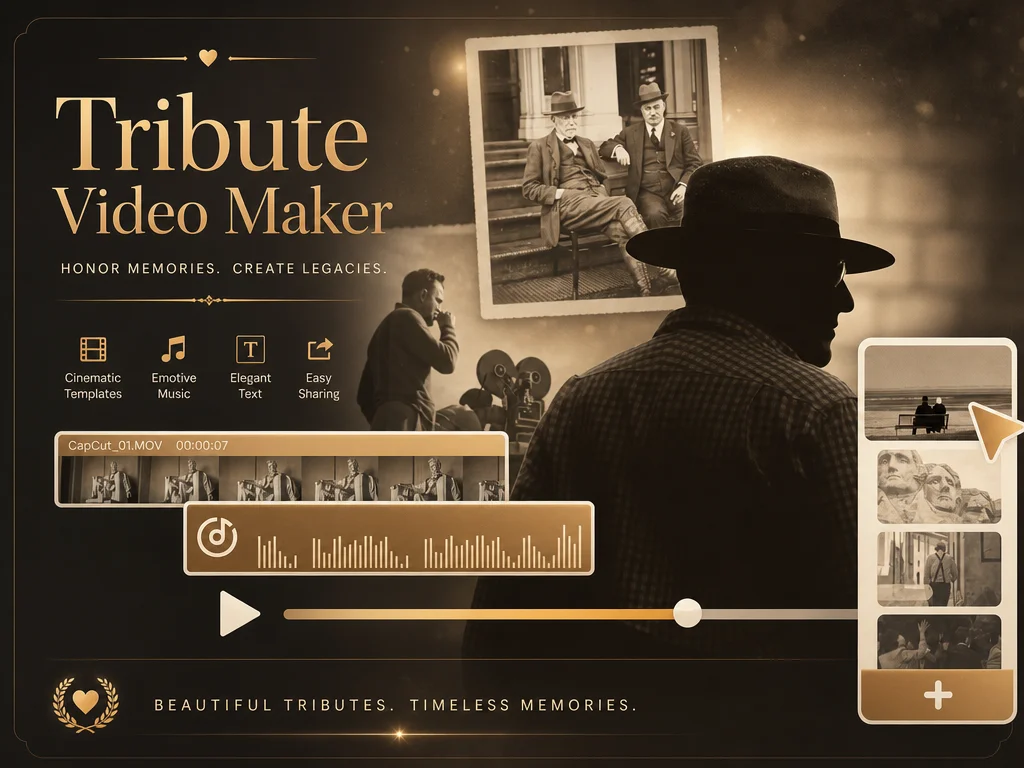
An AI tribute video turns photos, video clips, and stories about a person into a complete tribute video. Whether the moment is a birthday, retirement, wedding anniversary, or memorial service, you upload the memories that matter, and the model arranges them into one cohesive narrative — no scripting, editing, or sound design required.

In AI Photo Editor, the tribute video maker reads the emotional tone of your input, picks a matching cinematic style, and aligns transitions with the music. The result is a short, share-ready video that honors the person's journey with dignity and warmth.

AI Tribute Video Maker preview

How to make a tribute video online?

01

Pick the occasion and gather memories

Choose what you're honoring — birthday, retirement, milestone, anniversary, or memorial — then upload photos, video clips, and a short tribute message. You can also invite family and friends to contribute their own memories through a private link.

02

Let AI Photo Editor compose the tribute

Click generate and AI Photo Editor handles the rest — restoring older photos, animating stills, picking transitions that match the mood, and timing the pacing to the soundtrack within 3-5 minutes.

03

Preview, download, and share

Watch the finished tribute in HD, then play it at the event on a big screen, email it to family, or share it on social media. The MP4 export works with projectors, laptops, and every common platform.

Why Use a Tribute Video Maker for Special Moments?

Turn scattered memories into one story

Photos, clips, and messages often live in different places. A tribute video brings them together into a clear emotional narrative that people can watch and remember.

Honor different kinds of milestones

Tribute videos can celebrate birthdays, retirements, anniversaries, career achievements, memorials, farewells, or team recognition with the right tone for each occasion.

Create a polished video without complex editing

Traditional editing can take time when you need to arrange media, transitions, captions, and music. AI Photo Editor helps shape the structure so you can focus on the message.

Share a lasting keepsake

A tribute video can be played at an event, sent privately, posted online, or saved as a keepsake for family, friends, coworkers, and future anniversaries.

AI Video Generator Tutorials & Reviews

AI Video Generator Tutorial 1AI Video Generator Tutorial 2AI Video Generator Tutorial 3

Who Use AI Photo Editor

Creators

Create visuals faster without design skills. Turn ideas into images, thumbnails, social posts, and creative assets in seconds.

Designers

Accelerate your creative workflow. Use AI Photo Editor to generate concepts, references, and visual directions, then refine them into production-ready designs.

Marketers

Produce high-converting visuals on demand. Create ads, campaign visuals, and branded images quickly.

QUESTIONS & ANSWERS

FAQs About the AI Tribute Video Maker

What is a tribute video?+

A tribute video is a short video that honors someone's life, achievements, or special moments — birthdays, retirements, anniversaries, weddings, or memorials. In AI Photo Editor, the photos, transitions, music, and pacing are all generated for you, so the tribute feels intentional from the first frame.

What occasions does it support?+

Birthdays, weddings, anniversaries, retirements, graduations, milestone celebrations, and memorial services — any moment that deserves a video tribute. The tool adapts tone, color, and music to fit each occasion.

Can I create a tribute video with only a few photos?+

Yes. AI Photo Editor can help build a simple tribute video from a small set of photos, especially when you add captions, dates, memories, or a short prompt to guide the story.

What should I say in a tribute video?+

Include sincere messages, personal memories, achievements, thank-you notes, quotes, poems, or short stories. AI Photo Editor works best when your prompt includes the tone you want.

Do I need video editing experience?+

No experience needed. You provide the photos, clips, and a few words — the tool handles restoration, animation, transitions, and music.

Discover More on AI Photo Editor's Models

Create stunning AI videos from text or images with multiple models.

Kling

Kling

Kuaishou video generation

AI Video Tools You May Like

AI Photo Editor is your go-to AI video toolkit for generating, editing, and enhancing videos.

Tribute Video Maker

Create heartfelt tribute videos with AI Photo Editor. Turn photos, clips, messages, and music into meaningful videos for birthdays, retirements, memorials, and milestones.








