Upload a vertical image to start conversion
Choose a portrait photo from your device. Images with clear subjects and background space usually work best for horizontal framing.
 AI Photo Editor
Many photos are taken on phones in portrait orientation, but banners, slides and thumbnails often need a wider layout. Converting vertical to horizontal helps reuse the same image in more places.
Many photos are taken on phones in portrait orientation, but banners, slides and thumbnails often need a wider layout. Converting vertical to horizontal helps reuse the same image in more places.


Choose a portrait photo from your device. Images with clear subjects and background space usually work best for horizontal framing.
Move the image position or extend the sides to fit a wider frame. This helps keep the subject centered instead of cutting important areas.
Preview the result before saving. The final image can be used for presentations, website banners, or social media covers.
Cropping a vertical photo into a wide format often removes important details. Faces near the top or bottom may disappear once the image is resized. A vertical to horizontal converter helps keep the main subject visible while adjusting the overall shape of the image.
Wide images are commonly used for website sections, landing pages, and hero banners. Vertical photos usually leave empty space or fit poorly. Changing a vertical image to horizontal makes it easier to reuse existing photos instead of searching for new ones.
Slides and presentation layouts are usually horizontal. A vertical image can appear too narrow or leave large blank areas around it. Converting the layout gives better balance and helps images fill the screen more naturally.
Create visuals faster without design skills. Turn ideas into images, thumbnails, social posts, and creative assets in seconds.
Accelerate your creative workflow. Use AI Photo Editor to generate concepts, references, and visual directions, then refine them into production-ready designs.
Produce high-converting visuals on demand. Create ads, campaign visuals, and branded images quickly.
Vertical to horizontal means changing an image from a tall format into a wider layout. Vertical images are taller than they are wide, while horizontal images are wider than they are tall.
Upload the image, adjust the framing, and export the result in a horizontal layout.
Some conversion methods may crop part of the image. Others add background space or extend the frame to keep more of the original content. Common approaches include cropping, blur fill, or extending the image canvas.
A vertical to horizontal converter changes portrait-oriented photos into landscape layouts so they fit wider screens and designs.
Yes. The tool runs in the browser and works on phones, tablets, laptops, and Chromebooks without installing software.
AI Photo Editor is your go-to AI image toolkit for generating, editing, and enhancing photos and artwork.
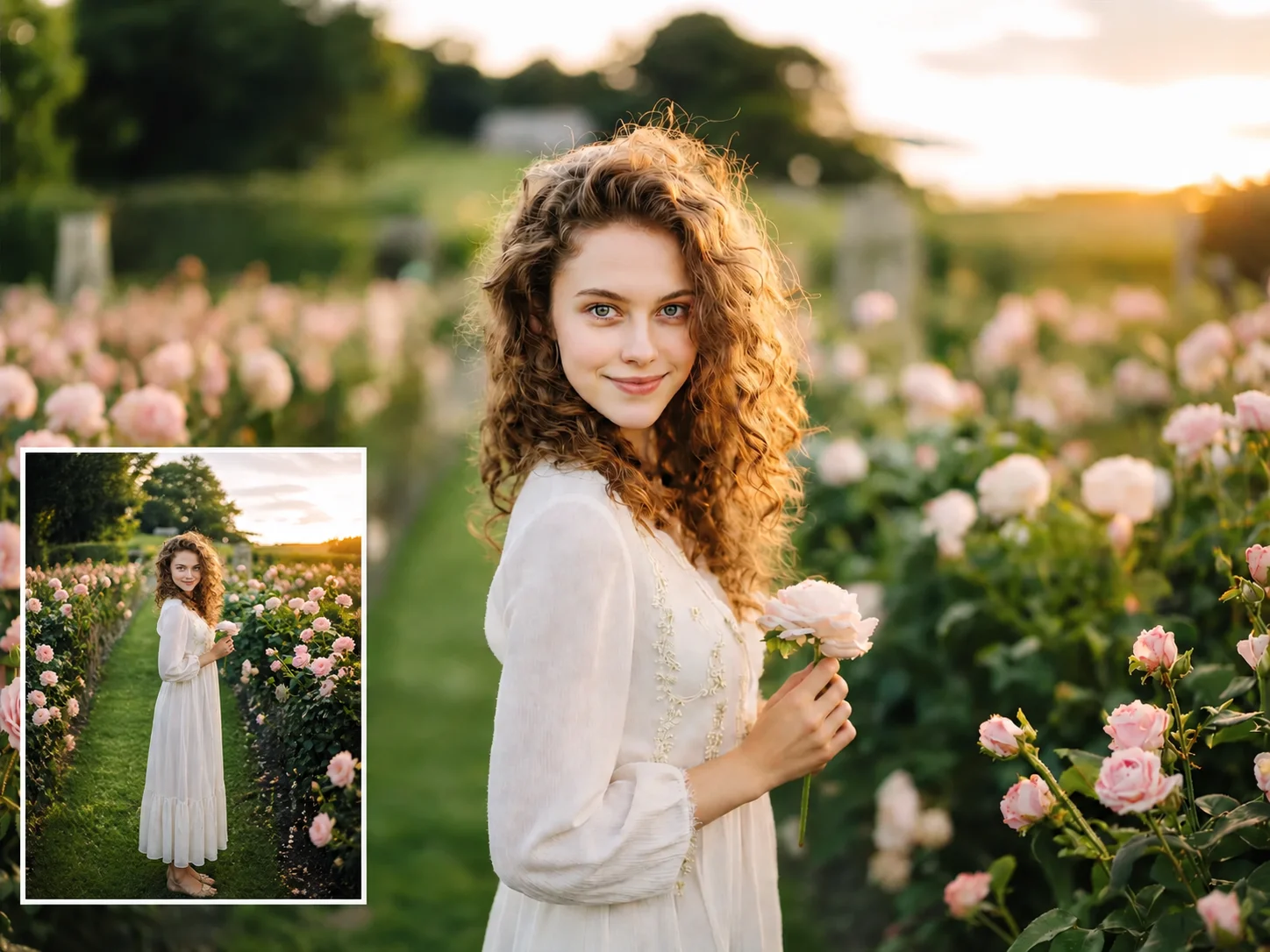
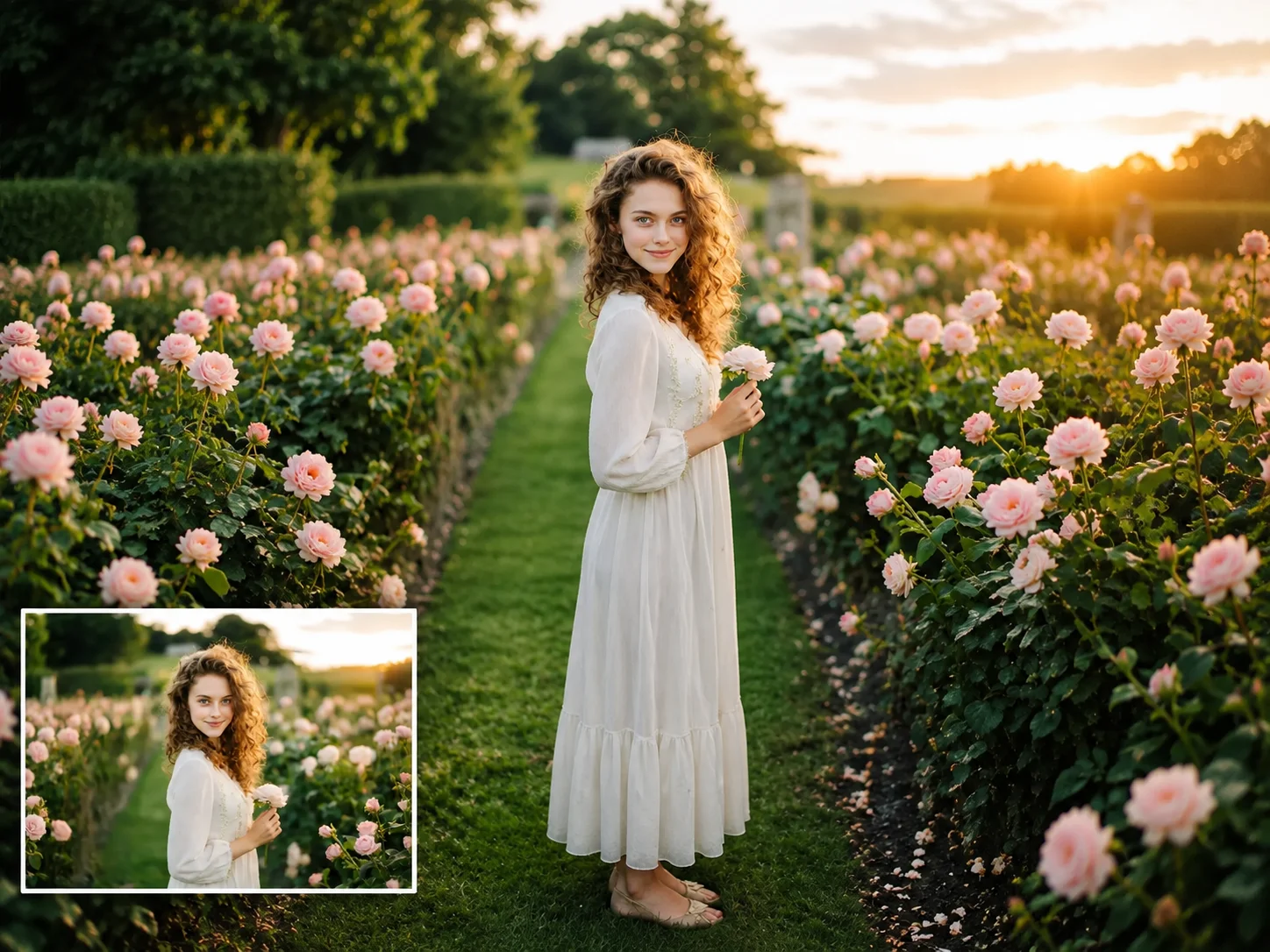

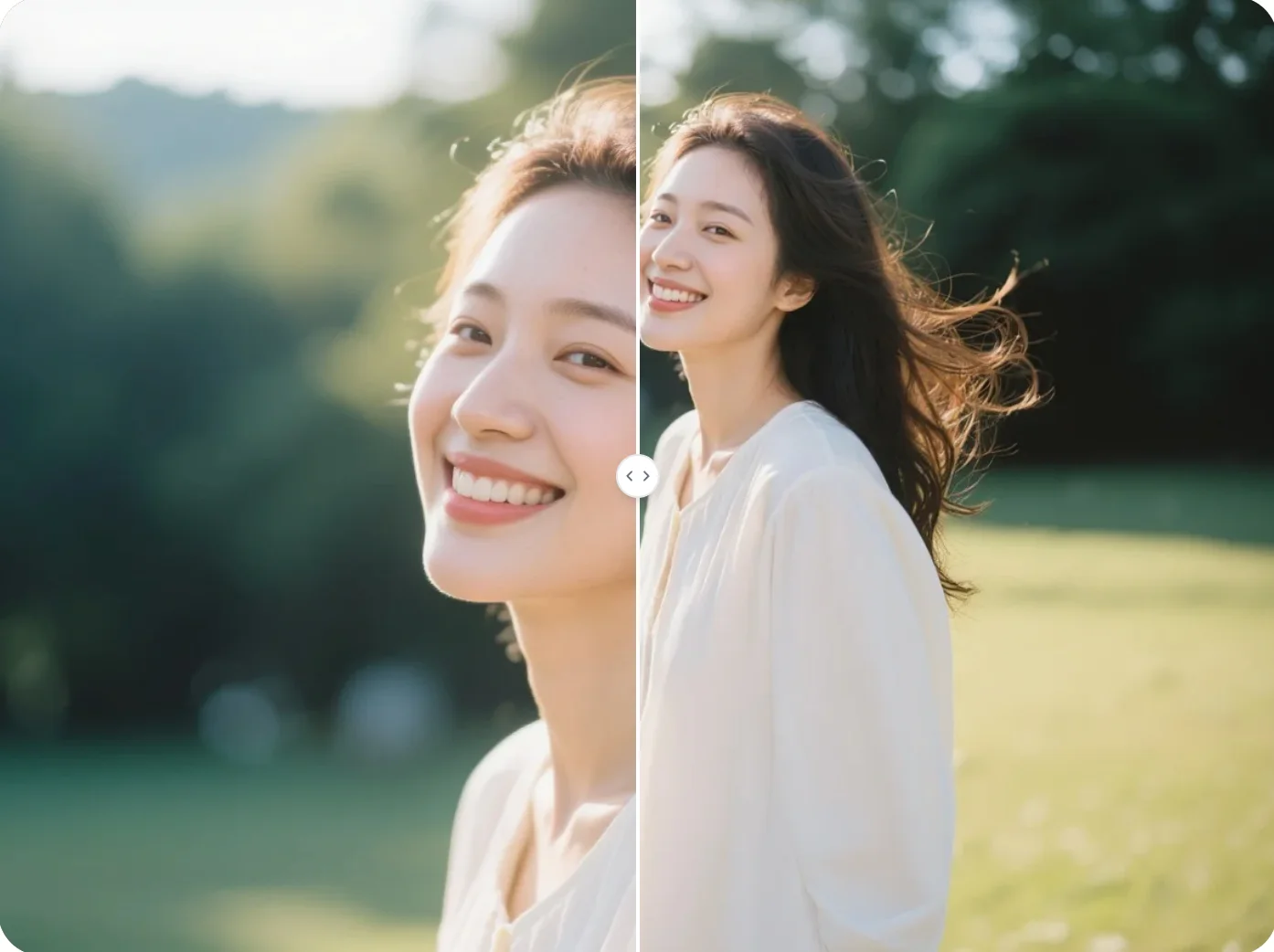
A vertical photo does not always fit where you want to use it. This page helps you turn a tall image into a horizontal version without losing the main subject.