Upload a horizontal image
Choose a landscape photo from your device. Images with a clear subject are easier to reposition inside a vertical frame.
 AI Photo Editor
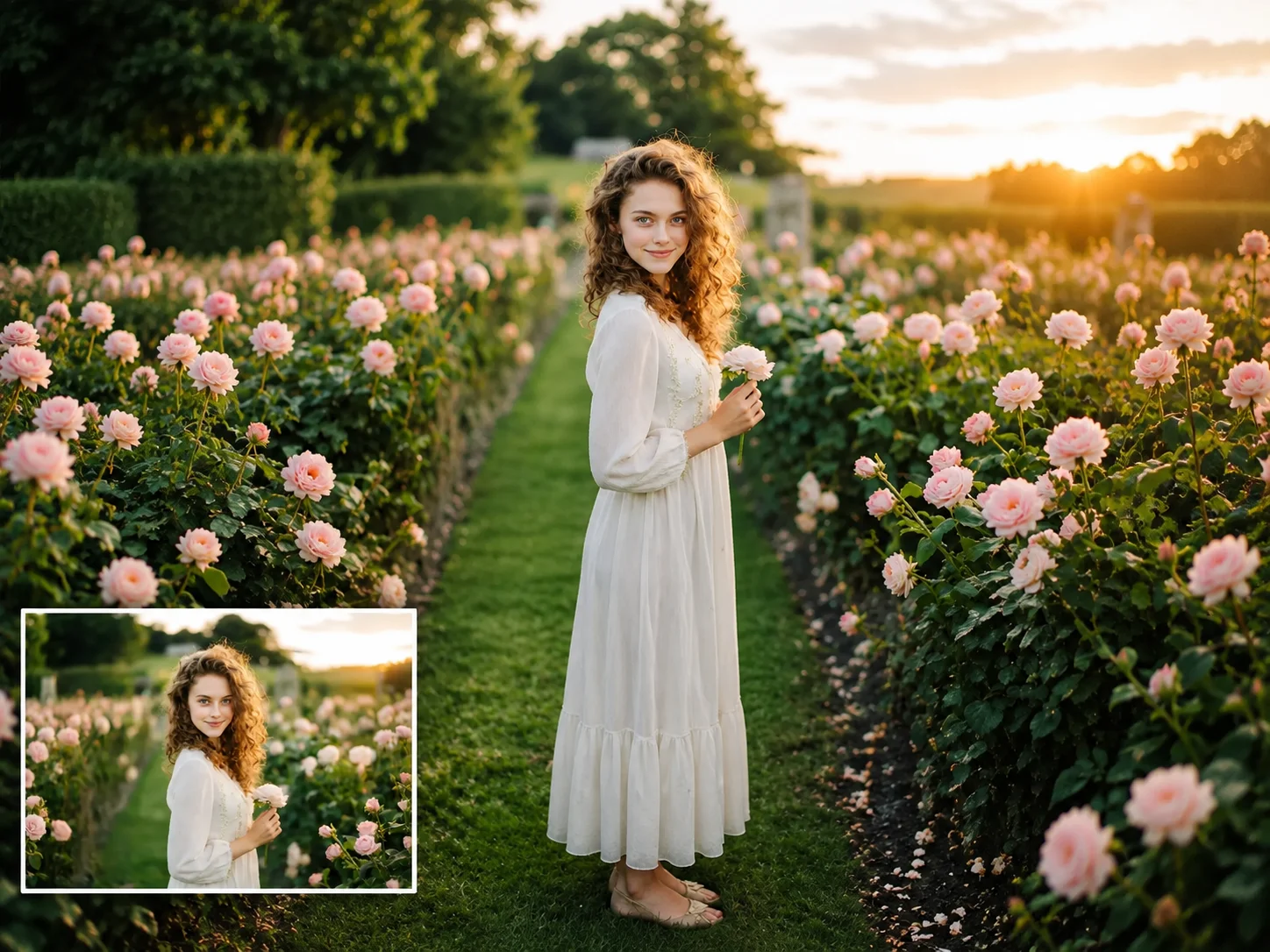
A horizontal image does not always fit modern layouts. Many platforms now favor taller images, especially on mobile screens. Changing a horizontal image to vertical helps reuse existing photos without taking a new one. It also gives more control over framing when space becomes limited.
A horizontal image does not always fit modern layouts. Many platforms now favor taller images, especially on mobile screens. Changing a horizontal image to vertical helps reuse existing photos without taking a new one. It also gives more control over framing when space becomes limited.


Choose a landscape photo from your device. Images with a clear subject are easier to reposition inside a vertical frame.
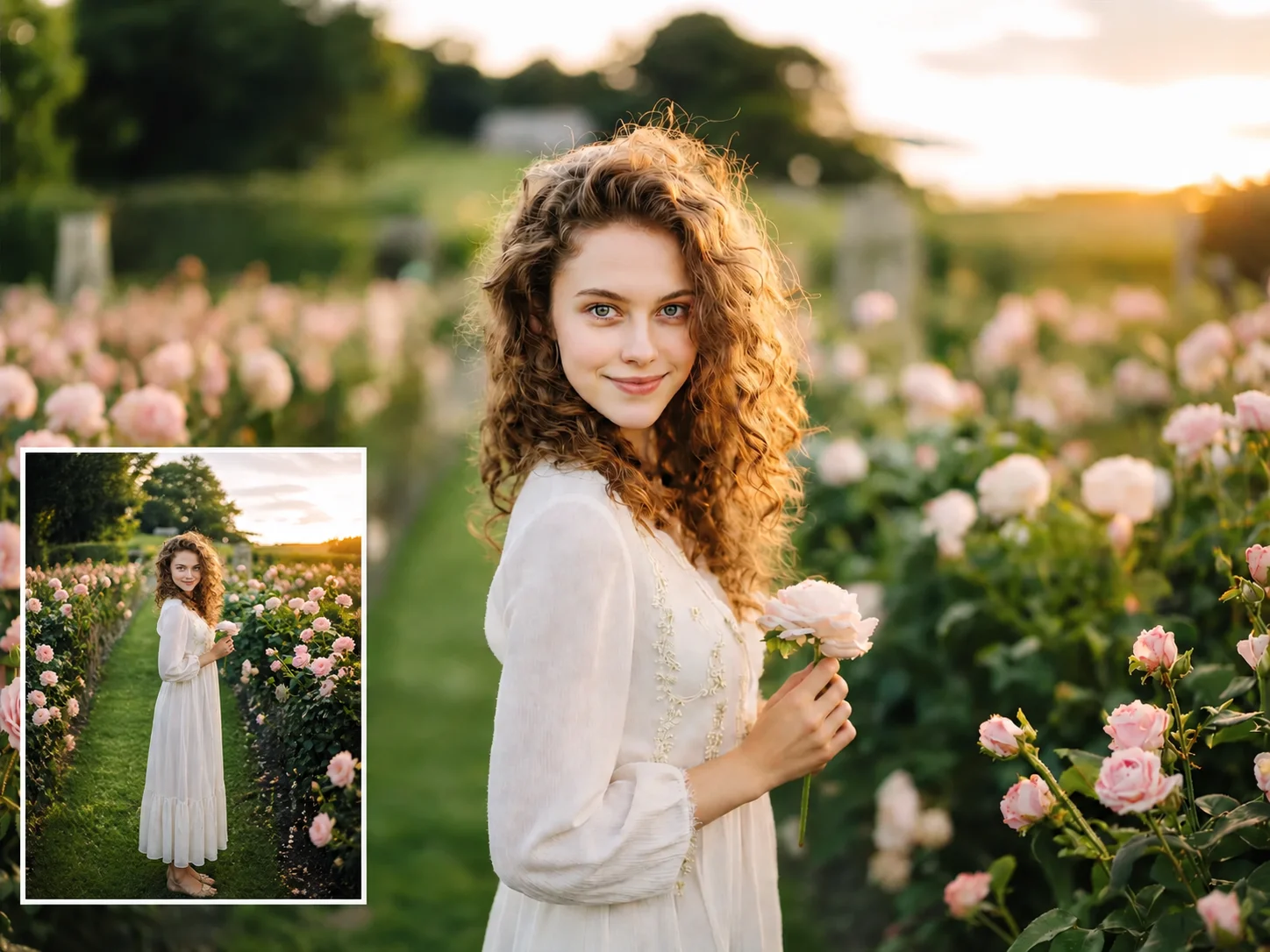
Move the image inside the frame to decide what stays visible. This helps avoid cutting out faces, objects, or text.
Preview the result and save the image. The final layout can be used for mobile posts, stories, or printed formats.
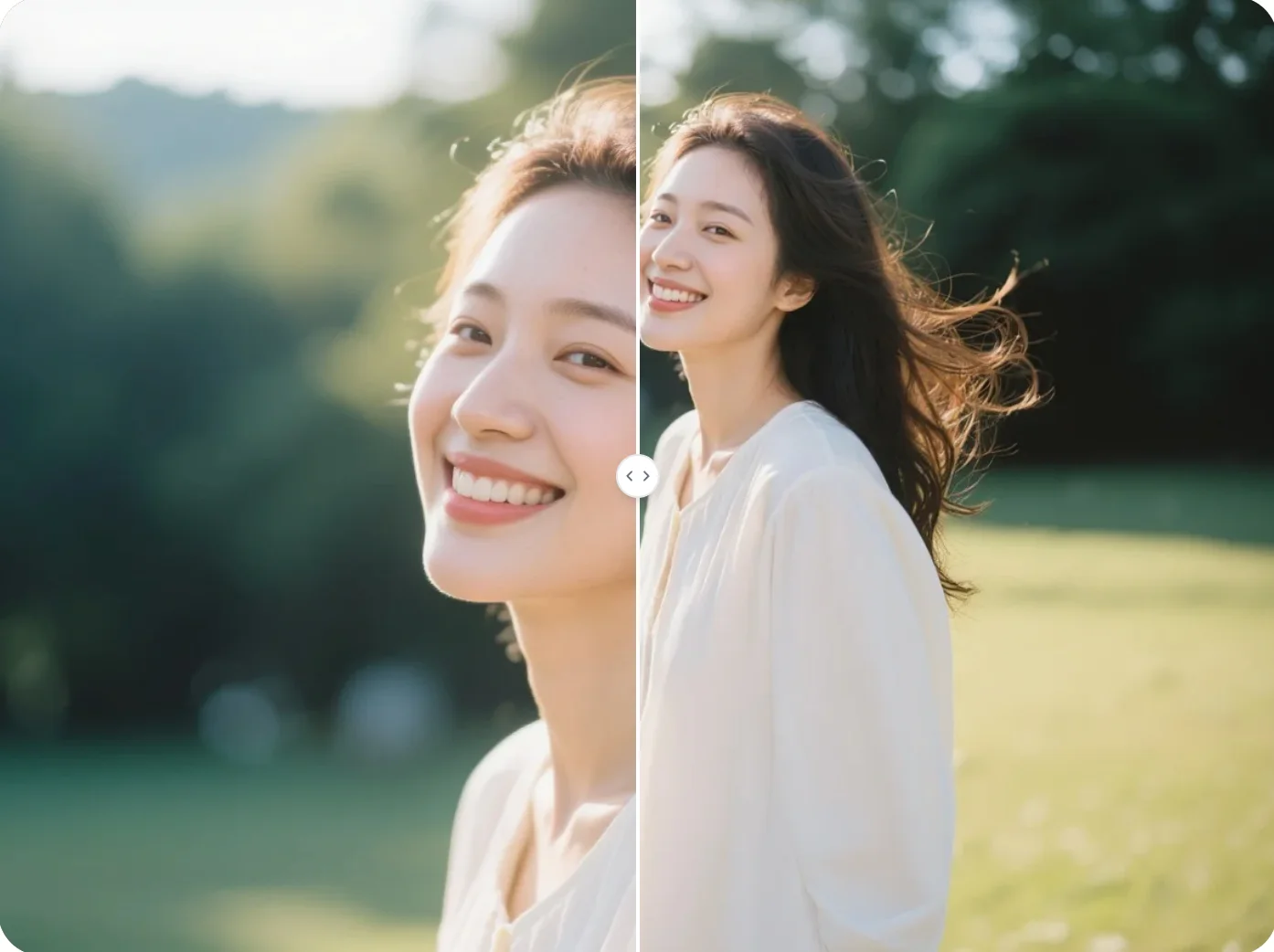
Some horizontal images contain large background areas that do not add much meaning. Empty space can make the subject feel distant. A vertical crop narrows attention. This often creates a stronger focal point because less space competes with the main subject.
A single photo may be used across websites, social posts, ads, and print layouts. Each format often requires a different orientation. Converting horizontal to vertical allows the same image to work across more placements. This avoids rebuilding visuals for every platform.
Many existing photo libraries were created before vertical layouts became common. Older images may not match current platform sizes. Changing horizontal to vertical gives those photos another use. Instead of replacing assets, existing images can fit newer layouts with small adjustments.
Create visuals faster without design skills. Turn ideas into images, thumbnails, social posts, and creative assets in seconds.
Accelerate your creative workflow. Use AI Photo Editor to generate concepts, references, and visual directions, then refine them into production-ready designs.
Produce high-converting visuals on demand. Create ads, campaign visuals, and branded images quickly.
Upload the image, reposition the visible area, and export the result in a vertical ratio. The goal is not only to rotate the image but to adjust framing so the subject remains clear.
A horizontal to vertical image converter changes the shape of a photo so it fits portrait layouts. This is commonly used for mobile screens, posters, social media stories, and vertical advertising formats.
Phones are designed to be held upright. Vertical images take up more screen space, which makes them easier to view while scrolling. Studies shared by Meta Platforms about mobile-first content suggest that vertical formats align more closely with natural phone usage patterns.
In most cases, yes. Since a vertical frame is narrower, some side content may be removed. Many image editors solve this by allowing repositioning or extending background space. Research from Canva notes that reframing is often used to keep important content centered during aspect ratio changes.
Yes. As long as you own the rights to the original photo, the converted vertical image can be used in marketing, social media, prints, or other commercial contexts.
AI Photo Editor is your go-to AI image toolkit for generating, editing, and enhancing photos and artwork.

Changing a horizontal image to vertical helps reuse existing photos without taking a new one. It also gives more control over framing when space becomes limited.