Upload a portrait image
Choose a vertical photo from your device. Images with visible background space often work better during expansion.
 AI Photo Editor
Converting portrait to landscape helps reuse the same photo in a different format. A wider frame can also improve spacing around the subject. This becomes useful when a photo feels too tight or does not fit the required layout.
Converting portrait to landscape helps reuse the same photo in a different format. A wider frame can also improve spacing around the subject. This becomes useful when a photo feels too tight or does not fit the required layout.
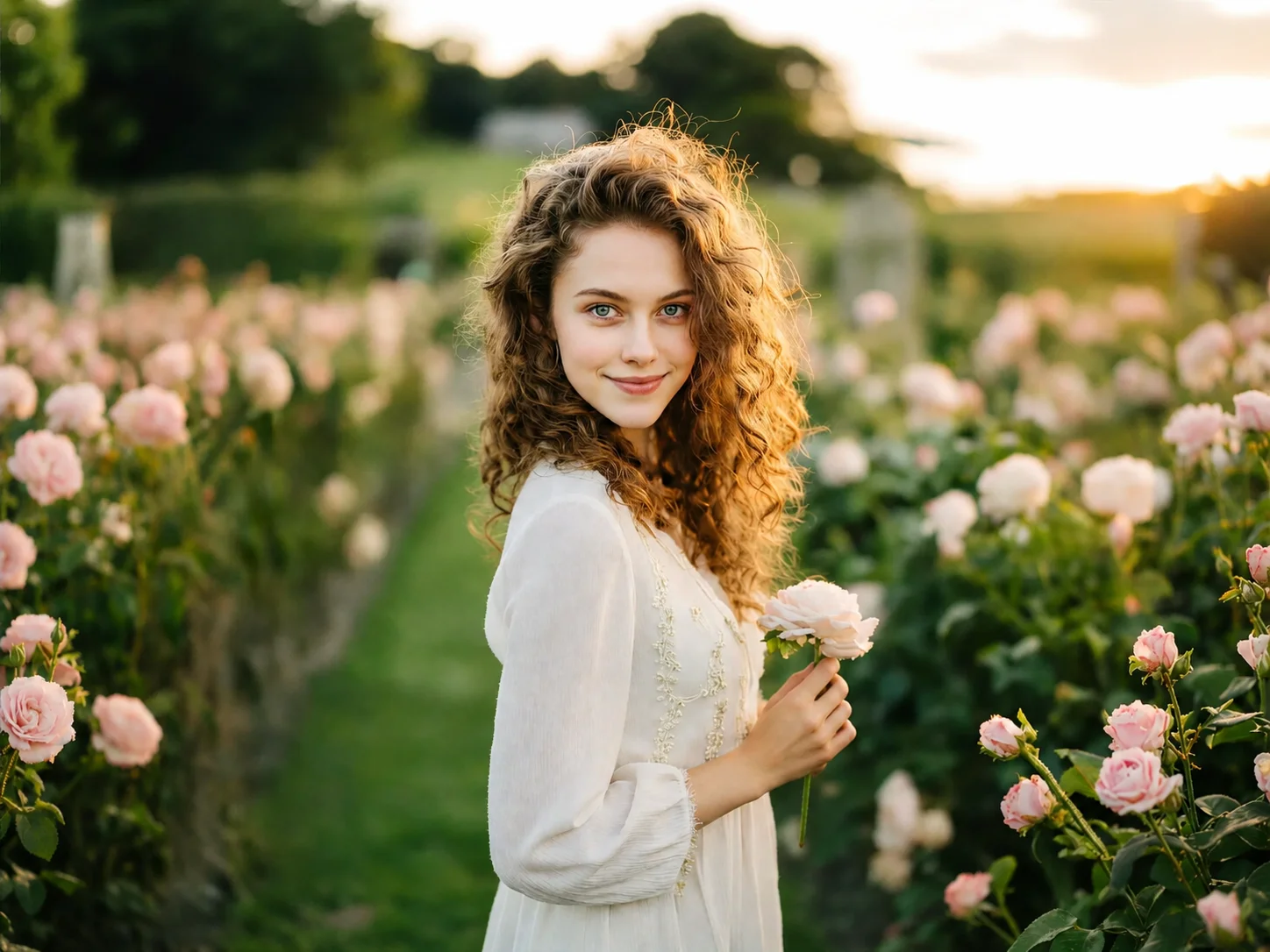
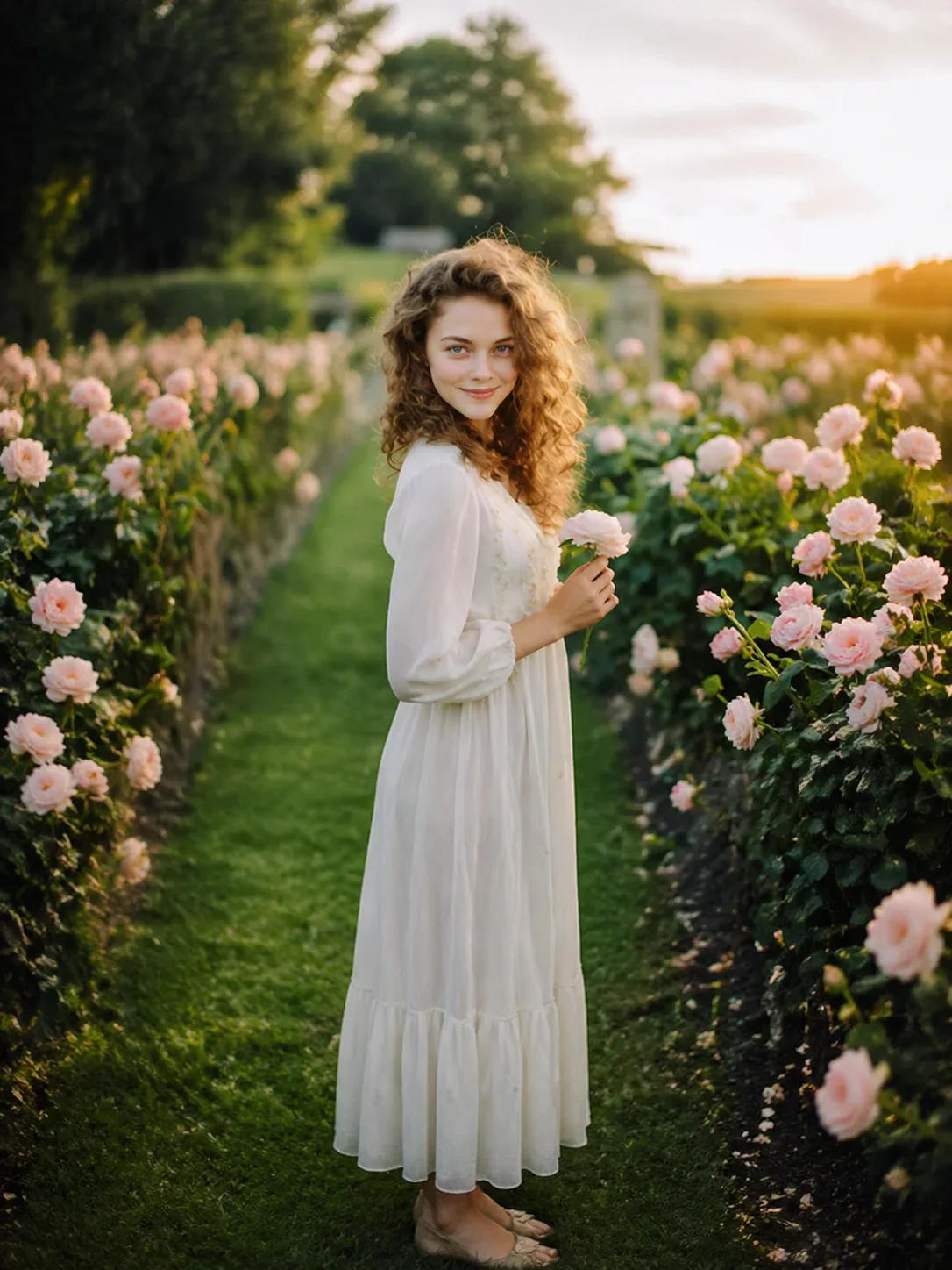
Choose a vertical photo from your device. Images with visible background space often work better during expansion.
Extend the sides or reposition the subject inside a wider canvas. This helps avoid stretching or cutting off important parts of the image.
Preview the result before downloading. The final image can be used for banners, websites, slides, or desktop layouts.
Portrait photos often place the subject close to the edges. A simple crop into landscape format may remove shoulders, hands, or surrounding details. Changing portrait to landscape allows more room around the subject. This creates a wider frame without forcing important areas out of view.
Some portrait photos leave very little space around the person or object. This can make the image feel crowded when used in larger layouts. Extending the background creates breathing room. The wider frame helps the image sit more naturally inside headers, thumbnails, or presentation slides.
Rotating a photo changes direction but does not solve layout problems. A rotated portrait image may still look narrow inside a landscape area. Portrait to landscape conversion focuses on adjusting the frame itself. The goal is to fit the layout rather than simply turning the image sideways.
Create visuals faster without design skills. Turn ideas into images, thumbnails, social posts, and creative assets in seconds.
Accelerate your creative workflow. Use AI Photo Editor to generate concepts, references, and visual directions, then refine them into production-ready designs.
Produce high-converting visuals on demand. Create ads, campaign visuals, and branded images quickly.
Portrait to landscape means changing an image from a vertical orientation into a horizontal one. Portrait images are taller than they are wide, while landscape images are wider than they are tall. According to Adobe, orientation affects how an image fits across screens, layouts, and printed materials.
No. Rotating changes direction, but it does not change the frame ratio. A portrait image rotated sideways may still not fit a landscape layout properly. According to Canva, aspect ratio and orientation are separate adjustments.
A portrait to landscape converter changes a vertical image into a wider layout. It may crop, extend, or reposition the image to fit horizontal dimensions.
Landscape images fit naturally across wide screens and content sections. Many desktop layouts, banners, and presentation slides use horizontal space more efficiently. Guidance from Nielsen Norman Group notes that wider layouts often align better with reading patterns on desktop interfaces.
AI extension blends new background pixels with the original photo. Best results come from photos with clear, repeating background patterns. Highly detailed or busy backgrounds may need additional retouching.
AI Photo Editor is your go-to AI image toolkit for generating, editing, and enhancing photos and artwork.
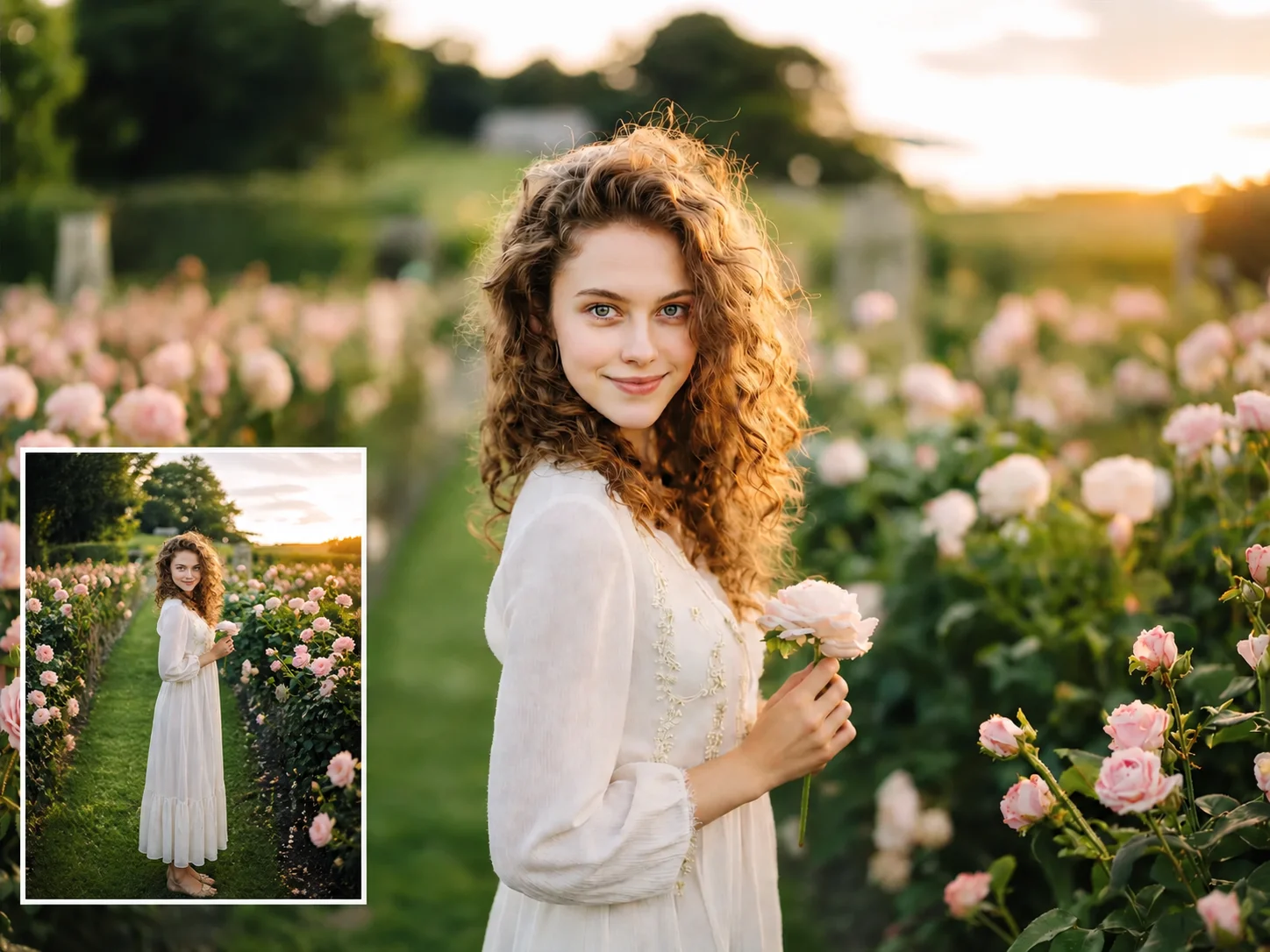
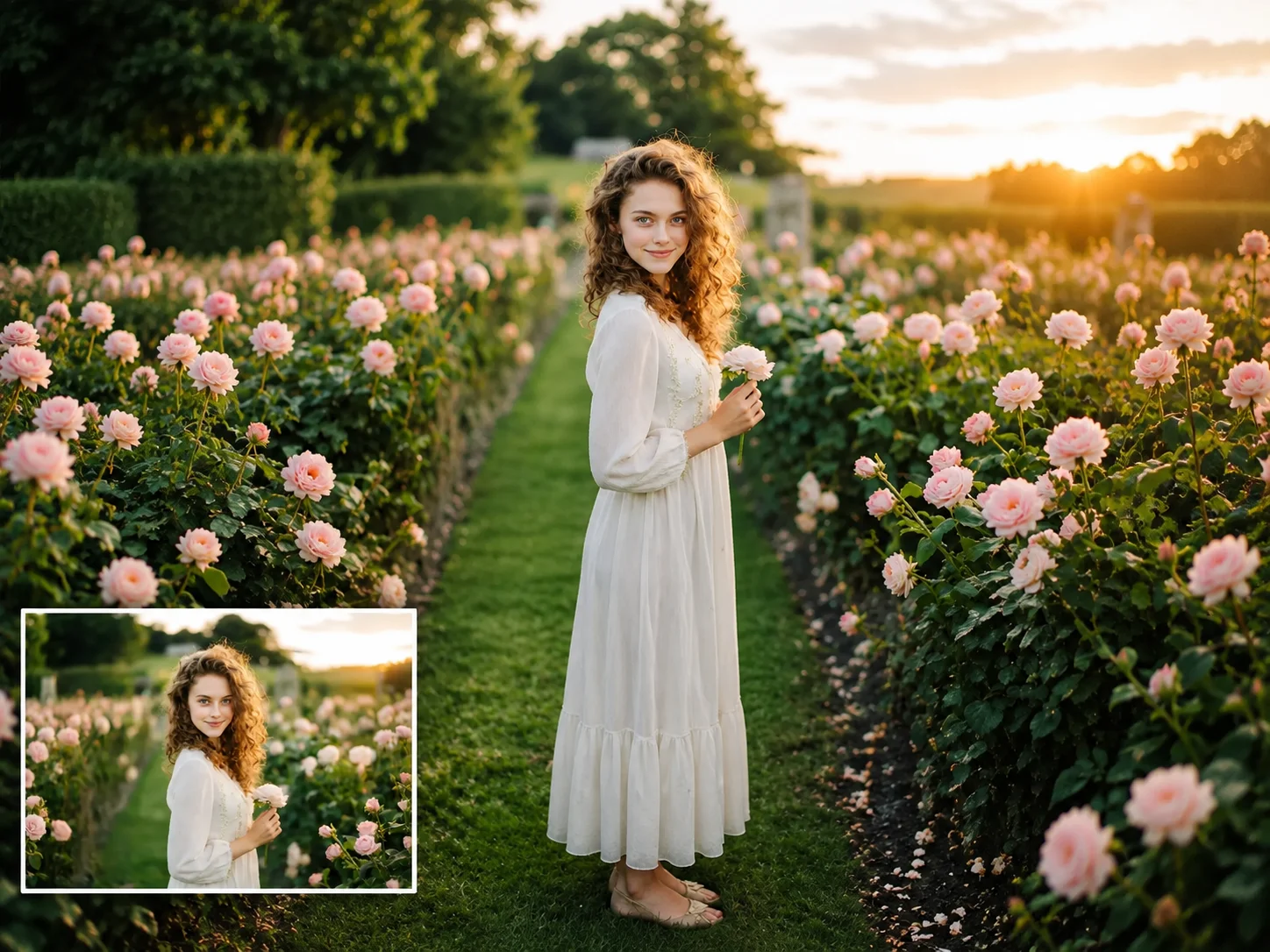

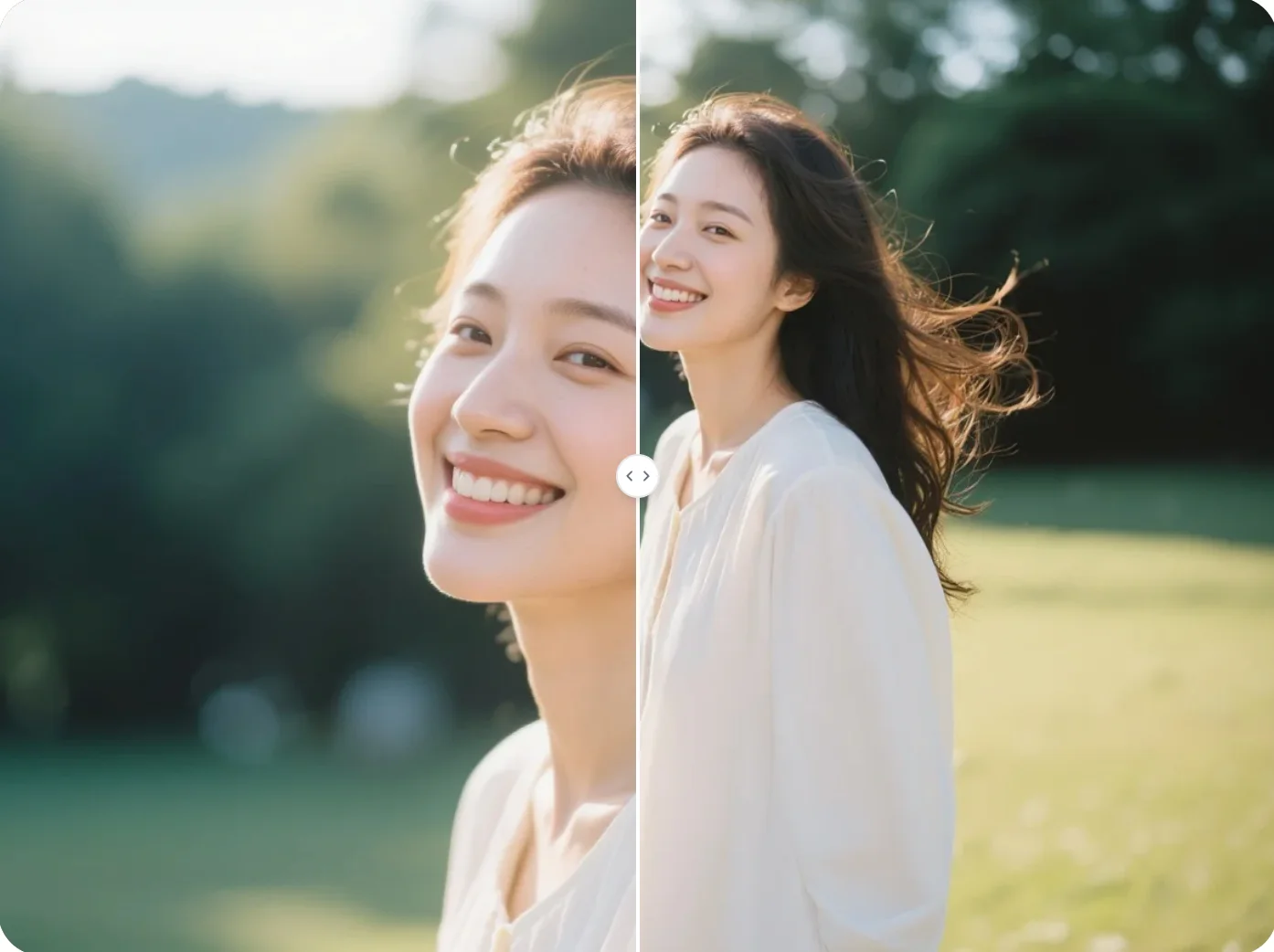
Convert portrait to landscape without losing the main subject. Extend image backgrounds, adjust framing, and make vertical photos fit wider layouts.