Upload
Choose a clear front-facing photo with your hair visible. Proper lighting helps the filter produce more natural results.
 AI Photo Editor
The blonde hair filter lets you preview various blond shades on your own photo, helping you choose a look that fits your style.
The blonde hair filter lets you preview various blond shades on your own photo, helping you choose a look that fits your style.
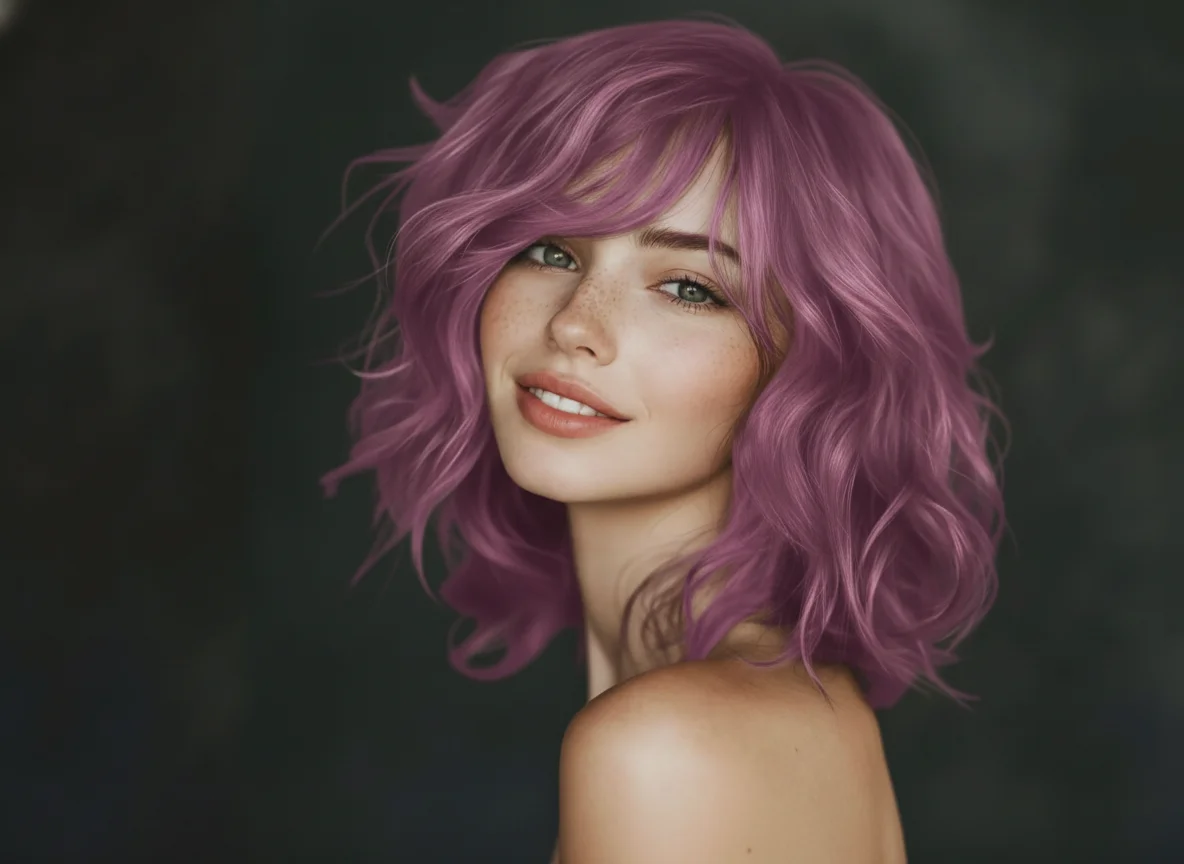
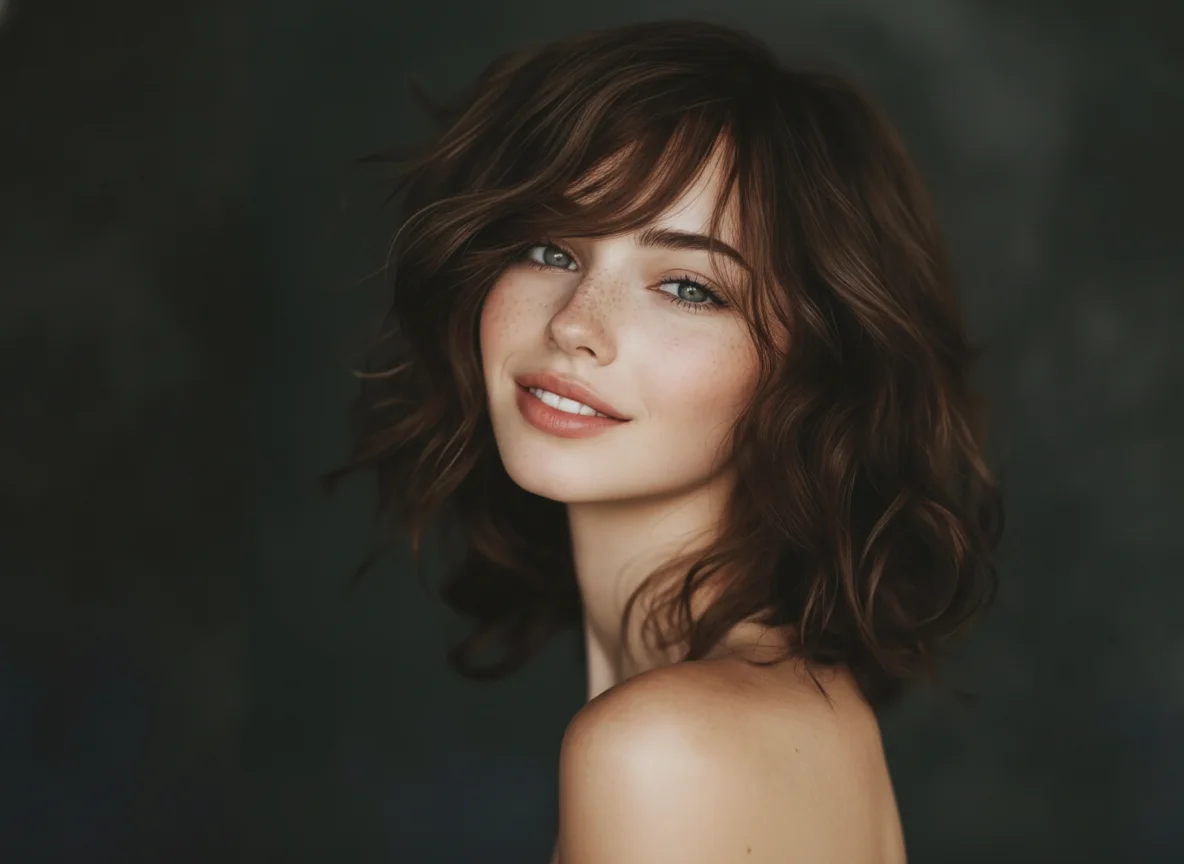
Choose a clear front-facing photo with your hair visible. Proper lighting helps the filter produce more natural results.
Select the shade of blonde you want to try. Adjust intensity and coverage to see how different tones affect your look.
Preview the final image and save it for reference. You can also share it with friends to get opinions before deciding on a real hair color.
Changing hair color in real life takes time, effort, and chemical treatment. A blonde hair filter lets you explore multiple shades without commitment.
Mistakes in hair coloring can be costly and damaging. Using a virtual filter gives you confidence before visiting a salon or purchasing dye products.
Blonde hair shades vary with trends and seasons. The filter lets you try current styles before committing, helping you stay updated without risk.
Create visuals faster without design skills. Turn ideas into images, thumbnails, social posts, and creative assets in seconds.
Accelerate your creative workflow. Use AI Photo Editor to generate concepts, references, and visual directions, then refine them into production-ready designs.
Produce high-converting visuals on demand. Create ads, campaign visuals, and branded images quickly.
A blonde hair filter is a virtual tool that applies blond shades to your photo to simulate hair color changes. It allows you to try multiple tones before dyeing your hair.
No. A standard phone or computer with a clear photo is sufficient. The filter runs in a browser.
The filter works best with visible hair in the photo. Fine details may vary depending on lighting and hair texture.
Yes. Using a virtual filter carries no risk and can help you plan your hairstyle more confidently.
AI Photo Editor is your go-to AI image toolkit for generating, editing, and enhancing photos and artwork.
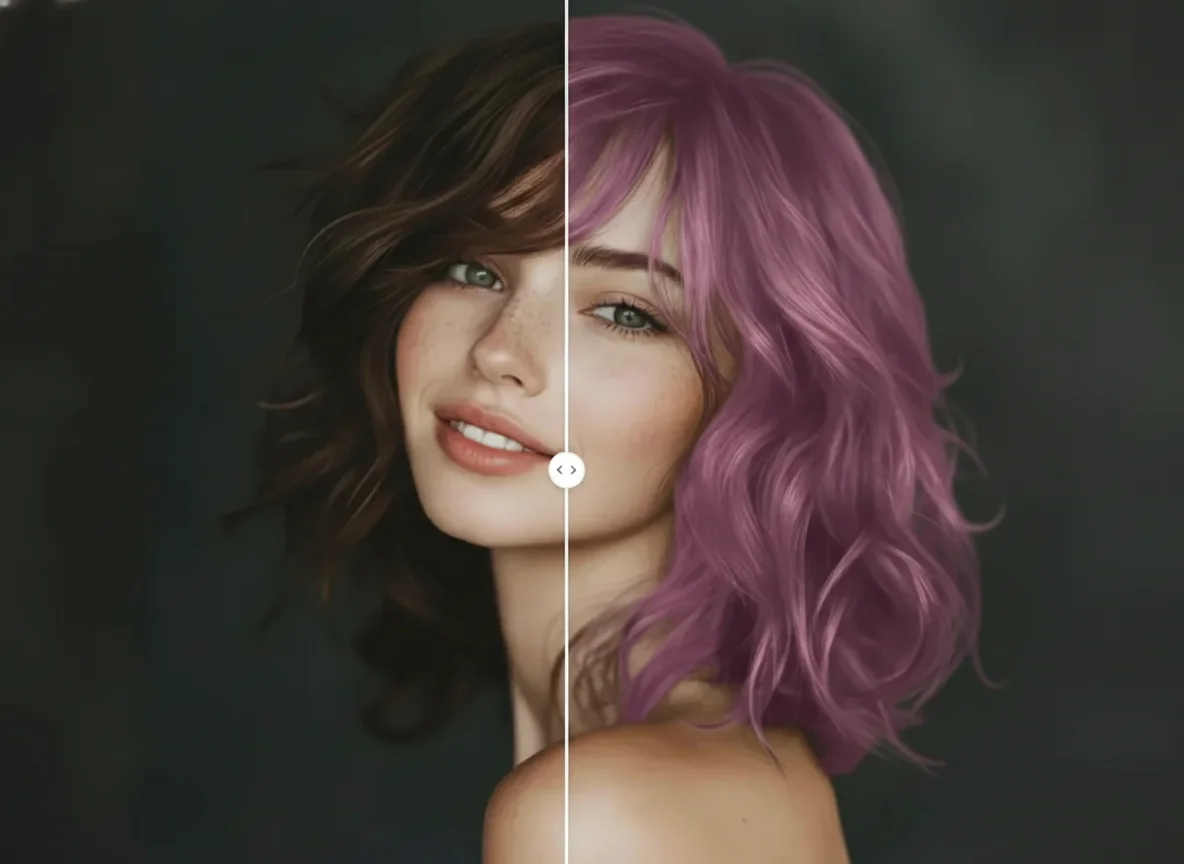
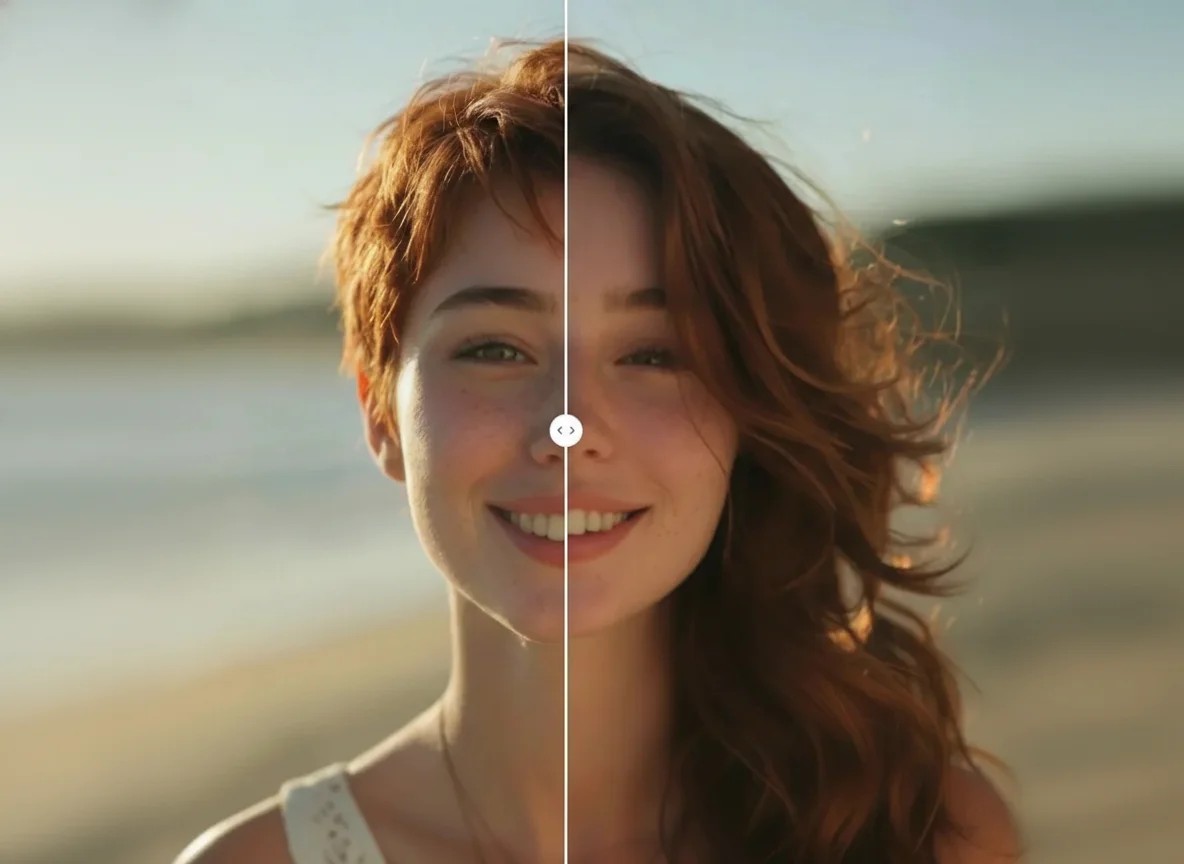
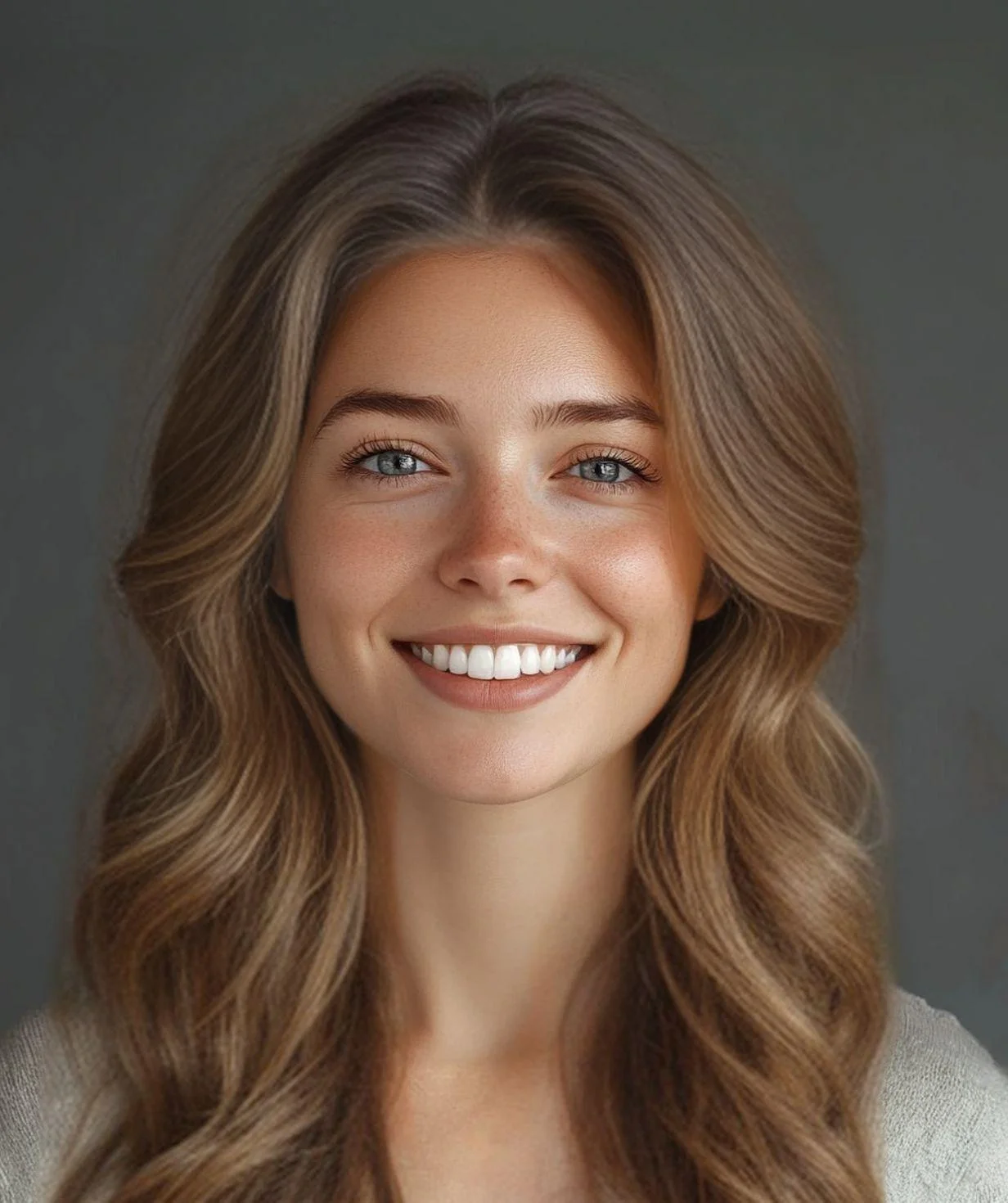
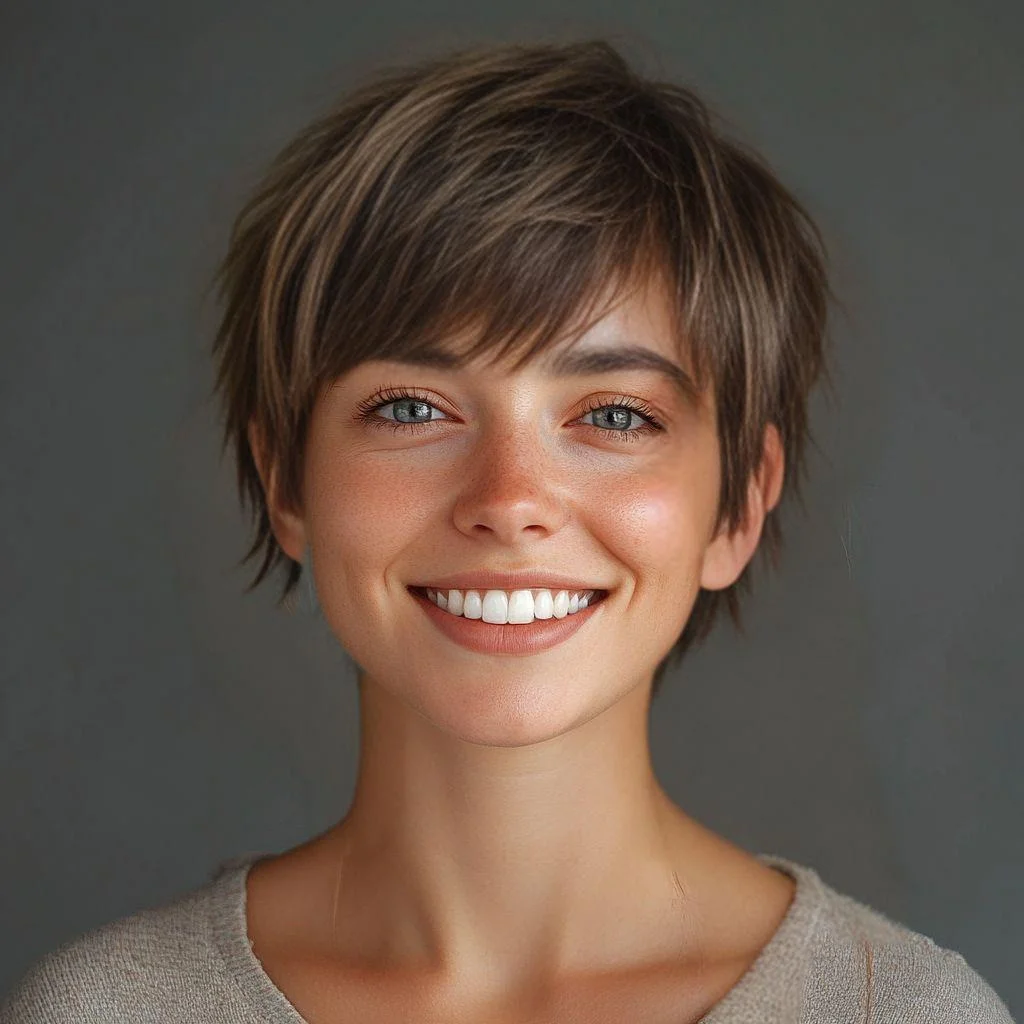
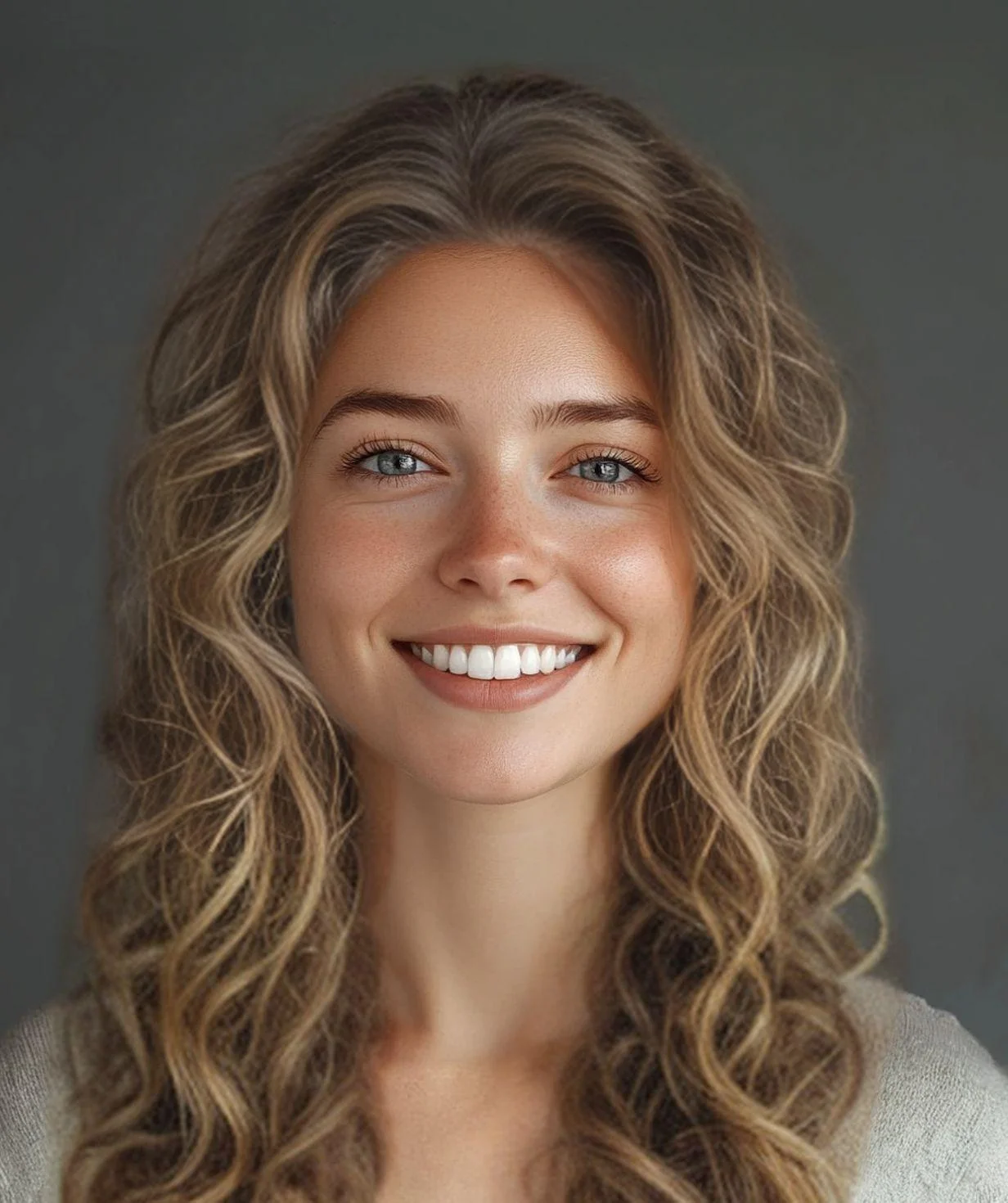
Experiment with blonde hair using a virtual hair color filter. See how different shades of blond look on your photo before making any real change.