Upload a photo to use the curly hair filter
Pick a clear image where your face and hairline are visible. Side angles or blurry photos may affect the result.
 AI Photo Editor
See how curly hair looks on your own face. Test different curl types before making a change. Not sure if curls will suit you? Upload a photo and check a few options first.
See how curly hair looks on your own face. Test different curl types before making a change. Not sure if curls will suit you? Upload a photo and check a few options first.
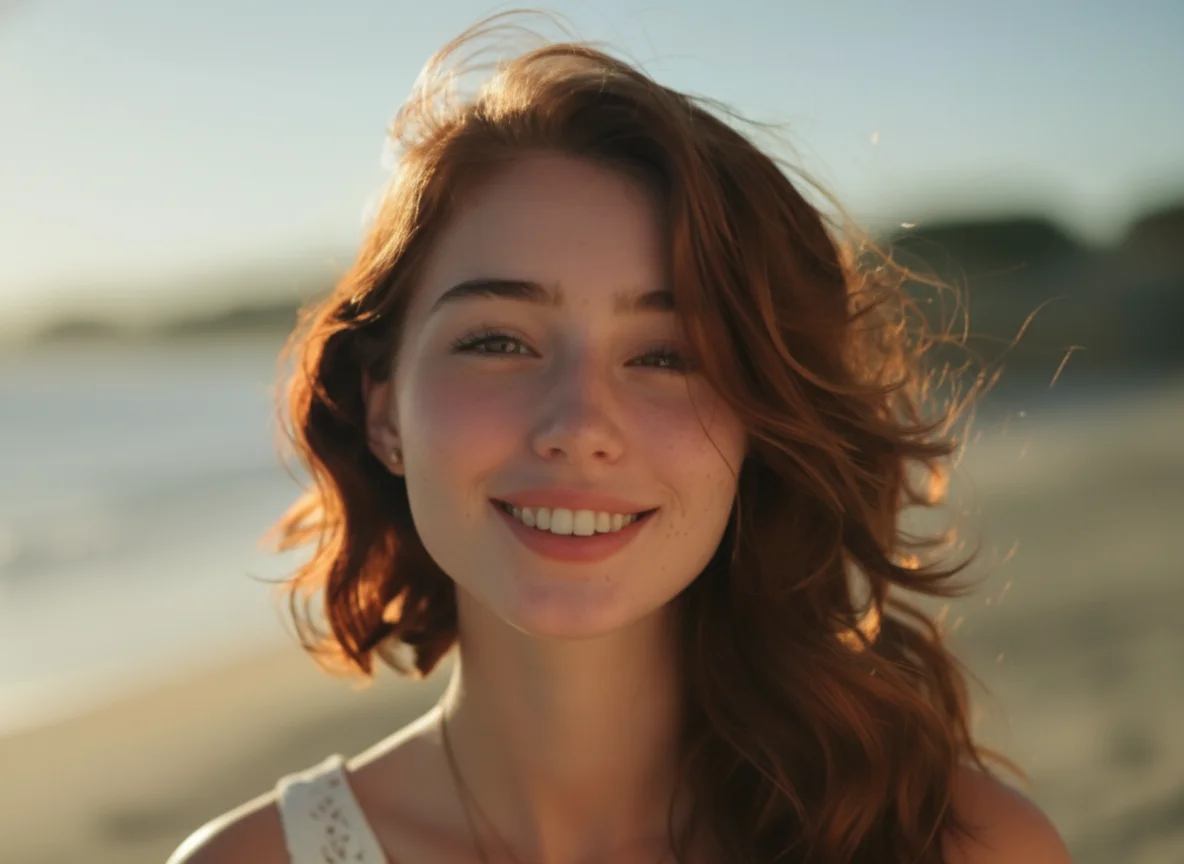
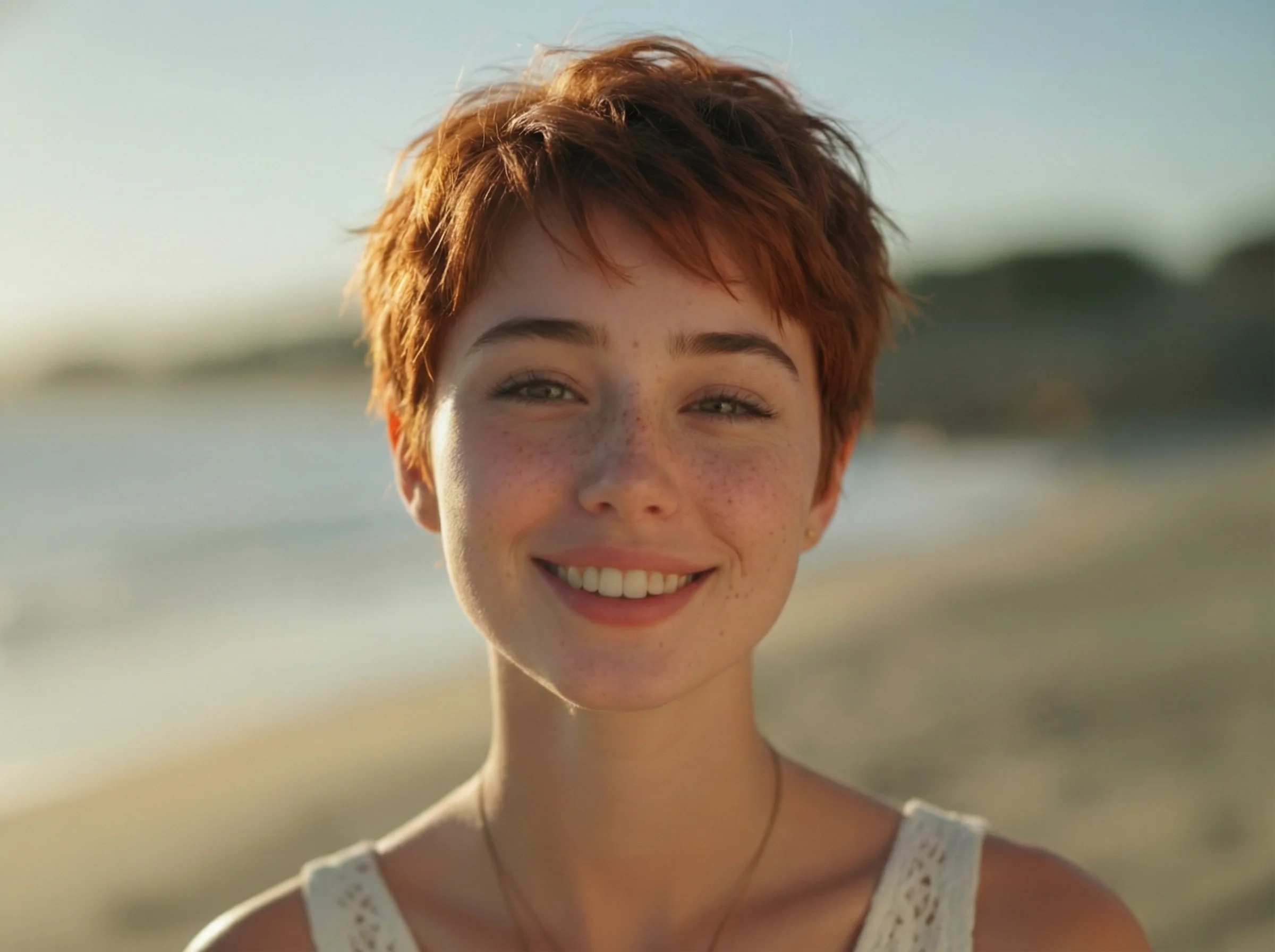
Pick a clear image where your face and hairline are visible. Side angles or blurry photos may affect the result.
Choose a curl style and see how it fits your face. Try tighter or looser curls to compare the overall look.
Keep the image for reference or share it if you want feedback before deciding.
Curly hair can look very different from straight hair. Once you make the change, it takes time to grow out or adjust. A preview helps you avoid a result that feels too heavy, too short, or hard to manage.
Looking at other people's curls does not always help. Face shape, forehead height, and jawline all affect the result. Using your own photo gives a clearer idea of how curls sit around your face and how much volume they add.
Curly hair usually adds volume around the sides and top. This can make the face look shorter or wider depending on the style. Previewing the change helps you see if the added volume improves balance or makes certain features stand out too much.
Create visuals faster without design skills. Turn ideas into images, thumbnails, social posts, and creative assets in seconds.
Accelerate your creative workflow. Use AI Photo Editor to generate concepts, references, and visual directions, then refine them into production-ready designs.
Produce high-converting visuals on demand. Create ads, campaign visuals, and branded images quickly.
Upload a photo, choose a curl style, and view the result. You can switch between styles before saving.
Yes. The preview shows how curls may look on your face, though it may not match real hair exactly.
It gives a useful reference for shape and volume. Real results may vary depending on hair type.
No. The process only requires uploading a photo and selecting a style.
AI Photo Editor is your go-to AI image toolkit for generating, editing, and enhancing photos and artwork.
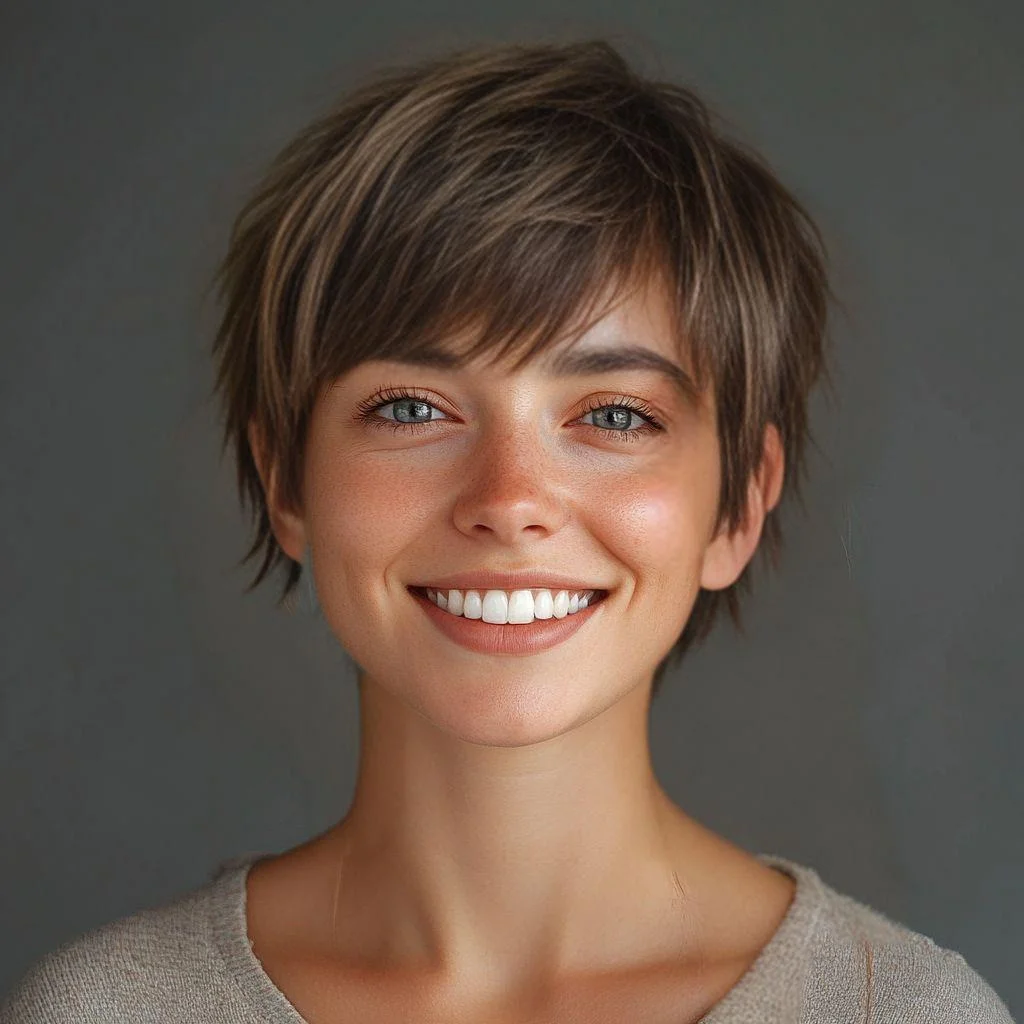
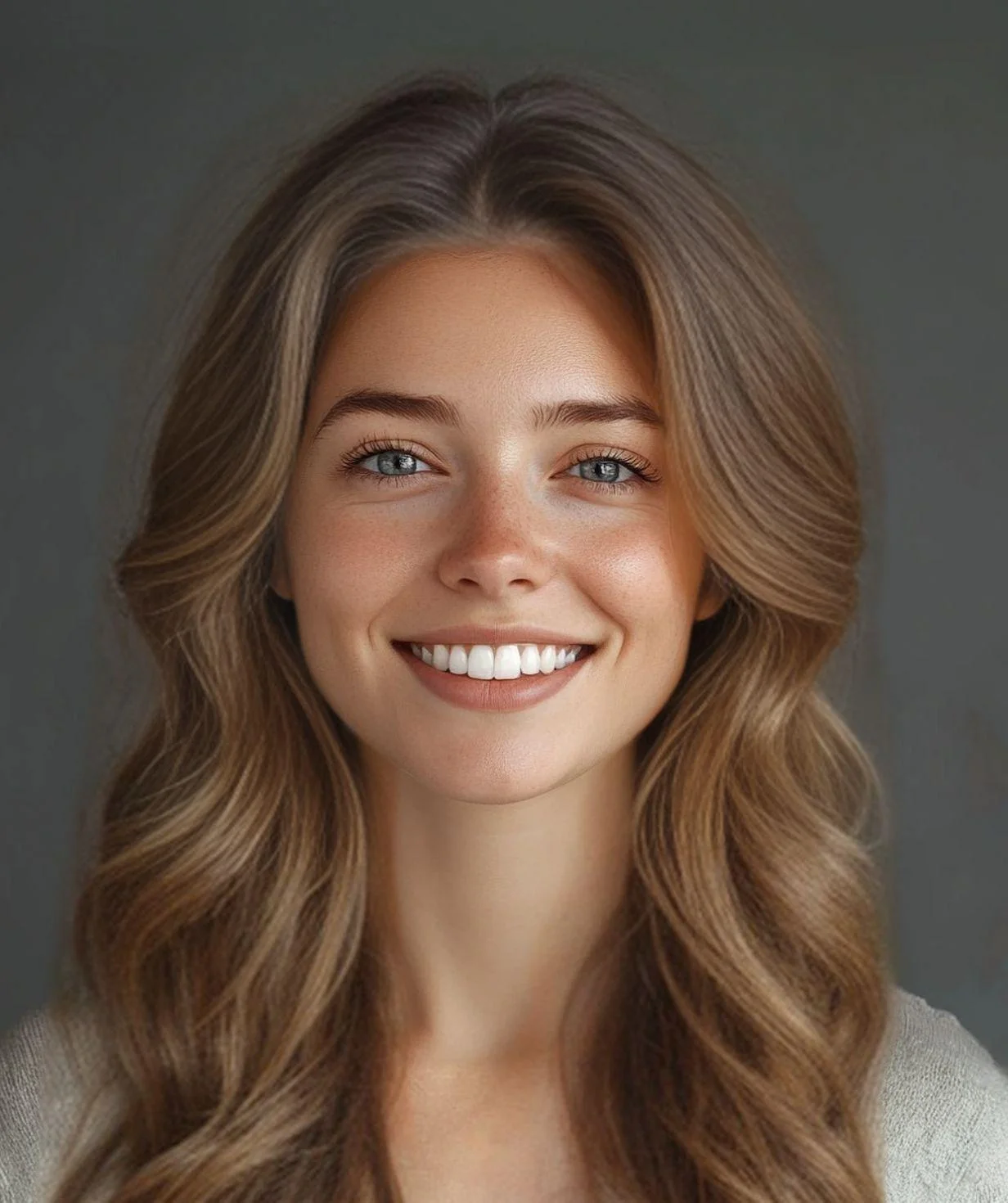
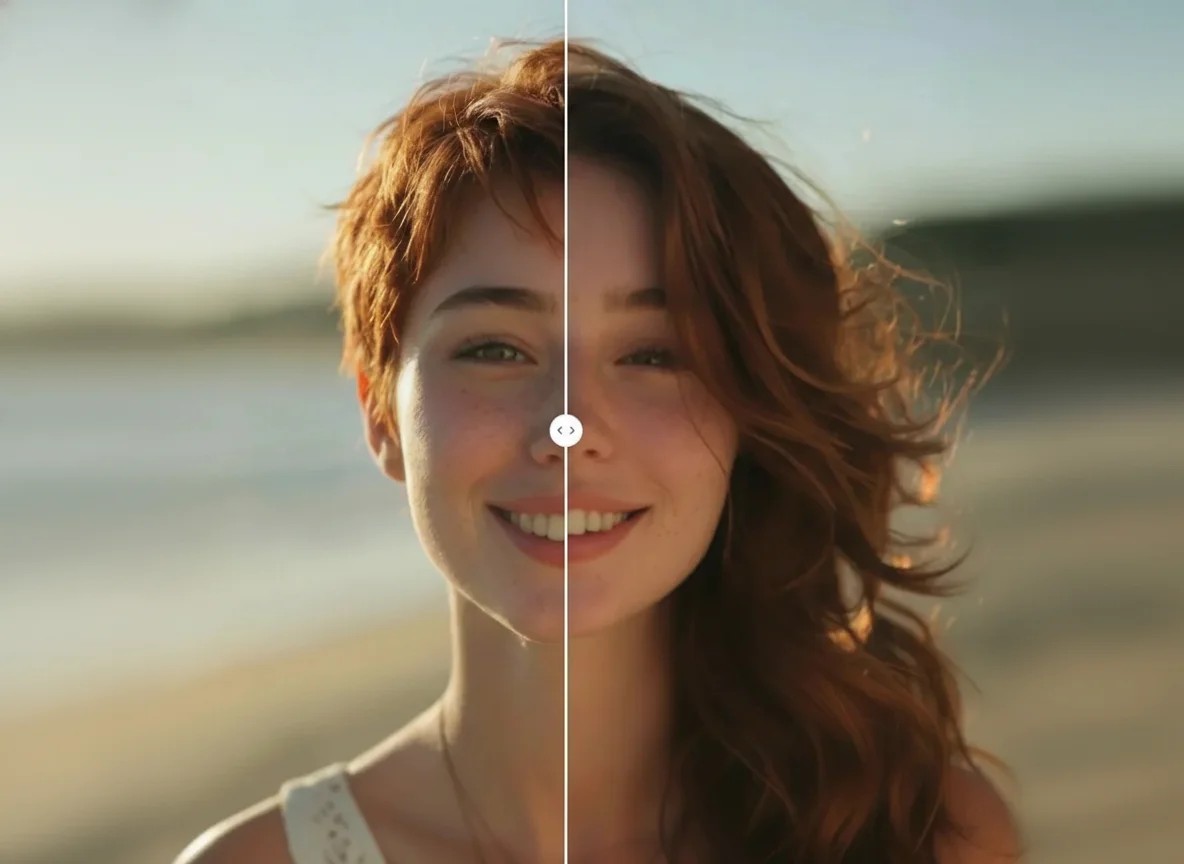
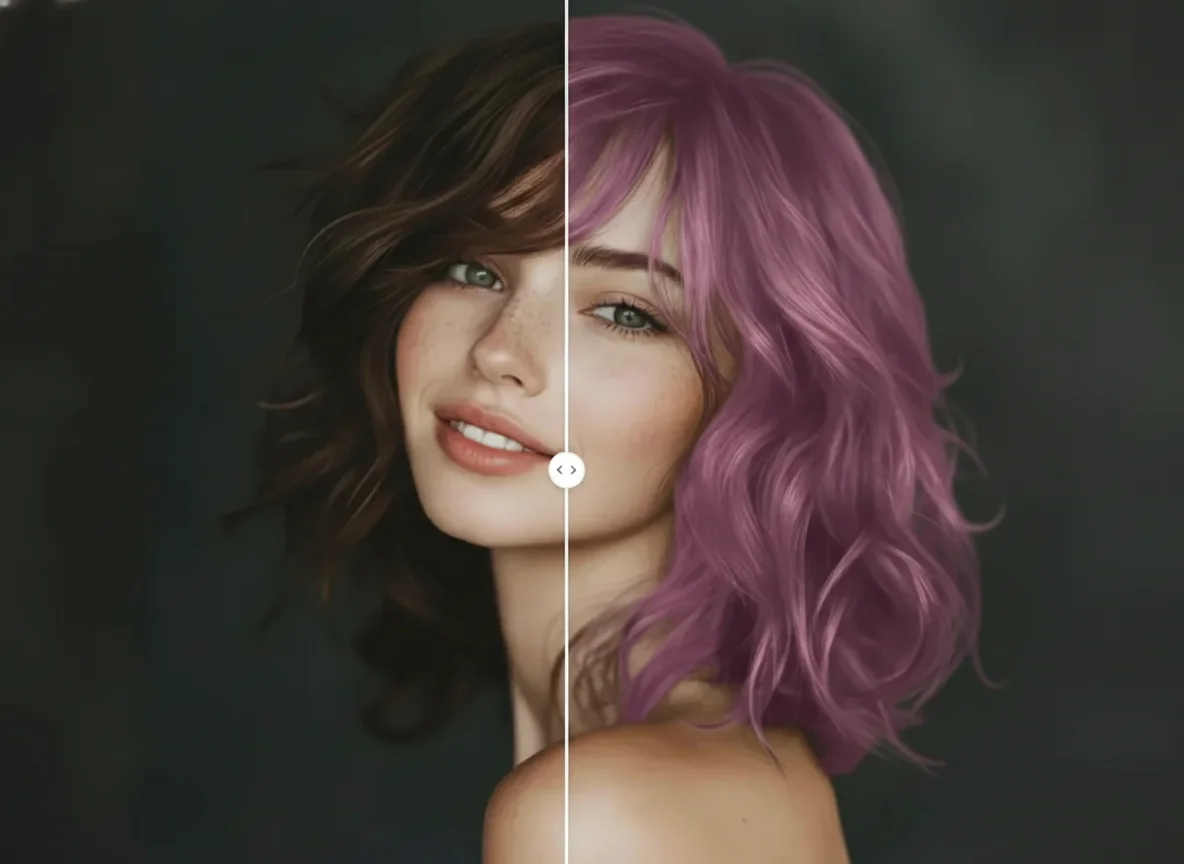
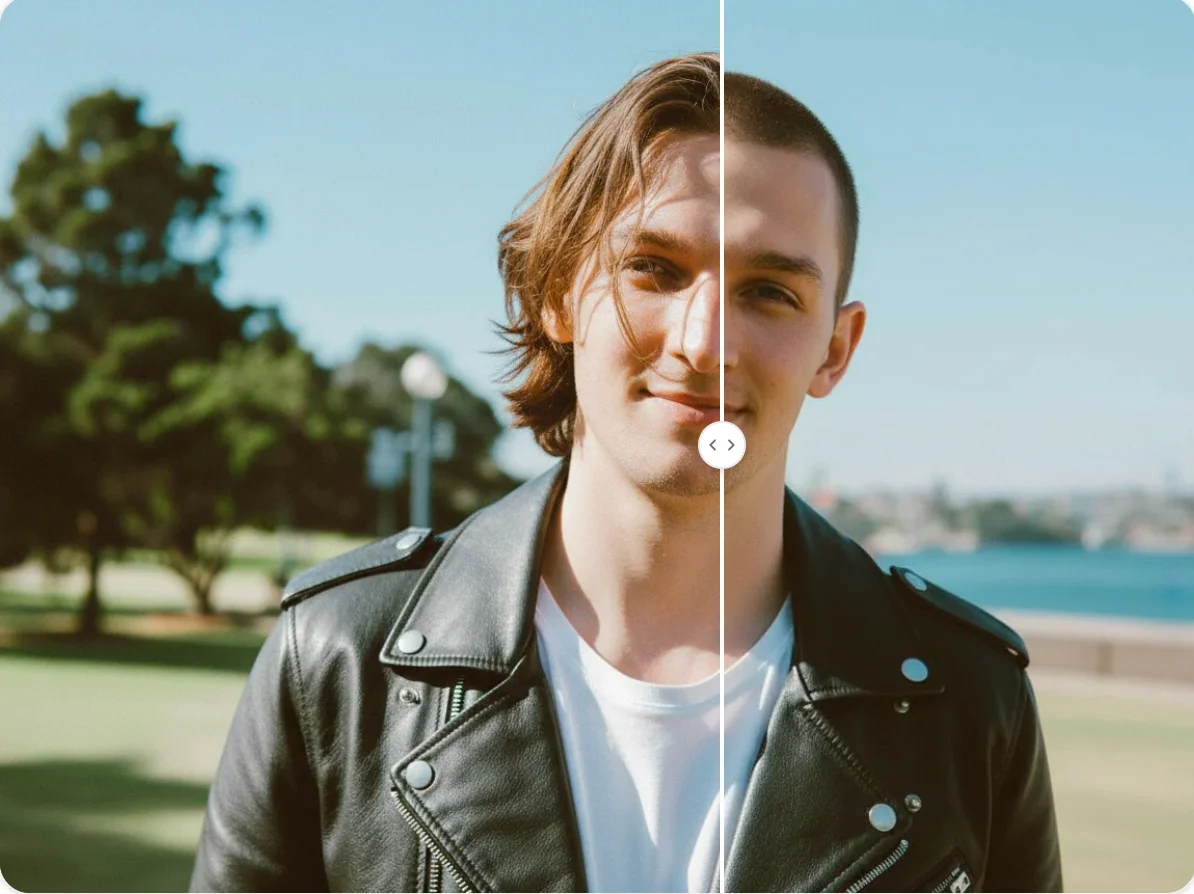
Curious about curly hair? Use this curly hair filter to add natural-looking curls to your photo and explore different styles in seconds. Simple, fast, and works right in your browser.